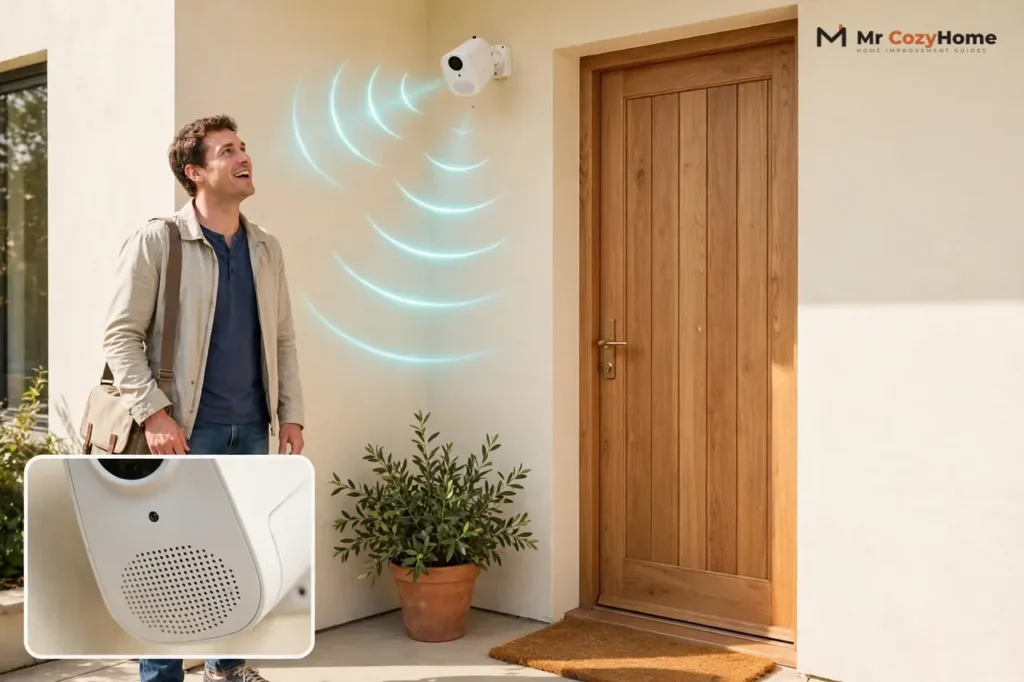
Security cameras with audio let you hear what happens near your home, not just see it. Most modern cameras have a small built-in microphone, and many add a speaker so you can talk back through the camera from your phone. That sound turns a silent clip into a real story: you hear the knock, the delivery driver, the dog barking, or a stranger’s voice at your door.
But audio is not on every camera, and it is not free of rules. Some cameras record sound only. Others let you speak back. And in some US states, recording a private conversation without everyone’s agreement can break the law. This guide shows you how audio works, how to pick the right camera, how to set it up, and how to use it without crossing a legal line.
What Security Cameras With Audio Actually Do
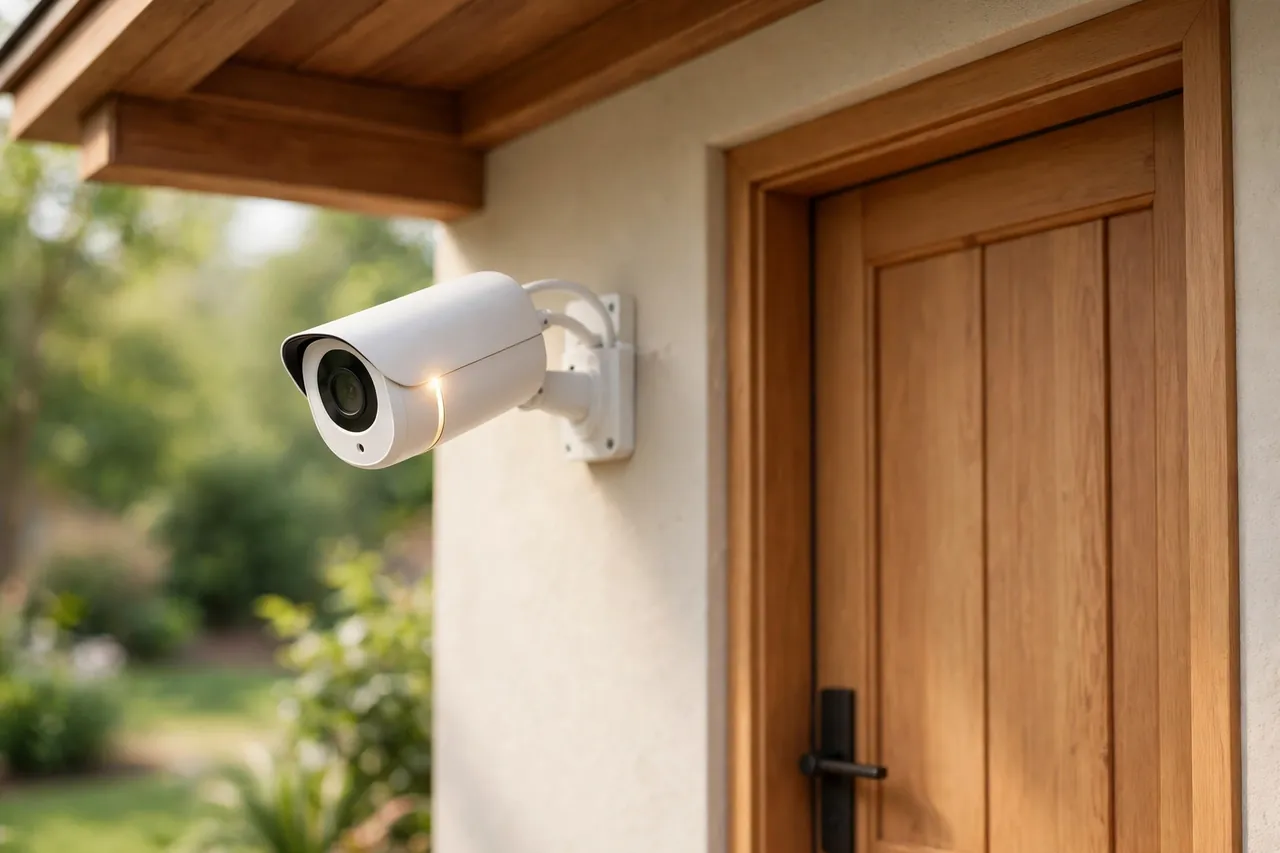
A security camera with audio has a microphone built into the camera body. The mic picks up sound near the camera and saves it with the video, so your clips have sound when you play them back. You can also listen live through the camera’s app on your phone.
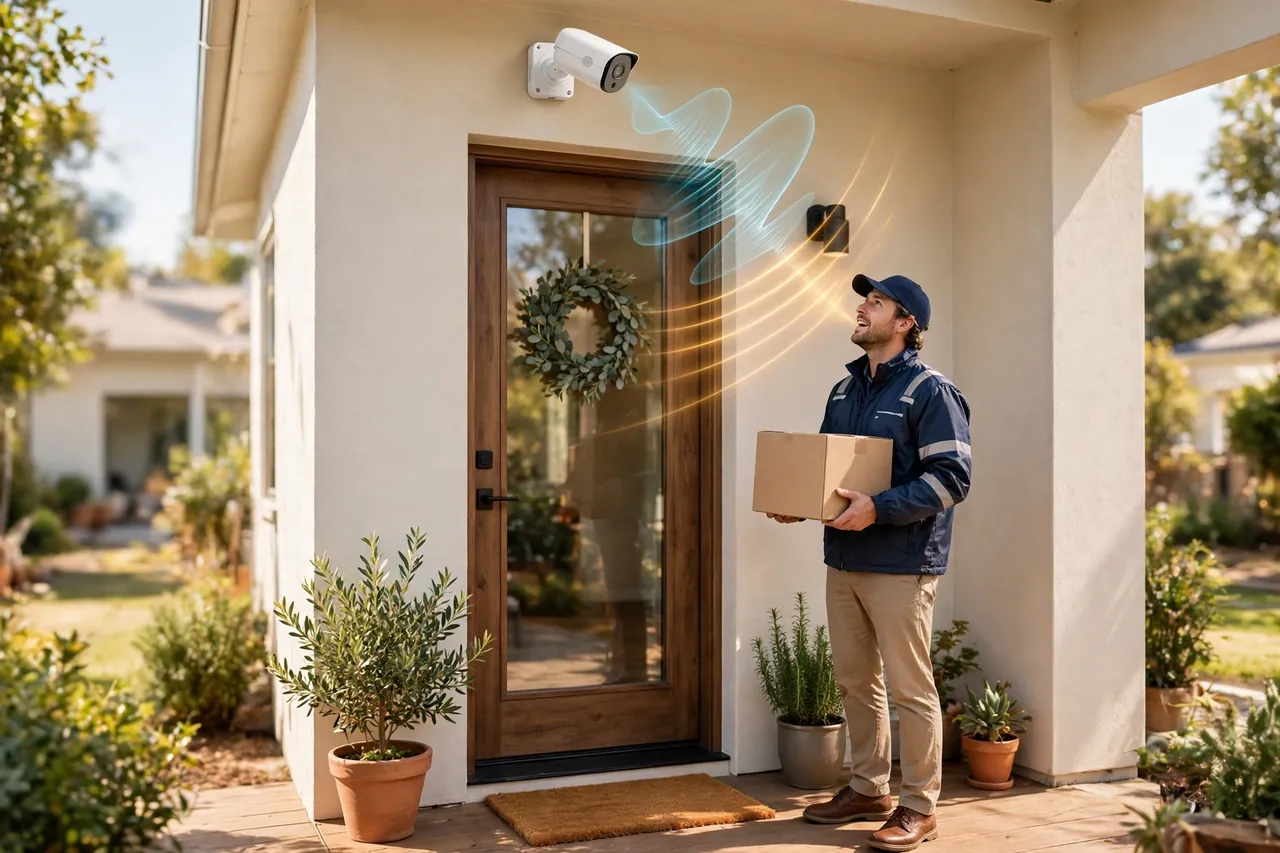
Many cameras go further and add a speaker. That speaker turns the camera into a two-way intercom. You hear the person at your door, and you answer them through the camera, even when you sit miles away.
Some cameras also use sound as a trigger. A sudden loud noise, like breaking glass or a raised voice, can start a recording or send an alert before motion even starts. Other models listen for specific sounds, such as a baby crying or a smoke alarm, and send a phone alert when they hear one. The camera maker eufy notes that many smart indoor cameras now offer this kind of AI sound recognition, and it can catch events that video alone would miss.
Here is the key point to remember: a microphone only means the camera can hear. It does not tell you whether you can talk back, whether sound starts a recording, or whether the mic is even turned on. Those are separate features, and you need to check each one on the exact model you buy.
Older analog CCTV systems usually work differently. They often record video only, and you need to wire a separate microphone to the recorder if you want sound at all. Most modern Wi-Fi cameras, on the other hand, carry the mic inside the camera itself. If you already own cameras and wonder whether they hear anything, our guide to security cameras without WiFi explains how older and offline systems handle sound and storage.
One-Way Audio vs Two-Way Audio
The first choice you face is simple: do you only want to listen, or do you want to talk back too? One-way audio and two-way audio solve different problems, and they cost different amounts.
One-Way Audio: You Listen, You Do Not Talk
One-way audio means the camera has a microphone but no speaker. It records the sound around it and adds that sound to your video clips. You hear what happened, but you cannot speak through the camera.
One-way audio works well when you only need context. You hear a voice, a knock, footsteps, or glass breaking, and that sound tells you what the video cannot. It also suits wired camera kits, where adding a speaker to every camera would raise the price. Many budget bullet cameras use one-way audio for exactly this reason.
Two-Way Audio: A Two-Way Conversation
Two-way audio adds a speaker next to the microphone. You listen through the app, tap the talk button, and speak. Your voice comes out of the camera’s speaker at your home.
Use it to greet a visitor, tell a delivery driver where to leave a package, calm your dog, or warn a stranger to leave. It works like an intercom, and it can stop a problem before it grows. Ring describes this feature as Two-Way Talk on its Indoor Cam, and says it lets you see, hear, and speak with live audio and video from your phone.
Two-way audio has one honest limit: the speaker is small. Your voice sounds clear at the front door, but it will not carry across a big yard. Stand close to the camera in your mind when you plan where to put it.
Table: One-way audio vs two-way audio at a glance
| Feature | One-Way Audio | Two-Way Audio |
|---|---|---|
| Microphone | Yes | Yes |
| Speaker | No | Yes |
| What you can do | Listen and record sound | Listen, record, and talk back |
| Best for | Evidence and context | Visitors, deliveries, and warnings |
| Typical cost | Lower | Higher |
| Privacy step | Turn the mic off when you do not need it | Turn the mic off when you do not need it |
One-way audio gives you the story after the fact. Two-way audio lets you change the story while it happens. If you talk to people at your door often, pay for two-way audio. If you only review clips later, one-way audio saves you money.
How to Tell If a Security Camera Has Audio
Do not guess. Check the camera in front of you with these five quick steps. They work for a camera you already own and for one you plan to buy.
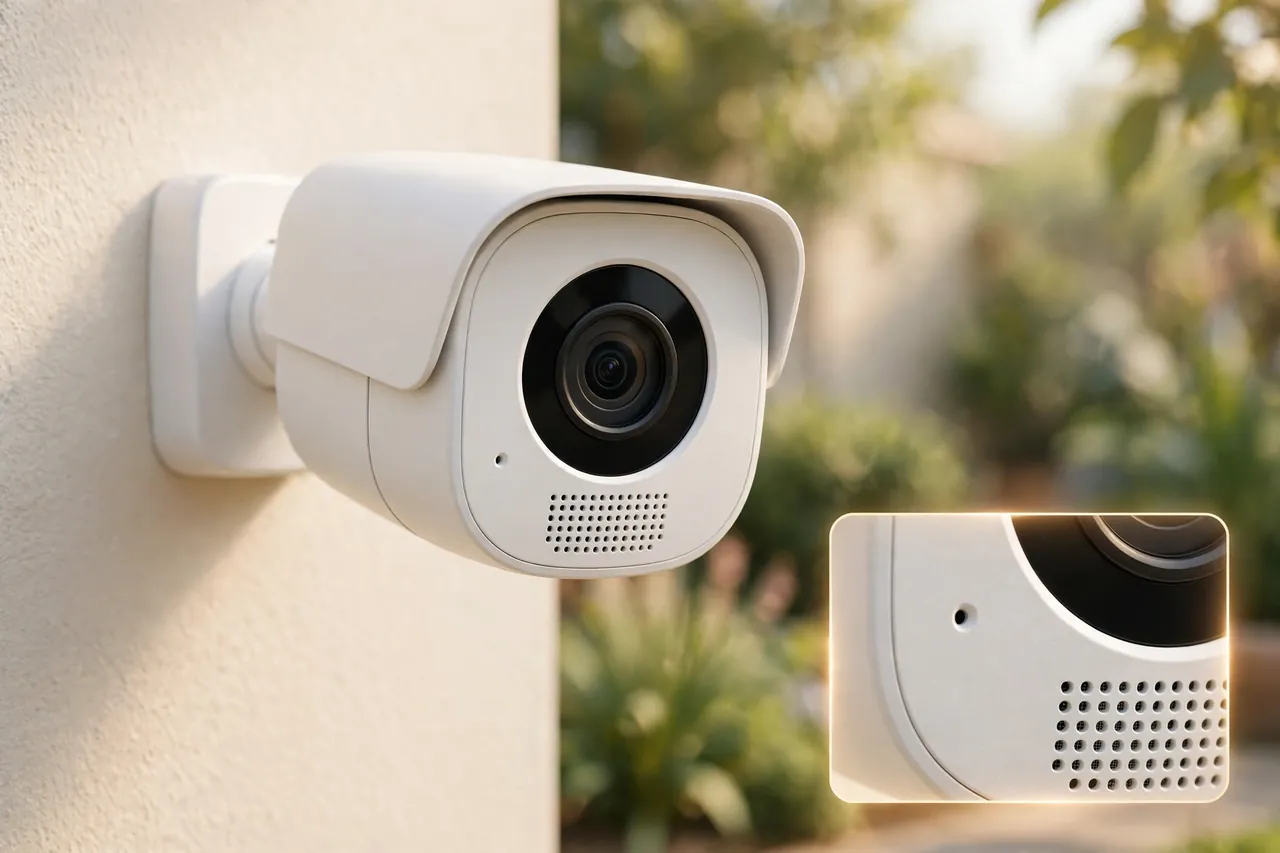
- Look at the camera body. A tiny pinhole near the lens often hides a microphone. A cluster of small holes in a grille pattern often marks a speaker. Either sign points to audio, but the pinhole alone does not prove two-way talk.
- Read the spec sheet. Search for the words “built-in microphone,” “two-way audio,” “audio recording,” or “audio input.” If none of those words appear, the camera probably records video only.
- Open the app and look for a microphone icon or a talk button in live view. A mic toggle or a volume control in settings proves the camera handles sound.
- Play back a saved clip with the sound on. If you hear voices or background noise, the mic is live. If the clip stays silent, audio may sit turned off in settings.
- Run a voice test. Stand near the camera, speak in a normal voice, and then watch the clip. If your voice comes through clearly, the mic works. If it sounds faint or muddy, move closer and test again.
For older wired systems, check the cables too. Extra red and white RCA plugs or a separate two-wire audio cable often mean the system carries sound. A 3.5 mm audio input jack on a network camera means you can plug in an external microphone. When in doubt, search the exact model number online. The maker lists audio in the specs when the camera has it, and stays quiet about it when it does not.
How Far Can a Security Camera Hear?
A built-in camera microphone hears clear speech at about 15 to 20 feet in a quiet spot. That is the honest planning number. Some makers and reviewers stretch it to 25 or 30 feet, but that range only holds in calm air with a loud, clear voice.
Several things shrink the range fast. Wind steals voices outdoors. Traffic, a busy road, rain, and a humming air conditioner all drown out soft sounds. Walls and closed doors block sound too, so a camera in one room rarely hears a clear conversation in the next room. A whisper at 20 feet will not record well on any built-in mic.
Placement matters as much as the mic itself. A camera mounted high above a porch hears less than one mounted near head height by the door. A mic that faces the street picks up road noise, while one that faces your door hears your visitor. Test the spot before you trust it: speak at the distance you care about, then listen to the clip.
An external or directional microphone can hear farther, but most homeowners never need one. For a front door, a driveway, or a living room, the built-in mic covers the ground that matters. If you need to hear across a large yard, move the camera closer to the spot instead of buying a bigger mic.
Remember that distance also changes what the law sees. A mic that picks up your neighbor’s private talk across the fence raises a bigger problem than one that hears only your own porch. Keep the mic pointed at your own space, and read the law section below before you leave it running.
When Audio Helps Most — and When It Does Not
Audio earns its place in some spots and wastes your time in others. Match the feature to the job, and you will love it. Force it everywhere, and you will only collect noise.
Audio helps most at the front door. You hear the knock, you talk to the visitor, and you guide the delivery driver without opening the door. A doorbell camera for apartments uses the same idea in a small space, and our guide to how Ring doorbells work shows how the talk button fits into a daily routine.
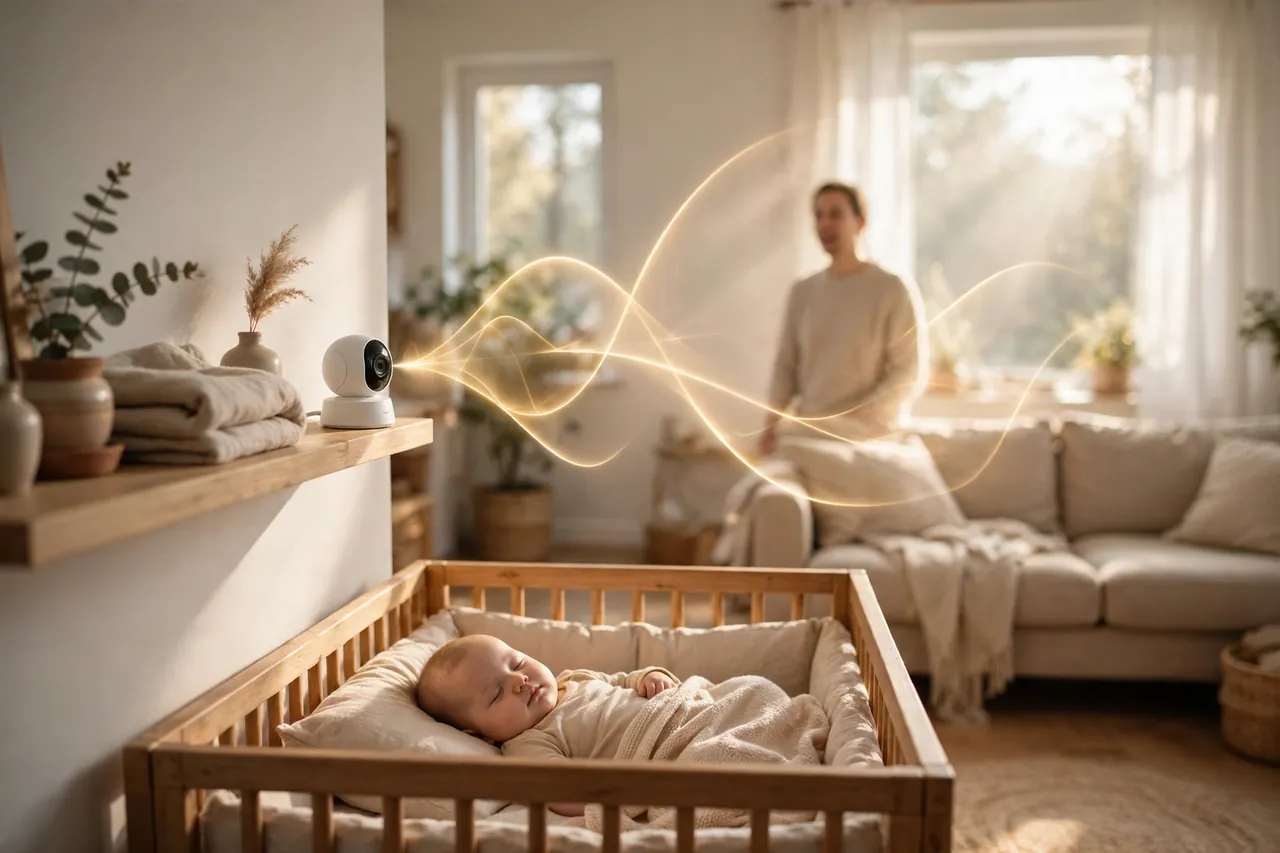
Audio also helps inside the home. You check on a baby, calm a pet, or talk to a family member from another room. A wireless indoor security camera with two-way talk turns into a simple intercom, and parents use it to soothe a child without walking upstairs.
Audio helps as evidence too. A clip with voices tells police or an insurer far more than a silent one. You hear what someone said, which direction they came from, and whether glass broke before or after they entered. Sound-triggered alerts add another layer: the camera can warn you about a loud crash even when nothing moves in front of the lens.
Audio does not help much on a wide, noisy street. The mic picks up cars, wind, and strangers’ chatter, and you gain little from it. It also adds little on a camera that only watches an empty backyard at night. In those spots, better video matters more than sound, so read our guide to night vision security cameras before you spend money on a mic you will mute.
Audio also does not replace a full system. A single camera with a mic cannot watch every door, and it cannot call for help on its own. If you want alerts, monitoring, and several cameras working together, compare it with a home security system with self-monitoring and decide which setup fits your home.
How to Choose a Security Camera With Audio
Buy the audio you will actually use. Start with where the camera will sit, then match the mic and speaker to that spot. A porch camera needs clear two-way talk. A garage camera may only need one-way listening. A nursery camera needs a gentle speaker and a sensitive mic.
Check these points before you pay:
- Two-way talk or one-way only: confirm the speaker exists, not just the mic.
- Noise reduction: a mic with noise reduction keeps voices clear when wind or traffic competes.
- Mic mute control: you must be able to turn the mic off in the app, fast and without fuss.
- Sound alerts: check whether the camera alerts you for breaking glass, a baby crying, or a smoke alarm.
- Storage for audio: confirm that clips keep their sound on local storage, on cloud camera storage, or both, and whether a plan is required.
- Power and Wi-Fi: a battery camera with two-way talk drains faster, so check battery life if you talk through it often.
- Weather rating: outdoor mics face rain and wind, so an outdoor camera needs real weather sealing.
- Smart home fit: check Alexa or Google support if you want to answer the camera from a smart speaker.
On price, Ring gives a clear starting point. Ring lists its Indoor Cam, with Two-Way Talk and live audio and video, at $49.99, and its Pan-Tilt Indoor Cam at $59.99, as checked on Ring’s own site on 6 November 2026. That makes two-way audio affordable even on a first camera. Wider coverage costs more: a pan tilt zoom security camera pairs two-way talk with a moving lens, and a security camera with monitor suits a desk or a shop counter where you watch and listen all day.
Do not buy on resolution alone. A sharp 4K picture tells you nothing about the mic. Read the audio line in the specs first, then look at the video. And if you want no monthly fee at all, compare your shortlist with a security camera without subscription and our pick of the best video doorbell without subscription, so the audio you buy does not lock you into a plan you never wanted.
What to Check Before You Pay
Read the return policy before you open the box. Test the mic on day one, at the real spot, with a real voice. If the audio sounds hollow, delayed, or full of echo, return the camera while you still can. Also check whether recorded audio needs a subscription: some brands keep live talk free but lock recorded clips with sound behind a paid plan. That detail hides in the fine print, and it changes the true cost of the camera.
How to Set Up Audio the Right Way
Good audio comes from setup, not just from the camera. Follow these steps in order, and test as you go.
- Mount the camera near head height by the spot you care about, such as the front door or the crib. High corners look tidy but hear poorly.
- Point the mic toward your own space, not toward the street or a neighbor’s yard. Angle it at the door, the path, or the room.
- Turn the mic on in the app, then set the sensitivity to medium. High sensitivity picks up wind and hum; low sensitivity misses soft voices.
- Turn on noise reduction if the app offers it. Test it with a real conversation, not just a shout.
- Test two-way talk with a family member. Ask them to stand at the door and tell you how your voice sounds through the speaker. Lower the speaker volume if it echoes.
- Check where clips save, and play one back with sound. Confirm the audio stays attached to the video on local storage or in the cloud, whichever you use.
- Set sound alerts only for the sounds you care about, such as breaking glass or a smoke alarm. Too many alerts train you to ignore them all.
- Tell your household the mic is on. A quick word to family, guests, and workers prevents surprises and builds trust.
If your camera feeds into a recorder, check the recorder too. An NVR security system can store audio with video, but only when the recorder’s audio setting is on and the camera’s audio stream is enabled. A silent NVR clip often means a setting, not a broken mic. For a wide yard, pair the audio camera with an outdoor motion activated camera so motion starts the recording and the mic captures the sound that follows.
Audio Recording Laws: What US Homeowners Must Know
Video and audio follow different rules in the United States. You can usually point a camera at your own property and record video. Audio is stricter, because the law treats a private conversation as more private than a picture.
Federal law sets the floor. Under the Wiretap Act, 18 U.S.C. § 2511, it is illegal to intentionally intercept an oral communication, unless at least one party to that conversation consents. The Reporters Committee for Freedom of the Press explains this plainly in its recording guide: “Federal law requires the consent of at least one party before recording in-person, telephone or electronic conversations.” That one-party rule means your own consent can cover a talk you join, but it does not cover a talk between two other people that you only overhear through a hidden mic.
States can demand more. About 11 states primarily require all-party consent, which means everyone in the conversation must agree before you record it. The Reporters Committee for Freedom of the Press names these states as California, Delaware, Florida, Illinois, Maryland, Massachusetts, Michigan, Montana, New Hampshire, Pennsylvania, and Washington. Michigan carries a nuance: the guide says the all-party rule there applies at least to recordings made by a third party who is not part of the conversation.
Other states mix the rules. Missouri and Oregon require all-party consent for in-person conversations but one-party consent for phone calls. Connecticut and Nevada do the reverse: all-party consent for phone calls, one-party for in-person talks. Hawaii and Maine require all-party consent only in particularly private places. And some sources classify borderline states differently, so treat any list as a starting point, not the final word.
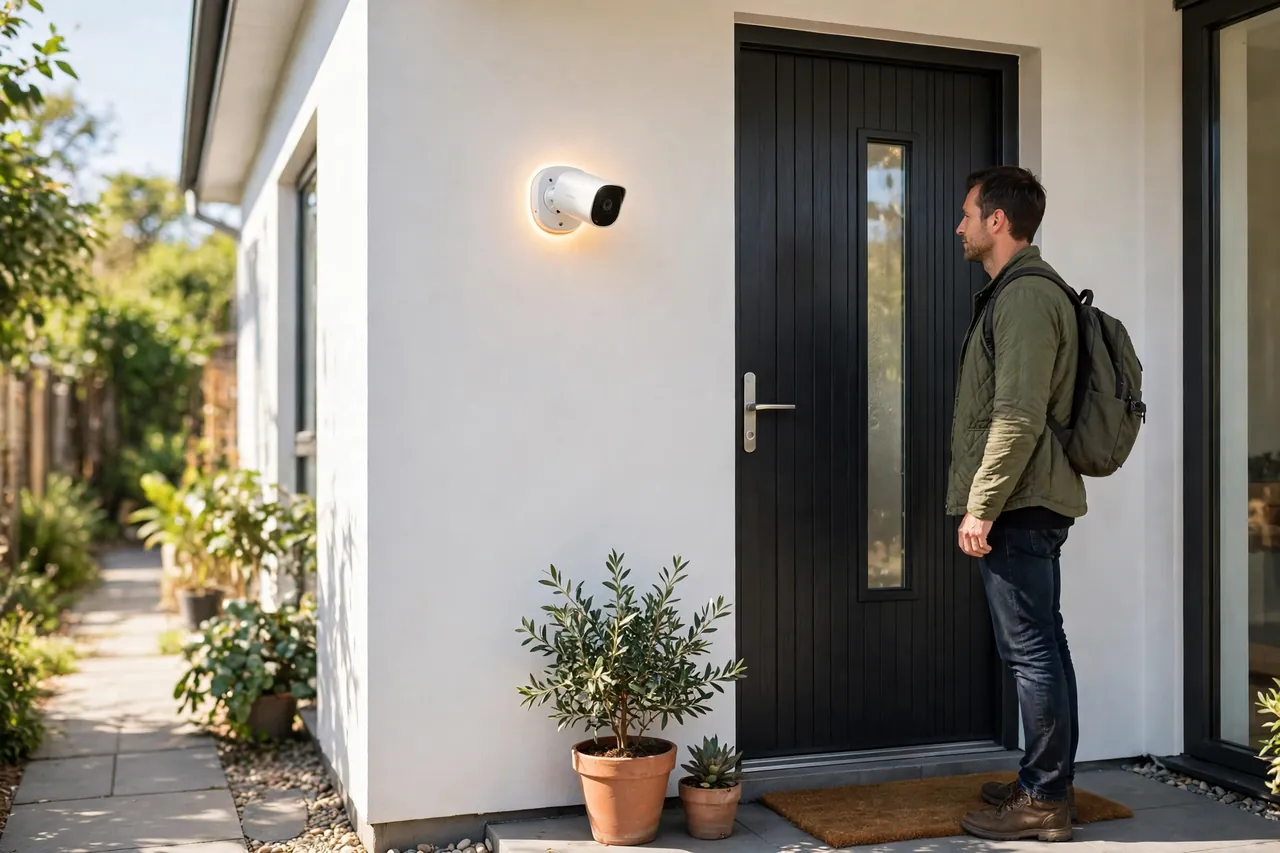
What does this mean at your front door? In a one-party state, you can usually record audio when you talk with a visitor through two-way audio, because you take part in that talk. But a mic left running all day can still capture a private talk between two visitors who never spoke to you, and no party to that talk has consented. In an all-party state, that risk grows: you need agreement from everyone whose private words the mic might catch, and a sign on the wall may give notice without counting as consent.
Keep it simple and safe. Point the mic at your own porch, not at a neighbor’s yard or a shared hallway. Turn the mic off in rooms where people expect privacy, such as bedrooms and bathrooms. Post a clear sign when audio recording is on. And check your own state’s current recording guide before you rely on a list in any article, including this one, because laws change and courts read them differently. The Reporters Committee for Freedom of the Press keeps a state-by-state guide that is a good place to start.
What to Do If the Audio Sounds Bad
Bad audio usually has a simple cause. Work through these fixes in order, and test after each one.
If voices sound faint, move the camera closer to the spot or lower its mount. A mic 15 feet from a soft voice will always struggle. If wind ruins outdoor clips, move the camera behind a wall or porch cover, and turn on noise reduction in the app. A small wind cover on the mic helps too, when the maker offers one.
If you hear echo during two-way talk, lower the speaker volume and step back from the camera while you talk. Echo happens when the mic hears its own speaker. If the sound lags behind the video, check your Wi-Fi signal at the camera’s spot. Weak Wi-Fi delays audio first, because the app treats video as the priority.
If clips play back silent, check three settings: the mic toggle in the app, the audio setting on the recorder, and the playback volume on your phone. Many “broken mic” reports end at a muted phone. If the mic still stays silent after those checks, reset the camera and test again before you call support.
Finally, if audio sounds fine live but bad in recordings, check your storage. Heavy compression on a cloud plan can dull sound, while local storage often keeps it cleaner. Compare one live listen with one recorded clip, and you will know which side needs the fix.
Please Read This Before You Record Audio
This article gives general information, not legal advice. Audio recording laws differ by state, they change over time, and they depend on where the camera sits and who is talking. If you live in an all-party consent state, or you are unsure about your setup, check your state’s current recording guide or ask a local lawyer before you leave the mic running. When in doubt, turn the mic off. You lose a little context, and you avoid a real legal problem.
Related Guides
Audio is one piece of a camera system. These guides cover the pieces it works with: wireless indoor security cameras for two-way talk inside the home, night vision security cameras for clear video after dark, pan tilt zoom security cameras for wide rooms and yards, security cameras with a monitor for a desk or counter, and the best video doorbell without subscription if you want talk and video with no monthly fee.
Frequently Asked Questions
Why is audio recording important in a security camera?
Audio gives your video context that pictures alone cannot. You hear voices, a knock, footsteps, or breaking glass, and that sound tells you what really happened. It can help identify a voice, capture a verbal exchange, and give police or an insurer stronger evidence than a silent clip.
What’s the difference between one-way and two-way audio?
One-way audio means the camera has a microphone to record sound, but you cannot speak through the camera. Two-way audio includes both a microphone and a speaker, so you can hear what is happening and speak back through the camera, which lets you greet a visitor or warn off an intruder.
Is it legal to record audio with security cameras?
It depends on where you live. Federal law starts from one-party consent, but about 11 states require everyone in the conversation to agree, and the rules also depend on whether people expect privacy where the mic sits. Always check your own state’s current recording law before you leave audio on.
Do all security cameras come with audio recording capabilities?
No, not all security cameras have audio. Many modern smart cameras include a microphone and sometimes a speaker for two-way talk, but older analog CCTV cameras and some budget models record video only. If audio matters to you, confirm it in the specs before you buy.
How do you know if a security camera has audio?
Check the product specs for words like “microphone,” “two-way audio,” or “audio recording,” and look in the app for a mic or talk icon. On the camera body, a tiny pinhole near the lens often marks a mic, while a grille of small holes often marks a speaker. Playing back a clip with sound on settles it fast.
How far can security cameras pick up sound?
Most built-in microphones hear clear speech at about 15 to 20 feet in a quiet spot, and up to 25 or 30 feet in ideal conditions. Wind, traffic, walls, and soft voices shrink that range fast. Test the camera at the real distance before you trust it to hear a conversation.
Audio turns a good camera into a useful one, but only when you pick the right kind and aim it well. Choose two-way talk for the front door, one-way listening where you only need evidence, and a mic you can switch off whenever privacy matters more. Set it up, test it with a real voice, check your state’s rules, and your camera will hear what counts — and stay quiet when it should.