A home security system with self monitoring sends every alert straight to your phone, and you decide what happens next. There is no monitoring center watching your home, and nobody calls the police for you. You check the alert, you look at your cameras, and you call 911 yourself if the threat is real.
That one difference shapes everything about self monitoring: the cost, the freedom, and the risk. It can save you hundreds of dollars a year, and it works well for many homes. But it only protects you when you are awake, reachable, and ready to act. This guide shows you exactly how it works, what you give up, which systems offer it, and how to set it up so it actually keeps you safe.
What Is Self-Monitoring in a Home Security System?
Self-monitoring means you are your own monitoring center. When a door sensor trips, a motion detector fires, or a camera spots movement, your system sends a push notification, text, or email to your phone. That is the whole chain. Nobody else gets the alert, and nobody else takes action.
With professional monitoring, the same alarm also goes to a staffed center that works around the clock. Trained agents try to reach you, verify the alarm, and request police, fire, or medical help on your behalf. With self monitoring, that center does not exist in your setup. You do the verifying, and you do the calling.
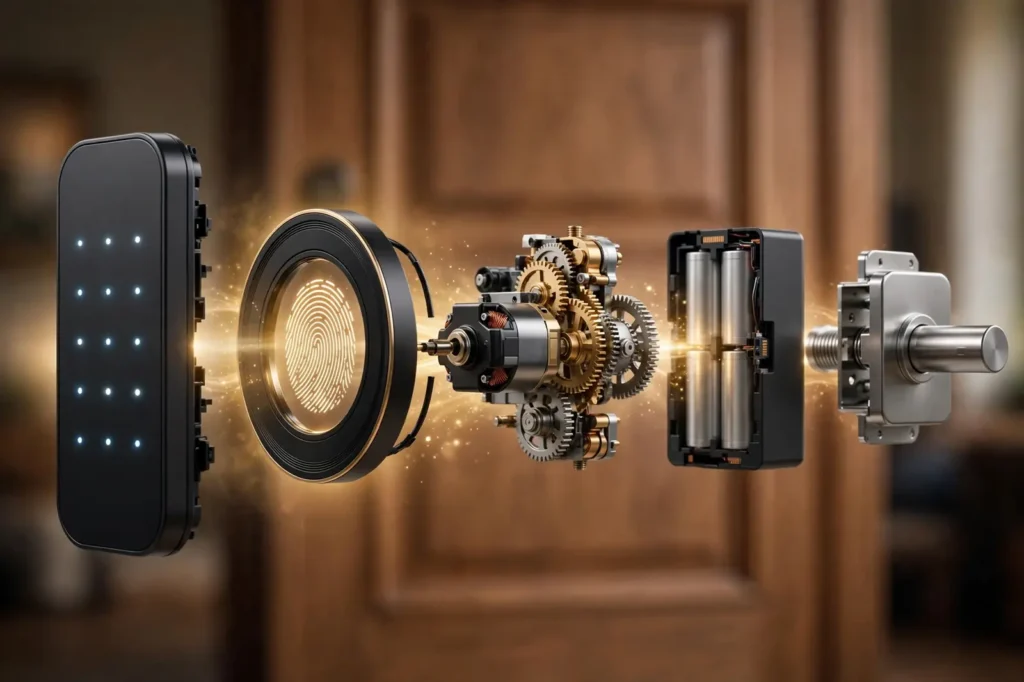
The hardware is often the same either way. Door and window sensors, motion detectors, cameras, a base station, and a siren all work the same in both setups. Vivint puts it plainly in its own comparison: both systems include the same devices, and the difference comes down to who responds when an alarm is triggered. You can read their full comparison here: Vivint’s monitored vs. self-monitored guide.
Self monitoring is not the same as having no system at all. Your siren still sounds, your sensors still watch every door, and your phone still lights up within seconds. What changes is the response. That is the trade you are making, so it helps to understand it before you buy anything.
How Self-Monitoring Works, Step by Step
A self-monitored system follows the same path every time an alarm goes off. Once you see the path, you can spot its weak points and fix them before they matter.
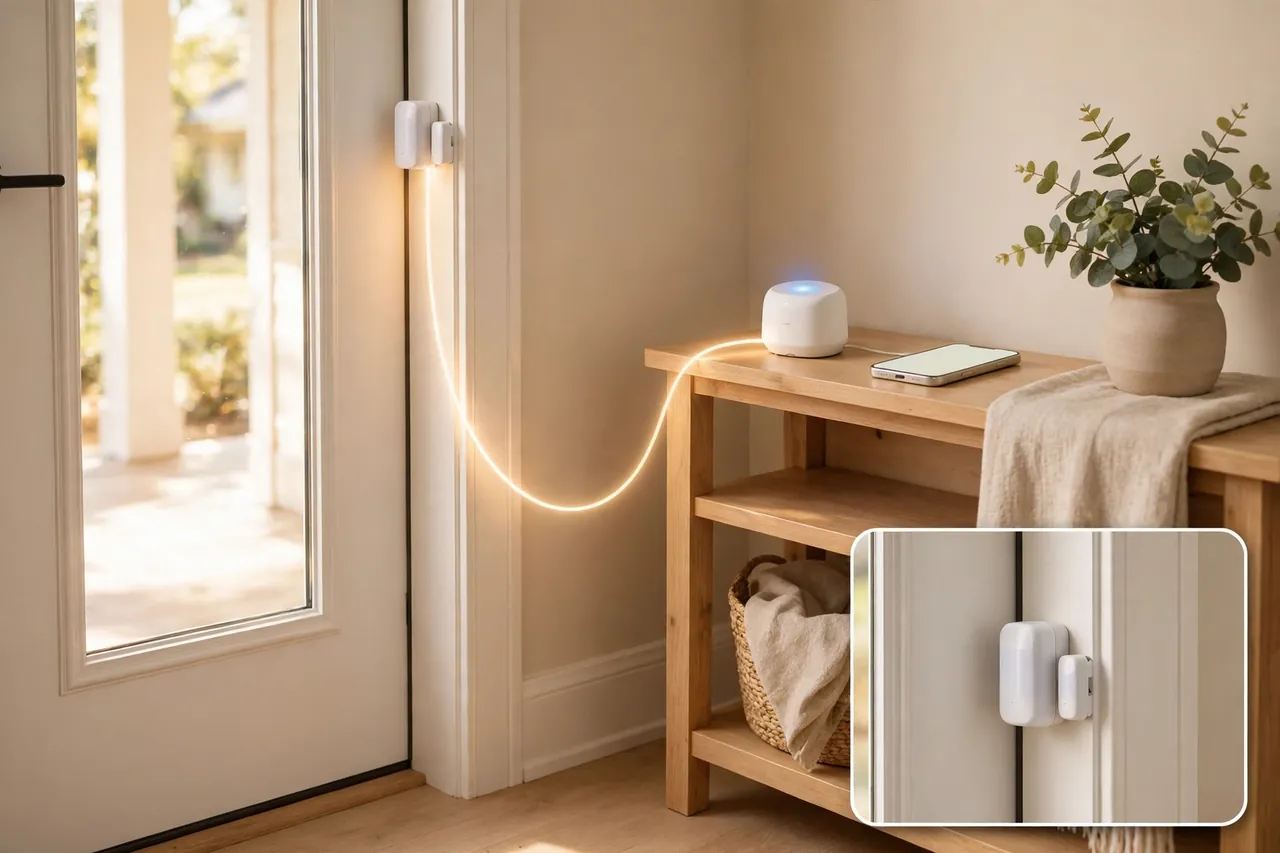
- A sensor trips. A door opens while the system is armed, a motion detector senses movement, or a glass-break sensor hears a window shatter.
- The base station checks the alarm. It confirms the system is armed and the sensor is real, then it sounds the local siren to scare off an intruder and alert anyone nearby.
- Your phone gets an alert. The system sends a push notification, usually within seconds, that names the sensor and the time. Many apps include a camera thumbnail so you can judge the alert without opening the app.
- You check what happened. You open the app, watch the live camera feed for that room or door, and decide whether the alarm is real.
- You act. If it is a false alarm, you dismiss it and disarm the system. If it is real, you call 911 yourself and describe what you see on camera.
Notice what is missing from that list: nobody calls you, nobody checks on you, and nobody sends help while you are deciding. If your phone is on silent, dead, or in another room, the alert waits for you. The siren keeps sounding, but the next step is yours alone.
Most systems also let you arm and disarm from the app, check sensor status, and share access with family members. Add a second person to your alerts, and you have a backup set of eyes for the nights you sleep through your phone. That one setting is the simplest upgrade a self-monitored home can make.
What Happens When an Alarm Goes Off?
Picture a real night. It is 2 a.m., and your back door sensor trips. Your phone buzzes on the nightstand. You wake up, open the app, and pull up the camera by the back door. You see your teenager sneaking in late, and you dismiss the alert. That is self monitoring working exactly as it should.
Now picture the same night with a real break-in. You see a stranger at the door on camera. You call 911, tell the dispatcher your address and what you see, and stay on the line. Because you can describe a crime in progress with video to back it up, your call carries real weight. A citizen report of a break-in in progress is generally treated more seriously than an unverified automatic alarm.
The hard case is the one where you never see the alert. You are on a flight, your phone is on do-not-disturb, or you are sound asleep with the phone in another room. In that case, nothing happens beyond the siren until you check your phone. That gap is the single biggest weakness of self monitoring, and every decision in this guide comes back to it.
False alarms deserve a thought too. A pet, a rattling window, or a family member who forgot the code can all trip a sensor. With self monitoring, you sort that out yourself, which means no false dispatch and no false-alarm fine. SafeHome cites research showing that over 99 percent of alarm activations do not require a police call, so your own judgment filters out most of the noise before it ever reaches the police.
What If You Are Away From Home?
Being away is when self monitoring gets hardest. You still get the alert wherever you are, and you can still watch your cameras and call for help. But you must call the 911 line for your home’s area, not the area you are visiting, and you must describe the situation clearly to a dispatcher who cannot see your cameras.
Keep your home address, your alarm permit number if your city requires one, and a trusted neighbor’s number saved in your phone before you travel. If you cannot reach your phone, ask a family member with app access to watch the alerts while you are gone. A short trip is also the best time to try a single month of professional monitoring, since most DIY brands let you switch plans month to month with no contract.
Self-Monitoring vs Professional Monitoring
This is the decision the whole article turns on, so here it is in one place. The table below is the citation module for this guide: every row is a verified fact from the sources in the research file, and it is the quickest way to compare the two options side by side.
Self-Monitoring vs Professional Monitoring at a Glance
| Question | Self-Monitoring | Professional Monitoring |
|---|---|---|
| Who gets the alarm? | You, as a phone notification | A staffed center, 24/7, plus you |
| Who calls the police? | You call 911 yourself | The center requests dispatch for you |
| Monthly cost | Often $0; $9.99 a month for SimpliSafe camera recording | About $10 to $33 a month on DIY brands; $20 to $80 a month typical overall |
| Works while you sleep or travel? | Only if you see the alert | Yes, around the clock |
| Cellular backup | Usually none on free tiers; Wi-Fi only | Commonly included on paid plans |
| False-alarm dispatch | None, because you verify first | Possible; some cities fine repeat false alarms |
| Home insurance discount | Rarely | Often, commonly 10 to 20 percent |
| Contract | Usually none | Month to month on DIY brands; longer on some pro-installed systems |
The cost gap is real. Vivint’s own guide puts professional monitoring at $25 to $80 a month and self monitoring at typically $0 a month. Over a year, that is $300 to $960 you keep. But the insurance discount cuts the other way: a monitored system often earns a discount that a self-monitored one does not, so ask your insurer for both quotes before you decide on cost alone.
Speed is the other honest difference. A monitoring center can start verification and dispatch within a minute of the alarm, even at 3 a.m. Your own response depends on how fast you wake up, open the app, and call. On a night when you are home and alert, you may be just as fast. On a night when you are not, you are not in the race at all.
Which Systems Offer Self-Monitoring?
Most DIY systems offer self monitoring, but the free tier is not the same on every brand. The details below come from dated checks in November 2026, and prices change often, so confirm the current price on the provider’s own plan page before you buy.
SimpliSafe
SimpliSafe is the most flexible starting point, and SafeHome ranked it first for self monitoring in 2026 after hands-on testing of more than 30 systems. You can use the system with no plan at all: the siren sounds, and you can view live camera feeds in the app. You get no dispatch and no saved video that way. See SafeHome’s full ranking here: SafeHome’s best self-monitored systems of 2026.
The paid self-monitoring option, Self-Monitoring with Camera Recordings, costs $9.99 a month and adds 30 days of cloud storage for up to 10 cameras. It still includes no professional dispatch. If you want a center to call the police, Standard professional monitoring starts at $22.99 a month, and Core, which adds camera recording to professional monitoring, is $32.99 a month. Equipment packages start at $250.96, according to SafeHome’s October 2026 update. You can switch between self monitoring and professional monitoring month to month with no contract, which makes SimpliSafe a good choice if you want to try self monitoring first and upgrade later.
Ring Alarm
Ring Alarm works as a self-monitored system out of the box with no subscription. You get a notification when an alarm triggers, the siren sounds, and you call for help yourself. Ring’s own guide is clear about the limit: with self monitoring, your alarm sounds but it does not signal a monitoring center, and responders are not dispatched unless you call them.
Ring Pro costs $19.99 a month, or $199.99 a year, and adds 24/7 professional monitoring, according to Ring’s own plan comparison. That is the plan you need if you want Ring to request dispatch for you. Ring lists the full plan details here: Ring Protect plans compared. One detail catches many Ring owners out: on a self-monitored system, pressing the Police or Fire button on the keypad only sounds the siren. It does not request emergency services. If you want to compare doorbell options in the same family, see how Ring doorbells work.
Abode
Abode has the most complete free self-monitoring tier of the major brands. With no plan, you get full app access, live video from connected cameras, real-time push notifications, and smart-home integrations including Apple HomeKit, Alexa, and Google Home. The catch is the connection: the free tier runs on Wi-Fi only, so if your internet drops, the siren still sounds at home but you get no remote alert until the connection returns.
Abode’s Standard plan is $8.49 a month and adds a longer event timeline and smarter alerts while you keep self monitoring. The Pro plan is $26.99 a month and adds 24/7 professional monitoring with 4G cellular backup. Abode’s automations can also help a self-monitored home a lot: you can set lights to turn on and cameras to record the moment a door opens while the system is armed, so your alert arrives with useful video already attached.
ADT Blu and Arlo
ADT Blu is ADT’s DIY line, and it offers month-to-month self-monitoring plans you can cancel at any time, a big change from ADT’s traditional long contracts. Arlo’s home security system also offers a self-monitoring option, and it suits homes that already use Arlo cameras. Both are worth a look if you already own the brand’s cameras, but check the current plan page first: both brands have changed their plan names and prices during 2026.
Before you pick a brand, check one thing that matters more than the logo: does the free tier still send you push notifications? Some brands limit app alerts on their free tier, and a self-monitored system that cannot reach your phone is not a security system at all. That single check separates the good free tiers from the traps.
What You Give Up With Self-Monitoring
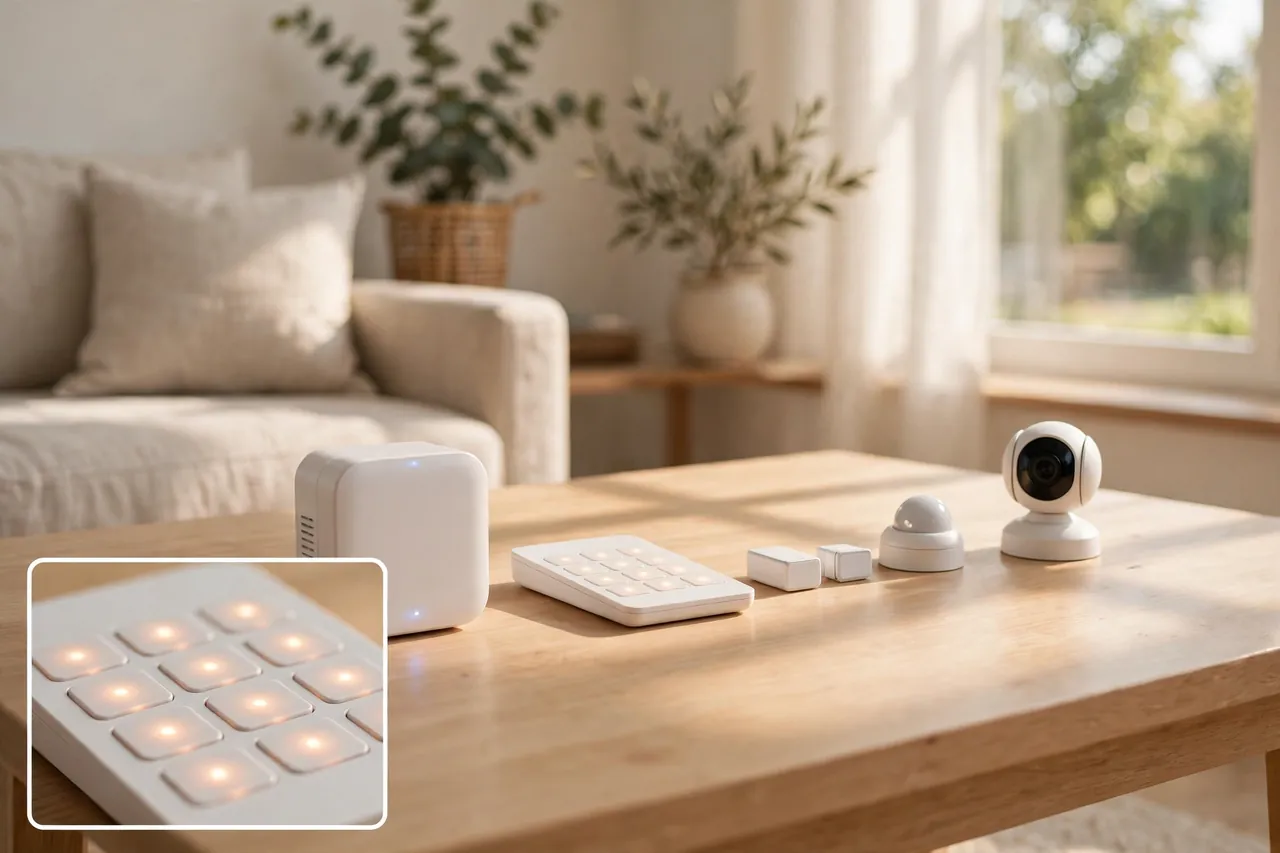
Self monitoring saves money, but the savings buy you a job: you become the person on duty, every hour of every day. Here is what that costs you in practice.
First, you give up coverage while you are unavailable. Sleep, flights, meetings, dead batteries, and silent mode all create gaps, and a break-in does not wait for a good moment. A monitoring center has no gaps. You do.
Second, you usually give up cellular backup. Most free self-monitoring tiers ride on your home Wi-Fi, so a power cut, a router failure, or an intruder cutting your internet line can silence your remote alerts. The local siren still sounds, but your phone stays quiet. Paid plans commonly add cellular backup, which is the single most valuable upgrade for a self-monitored home.
Third, you give up saved video unless you pay for it or store it locally. Without recordings, you cannot review an alert you missed, and you have no footage to hand to the police after a break-in. Some cameras save clips to a microSD card or a local recorder at no monthly cost, so check your camera’s storage options before you pay for cloud storage. Our guide to security cameras without a subscription explains the local-storage options in detail.
Fourth, you usually give up the home insurance discount. Insurers reward a staffed center that can summon help at any hour, and they rarely reward a system that depends on you noticing your phone. Ask your insurer what each option saves you, because the discount can cover a real share of a professional plan.
Finally, you give up a calm second opinion in a scary moment. At 3 a.m., with your heart pounding, you must decide alone whether the shadow on camera is a threat and whether to call 911. A monitoring agent makes that call every day. That is not a small thing, and it is the reason many people start with self monitoring and switch to professional monitoring once they have lived with the 3 a.m. feeling.
What Self-Monitoring Costs
Self monitoring can cost nothing a month, but “free” still has a price tag: the equipment. A basic self-monitored setup typically runs $200 to $400 for equipment, according to SafeHome’s 2026 testing, and a fuller setup with more sensors and cameras can reach $600 to $1,200 upfront.
Your ongoing costs depend on what you add. Live video and push alerts are free on the best free tiers, including Abode and Ring. Cloud video storage is the usual extra: SimpliSafe charges $9.99 a month for 30 days of recordings, and other brands charge similar amounts per camera. Local storage, such as a microSD card or a recorder, avoids that monthly cost entirely.
Do the simple math before you choose. A $300 kit with no monthly fee costs $300 in year one and $300 in year three. The same kit with a $20-a-month professional plan costs $540 in year one and $1,020 by year three. That gap is real money, and it is the honest reason most people choose self monitoring. Just make sure you spend a little of the saving on the things that close the gaps: a camera that covers each entry point, local or cloud video storage, and a backup person on your alerts.
How to Set Up Self-Monitoring That Actually Works
A self-monitored system is only as good as its setup. Follow these steps in order, and test the system before you trust it.
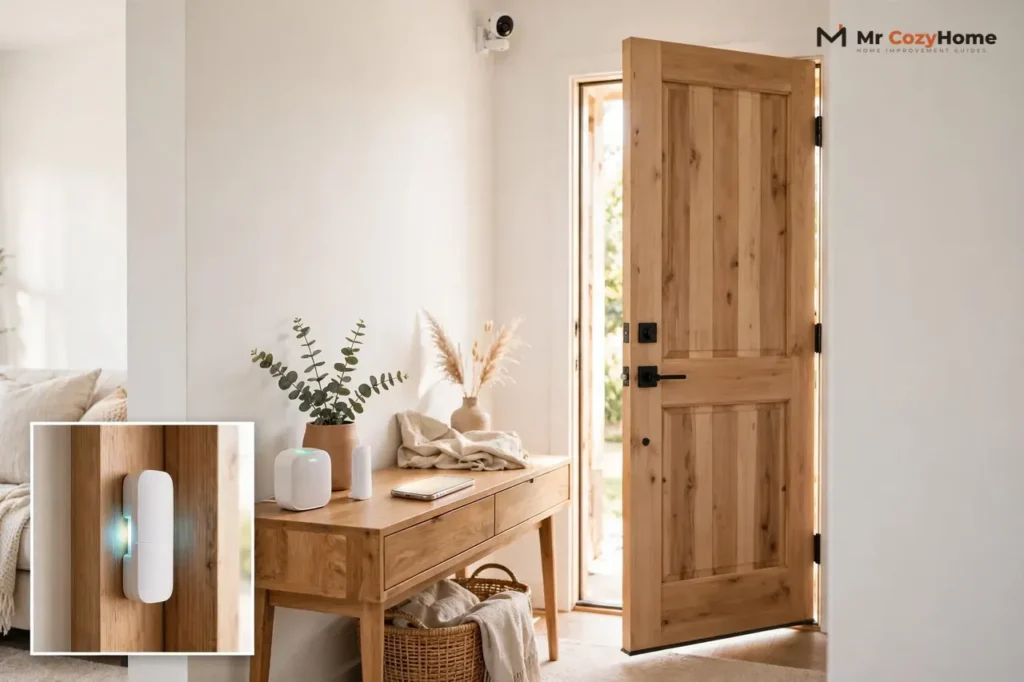
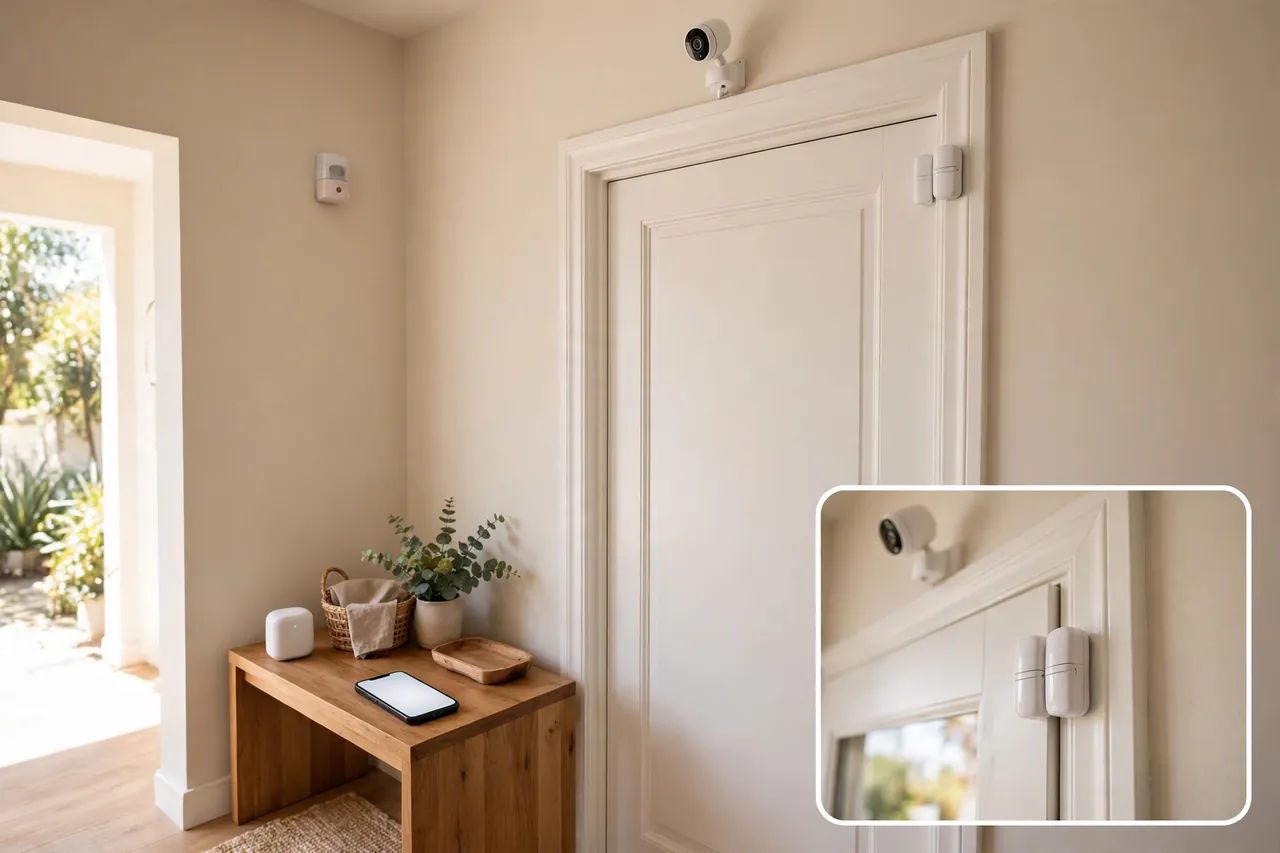
- Cover every ground-floor entry point first. Put a door or window sensor on each ground-floor door and every window a person could reach. Add motion detectors in hallways and large rooms. For sensor placement, see our guide to door sensor alarms.
- Add a camera at each main entry. You cannot verify an alert you cannot see, so a camera by the front door, back door, and driveway matters more than a fourth sensor. Keep the view clear and the lens clean.
- Turn on push notifications and test them. Arm the system, trip a sensor, and check that your phone buzzes within seconds. Do this from another room, and again from outside the house.
- Add a second person to the alerts. A partner, adult child, or trusted neighbor with app access is your backup when your phone is silent or dead.
- Set up automations. Make lights turn on and cameras record the moment a sensor trips while the system is armed, so every alert arrives with light and video.
- Save video somewhere. Turn on cloud storage or local recording, and check that you can actually play back a clip from yesterday.
- Write down your emergency plan. Keep your home address, your alarm permit number, and your local police non-emergency number in your phone, and tell your backup person what to do if they get an alert while you are away.
- Test the whole chain once a month. Trip a sensor, watch the alert arrive, check the camera, and disarm. A monthly test catches dead batteries, weak Wi-Fi, and notification settings that changed after a phone update.
One more setup choice matters: your alarm panel. A clear, easy-to-read panel means everyone in the house can arm, disarm, and check the system without guessing. If you are still choosing hardware, read our guide to the security alarm panel before you buy.
Common Mistakes That Leave a Self-Monitored Home Unprotected
Most self-monitored systems fail for small, fixable reasons. Here are the ones to avoid.
- Leaving notifications on silent at night. Your phone’s do-not-disturb mode can silence the very alert you need most. Allow your security app to break through do-not-disturb, and keep the phone charging in your bedroom.
- Arming the system in the wrong mode. Away mode watches motion sensors inside the house, while stay or home mode usually ignores them so you can move around at night. Learn both modes, and use the right one every time.
- Skipping cameras. Sensors tell you a door opened, but they cannot tell you who opened it. Without a camera, you are guessing, and guessing at 3 a.m. is a bad place to be.
- Forgetting the Wi-Fi weakness. A system that only works over Wi-Fi goes quiet when the internet drops. Put your router and base station on battery backup if you can, and know that a paid plan with cellular backup is the real fix.
- Never testing the system. Batteries die, sensors fall off doors, and app updates reset notification settings. A monthly test takes two minutes and catches all three.
- Keeping the whole job on one phone. One phone, one person, one battery: that is a single point of failure. Share alerts with at least one other adult in the house.
- Ignoring the alarm permit. Many cities require a permit before police will respond to your address, and repeat false alarms can bring fines. Check your city’s rules when you install the system, not after your first alarm.
If you recognize two or three of these mistakes in your own setup, fix them this week. Each one takes minutes, and each one closes a real gap.
Who Should Choose Self-Monitoring, and Who Should Not
Self monitoring fits some homes very well and others not at all. Be honest about your daily life, because the system only works when you do.
Choose self monitoring if you are usually home or near your phone, you are comfortable checking alerts and calling 911 yourself, you want to avoid monthly fees and contracts, and your home is a smaller space with a few entry points. Renters love it too, because the equipment is portable and there is no long contract to break when you move. A full guide to the alarms themselves is in our burglar alarms guide.
Choose professional monitoring instead if you travel often, work long hours away from home, sleep heavily, live alone, or have children or elderly family at home who cannot respond to an alert. A vacant property, a home in a high-break-in area, or a house with many entry points also leans toward professional monitoring. If nobody can reliably act on a phone alert when the alarm goes off, that is the clearest sign to pay for a center.
There is also a middle path, and it is the one many families actually take. Self-monitor most of the year, then switch on a month of professional monitoring when you go on vacation. SimpliSafe, Abode, and Ring all let you switch month to month with no contract, so you pay for a center only when your home is empty and you are far away. That is the smartest use of both options.
Related Guides
If you are building out the rest of your system, these guides pick up where this one leaves off: burglar alarms covers the alarm hardware itself; security alarm panels explains the control panel at the heart of your setup; door sensor alarms shows where to place entry sensors; security cameras with a monitor covers always-on viewing; security cameras without WiFi explains what still works when the internet drops; NVR security systems covers local video recording; and the best video doorbell without a subscription pairs well with a self-monitored doorbell setup.
Frequently Asked Questions
Do home security systems need professional monitoring?
No, home security systems don’t need professional monitoring. Systems from SimpliSafe, Abode, and Ring let you monitor your home yourself. They send real-time alerts to your phone and give you live camera feeds, so you can see the problem and decide whether to call 911.
What are the advantages of a self-monitored home security system?
The biggest advantage is cost: you never pay a monthly monitoring fee, and once you buy the equipment, the protection is yours. You also get total control over your security, and you can verify each alarm yourself, which prevents many false alarms from ever reaching the police.
How do self-monitored systems store video footage?
Self-monitored systems store video locally or in the cloud. Cameras with local storage, such as a DVR, NVR, or microSD card, let you review footage anytime at no extra cost. Cloud storage usually needs a monthly fee, or you can skip storage and rely on live video alone.
Are there self-monitored security systems that offer professional monitoring?
Yes. SimpliSafe, Abode, and ADT Blu all offer professional monitoring as an optional add-on, and all three let you sign up month to month. That is handy for vacations or long trips away, and you can cancel and return to self monitoring when you are back home.
Do any self-monitored security systems work with Alexa and Google Home?
Yes. Many self-monitored systems work with Alexa, Google Home, and even Apple HomeKit. Abode includes these integrations on its free tier, while some brands ask you to buy a monthly plan before smart-home features unlock, so check the plan page first.
Self monitoring is a good deal when you go into it with your eyes open. You save real money, you stay in control, and your home still has sensors, a siren, and cameras watching every entry point. The price is your attention: the system works when you do. Set it up well, add a second person to your alerts, save your video, and test it every month. If your life ever changes so that nobody can reliably answer an alert, switch on professional monitoring for as long as you need it. Your system lets you change your mind, and that freedom is the best part of self monitoring.