The best door locks with keypad are the ones that match how much tech you want at your door. If you want codes and nothing else, the Schlage Camelot Keypad Deadbolt (BE365) is the pick to beat: real push buttons, 19 codes, and up to two years on one 9V battery, for $129.00 at Home Depot. If you want to send a guest a code from your phone, step up to a smart keypad lock instead, like the Schlage Encode Plus at $329.00.
This guide splits the field the way you will actually shop it. First come simple electronic keypad locks with no app and no Wi-Fi. Then come smart keypad locks that add an app, code schedules, and entry alerts. Both groups include deadbolts and lever locks, because the door between the house and the garage usually wants a lever, not a second deadbolt. Every price below was checked on the maker’s or a retailer’s own page on October 19, 2026.
Our top picks at a glance:
- Best no-app keypad deadbolt: Schlage Camelot Keypad Deadbolt (BE365) — $129.00
- Best budget keypad deadbolt: Kwikset Powerbolt 250 — $69.97 list, often less
- Best keypad lever for garage doors: Schlage Accent Keypad Lever with Flex Lock (FE595) — $145.00
- Best lever if you re-key often: Kwikset SmartCode 917 — $149.99
- Best smart keypad deadbolt for code control: Kwikset Halo Keypad Wi-Fi — $208.95
- Best smart keypad deadbolt overall: Schlage Encode Plus — $329.00
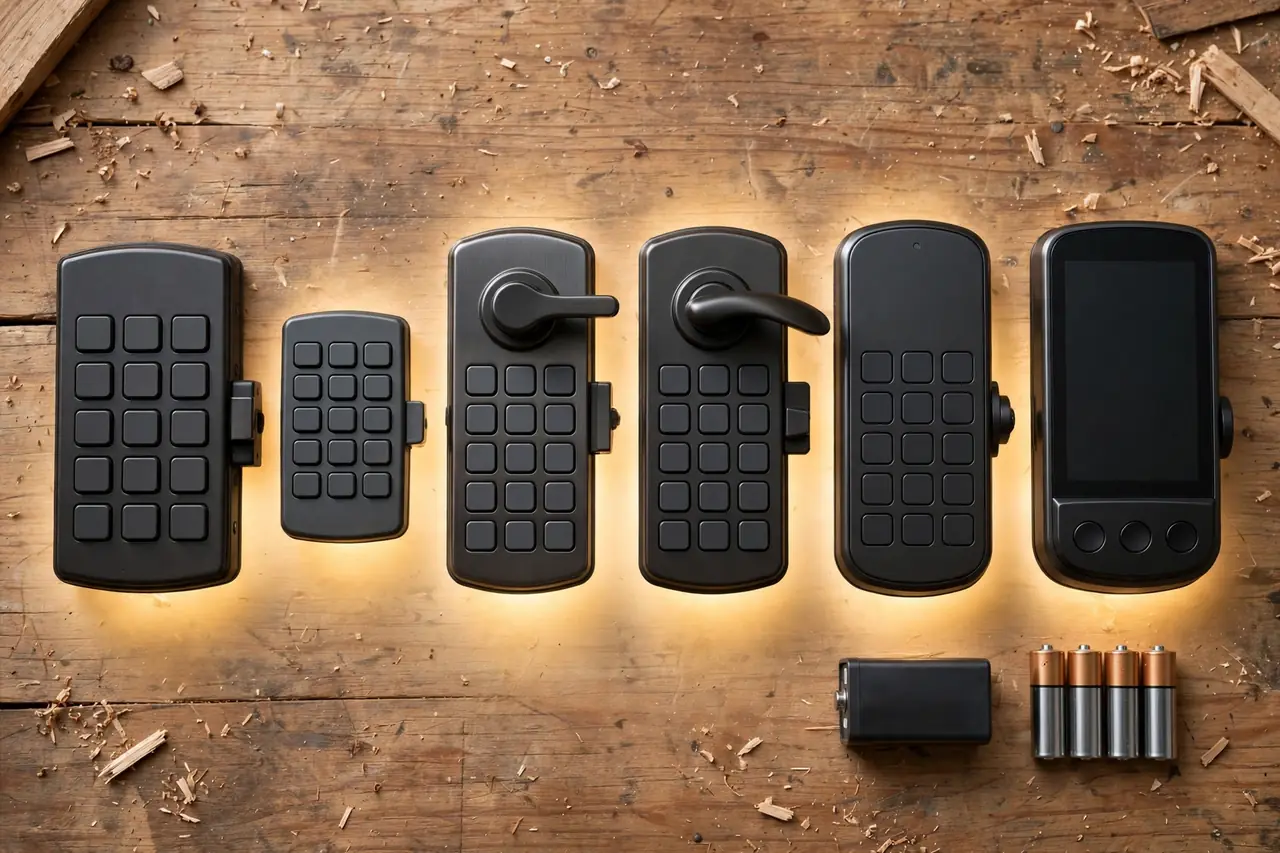
The Best Door Locks With Keypad at a Glance
All six picks compared: type, app or Wi-Fi, code count, battery life, and price checked on October 19, 2026
| Product | Type | App or Wi-Fi? | Codes | Battery life | Price |
|---|---|---|---|---|---|
| Schlage Camelot Keypad Deadbolt (BE365) | Keypad deadbolt | None | 19 | Up to 2 years (one 9V) | $129.00 at Home Depot |
| Kwikset Powerbolt 250 | Keypad deadbolt | None | 25, plus 5 one-time | About 12 months (4 AA) | $69.97 list |
| Schlage Accent Keypad Lever (FE595) | Keypad lever | None | 19 | Up to 2 years (one 9V) | $145.00 at Schlage |
| Kwikset SmartCode 917 | Keypad lever | None | 30 | Up to 3 years (one 9V) | $149.99 at Do it Best |
| Kwikset Halo Keypad Wi-Fi | Smart deadbolt | Wi-Fi + app | 250 | About 6 months (4 AA) | $208.95 at Home Controls |
| Schlage Encode Plus | Smart deadbolt | Wi-Fi + app | 100 | Up to 6 months (4 AA) | $329.00 at Schlage |
Every price in this guide is the product price only. Installation is separate, and for most of these locks it costs nothing, because a like-for-like swap needs only a screwdriver. We cover real installation costs further down.
The Big Split: Simple Keypad Locks vs Smart Keypad Locks
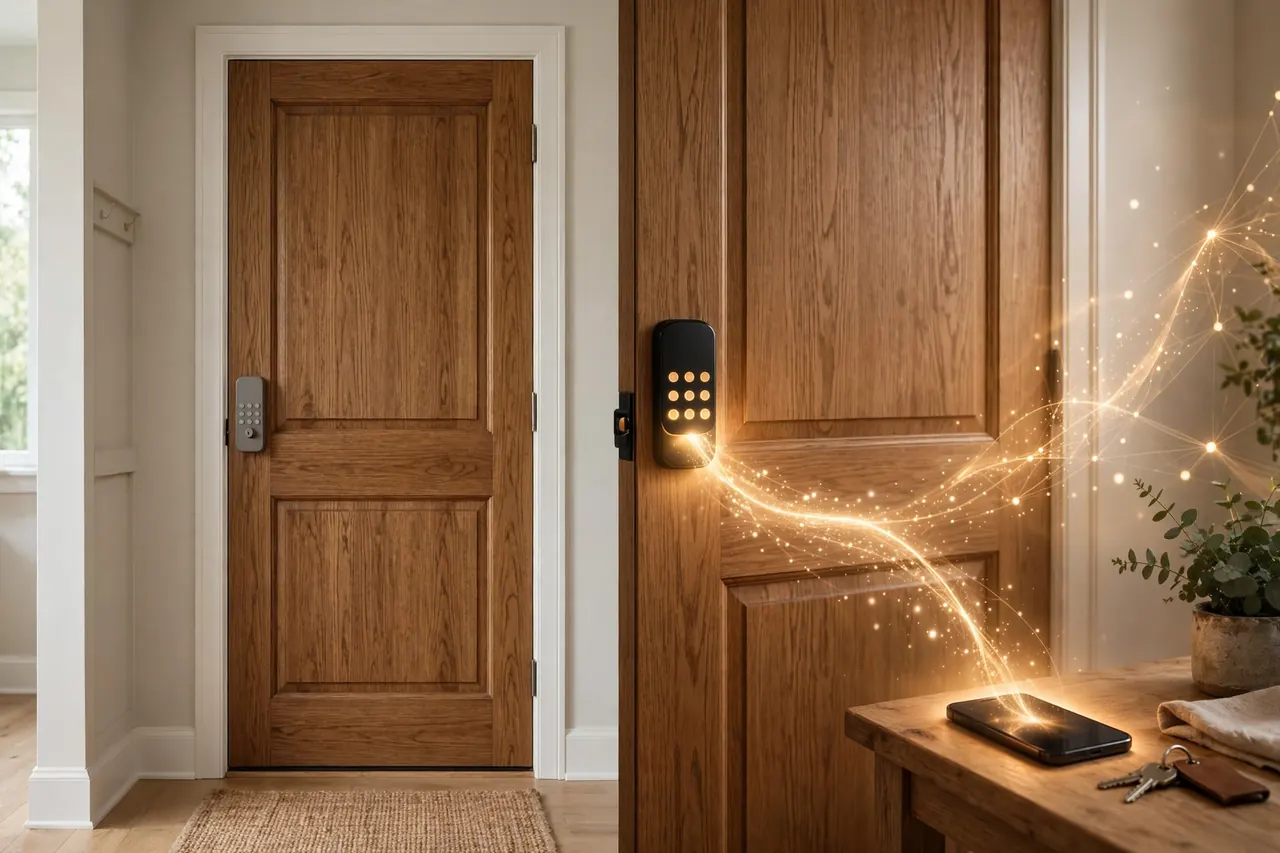
Every lock in this guide opens with a code. What separates them is everything around the code. Simple keypad locks keep the code system inside the lock itself. Smart keypad locks connect that same code system to your phone and your home Wi-Fi.
What simple keypad locks do better
A simple keypad lock has no account to create, no app to update, and no Wi-Fi password to re-enter when you change routers. You program codes at the door, and the lock just works. Because there is no radio running and, on the Schlage picks, no motor moving the bolt, the battery lasts for years instead of months. There is also less to go wrong: if your internet drops, a simple keypad lock does not notice or care. For a lot of homes — a front door used by family, a garage door used by everyone — that is the whole job description.
What a smart keypad lock adds
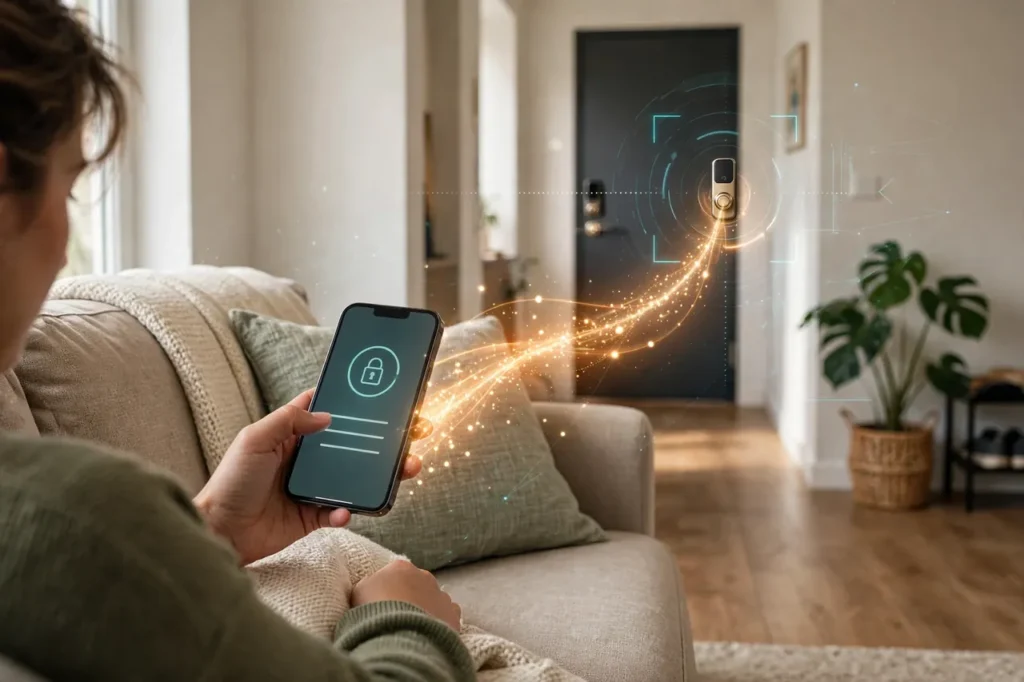
A smart keypad lock moves code control into an app. You can add a code for the dog walker from work, set it to work only on weekday afternoons, and delete it when the job ends. You get an alert when your kid’s code opens the door, a history of who came and went, and the power to lock the door from anywhere. The Encode Plus adds one more trick: you can tap an iPhone or Apple Watch on it to unlock, like a hotel key card. If smart locks are new to you, our smart key lock guide explains the types, features, and trade-offs in plain words.
The trade is real, though. Smart locks cost more, their batteries last months rather than years, and setup takes longer. Buy the smart version when remote codes and alerts solve a problem you actually have. Buy the simple version when you only ever wanted to stop carrying a key.
How to Choose a Keypad Lock
Four quick checks will point you to the right pick. Start with the door, then look at the keypad itself, then at codes and grades.
Start with the door: deadbolt or lever?
A deadbolt slides a solid bolt an inch into the frame. That is real security, and it is what a front door needs. A lever lock only holds the door with a spring latch, the same small bolt a plain doorknob has. A latch keeps a door shut, but it is not a security lock on its own. So use a keypad deadbolt as the main lock on a front door, and use a keypad lever where it shines: the door from the garage into the house, a side door, or a home office. Many families run both — a deadbolt in front, a lever at the garage — and come and go through whichever door is closer.
While you are looking at the door, measure it. Most of these locks fit doors 1-3/8 to 1-3/4 inches thick with a 2-3/8 or 2-3/4 inch backset, and our guide to how to install a door lock shows the four measurements to take before you order. If the door sags or the bolt scrapes, fix the fit first: fresh door weatherstripping and a hinge tune-up make any lock work better.
Buttons or touchscreen? The keypad itself
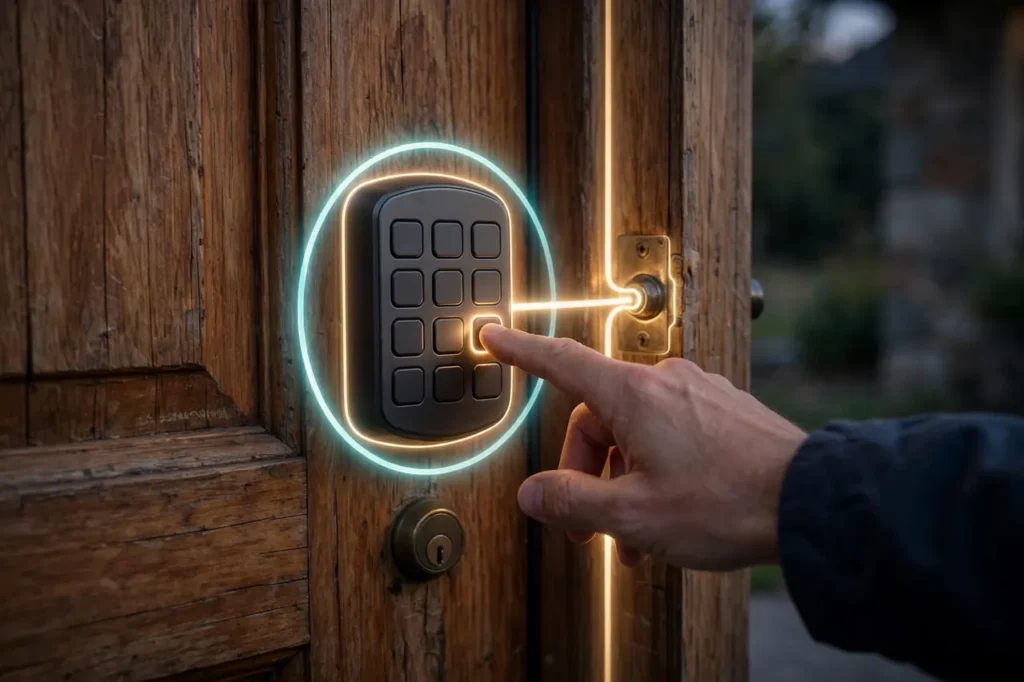
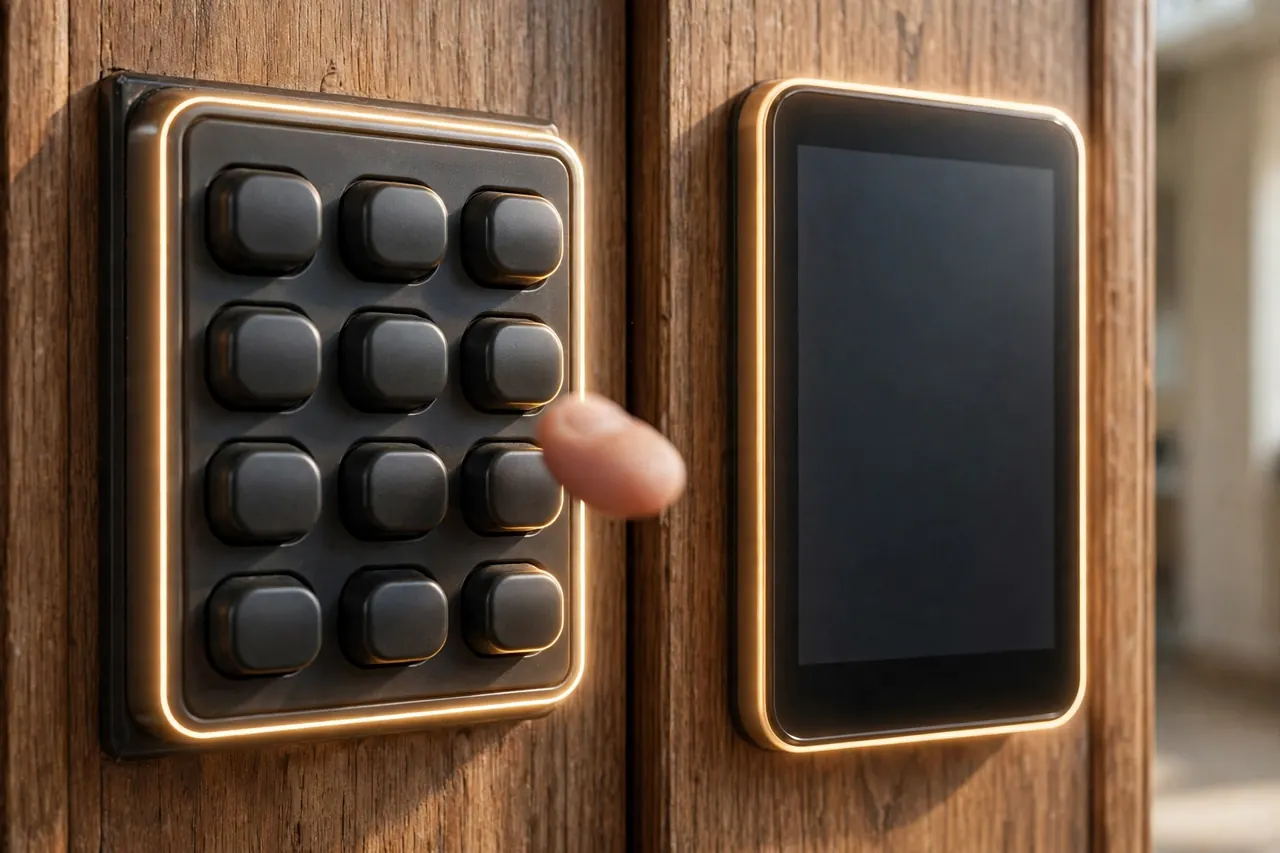
This is the choice most keypad guides skip, and it is the one you will feel every day. Push buttons give you something to feel. You can enter a code with gloves on, in the rain, without looking down. Schlage coats its button numbers in silicone, so the numbers do not wear off over time and show a stranger which digits your code uses. Buttons light up when pressed, so night entry is easy.
A touchscreen looks cleaner and wipes clean, and the Encode Plus uses a fingerprint-resistant surface so smudges do not map out your code. Kwikset’s touchscreen models add a feature called SecureScreen, which makes you tap two random digits first, so your real code leaves prints across the whole pad instead of four worn spots. Neither style is safer by itself. Pick buttons for gloves, kids, and speed. Pick a touchscreen for looks and easy cleaning.
Codes: how many, and what kind?
Count the people, then add guests. A family of five with a cleaner and a grandparent needs about seven codes. The simple locks here hold 19 to 30, which is plenty for a home. What matters more is the kind of code. One-time codes are the guest-code star: the Powerbolt 250 stores five of them, and they die after a single use, which is perfect for a delivery or a one-off repair visit. Smart locks go further. The Halo lets you schedule codes by date range or by weekday and time, and the Encode Plus holds 100 codes you manage from the app. Kwikset’s simple locks also add a Vacation Mode that shuts the keypad off entirely while you travel.
One habit matters more than any feature: give each person their own code. A shared family code taught to every babysitter and contractor is barely a code at all. Separate codes cost nothing, and deleting one person’s access takes seconds.
Grades still matter
A keypad is only as strong as the lock behind it. BHMA certifies residential locks for security, durability, and finish, and gives each area a letter: A is Best, B is Better, C is Good, as BHMA’s Secure Home site explains. Five of our six picks carry top AAA letters or a Grade 1 or Grade 2 rating. The budget Powerbolt 250 is Grade 3, the basic tier. That is an honest trade at its price, and it is why we point it at side and garage doors rather than a main front door.
Battery life: the honest trade
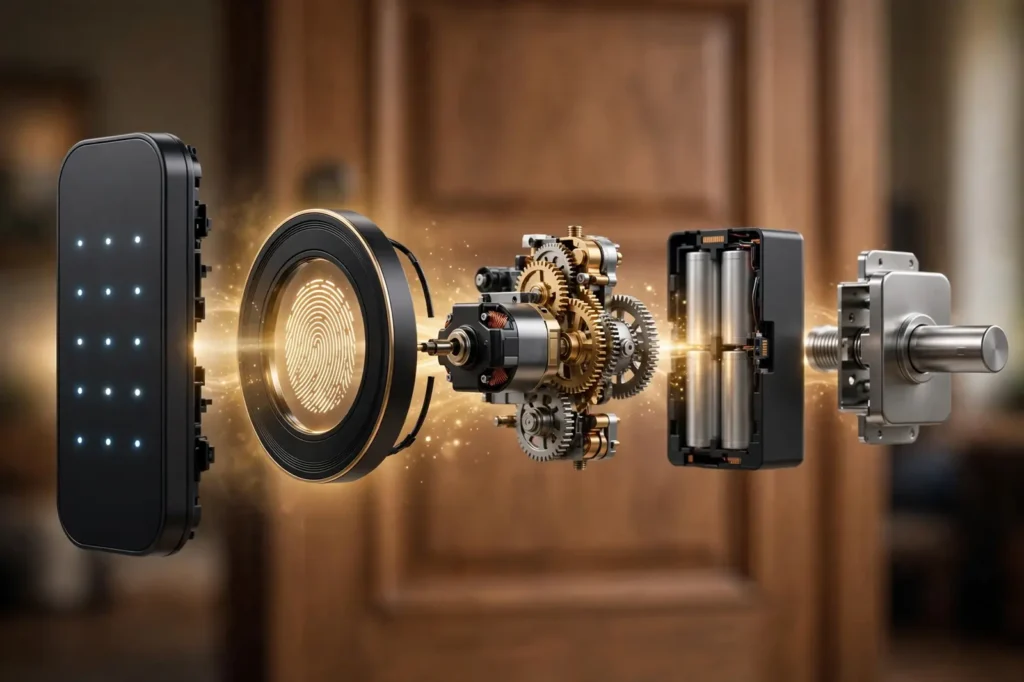
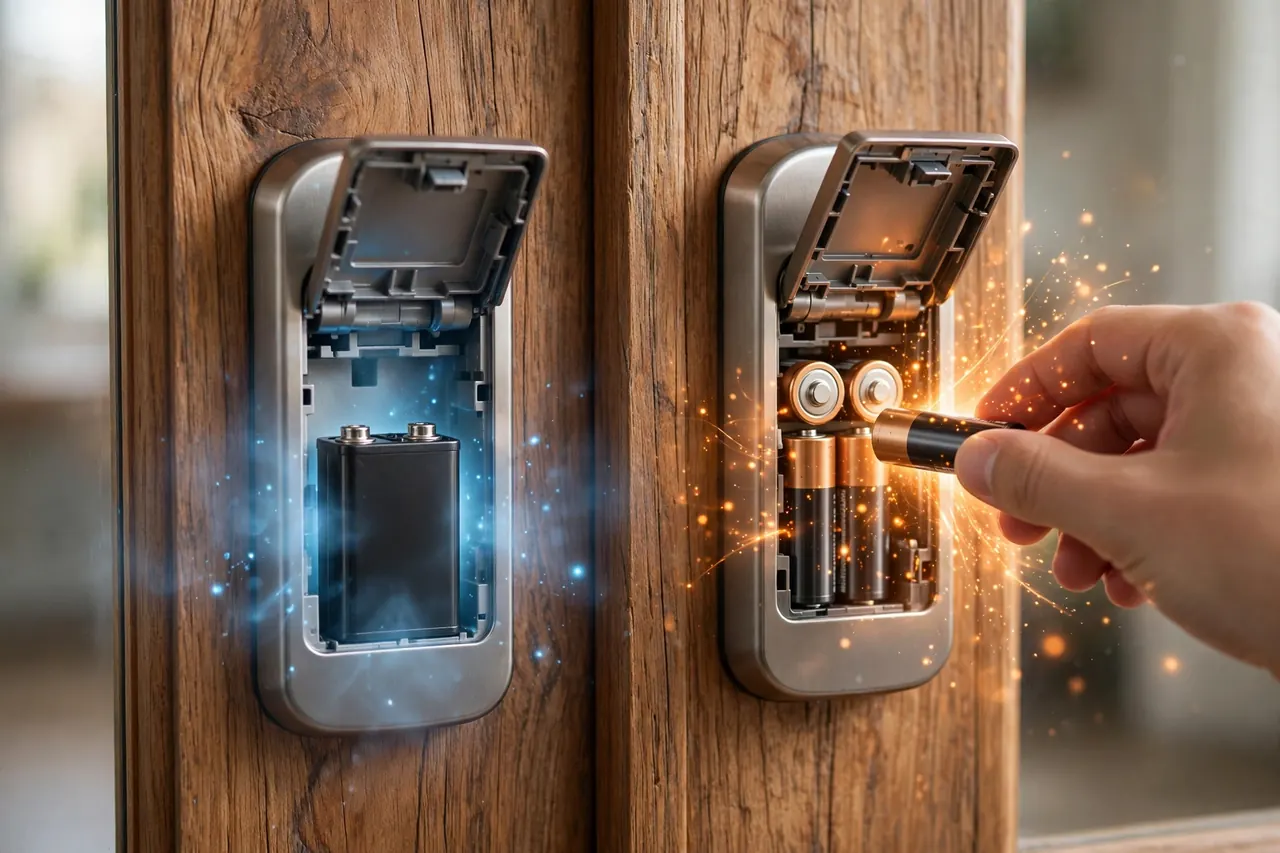
Here is the pattern behind the table. A keypad by itself sips power. Add a motor that throws the bolt, and power use climbs. Add a Wi-Fi radio that stays in touch with your router, and it climbs again. That is why the two Schlage simple locks run up to two years on a single 9V battery, Kwikset rates the SmartCode 917 at up to three years, and the Wi-Fi picks land near six months on four AA batteries. None of this is a defect. It is the price of the features, and it is worth knowing before you buy, not after the third battery change.
💡 Practical Home Tip: Write the install date on a small label and stick it inside the battery cover. When the low-battery light starts, you will know at a glance whether the battery faded early — a sign the bolt is dragging — or simply lived a full life. Change batteries at the first warning, not after the beeping starts.
The Best Door Locks With Keypad, Pick by Pick
Each pick below is a real product we checked on the maker’s or a retailer’s own page, with the price and ratings as listed there on October 19, 2026. The first four are simple no-app locks. The last two are the smart picks.
Best no-app keypad deadbolt: Schlage Camelot Keypad Deadbolt (BE365)
If your whole goal is “no more keys,” start here. The BE365 is a keypad deadbolt with no motor: you enter your code, the lock lights green, and you turn the thumbturn to throw the bolt yourself. That one design choice explains its best numbers. With no motor to feed, a single 9V battery lasts up to two years, and a bolt that sticks in winter is a bolt your hand can feel and free up, instead of a motor straining until it gives up. Schlage rates it Grade 2 with AAA marks for security, durability, and finish.
The keypad is the friendly kind: real buttons with silicone-coated numbers that light up when pressed and do not wear smooth. It holds 19 codes, and two come pre-programmed so it works the day you fit it — just change or delete those two first, since they are printed in the manual. A backup key cylinder sits below the pad for emergencies.
Price: $129.00 at Home Depot for the Camelot trim in satin nickel, checked October 19, 2026 (Schlage’s list price is $169.00).
Best for: front and back doors in homes that want keyless entry with almost no upkeep. Keep in mind: there is no auto-lock motor, so locking up means pressing the Schlage button and turning the thumbturn as you leave.
Best budget keypad deadbolt: Kwikset Powerbolt 250
The Powerbolt 250 is the cheapest way into real code entry from a major brand. Unlike the BE365, it is motorized: enter a code and the bolt slides on its own, and one touch of the lock button throws it when you leave. It stores 25 user codes plus 5 one-time codes, which is generous at this price. Auto-lock can be set to 30 seconds, 1, 3, 5, or 10 minutes, so the door locks itself behind the kids. After three wrong codes in a row, it sounds an alarm and disables the keypad for a minute.
It also carries Kwikset’s SmartKey cylinder, so you can re-key it yourself in seconds to match your other Kwikset keys — a real money saver after a move. Battery life is about 12 months on four AA batteries (not included).
Price: $69.97 list price, checked October 19, 2026. Home Depot sells it for less most of the year — about $57 at the last track — so it pays to catch a sale.
Best for: side doors, garage entry doors, and rentals on a budget. Keep in mind: it is BHMA Grade 3, the basic security tier, and the electronics warranty is one year. For a main front door in a high-risk area, step up to the BE365.
Best keypad lever for garage doors: Schlage Accent Keypad Lever With Flex Lock (FE595)
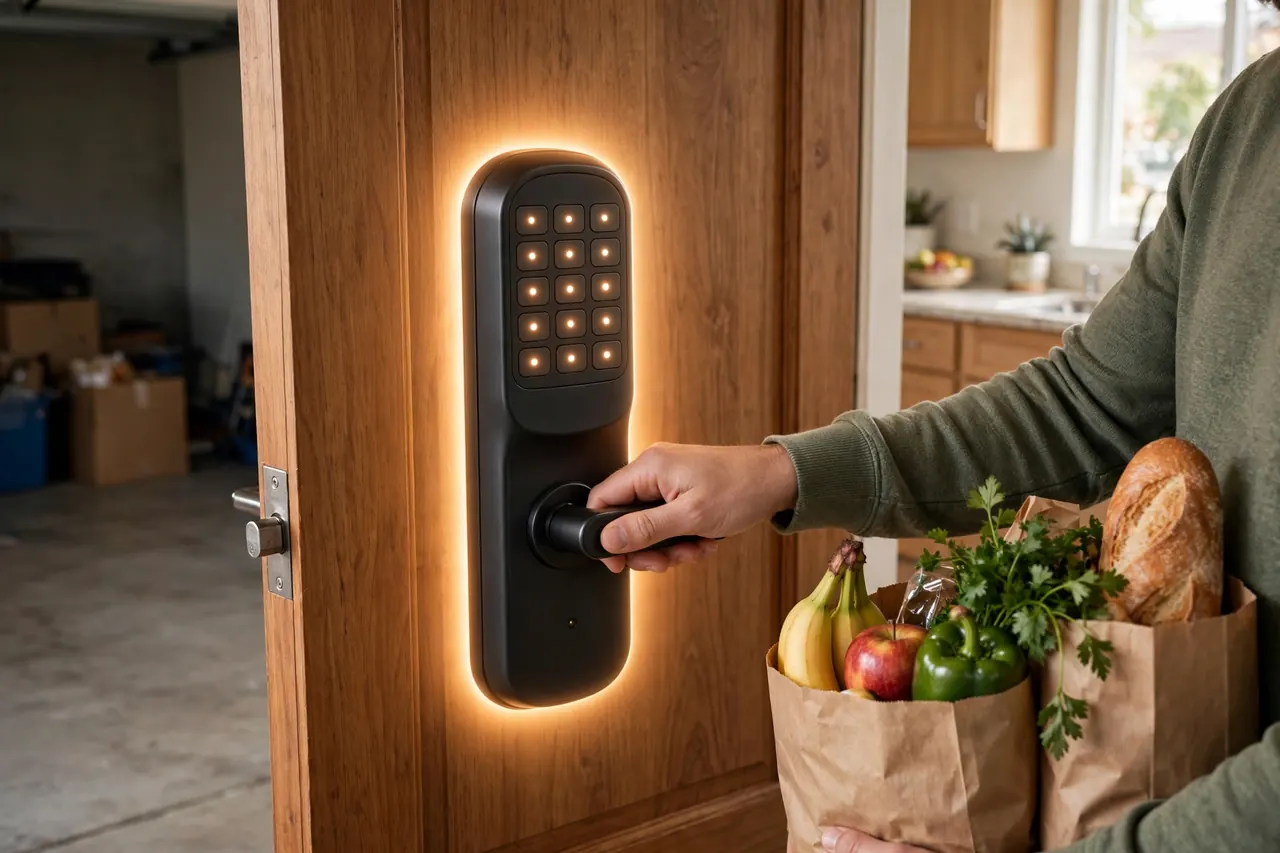
For the door you come through with grocery bags, a lever beats a deadbolt: code, push the handle down, walk in. The FE595 pairs a keypad with an Accent lever, and its headline feature is Flex Lock. A small thumbturn on the inside unit picks the behavior. Turn it one way and the outside lever stays unlocked, so a houseful of guests can come and go during a party. Turn it back and the lever re-locks itself every time the door closes, so the garage door is never left open by mistake.
The details match the BE365: 19 codes with two pre-programmed, silicone-coated buttons that light up, a Grade 2/AAA rating, and one 9V battery rated for up to two years. Schlage’s own support page clears up one quirk: the keypad only unlocks. Locking is done with the inside thumbturn, which is the Flex Lock switch itself.
Price: $145.00 at Schlage for the Camelot trim with Accent lever in satin nickel, checked October 19, 2026.
Best for: the house-to-garage door and busy side doors. Keep in mind: a lever is a latch, not a deadbolt. On a front door, pair it with a real deadbolt above it.
Best lever if you re-key often: Kwikset SmartCode 917
The SmartCode 917 is the other great keypad lever, and it wins where the Schlage cannot: codes and keys. It holds up to 30 user codes, the most of any no-app pick here. Its SmartKey cylinder lets you re-key the lock yourself in seconds — landlords changing tenants, or anyone who has handed out one key too many, will feel the value fast. Kwikset rates its single 9V battery for up to three years of life, the longest claim in this guide.
It carries BHMA AAA marks and a UL 20-minute fire rating, plus the same practical extras as the Powerbolt: auto-lock timers, a Vacation Mode that disables the keypad while you travel, and an alarm after three wrong codes. The trade is the warranty: electronics are covered for one year, where Schlage gives three.
Price: $149.99 at Do it Best for the satin nickel version, checked October 19, 2026.
Best for: rentals, landlords, and big households that need lots of codes. Keep in mind: it is a latch lever, so the same deadbolt rule applies on a main entry door.
Best smart keypad deadbolt for code control: Kwikset Halo Keypad Wi-Fi
The Halo Keypad is the smart pick for people whose main job is managing codes. It holds 250 of them — family, friends, sitters, contractors — and the Kwikset app gives each code a rule: always on, a date range for a vacation rental, certain weekdays and hours for the housekeeper, or one-time use within 24 hours for a repair visit. Built-in Wi-Fi means no hub to buy, and the app sends alerts and keeps a history of lock activity. Alexa and Google Assistant can lock it by voice.
It is a push-button pad, not a touchscreen, which many families prefer: fast, tactile, and easy for kids. The cylinder is SmartKey, so re-keying after a lost key is a one-minute job, and Kwikset certifies it BHMA AAA. The honest cost is battery life: plan on about six months from the four included AA batteries, because the Wi-Fi radio is always on duty.
Price: $208.95 at Home Controls for satin nickel or Venetian bronze, checked October 19, 2026.
Best for: hosts, landlords, and busy families who hand out codes often. Keep in mind: it needs a 2.4 GHz Wi-Fi signal at the door, and code scheduling lives in the app, not on the lock.
Best smart keypad deadbolt overall: Schlage Encode Plus
The Encode Plus is what you buy when you want the strongest lock and the smartest keypad in one unit. It pairs the top ratings in this guide — BHMA AAA plus an ANSI Grade 1 mark — with a fingerprint-resistant touchscreen, 100 app-managed codes with schedules, a built-in alarm for forced-entry attempts, and auto-lock with a choice of delays. iPhone and Apple Watch owners get the party trick: tap the phone or watch on the lock to open it, no code needed.
It also tops the smart section of our best door locks for home guide, and the keypad case is just as strong: the pad lights up, entry is quick, and one touch on the way out locks up. Four AA batteries are included and last up to six months in typical use.
Price: $329.00 at Schlage, checked October 19, 2026. Street prices dip below list during sales.
Best for: a main front door where you want top-grade hardware plus full app control. Keep in mind: it is the priciest pick here, and the tap-to-unlock feature needs an iPhone or Apple Watch.
What Installation Really Costs
Every price above is for the lock itself, in the box. Fitting it is the second cost, kept separate on purpose. If the new lock matches your door’s existing holes — true for nearly every deadbolt swap and most lever swaps — installation is free: two screws out, two screws in, about 15 to 30 minutes with a screwdriver, plus a few minutes to program your first codes. You only need a professional when the door needs fresh holes, the frame is damaged, or the door hangs so badly that a motorized bolt cannot travel. As an estimate, Angi’s 2026 cost data puts professional lock replacement at about $60 to $350 per lock, with an average near $150. That is labor on top of the lock’s price, and local quotes vary.
Mistakes That Ruin a Good Keypad Lock
- Buying smart when you only wanted codes. A Wi-Fi lock means app accounts, updates, and battery changes a few times a year, forever. If nobody will ever send a code from a phone, the simple locks do the same job with less fuss.
- Leaving the factory codes active. The Schlage picks ship with two working codes printed in the manual. Change or delete both on day one, or your “secret” code is in a booklet anyone can download.
- Using one shared code for everyone. When the dog walker quits, a shared code means re-teaching the whole family a new one. Give each person their own code and delete single codes as people move on.
- Putting a lever lock alone on the front door. A keypad lever is still just a latch. A shoulder or a thin card can defeat a latch in ways a one-inch deadbolt shrugs off. Front doors get deadbolts.
- Ignoring the low-battery warning. Every pick here warns you weeks ahead with a light, a beep, or an app alert. Swap the batteries then. A motorized bolt on weak batteries is the top cause of “my keypad lock stopped working.”
- Skipping the door check. If you have to lift or shove the door to lock it, a motorized keypad lock will jam, beep, and drain its battery fast. Fix the door fit first; the lock is rarely the problem.
Frequently Asked Questions
What happens if the battery in my keypad lock dies?
You will almost never meet a truly dead lock. Every pick here warns you weeks ahead — a flashing light, a beep, or an app alert — and all six still open with their normal backup key. From inside, the thumbturn or lever always works, so you can never be locked in. Change the batteries at the first warning and a dead battery stays a non-event.
How often do I need to replace the batteries in my keypad lock?
It depends on the type. The simple Schlage locks run up to two years on one 9V battery, Kwikset rates the SmartCode 917 at up to three years, and the Powerbolt 250 runs about 12 months on four AA batteries. The Wi-Fi picks land near six months, because the radio uses power too. Heavy daily use and winter cold shorten every figure.
Can keyless locks deter burglars?
Yes, in practical ways. There is no key under a mat to find, no lost key floating around, and a guest code can be deleted the day a job ends. Angi notes that unique and temporary codes make entry harder for intruders. Still, no lock is foolproof: the lock’s grade, a solid strike plate, and good habits like actually locking up do the heavy lifting.
How long do keyless locks last?
The metal hardware is the long-lived part — Schlage and Kwikset back these picks with limited lifetime mechanical and finish warranties. The electronics are covered for one to three years, and Angi estimates a typical keyless lock’s service life at about three to five years. In practice, the wear items are batteries and, eventually, the keypad itself.
Can I use rechargeable batteries in my keypad lock?
Stick with fresh alkaline batteries unless your manual says otherwise. These locks are built and tested around alkaline cells — a 9V or 1.5-volt AA power. Rechargeable AA cells put out lower voltage, which can trigger early low-battery warnings and leave a motorized bolt short on power. If your lock starts behaving strangely, battery type is the first thing to check.
What happens if I forget my access code?
Use the backup key to get in — every pick here has one. On the smart locks, you can then view or reset codes in the app. On the simple locks, reset with the programming code from your manual, then set fresh codes. Store that manual page somewhere safe at home, never taped inside the door frame where anyone can find it.
A quick note on scope: this guide is general information for homeowners, not professional security advice, and it cannot judge your specific door or neighborhood. Prices were checked on October 19, 2026 and can change at any time. For a high-risk home, an unusual door, or a whole-house plan, a licensed local locksmith can assess your doors in person and fit the hardware correctly.
The Bottom Line
Start with the split, not the brand. If you want codes and quiet reliability, the Schlage BE365 deadbolt or FE595 lever will run for years on one battery with no app in sight. If the budget is tight, the Powerbolt 250 covers a side door well. If your life runs on guest codes, the Kwikset Halo puts 250 scheduled codes in your phone, and the Encode Plus adds the strongest ratings and tap-to-unlock on top. Pick the group first, then the lock — and measure your door’s backset and thickness before you order, so the right lock fits the first time.