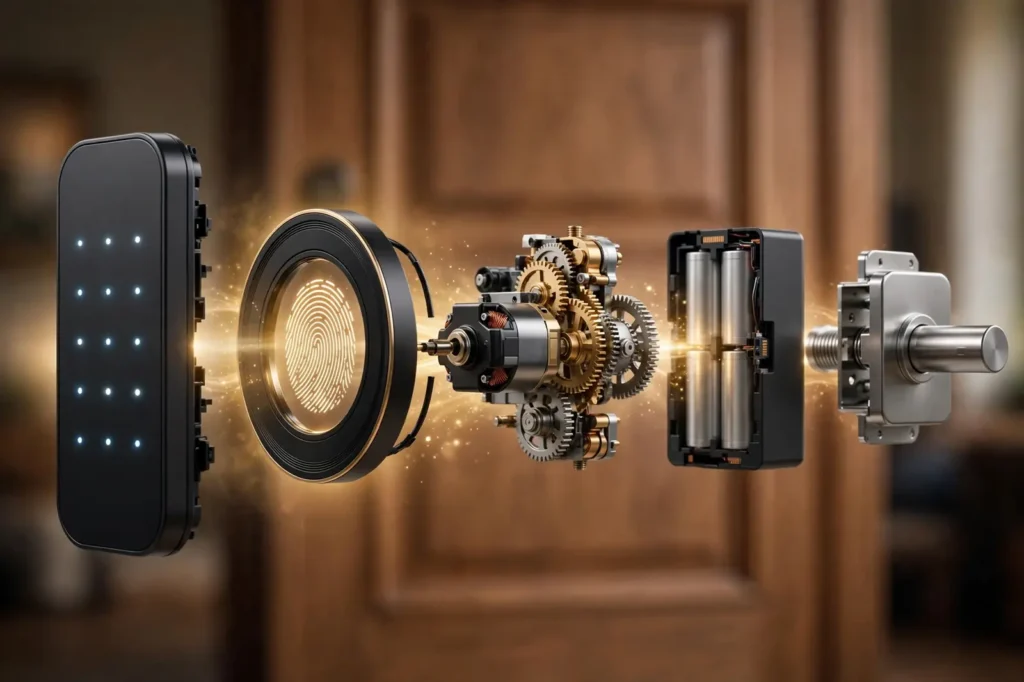
The best video doorbell without subscription for most homes is the eufy Video Doorbell E340. It records to 8 GB of built-in storage, keeps person and package detection free, and costs nothing extra each month. If you want wired power and the most flexible storage, pick the Reolink Video Doorbell WiFi instead. Both let you see who is at the door, talk back, and replay clips without a monthly plan.
That short answer hides one important detail. “No subscription” does not mean the same thing on every box. Some doorbells record everything locally for free. Others show you a live view for free but charge you to watch a clip from ten minutes ago. This guide shows you how to tell the difference, compares six doorbells with verified prices, and helps you pick the right one for your door, your wiring, and your budget.
What “No Subscription” Really Means
A video doorbell without a subscription stores your clips on hardware you own instead of on the maker’s cloud servers. SafeHome.org puts it plainly: without a subscription, a doorbell camera likely stores videos locally, on a removable SD card, built-in memory, or a connected hub. You pay once for the doorbell, and your monthly cost stays at zero.
That sounds simple, but makers use three different phrases that mean very different things. Learn them before you buy, and you will never get caught by a surprise paywall.
- “No monthly fees required”: the honest promise. Live view, alerts, and recorded clips all work with no plan. This is what you want.
- “Subscription optional”: a warning sign. SafeHome.org advises buyers to look for doorbells that state “no monthly fees required” rather than “subscription optional,” because the second phrase often means limited features without paying.
- “Free live view”: the weakest promise. You can watch the door right now, but you cannot replay what happened earlier unless you pay.
Before you buy any doorbell, check five things in the product page or manual. First, does it record clips without a plan? Second, where do the clips live? Third, does person detection work without a plan? Fourth, does package detection work without a plan? Fifth, how long does it keep clips before it overwrites them? If the maker will not answer one of those questions clearly, treat that as your answer.
The Best Video Doorbells Without Subscription at a Glance
Here are the six picks in this guide, side by side. Prices were checked on November 6, 2026, and they change often, so confirm the price on the maker’s store before you buy.
| Doorbell | Best for | Local storage | Power | Price checked Nov 6, 2026 |
|---|---|---|---|---|
| eufy Video Doorbell E340 | Most homes, packages | 8 GB built in | Battery or wired | $119.99 on eufy.com |
| Reolink Video Doorbell WiFi | Wired homes, NVR owners | microSD up to 256 GB | Wired | $139 list, $97 on sale (Oct 7, 2026) |
| TP-Link Tapo D225 | Battery life, value | microSD up to 512 GB | Battery or wired | $89.99 on Tapo US store |
| Wyze Video Doorbell v2 | Tight budgets | microSD up to 256 GB | Wired | $59.98 on wyze.com |
| Lorex 2K Video Doorbell | Picture quality | 32 GB card included, up to 256 GB | Wired or battery | See Lorex store for current price |
| Aosu Video Doorbell R1 Ultra | Base-station storage | 8 GB on indoor base station | Battery | $135.99 list |
Every doorbell in this table records video and sends motion alerts with no paid plan. That is the test each one had to pass to earn a place here. A doorbell camera that doesn’t require a subscription should still do the basic job: show you the visitor, record the visit, and let you watch it later for free.
1. eufy Video Doorbell E340: Best Overall
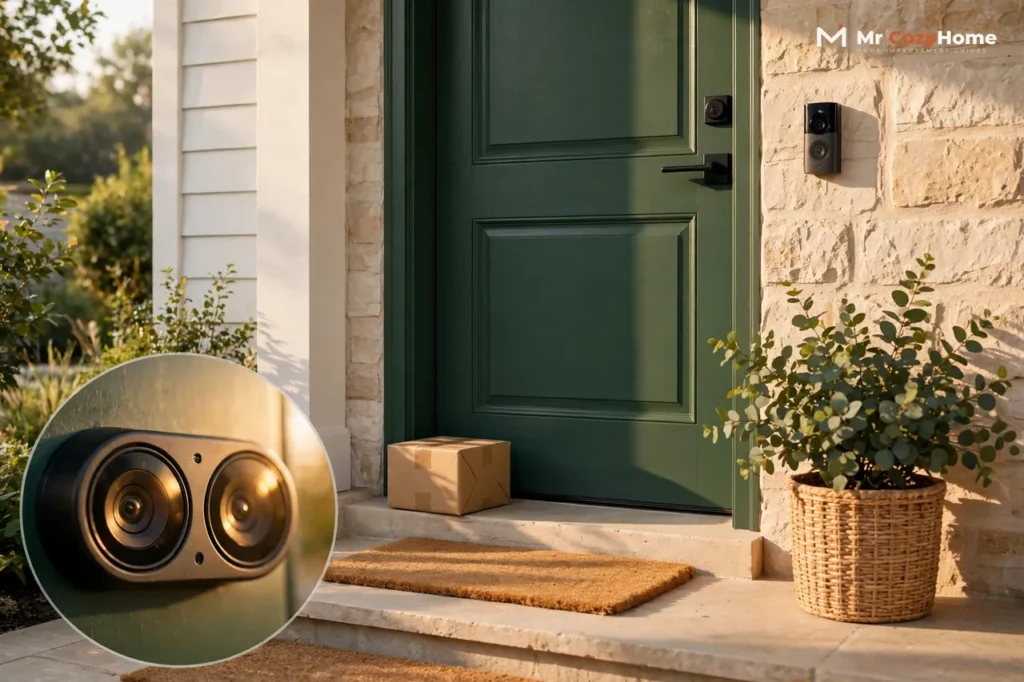
The eufy E340 is the best video doorbell without subscription for most homes because it solves the one problem other doorbells miss: packages. It has two cameras. One faces the visitor at eye level in 2K. The second points down at your doorstep, so a delivery box stays in frame even after the courier walks away.
Storage is built in, which makes setup simple. The E340 holds 8 GB of memory inside the doorbell itself, so you record clips the day you install it, with no card to buy and no hub to plug in. eufy states on its own store that footage is stored locally on the device rather than in the cloud, so no subscription is needed to keep recordings. eufy also says the 8 GB holds about 90 days of clips at 30 short clips a day.
Person detection works without a plan, and so does package detection. SafeHome.org, which tested the E340, reports that eufy makes all of its features, including person detection, available without a subscription.
The catch is storage size. Eight GB is fixed, and you cannot add a card to the doorbell itself. If you want more room, you need the eufy HomeBase S380 hub, which SafeHome.org puts at about $150. The hub keeps recordings inside your home instead of on the doorbell, which also protects your clips if someone steals the doorbell itself.
The E340 runs on a quick-release rechargeable battery or on your existing doorbell wiring. The price was $119.99 on eufy.com on November 6, 2026, listed as $50 off the $179.99 regular price.
Pick the E340 if: packages pile up at your door, you want storage that works out of the box, and you do not want to buy a card or a hub on day one.
2. Reolink Video Doorbell WiFi: Best Wired Pick
The Reolink Video Doorbell WiFi is the strongest wired choice. It records sharp 5 MP video, which Reolink calls 2K+, and it gives you the most ways to store clips: a microSD card up to 256 GB, a Reolink NVR, a Home Hub, or your own FTP or NAS server. No other doorbell in this guide offers that many local-storage paths.
Person, vehicle, and animal detection all work with no subscription, according to Reolink’s own product page. The page also states that the doorbell supports 24/7 continuous, motion-triggered, or scheduled recording, with zero mandatory fees. That continuous recording is a real edge: most battery doorbells only record short clips when motion starts, so they can miss the seconds before the trigger.
LinkdHOME, which tests doorbells on real doors, scored the Reolink WiFi 8.7 out of 10, its highest no-subscription score, and praised its video quality, reliable notifications, and long pre-roll buffer. Its main complaint is that package detection is missing, and rich notifications need a Reolink Cloud subscription.
You need existing doorbell wiring for this model, and the card is sold separately. If your home has no wiring, look at the battery version instead, or pick the Tapo D225 below. The wired model was listed at $139, and Gizmodo reported it on sale at $97 on October 7, 2026.
Pick the Reolink WiFi if: you have doorbell wiring, you want continuous recording, or you already run a NVR security system and want the doorbell to feed into it.
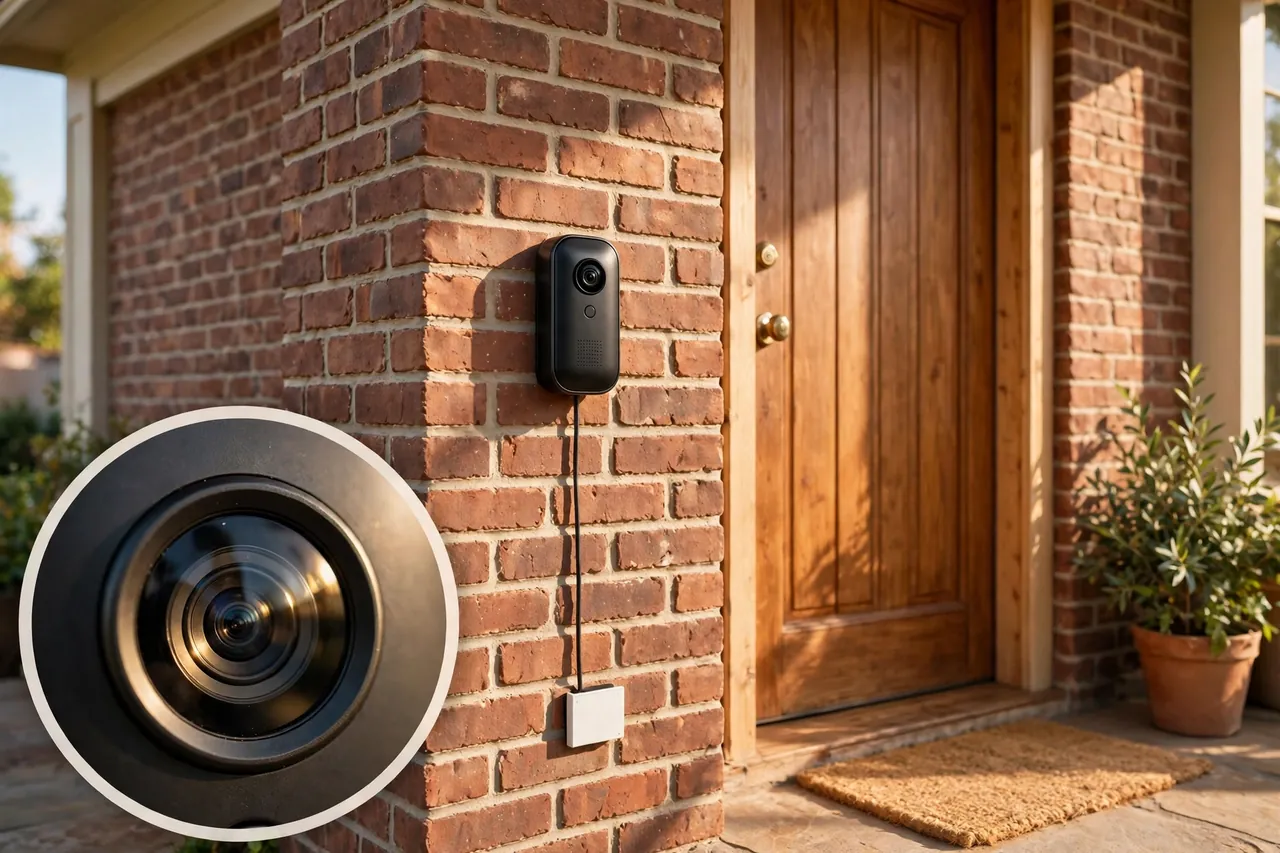
3. TP-Link Tapo D225: Best Battery Life for the Money
The Tapo D225 is the best wireless doorbell camera without subscription if battery life worries you. Its 10,000 mAh battery is one of the largest in any doorbell, and Tapo rates it for up to eight months between charges. Real life varies with traffic and cold weather, but even half that figure means few trips up a ladder.
It records 2K video with a 180-degree head-to-toe view, so you see the visitor and the ground at their feet in one frame. Person, package, and vehicle detection all work with no subscription. The Tapo US store states that smart AI alerts you to people, packages, and vehicles “with no monthly fees,” and that local storage works with a microSD card up to 512 GB, sold separately.
The D225 also works wired, and wiring unlocks 24/7 recording and pre-roll, which shows a few seconds before motion starts. It ships with an indoor chime, so you hear the bell inside even if your phone is in another room. One practical note: the card slot sits on the back of the doorbell, so insert the card before you mount it. The price was $89.99 on the Tapo US store on November 6, 2026, against a $129.99 list price.
Pick the Tapo D225 if: you want the longest battery life at a fair price, a wide head-to-toe view, and free AI detection.
4. Wyze Video Doorbell v2: Best Budget Pick
The Wyze Video Doorbell v2 proves that a doorbell camera without a subscription does not have to cost much. At $59.98 on wyze.com on November 6, 2026, it is the cheapest pick in this guide by a clear margin. It still records 2K video and offers 24/7 continuous local recording to a microSD card up to 256 GB.
Wyze calls the card slot “the first-of-its-kind onboard microSD card slot” for continuous local recording, and its own guide notes that local storage means you capture every moment “without paying a dime extra every month.” The card is sold separately, so budget about $10 to $15 for a good high-endurance card.
The trade-offs are real, so weigh them honestly. This is a wired-only doorbell, so you need existing chime wiring. SafeHome.org also reports that people, pet, and vehicle detection require a Wyze cloud plan, while Lorex offers person detection free. Basic motion alerts and local recording still work with no plan, but the smart alerts are thinner than the eufy or Tapo picks.
Stock is another watch point: wyze.com showed the v2 out of stock on the day we checked. If it is out of stock when you shop, the Tapo D225 is the closest no-subscription step up.
Pick the Wyze v2 if: your budget is tight, you already have doorbell wiring, and you mainly want reliable local recording rather than smart alerts.
5. Lorex 2K Video Doorbell: Best Image Quality
If picture quality tops your list, Lorex wins. SafeHome.org calls Lorex its best image-quality pick and says its 4K models offer the clearest image it has tested in a smart doorbell, even counting models that need a subscription. The 2K wired model is the sweet spot for most buyers, with sharp video and color night vision.
Person detection works without a subscription, which sets Lorex apart from Wyze. Every Lorex doorbell ships with a 32 GB microSD card already installed, and you can upgrade it to 256 GB. That included card is a genuine saving: most rivals make you buy the card yourself.
Lorex also scales further than the other picks. You can pair the doorbell with a Lorex NVR for up to 4 TB of storage, which SafeHome.org notes is about 16 times more than a 256 GB card. If you later add Lorex cameras around the house, they can share the same recorder, which is why this pick pairs well with a full security camera with monitor setup.
Pick the Lorex 2K if: you want the sharpest picture, a card in the box, and a doorbell that can grow into a bigger camera system later. The wired model needs existing wiring and a transformer; SafeHome.org notes Lorex models start at $89.99, so check the Lorex store for the current price of the exact model you want.
6. Aosu Video Doorbell R1 Ultra: Best Base-Station Storage
The Aosu R1 Ultra takes a different route to the same goal. Instead of a card in the doorbell, its clips land on the included AosuBase Mini, a small plug-in box that lives inside your house. The base works as a Wi-Fi bridge, an indoor chime, and storage in one, holding 8 GB with a rolling 60-day loop.
That indoor storage is the point. If someone rips the doorbell off your wall, your clips stay safe inside. TechRadar, which reviewed the R1 Ultra, reports that alerts, live view, two-way talk, detection zones, and 60 days of local playback are all included with no subscription, and that the optional AosuProtect+ cloud plan buys backup rather than basic capability.
The list price is $135.99, according to TechRadar, and the doorbell often sells for less. Note two limits from the same review: night vision is infrared only, so night clips are black and white, and recharging means unclipping the whole doorbell from its mount.
Pick the Aosu R1 Ultra if: you like the idea of storage that lives safely indoors, and you want a chime and storage in one box with nothing extra to buy.
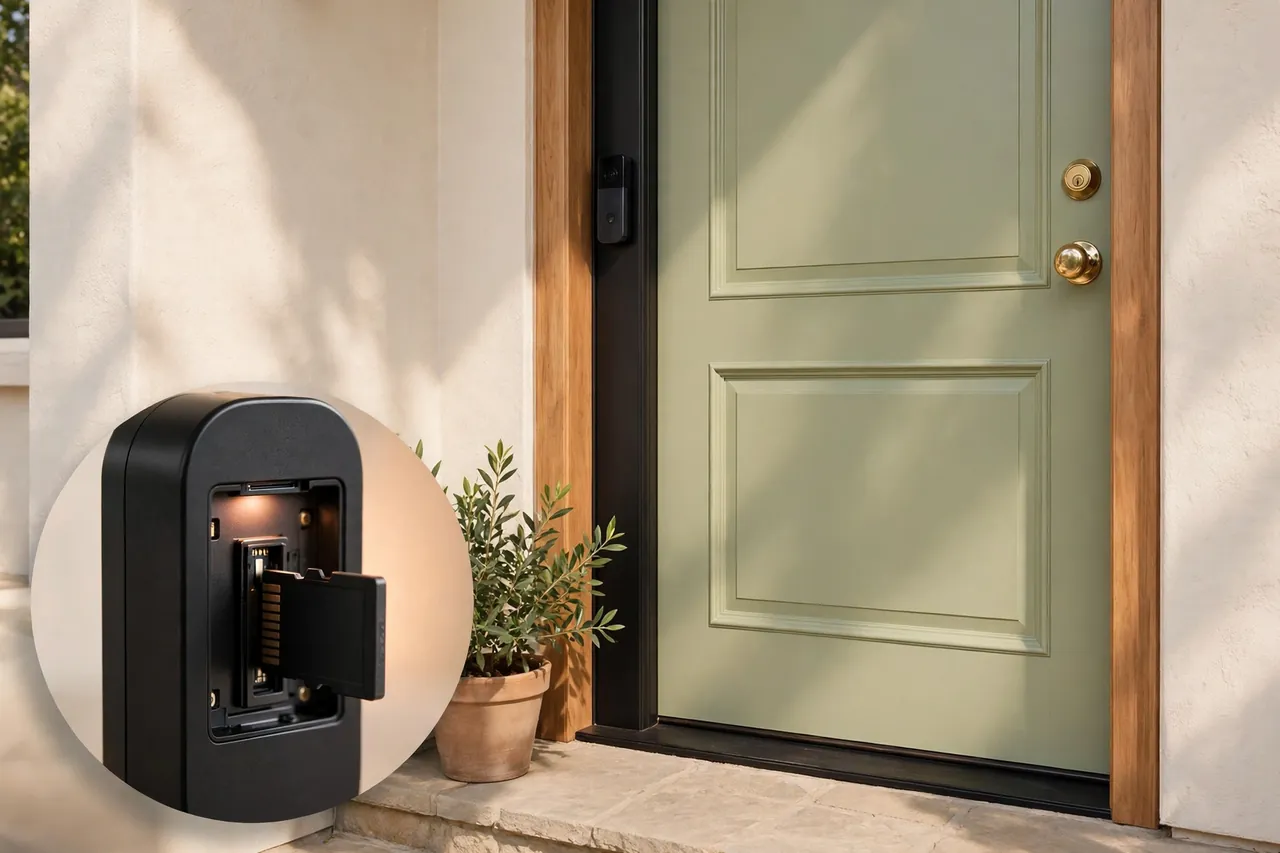
Local Storage Explained: microSD, Hub, or Base Station?
Local storage sounds like one thing, but it comes in three forms, and each one changes what happens when the doorbell fills up or gets stolen. Here is the plain version.
| Storage type | Where clips live | What happens if the doorbell is stolen | Best for |
|---|---|---|---|
| microSD card | Inside the doorbell | Clips go with the thief | Simple, cheap setup |
| Built-in memory | Inside the doorbell | Clips go with the thief | No card to buy |
| Hub or base station | Inside your home | Clips stay safe indoors | Theft protection |
| NVR or NAS | On your recorder or server | Clips stay safe indoors | Whole-home systems |
A microSD card is the most common option. You buy a card, slide it in, and clips save straight to it. Choose a high-endurance card made for cameras, not a cheap phone card, because doorbell cards get written over again and again. When the card fills up, the doorbell overwrites the oldest clips first, so it keeps recording without you doing anything.
Built-in memory, like the eufy’s 8 GB, is the easiest start because nothing extra is needed. The limit is size: you cannot expand it, and the clips sit in the doorbell itself.
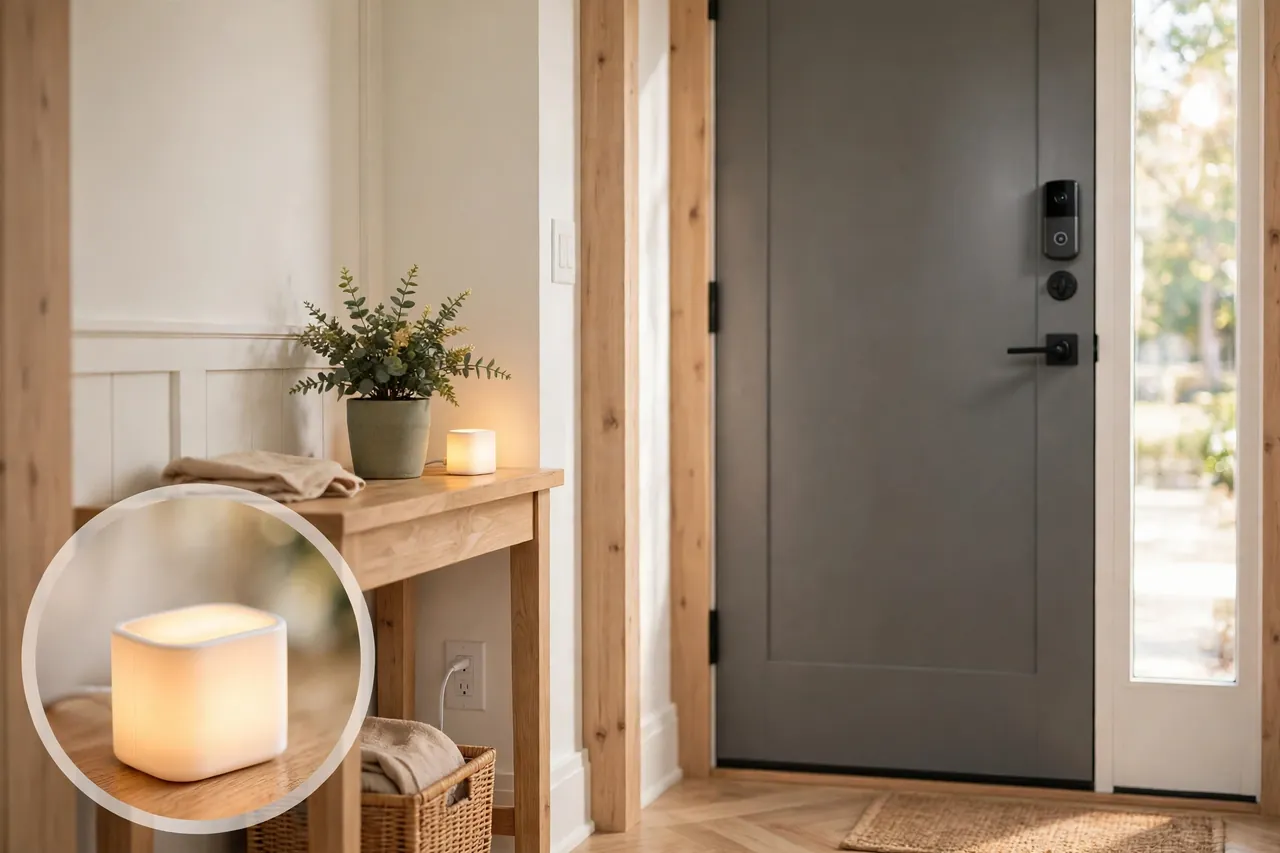
A hub or base station, like eufy’s HomeBase or Aosu’s AosuBase Mini, moves storage indoors. That is the safest option against theft, and hubs often add room for more storage. The cost is the hub itself, plus one more box to plug in.
What You Give Up Without a Subscription
A no-subscription doorbell saves you money every month, but honesty demands the other side of the trade. Here is what you may lose, and how much each one matters.
- No cloud backup: if the doorbell is stolen or smashed, clips stored inside it are gone too. A hub or NVR fixes this. Back up clips you care about by downloading them to your phone regularly.
- Shorter history: local storage holds days or weeks of clips, not the 60 to 180 days a cloud plan offers. Most homes only need a week or two, but check before you buy.
- Fewer advanced AI features: facial recognition and some smart alerts need cloud processing, so a few doorbells lock them behind a plan. Person and package detection are free on the best picks here, but face recognition usually is not.
- No professional monitoring: nobody watches your door for you. That is fine for most homes, but if you want a monitored system, a subscription doorbell paired with a service is a different product.
- You manage the storage: cards wear out and need replacing every couple of years. A high-endurance card lasts longer, and a hub removes the chore entirely.
Now the money side. SafeHome.org worked the math over five years: a $100 doorbell with a $5 monthly plan totals $400, while a $200 no-subscription model stays at $200. Ring charges $3.99 a month for video history, Nest asks $8 a month for 30-day storage, and Arlo runs $4.99 a month per camera, according to GearChecked. Over five years, that is $240, $480, and $300 per camera.
Battery vs. Wired: Which Fits Your Door?
Power is the first practical choice, and it decides your whole shortlist. Battery doorbells go almost anywhere. You mount one with screws or adhesive, connect it to Wi-Fi, and you are done in about 15 minutes. The cost is charging: SafeHome.org reports typical battery life of two to six months, depending on traffic, settings, and cold weather, which drains batteries faster.
Wired doorbells never need charging, and wiring unlocks 24/7 recording on several models. The cost is the install. You need existing doorbell wiring and a transformer that delivers 16 to 24 volts AC, which SafeHome.org notes most homes built after 1990 already have. If your home is older, an electrician may need to swap the transformer, which adds cost.
Two picks in this guide do both. The eufy E340 and the Tapo D225 run on battery or wiring, so you can start on battery and wire them later if you want continuous recording. That flexibility is worth paying a little extra for if you are unsure about your wiring.
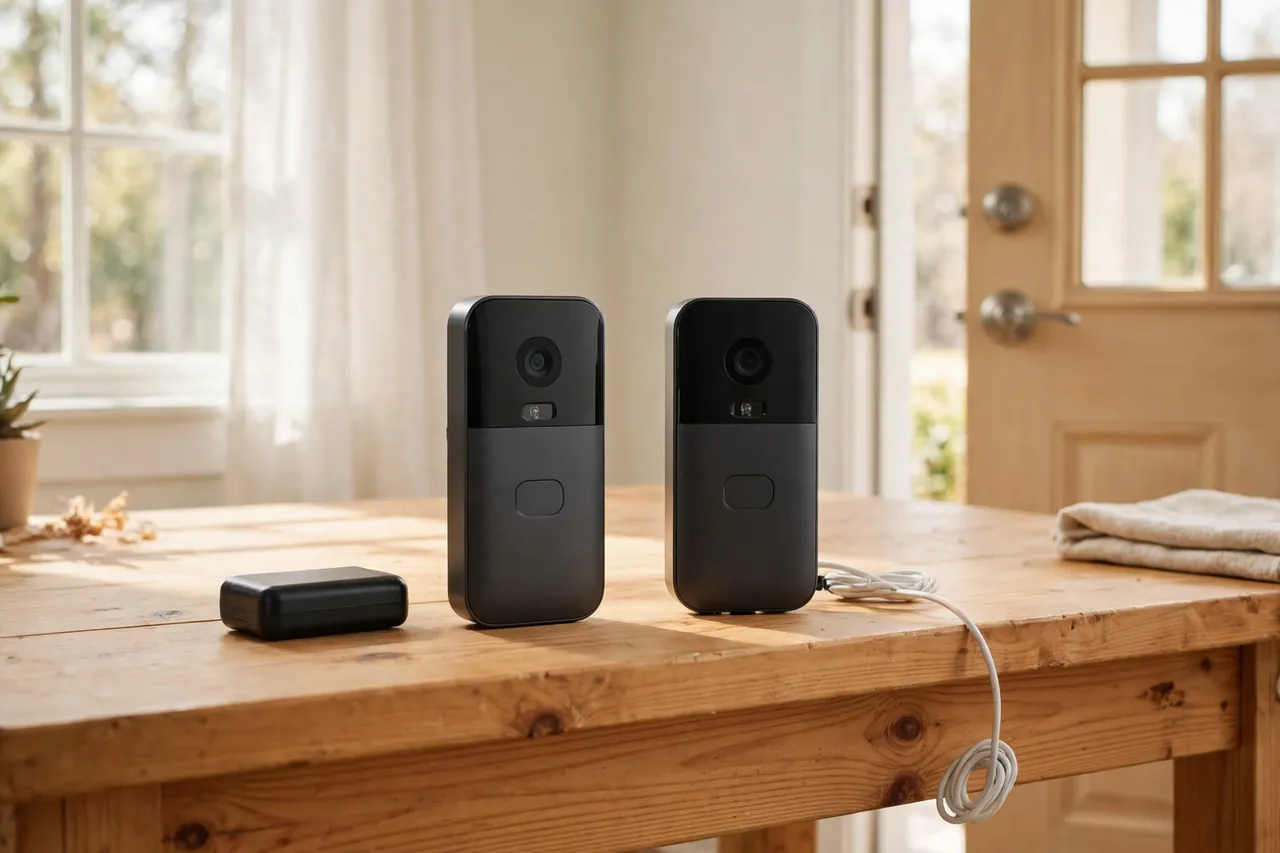
Renters: The Best No-Subscription Doorbells With No Drilling
Renters have one extra rule: the doorbell must come off cleanly when you move. Battery doorbells win here because they need no wiring and no electrician. The eufy E340 and the Tapo D225 both run on battery, record locally, and come with you to the next home.
Mount with a no-drill bracket or strong outdoor adhesive instead of screws, and keep the original doorbell hardware safe in a drawer so you can put it back. Check your lease first, and ask your landlord if the rules are unclear. Some buildings also ban cameras that point at shared hallways, so aim the doorbell at your own door, not your neighbor’s.
One more renter tip: pick a doorbell with an indoor chime or a plug-in base station, like the Tapo D225 or the Aosu R1 Ultra. You hear the bell without wiring a chime into the wall, and the base station comes with you when you leave.
How to Choose in 5 Checks
Use this short checklist at the shop, and you will avoid the common mistakes.
- Check the wiring: look at your current doorbell and transformer. If you have 16 to 24 volts AC, wired picks are open to you. If not, go battery.
- Check what stays free: confirm that recording, playback, person detection, and package detection all work with no plan. If the maker hides one behind a plan, cross it off.
- Check where clips live: a card in the doorbell is fine for most homes, but a hub or base station protects clips from theft.
- Check the view: a head-to-toe or dual-camera view shows packages on the ground. A narrow view shows faces only, and porch pirates love that blind spot.
- Check the real cost: add the card, the hub, and any mount to the doorbell price. A $60 doorbell plus a $150 hub is not a $60 doorbell.
Installation Basics and Safety
Installing a video doorbell is a beginner-friendly job, but wired models touch your home’s electricity, so take the safety step seriously. Turn off the power to your doorbell at the circuit breaker before you touch any wires, and test that the old bell no longer rings. Take a photo of the wiring before you disconnect anything, so you can put it back if you get stuck.
Mount the doorbell about 48 inches from the ground, which is roughly chest height. Too high, and you film the tops of heads. Too low, and tall visitors walk out of frame. Check your Wi-Fi signal at the door with your phone before you mount anything: a weak signal causes slow alerts, missed clips, and fast battery drain. If the signal is weak, move your router closer or add a Wi-Fi extender. For wired models, match the wires exactly as the manual shows, then turn the breaker back on and finish setup in the app. If the transformer is old, the wiring looks damaged, or you feel unsure at any point, call an electrician.
Pairing the doorbell with the rest of your entryway makes it more useful. A smart key lock lets you let a visitor in from the same phone, and a smart deadbolt adds a second layer at the same door. If you want the door itself to alert you when it opens, add a door sensor alarm beside it.
Subscription vs. No-Subscription: The Honest Comparison
| Feature | No-subscription doorbell | Subscription doorbell |
|---|---|---|
| Monthly cost | $0 | $3 to $10 per month |
| Video storage | Local: card, memory, hub, or NVR | Cloud servers |
| Recording during internet outage | Usually keeps recording locally | Often stops or loses clips |
| Video history | Days to weeks, limited by storage size | 30 to 180 days, depending on plan |
| Advanced AI alerts | Basic person and package detection on good models | Face recognition and richer alerts |
| Privacy | Clips stay in your home unless you share them | Clips upload to the maker’s servers |
| Five-year total cost | The doorbell price, plus a card or hub | Doorbell price plus $180 to $600 in fees |
Neither side wins for everyone. A subscription makes sense if you want long cloud history, face recognition, or professional monitoring. A no-subscription doorbell makes sense if you want zero monthly cost, local control of your clips, and recording that keeps working when the internet drops. Most homes in this guide’s audience will be happier with the second option, and the money saved pays for a better doorbell up front.
Related Guides
If you are building a subscription-free setup beyond the front door, these guides help. Our security camera without subscription guide covers cameras for the yard and rooms, and our security cameras without Wi-Fi guide covers homes with weak or no wireless signal. For the lock on the same door, see our smart key lock guide and our best smart deadbolt picks.
Frequently Asked Questions
How much video can I store without a subscription?
Storage capacity varies by model, from 8 GB of built-in memory to cards up to 512 GB and hubs with far more room. eufy says the E340’s 8 GB holds about 90 days of clips at 30 short clips a day. Most doorbells overwrite the oldest clips automatically when storage fills up, so recording never stops.
Do no-subscription doorbells work during internet outages?
Yes, most keep recording to local storage during an outage, which is one of the best reasons to choose local storage. Remote viewing and phone alerts need the internet, so you will not get a notification until the connection returns, but the footage itself is still saved.
Can I add cloud storage later if I change my mind?
Yes, many makers offer optional cloud plans you can add after purchase. eufy, Tapo, Reolink, and Aosu all sell cloud backup as an add-on. That flexibility lets you start subscription-free and add cloud backup later if you want off-site copies of important clips.
How do I share footage with police or insurance companies?
Most models let you download clips to your phone or computer from the app, and then you can share the file directly. Download any clip you may need soon after the event, because local storage overwrites old clips, and a clip you need could be gone in a week or two.
Are no-subscription doorbells compatible with existing doorbell wiring?
Most wired models work with standard doorbell wiring at 16 to 24 volts AC, though some older homes may need a transformer upgrade. Battery models skip wiring entirely, which makes them the easy choice for renters and for doors with no wiring at all.
How long do batteries typically last in wireless models?
Battery life ranges from two to six months depending on usage, temperature, and motion settings, according to SafeHome.org. Cold weather and a busy street drain batteries faster. The Tapo D225 claims up to eight months from its large 10,000 mAh battery, but treat that as a best-case figure, not a promise.
The Bottom Line
The best video doorbell without subscription is the one that records what you need, keeps the features you use free, and fits your door. For most homes, that is the eufy E340, with its dual cameras and built-in storage. For wired homes that want continuous recording and NVR support, the Reolink WiFi is the stronger pick. For the longest battery life on a budget, take the Tapo D225.
Before you buy, run the five checks: wiring, free features, storage location, camera view, and real total cost. Then mount it at chest height, test the alerts, and download any clip that matters. Your doorbell should protect your home without charging you rent for your own footage.