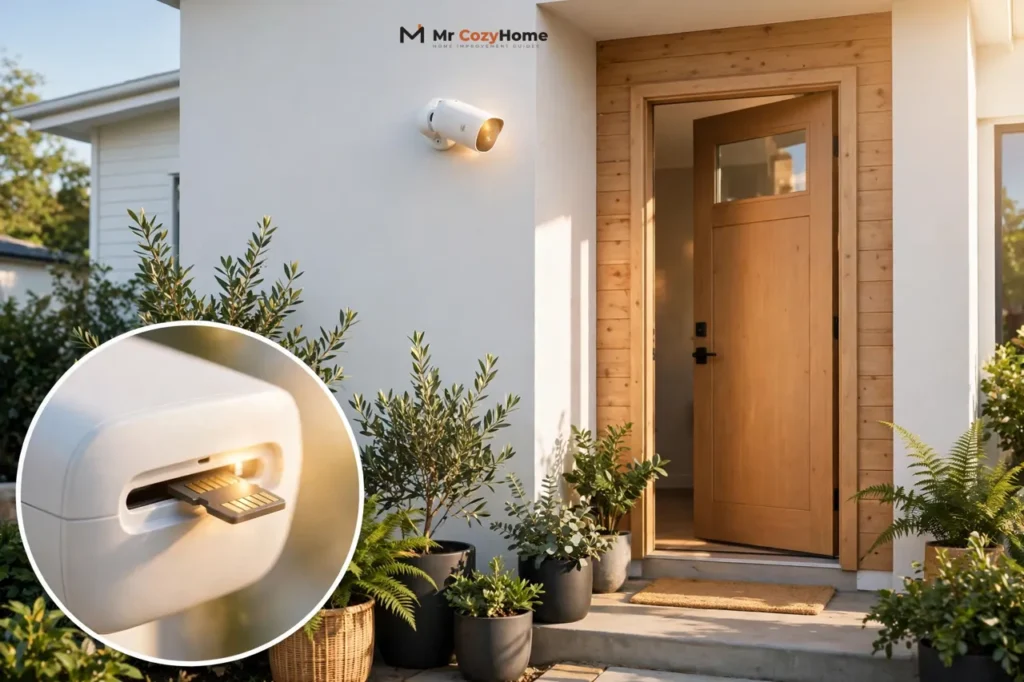
Yes, you can run a security camera without a subscription and pay $0 a month after you buy it. The trick is where the video is stored. A camera that saves clips to a microSD card, a home hub, or a recorder in your house records and plays back for free. A camera that saves clips only to the maker’s cloud usually charges a monthly fee to keep those clips. So pick a camera with local storage, add a card or hub, and you own your footage with no monthly bill.
This guide shows you how no-fee cameras work, the four ways to store video at home, what you keep and what you give up without a plan, the best picks for most homes, and the real five-year cost of paying monthly versus buying once. Wi-Fi is assumed here. Your camera still uses your home network for alerts and live view. The question is the fee, not the connection.
What “No Subscription” Really Means
“No subscription” sounds simple, but it means three different things on the box. Learn the difference before you buy, or you may end up with a camera that shows a live view and saves nothing.
First, local-first cameras. These write video to a microSD card, a hub, or a network video recorder in your home. Recording, playback, and usually some on-device detection work with no plan. Cloud backup is an optional extra. This is the only version that truly means no monthly fee.
Second, local-capable cameras with a catch. The camera can record locally, but only if you buy an extra box, such as a hub or base station. Or it records locally but keeps its best detection features behind a plan. Blink works this way: you need a Sync Module 2 and a USB drive for local clips.
Third, cloud-only cameras with a free sliver. There is no local storage at all. The free tier gives you a live view, motion alerts, and either nothing or a short window of event clips. Ring works this way. Without a Ring plan, you get live view and motion alerts but no saved recordings to look back at.
One more distinction matters. “No subscription” is not the same as “no Wi-Fi.” Every camera in this guide still needs your home network for app access, alerts, and live view. A camera for a property with no internet at all is a different product. If that is your situation, read our guide to security cameras without Wi-Fi, which covers offline recording, cellular cameras, and what happens when the network drops.
How a Security Camera Works Without a Subscription
A no-fee camera follows four simple steps, and none of them needs a monthly plan.
- Detect. The camera spots motion, or a person, pet, or vehicle if it has on-device detection.
- Record. It saves a clip, or records around the clock on wired systems, to local storage in your home.
- Alert. Your phone gets a push notification through the brand’s free app.
- Play back. You watch live video or replay the clip from that local storage.
Because the video stays on a device in your home, there is no monthly charge to keep it. The trade-off is simple too. If the storage device is stolen or damaged, the footage goes with it. That is why where you put the storage matters as much as which camera you buy.
Your 4 Local Storage Options
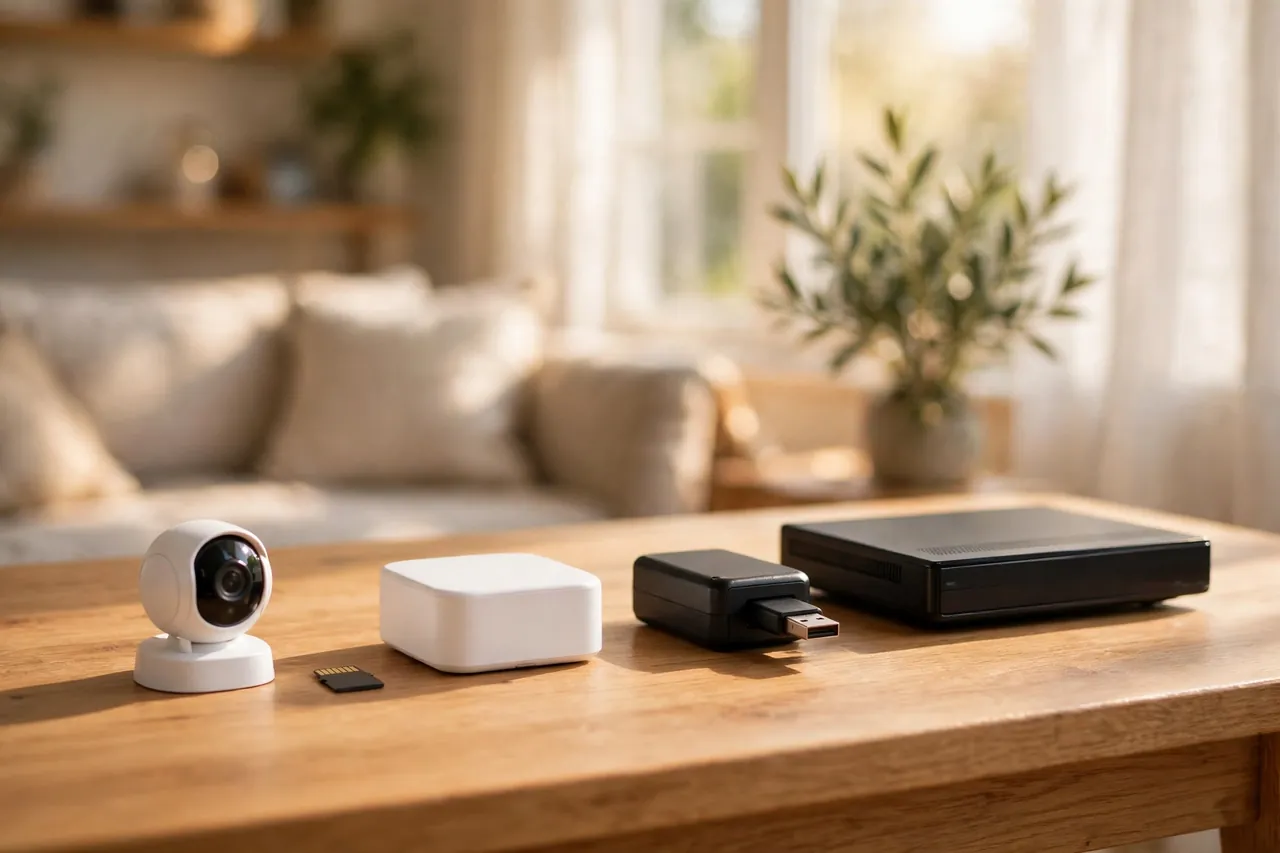
Local storage comes in four forms. Each one fits a different home and a different number of cameras.
Local storage options compared
| Storage option | How it works | Best for | Watch out for |
|---|---|---|---|
| microSD card in the camera | Each camera saves its own clips | 1 to 3 cameras, renters | The card can be stolen with the camera |
| Hub or base station | Wireless cameras save to a box inside your home | Battery and Wi-Fi cameras | The hub must stay powered and online |
| USB drive on a sync module | Clips save to a USB stick on the hub | Blink users | Drive size limits apply |
| NVR with a hard drive | Wired cameras record to one recorder | 4 or more cameras, 24/7 recording | Needs cabling and setup |
microSD Card in the Camera
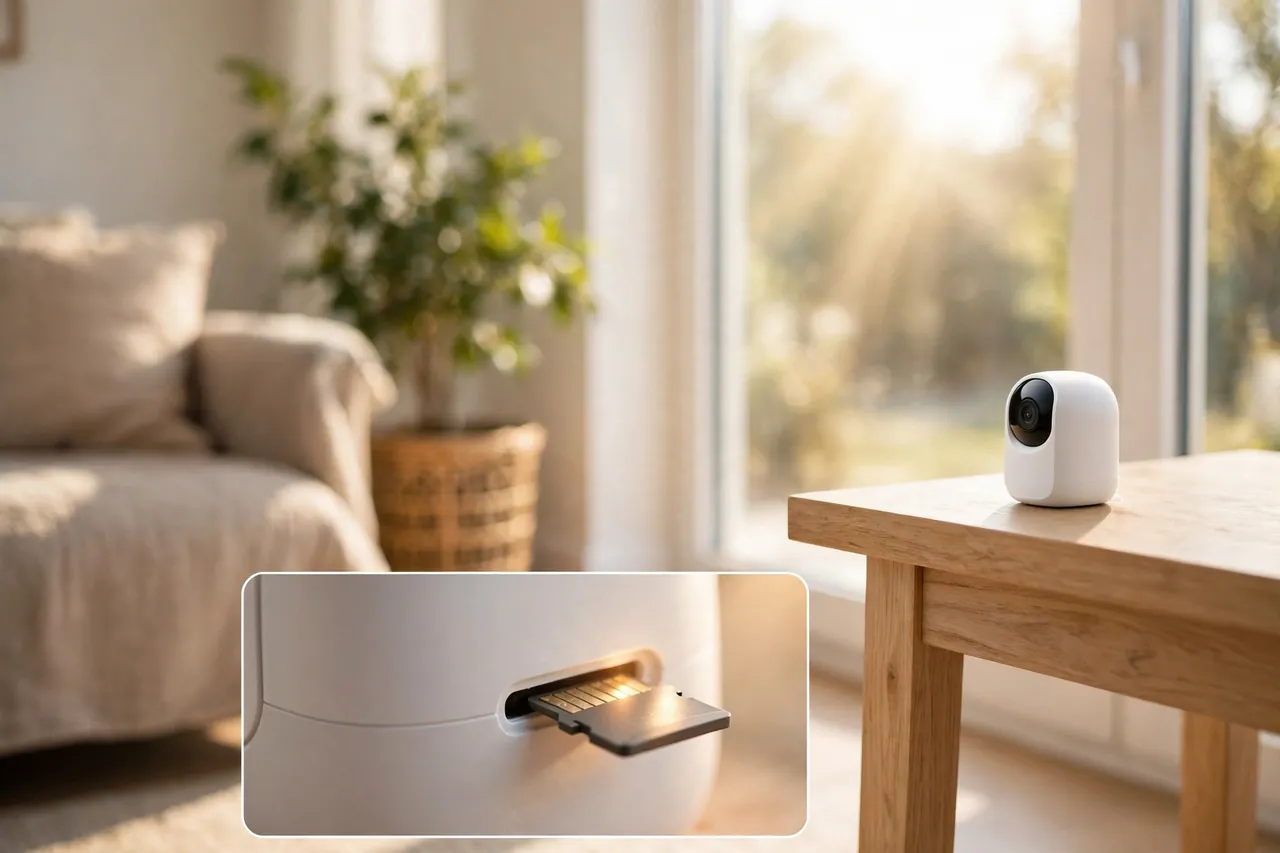
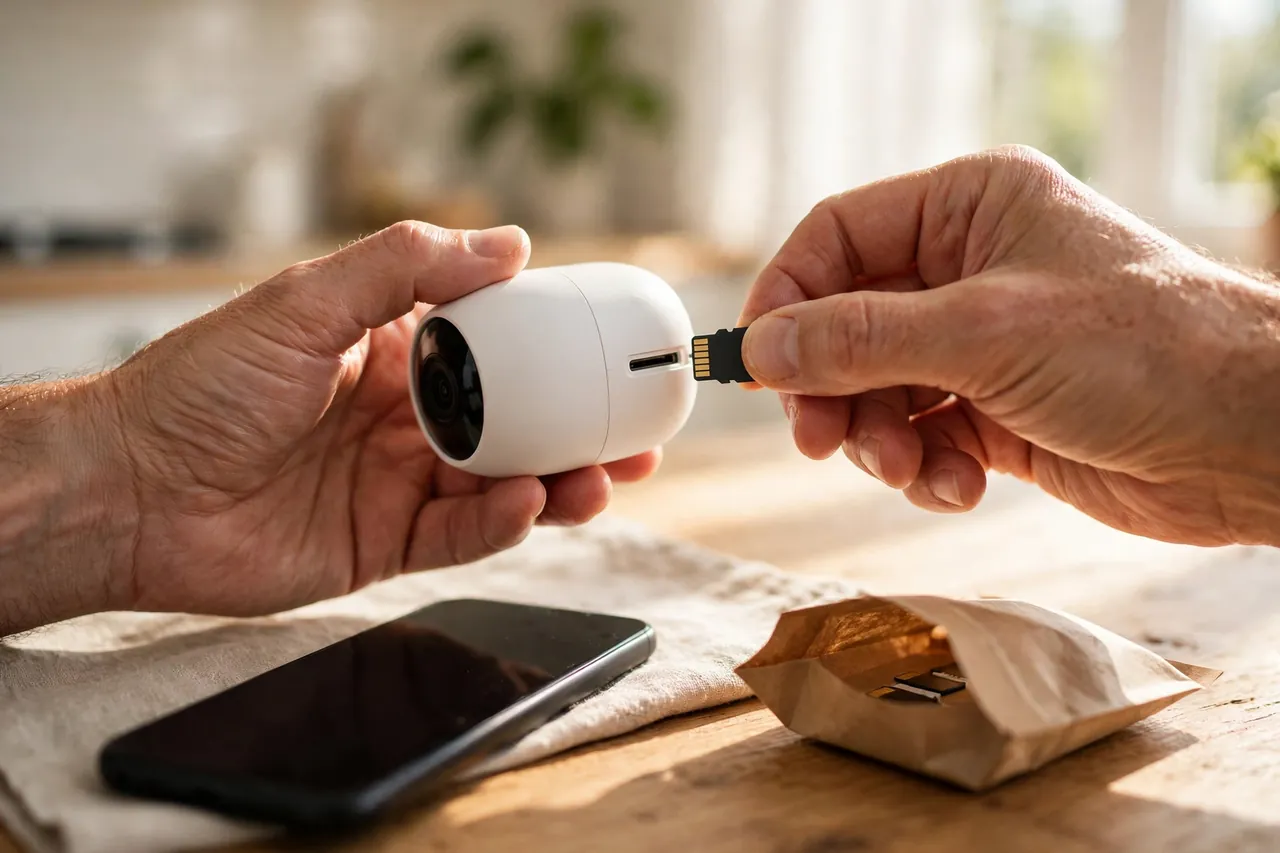
A card slots directly into the camera and records on a loop. When it fills, the oldest footage is overwritten. This is the cheapest and simplest option. Most cameras in this guide accept cards up to 512GB. Buy a high-endurance card made for continuous recording, and format it in the camera app, not on your computer.
Hub or Base Station
Cameras send footage to a small box you keep indoors, such as eufy’s HomeBase or Blink’s Sync Module. Storage is larger, and because the box lives inside, footage survives even if a camera is stolen. eufy states on its own site that its cameras write to local storage on the device, a microSD card, a HomeBase, or an NVR, and you can view and keep clips without a recurring fee.
USB Drive on a Sync Module
Blink cameras save clips to a USB drive on the Sync Module 2 without a subscription. Blink notes that drives over 256GB or under 1GB are not recognized. This is a good fit if you already own Blink cameras and want free local clips.
NVR or DVR With a Hard Drive
Wired camera systems record to a network video recorder, the setup pros install for whole-home coverage. One cable powers each camera and carries video, and the recorder stays safely indoors. Reolink states that its Home Hub and NVRs work without monthly fees. The Home Hub supports up to 8 Wi-Fi cameras, while NVRs record wired PoE cameras to hard drives for 24/7 recording. Choose an NVR when you have four or more cameras or want weeks of continuous video.
What You Still Get Free, and What You Lose
Skipping the subscription does not mean skipping security. On a good local-storage camera, you still get the parts that matter most. But be honest with yourself about what you give up, so the choice is yours and not a surprise later.
What you keep without a plan
| Feature | Without a subscription |
|---|---|
| Live view | Yes, in the free app |
| Motion alerts | Yes, on most local-storage brands |
| Recorded clips and playback | Yes, from local storage |
| Person, pet, and vehicle detection | Yes, on Reolink, eufy, and Tapo models that run detection on the camera |
| Two-way audio | Yes, on most models |
| Remote viewing away from home | Yes, through the free app on most systems |
What you usually lose without a plan:
- Off-site backup. Cloud plans keep a copy on a server. With local storage, a fire, a flood, or a stolen camera can mean the footage is gone for good.
- Long cloud history. Local storage loops and overwrites old clips. A bigger card or hard drive is the only fix.
- Some smart features. Wyze keeps vehicle and package detection behind Cam Plus, and Blink keeps person detection behind its plan. Reolink, eufy, and Tapo include person, pet, and vehicle detection free on the models named below.
- Professional monitoring. A camera alerts you. It does not dispatch police. That is the job of a monitored alarm, which is a separate thing.
For most homes, none of these are dealbreakers. You mainly want to see who is at the door, check on packages, and keep an eye on the yard, and a local-storage camera does all of that with no monthly bill.
The Best No-Subscription Cameras for Most Homes
There is no single best camera for every home. The right pick depends on where it mounts, how it gets power, and how many cameras you need. These five picks cover the common cases, and each one records locally with no required plan.
Reolink Argus 4 Pro: Best Overall
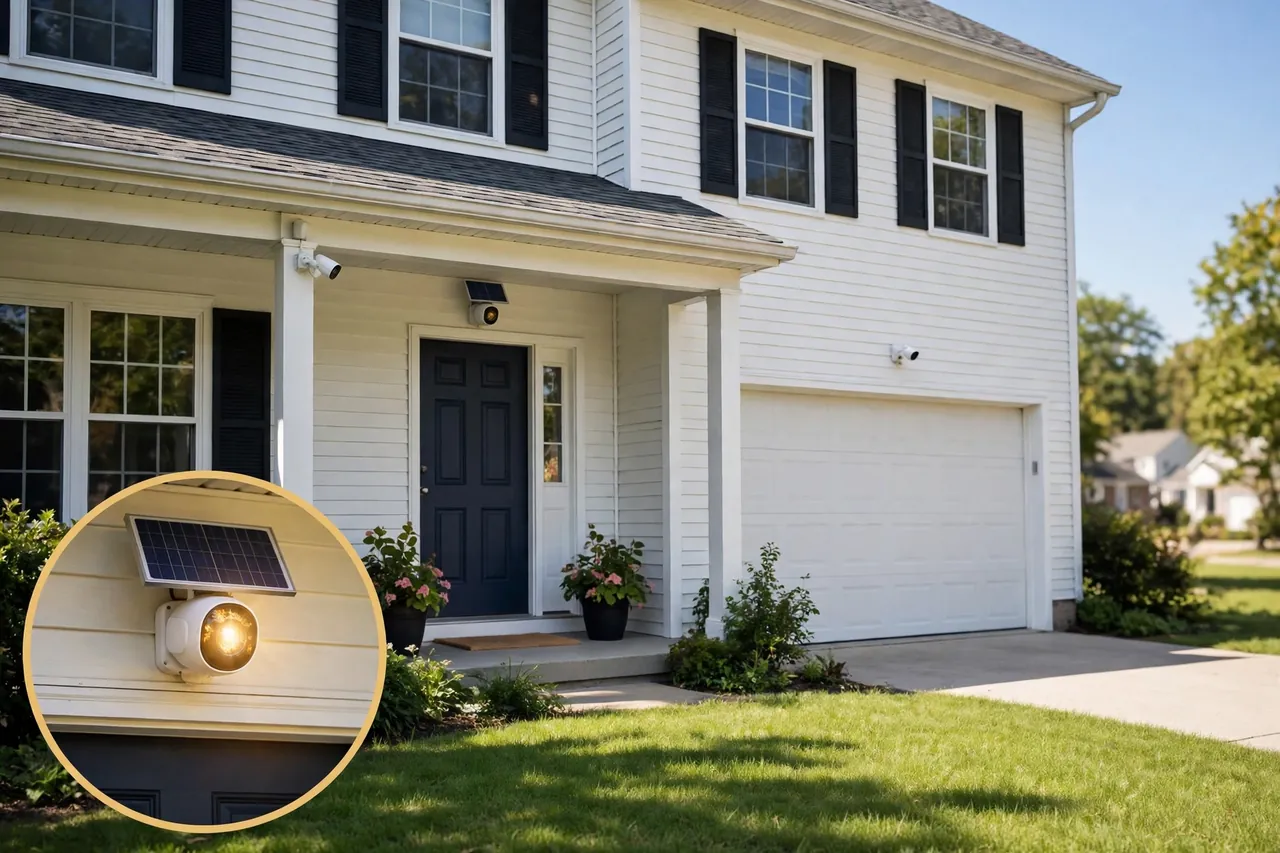
The Reolink Argus 4 Pro is a wire-free 4K camera with a 180-degree dual-lens view and color night vision that shows color in near darkness. It runs person, vehicle, and animal detection on the camera itself, so no AI subscription is needed. Footage saves to a microSD card up to 512GB or to a Reolink Home Hub. Reolink lists the Argus 4 Pro at $179.99 on its own US store, checked on November 6, 2026. It takes an optional solar panel, so it can run for months without a charge.
Wyze Cam v4: Best Budget
The Wyze Cam v4 is the cheapest genuinely good camera in this guide. Wyze lists it at $35.98 on its own site, checked on November 6, 2026. It records 2.5K video, has color night vision, and works indoors and outdoors. Pop in a microSD card and it records continuously with no subscription. Wyze includes person detection free, but vehicle and package detection need Cam Plus. For a budget camera at a back door or garage, that trade-off is easy to live with.
eufy Cameras With HomeBase: Best Hub Storage
eufy is the pick if you want the simplest app and never want to think about a card in each camera. Footage routes to a HomeBase you keep inside the house, so a stolen camera does not take the recordings with it. The HomeBase S380 has 16GB built in and expands up to 16TB with an added drive. eufy lists the HomeBase S380 at $199.99 on its own store, checked on November 6, 2026. On-device AI runs on the hub, and eufy states there is no monthly fee for local storage.
TP-Link Tapo C120: Best Value Plug-In
The Tapo C120 is a plug-in 2K camera for indoors or out, with free person, pet, and vehicle detection and microSD storage up to 512GB. It mounts with a magnetic base, so you can stick it on any metal surface and move it in seconds. TapoCare, the optional cloud plan, adds cloud backup and snapshot previews in notifications, but nothing you need day to day sits behind it.
Blink Outdoor 4: Best Battery Life
The Blink Outdoor 4 runs up to two years on AA batteries and pairs with the Sync Module 2 and a USB drive for free local storage. The trade-off is resolution: 1080p instead of 2K or 4K, and person detection needs a plan. Basic motion alerts are free. Pick Blink when battery life and range matter more than sharp video, such as at a detached garage or a far corner of the yard.
Total Cost: Upfront vs Monthly
A cheap camera with a monthly plan is rarely cheap. Run the numbers over five years before you buy, because the plan is where the real money goes.
Five-year cost: one camera, no plan vs a monthly plan
| Setup | You pay now | Monthly fee | 5-year total |
|---|---|---|---|
| Reolink Argus 4 Pro + 128GB card | About $195 | $0 | About $195 |
| Wyze Cam v4 + 128GB card | About $51 | $0 | About $51 |
| Ring camera + Ring Protect Basic | Camera price | $4.99 per month | Camera price + $299.40 |
| Wyze camera + Cam Plus | Camera price | $2.99 per month | Camera price + $179.40 |
| Any camera + $10 per month plan | Camera price | $10 per month | Camera price + $600 |
Ring states on its own site that Ring Protect Basic starts at $4.99 a month per device, checked on November 6, 2026. That is $59.88 a year, or $299.40 over five years, for one camera. Wyze states that Cam Plus is $2.99 a month, checked on November 6, 2026. That is $35.88 a year, or $179.40 over five years, for one camera.
Now scale it up. Four cameras on a $4.99 per-camera plan cost about $240 a year. Four cameras on a $10 per-home plan cost $120 a year. A local-storage system with four cameras costs the hardware once, plus a card or a hub, and then nothing each month. The more cameras you own, the more the no-fee route saves you.
Two costs still sit on your side of the ledger. A high-endurance microSD card costs about $15 for 128GB, and cards wear out after years of constant rewriting. A hub such as the HomeBase S380 costs $199.99 up front. Both are one-time costs that never bill you again.
Free Cloud Tiers and Their Limits
Some cameras offer a free cloud tier instead of local storage. Know exactly what each free tier gives you, because “free” can mean very little.
- Ring: live view and motion alerts only. No saved recordings without a plan. Ring Protect Basic, at $4.99 a month per device, is the only way to keep clips.
- Google Nest: about 3 hours of event history, then it is gone. Longer history and smart alerts need a plan starting at $8 a month.
- Arlo: live view and alerts, but no cloud recordings without a plan. Some Arlo systems record locally through a compatible SmartHub.
- Wyze: a thin free cloud tier with short clips, plus free local recording if you add a microSD card. Cam Plus adds 14-day cloud event videos and full AI detection.
- Tapo: full local recording free. The optional TapoCare plan adds cloud storage for 30 to 180 days and extra AI features.
The pattern is clear. Brands that sell cheap hardware and charge for the cloud give you the least for free. If a camera has no card slot and no hub option, its free tier is the whole product, so read the fine print for that exact model before you buy.
How to Set Up Local Recording in 7 Steps
Setup takes about 20 minutes for one camera. Follow these steps in order and test playback before you call the job done.
- Pick the storage first. Decide on a microSD card, a hub, or an NVR before you buy the camera, and check the maximum card size that model accepts.
- Buy a high-endurance card. Use a card made for continuous recording. A cheap standard card wears out fast under constant rewriting.
- Format the card in the camera app. Format it in the app, not on your computer, so the camera sets it up the way it expects.
- Choose the recording mode. Motion or event clips save space. Continuous 24/7 recording needs a hub or NVR with a hard drive.
- Set activity zones. Draw zones that ignore the street and trees, and turn on person detection if your model includes it free.
- Turn on loop recording. Loop recording overwrites the oldest footage automatically, so the camera never stops for a full card.
- Test playback on mobile data. Open the app away from home Wi-Fi and replay a clip. If it plays, remote access works. If it does not, fix it now, not after an incident.
If you use plug-in cameras, a Wi-Fi smart plug gives you one handy trick: you can power-cycle a frozen camera from your phone instead of climbing a ladder to unplug it. It is a small add-on, but it saves a real headache.
How Much Storage Do You Need?
Storage depends on resolution, compression, how much motion your camera sees, and whether you record motion clips or 24/7. Motion-only recording uses far less space than continuous recording, so a 128GB card in a single camera can often hold weeks of clips.
Use this simple rule of thumb. For one or two cameras that record motion clips only, a 128GB high-endurance card per camera is plenty. For a busy front door or a camera that records continuously, step up to 256GB. For four or more cameras, skip cards and buy a hub or an NVR with a hard drive. A 2TB drive holds about three weeks of continuous video from four cameras recording at 2 Mbps, and a camera at 2 Mbps uses roughly 22GB a day. Treat that as an estimate, because busy scenes use more space than a quiet hallway.
Protect Your Local Footage
Local storage puts you in charge, and that includes protecting the footage. Five habits cover most of the risk.
- Hide the hub or recorder. Put it in a closet or a hidden spot, not next to the front door where a burglar looks first.
- Mount cameras out of easy reach. High enough to resist tampering, but low enough to capture faces. Use anti-theft mounts where a camera is easy to grab.
- Overlap your cameras. Aim one camera so it records another. If one camera is taken, the other one caught it.
- Lock down the account. Use a strong, unique password and turn on two-step verification. Keep the firmware updated so known holes get patched.
- Back up what matters. Export important clips to your computer. Some brands let you add an optional cloud plan later, or only on the one camera that matters most.
When a Subscription Is Actually Worth It
A subscription is not always a bad deal. It is a bad deal when you pay it without knowing what it buys. Pay when you need off-site backup for the one camera that covers the main entry and you cannot risk losing that footage to theft or fire. A hybrid setup works well: local recording free on every camera, plus a cheap cloud tier only on the one that matters most.
Pay too when you want smart alerts your camera keeps behind a paywall. If you own Wyze cameras and want vehicle and package detection, Cam Plus at $2.99 a month buys it. And if you would rather pay $10 a month than think about cards, hubs, and loop recording, that is a fair trade if you choose it on purpose. What wastes money is paying for a plan on a camera that already records everything locally for free.
Pair the Camera With Your Door Security
A camera shows you what happened. A lock decides who gets in. Together, they cover the front door far better than either one alone.
When a camera alerts you to a visitor, a smart key lock lets you open the door from your phone instead of leaving a key under the mat. If you want to check who came and went, the smart lock app keeps the lock history in one place. And if you are choosing the lock itself, our guide to the best smart deadbolt compares the strongest options for a front door. Cameras and locks are separate buys, but they solve the same problem: know who is at your door, and control whether they come in.
How to Pick the Right One for Your Home
Four quick questions settle most decisions. Answer them in order, and the right camera usually picks itself.
How many cameras do you need? One or two cameras: go with microSD cards. Three or four: a hub system such as eufy with HomeBase keeps everything in one place. Four or more, or 24/7 recording: a wired NVR system is the honest answer.
Where does it mount? A spot with an outlet nearby suits a plug-in camera such as the Tapo C120 or Wyze Cam v4. A spot with no outlet needs battery or solar, such as the Reolink Argus 4 Pro or Blink Outdoor 4.
What must be free? Write down the features you refuse to pay for: recording, playback, person detection. Then check that exact model, not the brand in general. One brand can offer free detection on one model and charge for it on another.
What is your home like? An apartment or rental suits one or two indoor cameras with microSD cards. No drilling, nothing to leave behind when you move. A typical house suits three or four battery or solar cameras on a hub, covering the front door, back door, driveway, and garage. A larger property suits a wired PoE kit with an NVR.
Related Guides
Security Cameras Without WiFi: How They Work and What to Buy
Frequently Asked Questions
Are there home security cameras with no monthly fee at all?
Yes. Cameras that store footage locally, to a microSD card, a hub, or a base station, record and let you review video at no monthly cost. Reolink, eufy, Wyze, Blink, and Lorex all offer no-fee local storage. Just check the exact model first, because some brands keep smart detection or longer history behind a plan.
What’s the best outdoor security camera without a subscription?
For most homes, the Reolink Argus 4 Pro is the strongest overall pick: 4K video, a 180-degree view, solar power, and on-camera person and vehicle detection with no AI subscription. It lists at $179.99 on Reolink’s own store, checked on November 6, 2026. For a budget outdoor pick, the Wyze Cam v4 records to microSD at $35.98.
Do Ring cameras work without a subscription?
Only partly. Without a Ring plan, you get live view and motion alerts, but no saved recordings to look back at. To keep clips, Ring requires a subscription starting at $4.99 a month per device. If you want $0 a month, choose a local-storage camera instead.
Are there security cameras that work without a subscription?
Yes. Many cameras from Reolink, eufy, Blink with Sync Module 2, Lorex, and TP-Link Tapo record to local storage and send free motion alerts. The key is the storage: a camera with a microSD slot, a hub, or an NVR records without a plan, while a cloud-only camera usually does not.
How long can a camera store video without a subscription?
It depends on storage size, resolution, and whether you record motion clips or 24/7. A microSD card can hold days to weeks of motion clips, while an NVR with a large drive can hold weeks of continuous video. A 128GB card suits most single cameras, and a 2TB drive suits a four-camera system.
Can I view my cameras away from home without paying?
Usually yes, through the brand’s free app. Remote viewing does not require a cloud recording plan on most no-subscription systems. Test it before you rely on it: open the app on mobile data, away from home Wi-Fi, and replay a clip to confirm it works.
Start with one camera and a high-endurance card. Pick the spot that worries you most, usually the front door, set up local recording, and test playback on mobile data. If it works the way you want, add cameras the same way. You will know within a week whether the no-fee setup fits your home, and you will not have spent a dollar on a monthly plan to find out.