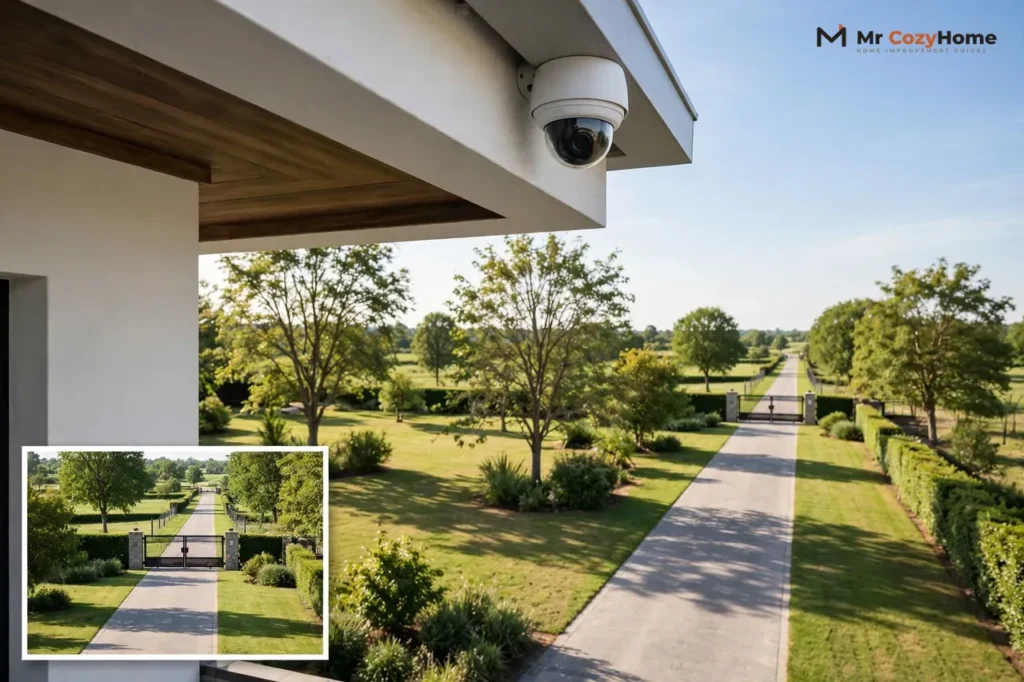
A pan tilt zoom security camera is a motorized camera that turns left and right, tilts up and down, and zooms in on distant details, all by remote control. PTZ stands for pan, tilt, and zoom, and a true PTZ camera does all three. You steer it from your phone app or recorder, or you let it move on its own with saved positions and auto-tracking. One well-placed PTZ camera can watch a whole yard, then zoom in close enough to read a face or a license plate.
That sounds like the perfect camera, and for a big open space it often is. But a PTZ camera has one hard limit you must plan around: it only records where it points. This guide explains what each movement does, how optical zoom really works, when a PTZ beats a fixed camera, what one costs, and how to pick and set up the right one for your home.
What Is a Pan Tilt Zoom Security Camera?
A pan tilt zoom security camera is a security camera with small motors inside that aim the lens for you. Instead of pointing the camera once during install and never touching it again, you can move it any time from your phone, your computer, or your recorder. Many models can also move by themselves.
Think of it like this. A fixed camera is a pair of eyes locked in one direction. A PTZ camera is a head on a neck: it can look around, look up and down, and lean in for a closer look. Reolink, one of the biggest camera makers, puts it plainly in its PTZ guide: a PTZ camera is “an agile security device capable of rotating horizontally, tilting vertically, and zooming in on distant details,” while a static camera can only watch one view. You can read that guide here: Reolink’s What Is a PTZ Camera guide.
Each letter in PTZ names one movement. A camera needs all three to earn the name. If a camera only pans and tilts but has no optical zoom, it is a PT camera, not a PTZ camera. If a camera has a zoom lens but cannot move, it is just a varifocal camera. Knowing the difference saves you from paying PTZ money for a camera that cannot do the job.
Pan: Turning Left and Right
Pan is the sideways sweep. The camera turns left and right, like you turning your head to scan a room. Most outdoor PTZ domes pan a full 360 degrees, and many spin endlessly with no stop point, so they can keep turning in the same direction forever.
Pan is what lets one camera cover a wide yard, a long driveway, or a whole parking area. You mount it high on a corner, and it can look at the front gate one moment and the side fence the next. But remember the golden rule: it looks at one direction at a time. Panning to the gate means it stops watching the back door until it turns back.
Tilt: Pointing Up and Down
Tilt is the up-and-down nod. The camera points up toward the horizon or down toward the ground. Most outdoor PTZ cameras tilt from just above the horizon down to straight below, roughly minus 2 degrees to 90 degrees.
Tilt matters more than most buyers expect. A camera mounted high on a wall needs to tilt down steeply to see someone standing right below it. A camera watching a sloped yard needs to tilt up to see the far fence. Before you buy, check the tilt range on the spec sheet and picture your yard from the mount point. A tree branch or a roof edge in the way can block the tilt you need.
Zoom: Getting Closer Without Moving
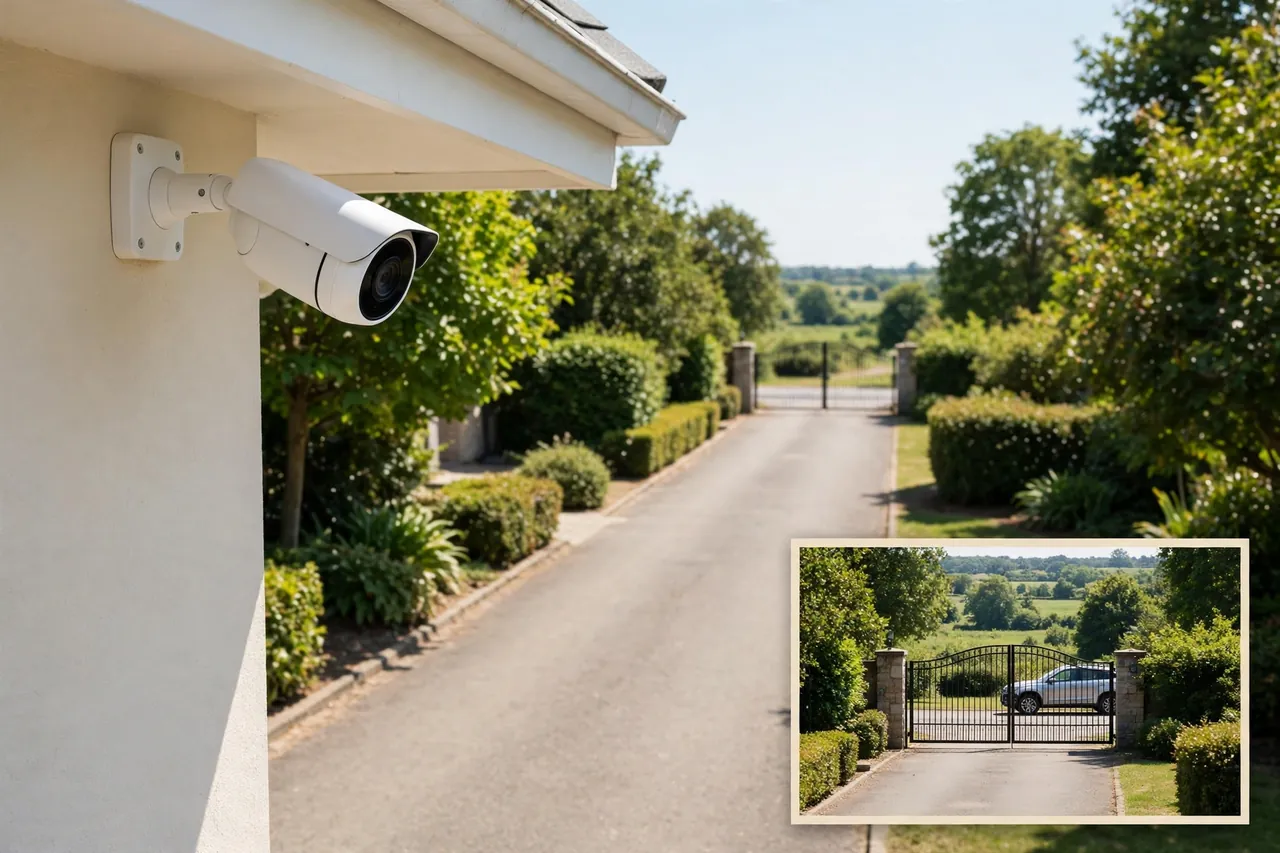
Zoom is the magic trick, and it is also where most buyers get fooled. Zoom uses a motorized lens to magnify a distant subject, so a person 100 feet away fills the frame like someone standing close. A good PTZ lens can read a license plate across a yard or pick out a face at the far end of a driveway.
Zoom works hand in hand with pan and tilt. You pan to the far corner, tilt down to the gate, then zoom in to see who just walked through it. That three-step move is the whole point of a PTZ camera, and no fixed camera can do it.
Optical Zoom vs Digital Zoom: The Number That Matters Most
Optical zoom and digital zoom sound alike, but they do opposite things to your picture. Optical zoom physically moves glass lens elements inside the camera to magnify the scene before the sensor captures it. The magnified image keeps the camera’s full resolution, so faces and plates stay sharp.
Digital zoom does no such thing. It crops a small piece of the picture you already captured and stretches those same pixels bigger. The closer you go, the blockier and blurrier the image gets. Digital zoom can help a little on recorded footage, but it cannot create detail that was never captured.
Here is the trap to watch for. Some sellers multiply optical zoom by digital zoom and print the big number on the box. A camera with 22X optical zoom and 10X digital zoom gets advertised as “220X zoom.” That number is meaningless. Only the optical figure tells you how much real detail you will get at distance, so look for it next to the focal length in millimeters, such as 5.3–86mm. Security Camera King’s PTZ guide warns buyers about this exact trick, and it is worth reading before you shop: Security Camera King’s pan tilt zoom camera guide.
How much optical zoom do you need? Use this simple guide.
- 2X to 5X optical zoom: small yards, patios, and indoor spaces. Enough to check who is at the door from across a small yard.
- 5X to 10X optical zoom: a typical suburban yard or driveway. You can pick out faces and plates at the far end.
- 16X to 25X optical zoom: long driveways, large lots, and farm gates. This is the sweet spot for most big properties.
- 25X to 40X optical zoom: very large sites, long fence lines, and commercial yards. Overkill for most homes, and it needs a rock-solid mount.
One more warning: zoom magnifies shake as well as detail. At 25X zoom, a little wind wobble on a flimsy pole looks like an earthquake on screen. Mount a high-zoom PTZ on a solid wall or a sturdy bracket, never on a thin, swaying post.
How Auto-Tracking, Presets, and Tours Work
A PTZ camera becomes truly useful when it moves on its own. Three features do most of that work: presets, tours, and auto-tracking. Learn them before you buy, because a cheap PTZ often has only one of the three.
Presets: Your Saved Views
A preset is a saved position, including the zoom level. You aim the camera at the front gate, save it as Preset 1, then aim it at the driveway and save that as Preset 2. Later, one tap sends the camera back to that exact view. Step motors inside the camera move in precise increments, which is why it can return to the same spot again and again.
Make Preset 1 your main overview, the wide shot of your whole yard. Many features, including auto-tracking, return to Preset 1 when they finish. Keep your preset list short. Five views you actually use beat twenty you never call up.
Tours: Automatic Patrols
A tour, also called a patrol or cruise, cycles the camera through your presets on a schedule. It sits at the gate for ten seconds, moves to the driveway, waits, then checks the side yard, and repeats. You set the dwell time, how long it stays at each stop.
Tours sound great, but use them with care. While the camera tours the side yard, nobody watches the front gate. Set dwell times long enough to capture something useful, not a two-second glance. And do not run a tour around the clock just because you can: constant motion wears the motors faster.
Auto-Tracking: The Camera Follows Movement by Itself
Auto-tracking is the feature most buyers actually want when they say “PTZ.” The camera detects a moving person or vehicle, locks on, and pans and tilts to keep them in the center of the frame as they walk across your property. When the person leaves or the timer ends, the camera returns to its home preset.
Here is the catch many shoppers miss: PTZ does not always mean auto-tracking. They are two different features. Some PTZ cameras only move when you steer them in the app. If tracking matters to you, check the spec sheet for the exact words “auto-tracking” or “smart tracking” before you buy.
Auto-tracking works best in low-traffic areas like a backyard or a driveway overnight. In a busy spot, such as a sidewalk full of walkers, it can chase one person after another and never settle. Draw your tracking zones where people approach your property, not across a public road, and leave some margin so the camera sees the target before it crosses the line.

PTZ vs Fixed Camera: Which One Wins Where?
The honest answer is that neither type wins everywhere. They do different jobs, and the strongest home setups pair them. Fixed cameras guard the spots that must never go unwatched. A PTZ camera adds reach and detail over the open areas between those spots.
Use this table to decide where each one belongs on your property.
Table: PTZ camera vs fixed camera at a glance
| Question | Fixed camera | PTZ camera |
|---|---|---|
| What does it watch? | One view, all the time | Any view you aim it at, one at a time |
| Best for | Doors, gates, and driveways that need constant recording | Large yards, long driveways, and open lots |
| Zoom | Usually no optical zoom | Optical zoom, often 5X to 25X or more |
| Control | None needed after install | App, recorder, or automatic tracking |
| Cost | Generally lower | Generally higher |
| Weakness | Cannot look elsewhere | Blind wherever it is not pointing |
A PTZ camera can cover a large area over time, but it cannot replace a fixed camera at your front door. If someone walks up while your PTZ is zoomed in on the far fence, that visit goes unrecorded. That is why installers put fixed cameras on every entrance first, then add one PTZ for the yard. If you want the best of both worlds in a single unit, some dual-lens models pair a wide fixed lens with a PTZ lens, so the overview never disappears while the zoom lens tracks a target.
For the full picture on fixed-camera coverage, see our guide to outdoor motion-activated cameras, which covers the spots a PTZ should never leave unguarded.
When a PTZ Camera Is Worth It — and When It Is Not
A PTZ camera earns its price when your property is big, open, or changing. It is worth it when you have a large yard, a long driveway, a farm gate, or a wide lot where one fixed camera sees only a slice. It is worth it when you watch live and want to follow something as it happens. And it is worth it when you need real detail at distance, like a plate at the far gate.
It is not worth it when your home is small and your main need is a steady view of two or three doors. Three fixed cameras will serve a small home better, cost less, and never look away at the wrong moment. It is also a poor pick when nobody watches live and you never set up tracking or tours, because then the camera may sit pointed the wrong way when something happens.
Ask yourself three questions. First, is the area I want to watch wider than one fixed camera can see? Second, do I need to read faces or plates far away? Third, will I steer it, set up tracking, or both? If you answer yes to at least two, a PTZ camera is a smart buy. If you answer no to all three, spend the money on fixed cameras instead.
Types of PTZ Cameras: PoE, Wi-Fi, Battery, and Dual-Lens
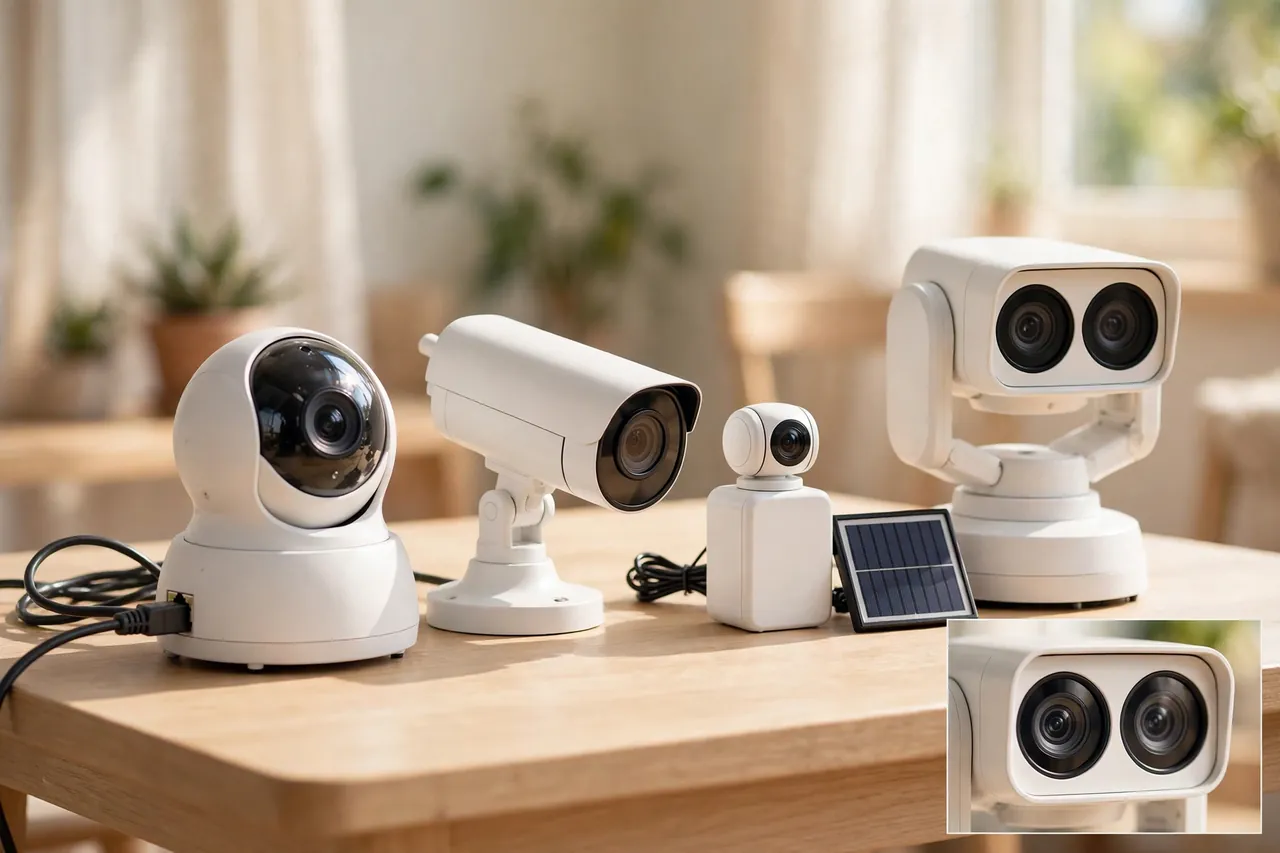
PTZ cameras come in several types, and the right one depends on your wiring, your power, and how far the camera sits from your house. Pick the type first, then compare zoom and tracking inside that type.
PoE PTZ Cameras
PoE stands for Power over Ethernet. One Ethernet cable carries both power and data to the camera, which makes PoE the most reliable choice for a PTZ camera. You get a steady connection for smooth pan and tilt control, and you never recharge a battery. Most PoE PTZ cameras record around the clock to an NVR security system, which suits a camera that never sleeps.
Check the power class before you buy. Many PTZ cameras need PoE+ or higher, not basic PoE, because the motors, heaters, and infrared lights draw more power than a fixed camera. If your switch or recorder cannot supply enough power, the camera may reboot when it pans or zooms. Keep Ethernet runs under 328 feet per run.
Wi-Fi PTZ Cameras
Wi-Fi PTZ cameras send video over your wireless network, so you only need power at the mount point. They suit homes where running an Ethernet cable is hard or ugly. The trade-off is control lag: a weak Wi-Fi signal makes the camera slow to respond when you pan, tilt, or zoom, and it can drop the live view at the worst moment.
Test the Wi-Fi signal at the exact mounting spot with your phone before you drill anything. If the signal is weak there, choose PoE instead, or move the camera closer to the router. If your internet goes down, check whether the camera still records locally; our guide to security cameras without WiFi explains how local recording works.
Battery and Solar PTZ Cameras
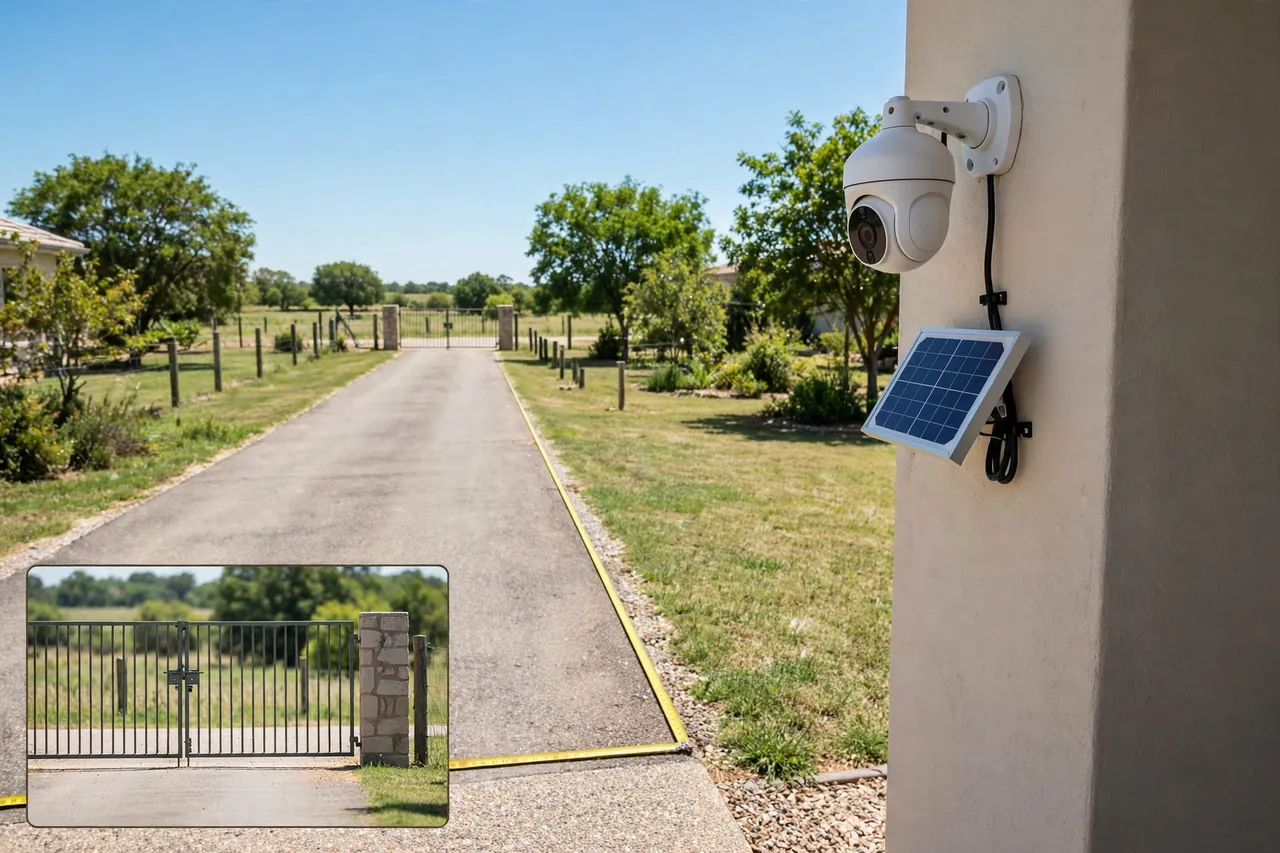
Battery PTZ cameras run on a rechargeable battery, often with a solar panel, and need no wires at all. They suit a detached garage, a garden gate, or a rental home where you cannot drill or run cables. Reolink’s Argus PT Ultra, for example, offers 4K video with 355-degree pan and 140-degree tilt on battery and solar power.
Cold weather shortens battery life, and tracking burns power fast, so a battery PTZ in a cold climate may need charging far more often than the box suggests. In cold areas, a wired camera or a solar panel is the safer choice.
Dual-Lens and Triple-Lens PTZ Cameras
A dual-lens PTZ pairs a wide-angle lens with a zoom lens in one housing. The wide lens holds the full scene while the zoom lens tracks a target, so you never lose the overview when the camera zooms in. Triple-lens models add a panoramic view on top. These cost more, but they solve the PTZ camera’s biggest weakness in one box.
How Much Does a PTZ Security Camera Cost?
PTZ cameras cost more than fixed cameras, but the range is wide. Reolink’s own buying guide puts PoE PTZ cameras into three bands: entry-level models run $100 to $250 with basic PTZ and 2X to 5X optical zoom; mid-range models run $250 to $600 with 4K video, 5X to 25X optical zoom, AI tracking, and weatherproof ratings; high-end models run $600 to $2,000 or more with 25X zoom and up, stronger low-light performance, and advanced analytics.
For a real example, the Reolink RLC-823S2, a 4K PoE PTZ camera with 16X optical zoom on a 5.3–86mm motorized lens, 360-degree pan, and auto-tracking, sells for $379.99 on Reolink’s US store, checked on November 6, 2026. You can see the full spec and price here: Reolink RLC-823S2 product page. Prices change often, so check the live price before you buy, and remember that a PoE switch, a mount, and a recorder or storage add to the total.
Do not forget the ongoing costs. Some cameras charge a monthly fee for cloud storage, while others record to a memory card or an NVR with no monthly fee. If you hate subscriptions, read our guide to a security camera without subscription before you choose, and our cloud camera guide if you do want cloud backup. A cheap camera with a $10 monthly fee costs more than a pricier camera with free local storage within two years.
How to Choose the Right PTZ Camera in 7 Steps
Follow these steps in order, and you will buy once and buy right.
- Measure your longest distance. Stand at the mount point and measure to the farthest spot you must identify, such as the gate or the end of the driveway. Pick the optical zoom that covers that distance, not the biggest number on the box.
- Decide PoE, Wi-Fi, or battery. Choose PoE for reliability, Wi-Fi where cables cannot run, and battery or solar where no power exists at all.
- Check pan, tilt, and zoom on the spec sheet. Look for 360-degree pan, a tilt range that reaches the ground below the mount, and the optical zoom figure next to the focal length in millimeters. Ignore any combined zoom number.
- Confirm auto-tracking by name. If you want the camera to follow people on its own, the spec sheet must say auto-tracking. Pan and tilt alone do not mean it tracks.
- Match the power. Check whether the camera needs PoE, PoE+, or a separate adapter, and confirm your switch or recorder can supply it.
- Check the weather rating. Outdoor models should carry at least IP65, and cold-climate homes should check the operating temperature on the spec sheet.
- Plan your recording. Decide whether footage goes to a memory card, an NVR, or the cloud, and confirm the camera works with your recorder before you order.
For a deeper look at night performance and sound, which this guide does not re-teach, see our night-vision security cameras guide and our security cameras with audio guide.
How to Set Up a PTZ Camera
Setup is simple if you plan the mount and the power first. Most PoE PTZ setups follow the same path.
- Pick a high, solid mount point. Choose a corner or a wall that sees the whole area, with clear sightlines and no branches in the way. Use the maker’s bracket and a solid surface.
- Test the connection before you mount. For Wi-Fi, check the signal at the spot with your phone. For PoE, run the Ethernet cable and confirm the camera powers up and appears in the app.
- Mount the camera and aim the home view. Set Preset 1 as your wide overview of the yard, then save presets for the gate, the driveway, and any other key spot.
- Set up tracking and tours. Turn on auto-tracking if your model has it, draw your detection zones where people approach your property, and set a tour only if it adds value.
- Test it by walking the yard. Walk through each zone yourself and watch the camera follow you, then check the recorded footage for sharp faces at full zoom.
- Lock down the settings. Change the default password, update the firmware, and confirm where footage is stored and how long it is kept.
If you plan to watch the feed on a screen indoors, pair the camera with a security camera with monitor setup, and if you want alerts without paying a monitoring company, read our home security systems self-monitoring guide.
Common PTZ Mistakes to Avoid
Most PTZ disappointments come from the same few mistakes, and all of them are easy to avoid.
- Buying on the combined zoom number. A “220X zoom” camera may have only 22X optical zoom. Compare the optical figure only.
- Mounting where Wi-Fi is weak. A laggy camera misses the moment you bought it to catch. Test the signal first.
- Expecting one PTZ to replace every fixed camera. It cannot watch two directions at once. Keep fixed cameras on your doors.
- Running a tour all day. Constant motion wears motors and leaves key spots unwatched. Tour only when it helps.
- Skipping the power check. A PTZ that needs PoE+ will fail on a basic PoE port. Check the power class before you order.
- Forgetting the indoor option. A PTZ is not always an outdoor camera. For rooms and small spaces, a pan-tilt indoor model may fit better; see our wireless indoor security cameras guide.
Related Guides
Night Vision Security Cameras: How They Work, How Far They See, and Which Type Fits Your Home · Security Camera With Monitor: The Complete Guide to Monitor-Included Systems · Wireless Indoor Security Cameras: A Simple Guide for Your Home
- Outdoor Motion-Activated Camera — the fixed-camera coverage your PTZ should never replace.
- Night-Vision Security Cameras — how far a camera really sees after dark.
- Security Cameras With Audio — two-way talk and sound detection, explained simply.
- NVR Security System — how recorders store PTZ footage around the clock.
- Security Camera With Monitor — watching your PTZ feed on a screen indoors.
- Cloud Camera — when cloud backup is worth the monthly fee, and when it is not.
Frequently Asked Questions
What is a PTZ camera?
PTZ stands for pan, tilt and zoom. The camera turns left and right, tilts up and down, and zooms optically, so one unit can cover a large area and close in on details. You control it from an app or recorder, or let auto-tracking move it for you.
Is a PTZ better than a fixed camera?
They do different jobs. A fixed camera records the same view all the time, which suits doors and counters. A PTZ covers big open areas and zooms in on demand. Most homes are best served by both: fixed cameras on entrances, plus a PTZ for the yard.
How far can a PTZ camera see?
It depends on the zoom and the night vision. In daylight, optical zoom sets how much detail you get at distance: a 16X optical zoom camera can read faces and plates far across a yard. At night, the infrared range matters as much as the zoom, so check both numbers.
Can a PTZ camera follow people automatically?
Many can. Auto-tracking locks onto a person or vehicle and follows it across the scene. Check the spec sheet for the model you are considering, because PTZ alone does not mean auto-tracking: some models only move when you steer them.
Do PTZ cameras need special power?
Usually, yes. PTZ motors, heaters and infrared lights draw more power than fixed cameras. Many IP PTZ cameras need PoE+ or higher, or a separate power adapter, so check the spec before choosing a switch. Coax models typically run on 12V DC or 24V AC.
Does a PTZ camera cover 360 degrees?
A PTZ camera may pan through a wide angle, often a full 360 degrees, but that does not mean it sees every direction at once. It points toward one area at a time, and walls or other objects can block its view. Plan for blind spots while it faces elsewhere.
The Bottom Line
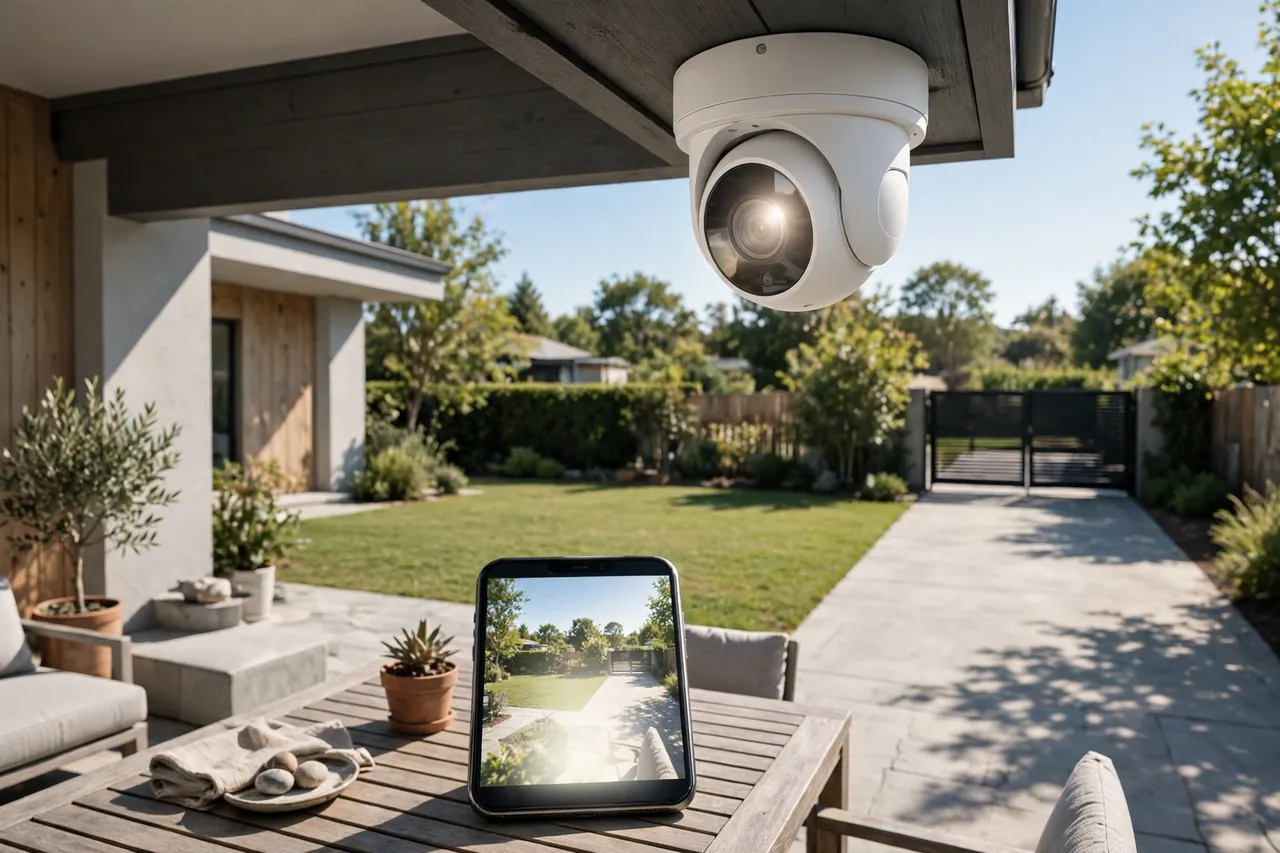
A pan tilt zoom security camera is the right tool when you need to watch a big, open space and zoom in on distant detail. It pans across your yard, tilts down to the gate, and brings faraway faces and plates into sharp focus, all from your phone. Just remember its one limit: it watches one direction at a time. Put fixed cameras on your doors, add one PTZ for the open ground, and you get the best of both. Measure your longest distance, buy on optical zoom only, confirm auto-tracking by name, and test the camera by walking your own yard before you trust it.