Yes, you can have a doorbell camera for apartments — and the best one for most renters is a battery-powered model that mounts without drilling, or a peephole camera that slides into the viewer hole your door already has. You do not need doorbell wiring, you do not need to drill into the wall, and you can take the camera with you when you move. The one step you must not skip is permission: read your lease, then get your landlord’s okay in writing before anything goes on the outside of your door.
That sounds simple, and the hardware part is. The tricky part is that an apartment door is not really yours the way a house door is. The hallway outside it is shared space, the door itself belongs to the building, and your lease probably has a line about alterations that covers more than you think. This guide walks through all of it — which type fits your door, how to install it without damage, what it costs month to month, and what to do when the answer is no.
Why Apartments Make Doorbell Cameras Tricky
A house owner drills a bracket into the siding, wires the doorbell to a transformer, and forgets about it. A renter cannot do any of that. Most apartments have no doorbell wiring at all, and most leases ban drilling, screwing into doors and frames, and any change you cannot undo at move-out. Break those rules and you risk a lease violation notice, a lost deposit, or a demand to repair the door.
Then there is the hallway. Your camera looks at shared space, so it will catch neighbors walking past, delivery drivers, and anyone visiting the unit across the hall. That is usually fine when the camera points at your own threshold, but it becomes a problem when it stares down the hall or into someone else’s doorway. Aim and audio settings matter as much as the mount.
The good news is that camera makers finally build for renters. Battery power removes the wiring problem, adhesive and over-the-door mounts remove the drilling problem, and peephole cameras remove both at once. You just have to match the right type to your door and your building’s rules.
The Three Renter-Friendly Types
Every doorbell camera for apartments falls into one of three types. Pick by your door, not by the brand name on the box.
Peephole Cameras: The Cleanest Fit for Most Apartments
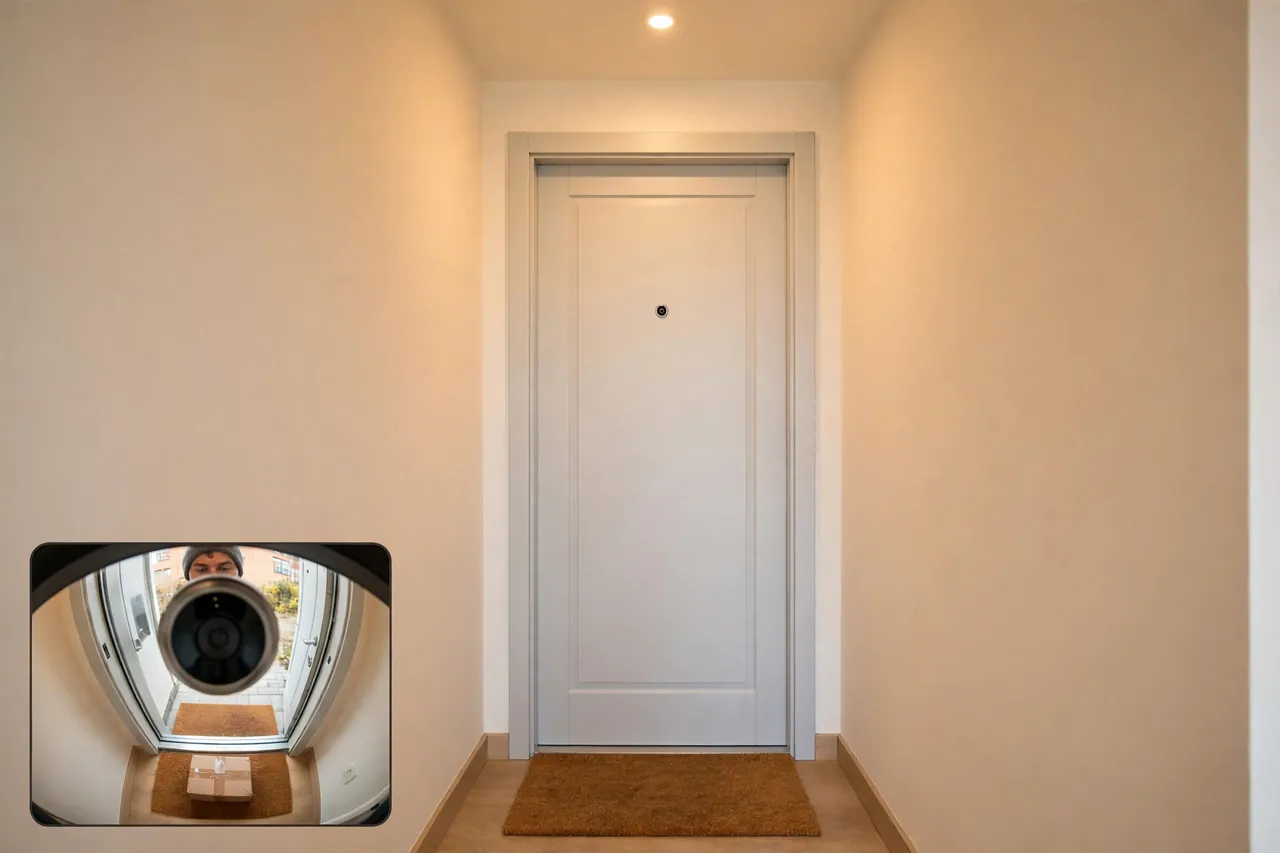
A peephole camera replaces the little glass viewer in your door with a camera that looks through the same hole. Nothing gets drilled, nothing gets wired, and nothing sticks to the wall. Ring built its newest model exactly for this life: the company describes the Peephole Cam 2K as designed for apartments and condos, with a no-drill setup that removes cleanly when you move out.
The 2026 model costs $99.99 on Ring’s US store (checked November 6, 2026) and records in Retinal 2K with a 140-degree horizontal and 140-degree vertical head-to-toe view, so you can see a visitor’s face and a package on the floor in the same frame. It runs on a rechargeable Quick Release Battery Pack that pops out from inside your home, and Ring says setup takes under 10 minutes.
Before you buy one, check two measurements. Ring says the Peephole Cam 2K fits only standard peepholes 0.47 to 0.55 inches (12 to 14 millimeters) across, and doors about 1.28 to 2.36 inches (32.5 to 60 millimeters) thick. Measure your peephole and your door edge with a ruler first. If your door has no peephole, this type is off the table unless your landlord agrees to have one drilled — and that is a much bigger ask.
Know the trade-off before you order. The new Peephole Cam 2K replaces your peephole completely, so you lose the ability to look through the door with your own eyes. Ring says you view visitors through Live View in the Ring app instead, or on a paired Echo Show. That works well until your Wi-Fi drops or your phone is in another room, so think about whether you are comfortable giving up the glass viewer that never needs power.
Battery Doorbells on a No-Drill Mount: The Flexible Choice
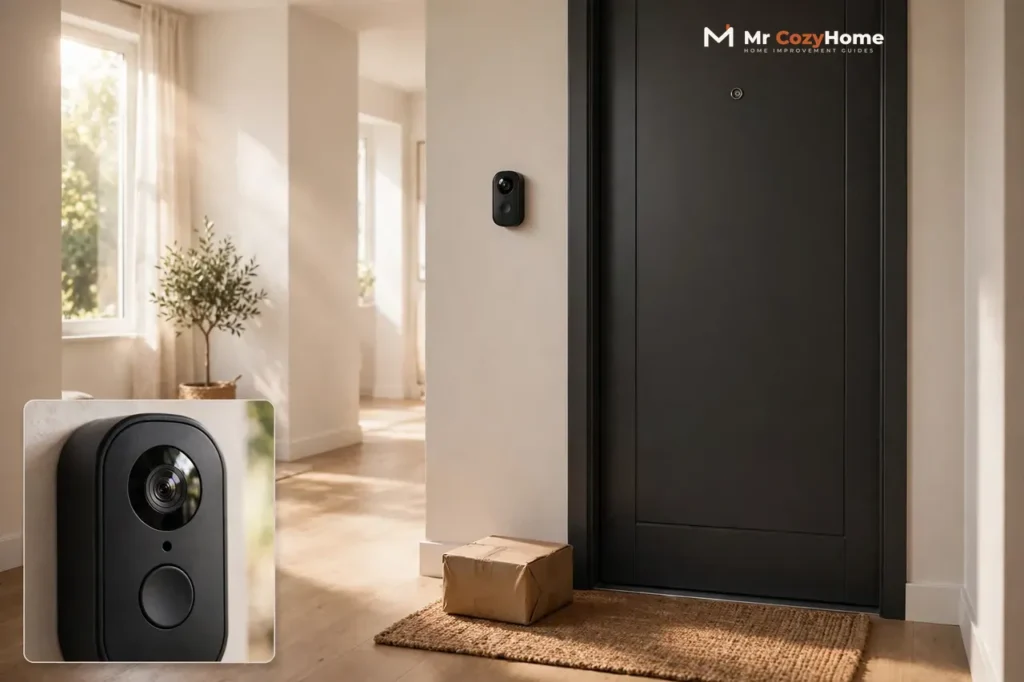
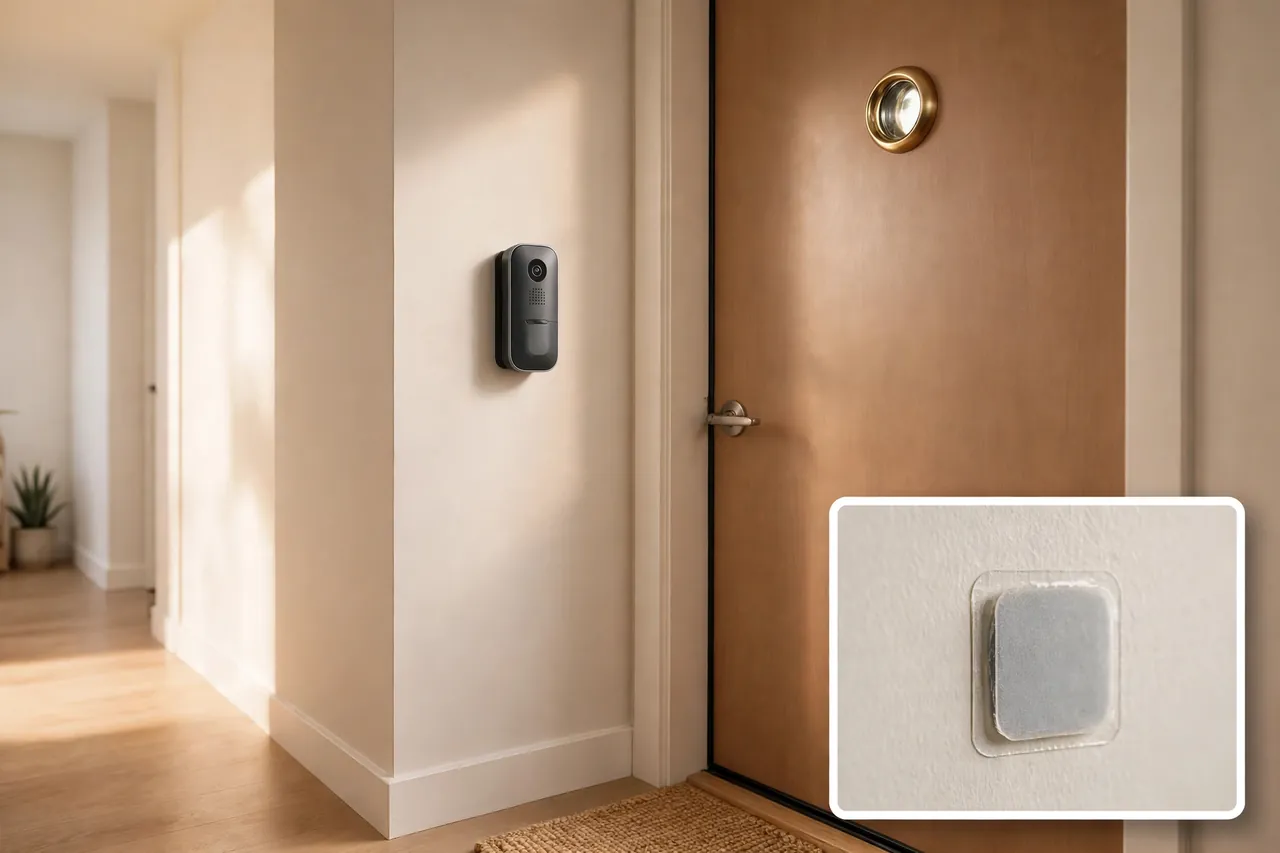
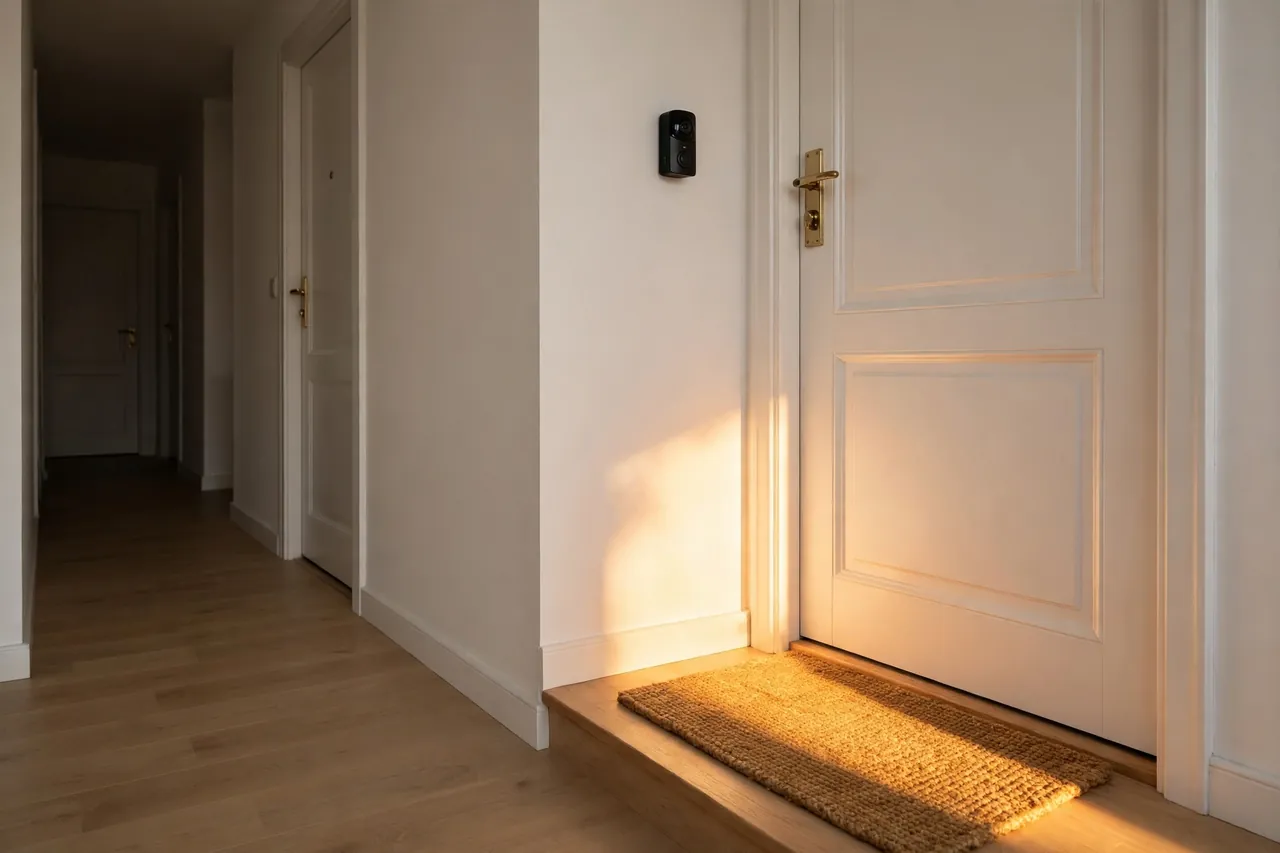
A battery doorbell is a regular video doorbell with no wires. It runs on a rechargeable battery, connects to your Wi-Fi, and rings your phone when someone presses it or walks past. The renter trick is the mount: instead of screwing the bracket to the wall, you stick it on with a strong adhesive mount or hang it from an over-the-door bracket that grips the top edge of the door.
Ring’s own adhesive option is the No-Drill Mount, made for its battery doorbells. Ring says to press it onto a clean, smooth, even surface and not to use it on glass. Third-party adhesive and over-the-door mounts work the same way for other brands. Either way, the doorbell peels off at move-out and the door looks the way you found it.
The most common starting point is the Ring Battery Doorbell 2K at $99.99 (checked November 6, 2026). It gives you the same 2K head-to-toe view as the peephole model, but you keep your peephole, and you can place the doorbell at the height and angle that suits your hallway. The catch is charging: you take the whole unit off the door every one to three months, depending on how busy your hallway is, and charge it over USB-C. A model with a removable battery pack, like the Ring Battery Doorbell 2K Plus at $179.99, lets you swap in a spare pack instead — Ring sells a spare Quick Release Battery Pack for $34.99.
Adhesive mounts have one real weakness: theft and heat. A doorbell stuck to a smooth wall in a shared hallway is easier to pull off than one screwed to a house. An over-the-door anti-theft bracket, a metal box that hooks over the door edge, holds the camera more firmly and still leaves no holes. In a hot hallway, check the mount’s temperature rating too, since adhesive grips loosen in summer heat.
Indoor and Window Cameras: The Backup When the Door Is Off-Limits
Some buildings ban anything on the outside of the door, full stop. You still have options. A small indoor camera aimed at the door from inside sees everyone who enters and catches the moment a package is handed over, though it cannot see who knocked before you open up. A camera on a windowsill facing the building entrance works in ground-floor units with a clear view. Neither one replaces a doorbell, but both beat having nothing, and neither one touches the door at all.
Our guide to wireless indoor security cameras covers the inside option in detail, including battery models you can move from room to room. If your building’s rule is “nothing on the door,” start there.
Battery vs Wired: Why Battery Wins for Renters
Battery power is the renter’s friend, and wired power is almost always the wrong fight. A wired doorbell needs a transformer, usually 16 to 24 volts, and a chime circuit your apartment almost certainly does not have. Installing one means an electrician, new wiring, and a permanent change to the building — exactly the things a lease forbids.
Battery models ask for one chore instead: charging. Expect to recharge every one to three months in a normal hallway, and more often if your door faces a busy corridor, a laundry room, or an elevator. Ring estimates more than 120 days per charge for the Peephole Cam 2K, depending on usage and settings, and that number drops fast when motion alerts fire all day. Turn down motion sensitivity, narrow the detection zone to your own doorway, and the battery lasts far longer.
If you ever do get written permission for a wired model, read our guides to hardwired video doorbells and doorbell voltage first. They explain the transformer and wiring checks that keep a wired install safe. For most renters, though, battery is the whole answer.
Landlord Permission: Get It in Writing Before You Buy
Check your lease before you buy anything. Look for the words alterations, modifications, fixtures, exterior, and cameras. Many leases ban alterations without written consent, and landlords often read a doorbell camera — even a battery one with no holes — as an alteration or a fixture. Some buildings add their own rule on top: no recording devices in common areas, or no devices on exterior doors at all.
LegalClarity, a US legal guide for tenants, puts it plainly: the safest move is to ask your landlord in writing before installing anything on the exterior of your unit, and to get the approval in writing too, because verbal permission has a way of being forgotten when maintenance does a walkthrough. That matches what renters actually experience. A friendly “sure, go ahead” in the hallway means nothing at move-out inspection.
Write a short email or message. Say the exact model, say it is battery-powered, say how it mounts with no drilling and no wiring, say it comes off at move-out, and offer to remove it on request. Attach a photo of the mount if you can. Landlords say yes far more often to a peephole camera or an adhesive mount than to screws, because there is nothing to repair later.
If the answer is no, do not install it anyway. An unauthorized camera can bring a lease violation notice, and ignoring repeated warnings can lead to eviction proceedings. Ask what would be acceptable instead — an indoor camera, a peephole viewer with no recording, or a building-approved model. A compromise keeps your deposit and your tenancy safe.
Hallway Privacy: Aim It at Your Door, Not Your Neighbors
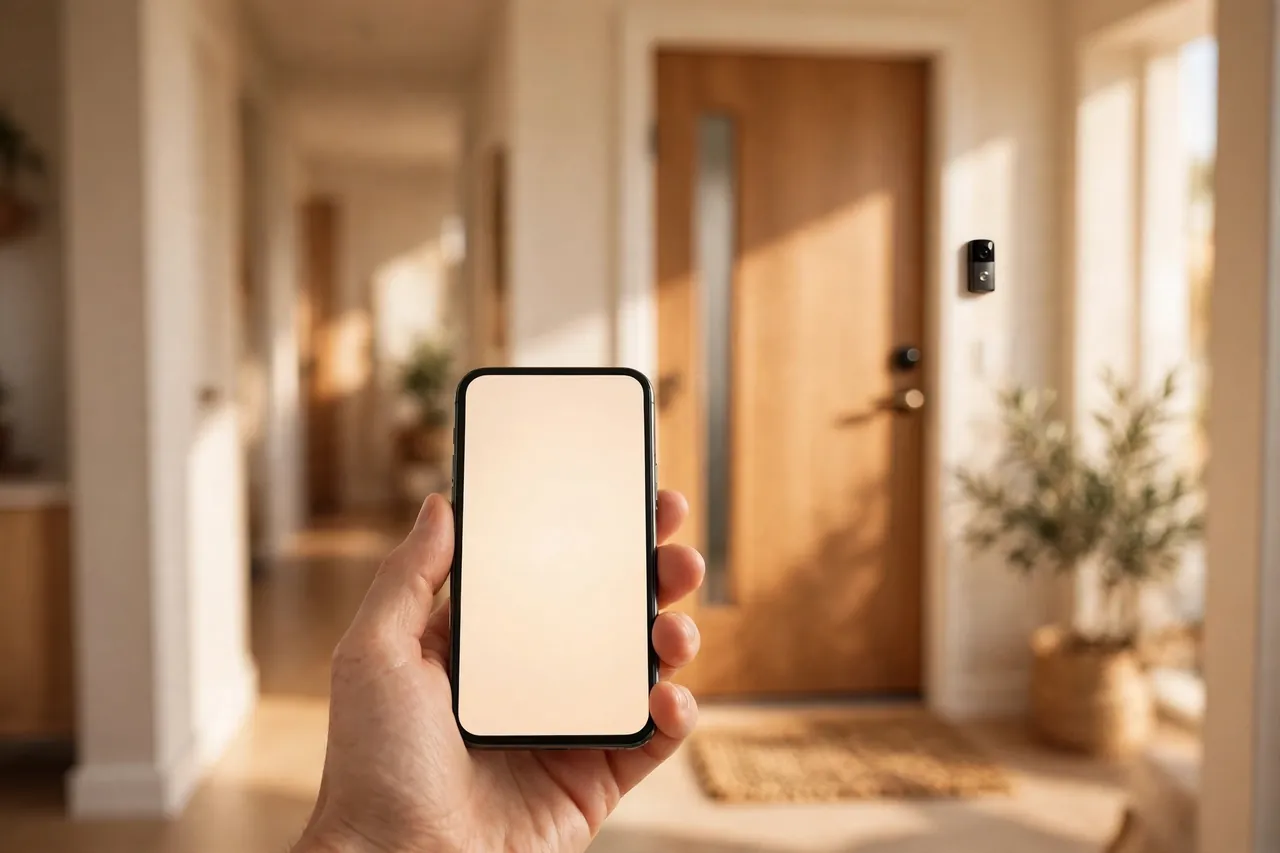
Your camera will record shared space, so set it up like a good neighbor. Point it at your own threshold and the few steps in front of your door. Do not aim it down the hallway, at the elevator, or into the unit across from you. If your camera has privacy zones, black out your neighbor’s doorway in the app. Ring calls these Motion Zones, and they also cut down on false alerts from people who were never coming to your door.
Audio needs extra care. Most doorbell cameras record sound by default, and audio recording is where the legal risk lives. Under federal law, recording a conversation is legal when at least one person in it consents, but several states — including California and Massachusetts — require every person in the conversation to consent. LegalClarity’s guide to Ring cameras in apartments warns that a landlord or tenant recording hallway conversations they are not part of can run into wiretapping law. The safe move is to turn audio recording off if your state requires all-party consent, or if your building bans it, and to keep the camera’s view tight either way.
Two more habits keep you on the right side of your neighbors. Tell the people next door that you have a doorbell camera and what it sees, and do not share hallway clips on social media or group chats. A camera that protects your packages should not become the building’s gossip feed.
What It Costs: Hardware, Subscriptions, and the Real Total
The sticker price is only the first number. Most doorbell cameras charge a monthly plan for the feature renters want most: saved recordings you can rewatch after a package goes missing.
Ring does not require a subscription for Live View, Two-Way Talk, or real-time motion alerts. You can see and speak to a visitor for free. But without a plan, you cannot review or save recorded video. Ring Solo costs $4.99 a month or $49.99 a year for one device, and Ring Multi costs $9.99 a month or $99.99 a year for every device at one location. The Peephole Cam 2K includes a free 30-day trial, so test whether you actually rewatch clips before you pay for a year.
That math changes the “cheapest” pick. A $99.99 Ring Battery Doorbell 2K plus a year of Ring Solo costs $149.98 in year one. A Eufy Video Doorbell E340, about $169.99 to $180 from secondary retailers, stores clips on 8 GB of built-in memory with no monthly fee at all. A Blink Battery Doorbell 2K+, about $70 from secondary retailers, runs up to two years on two AA lithium batteries, but it only saves clips locally if you add a Sync Module 2 and a USB drive. If you hate monthly fees, our guide to the best video doorbell without subscription compares the no-fee options in full.
Budget for the small extras too: a spare battery pack ($34.99 for Ring), an adhesive or over-the-door mount if it is not in the box, and a chime if you want to hear the bell inside without your phone nearby. Add it up before you buy, not after.
How to Install a Doorbell Camera in an Apartment Without Drilling
Every no-drill install follows the same shape. The steps below fit a peephole camera; the battery-doorbell version swaps step 3 for sticking on the mount instead.
- Measure first. Check your peephole diameter and door thickness against the camera’s fit range. For the Ring Peephole Cam 2K, that is a 0.47 to 0.55 inch peephole and a door 1.28 to 2.36 inches thick. If the numbers do not match, stop here and pick a battery doorbell on an adhesive mount instead.
- Charge the battery fully before you start. A half-charged battery dies during setup, and setup is the moment you need the camera awake. Plug it in while you read the app instructions.
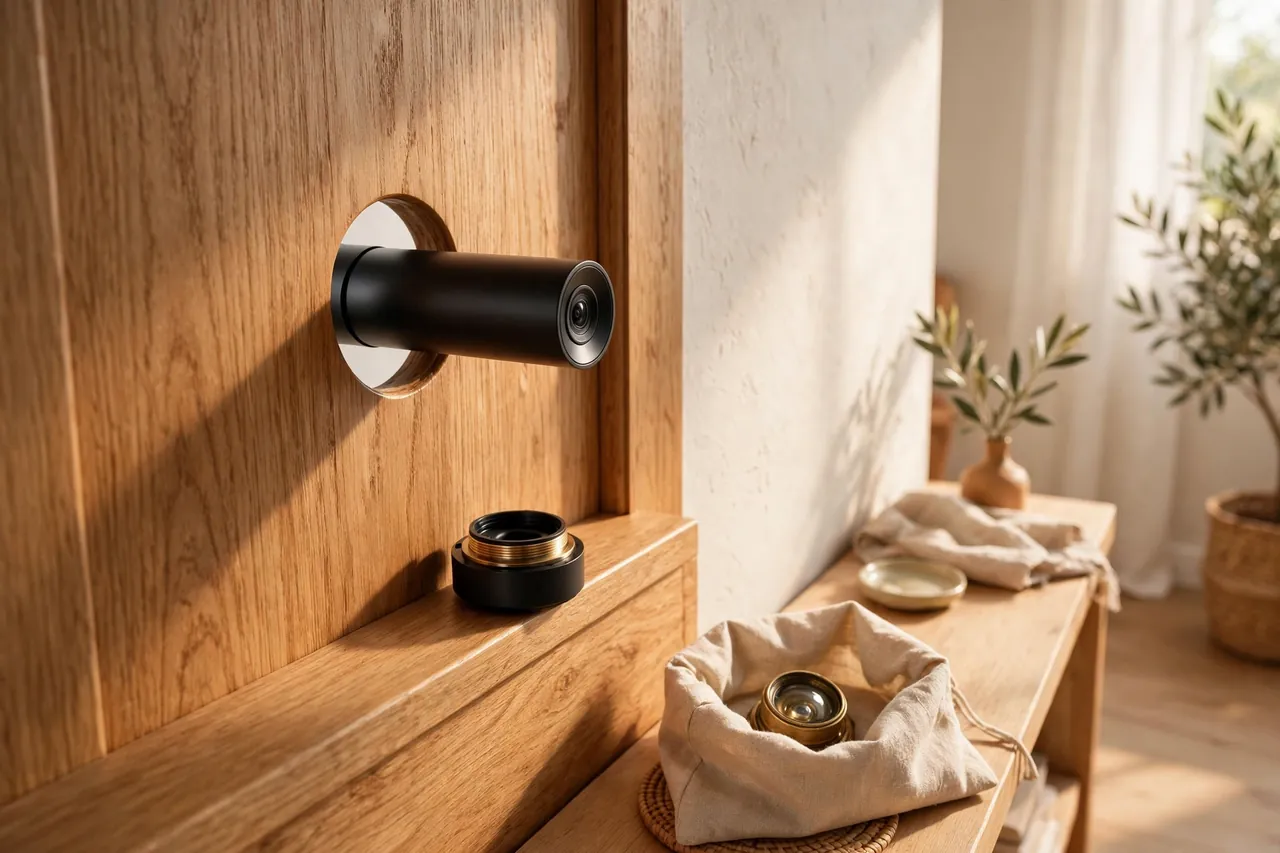
- Remove the old peephole and fit the camera through the hole. Unscrew the two halves of the old viewer by hand, slide the camera barrel through from outside, and tighten the inside module by hand. No tools, no new holes. Keep the old peephole in a labeled bag so you can put it back at move-out.
- Connect it to your 2.4 GHz Wi-Fi. Most doorbell cameras, including Ring’s peephole model, use 2.4 GHz only. If your router splits your network into two names, join the 2.4 GHz one. Stand at the door with your phone during setup so you test the real signal, not the signal from your couch.
- Set motion zones and sensitivity before the first night. Draw the zone tight around your own doorway, turn sensitivity down one notch from the default, and switch off audio recording if your state or building requires it. Then walk past your own door a few times and check what the camera actually recorded.
- Test the full loop. Press the button or knock, answer from your phone, speak through Two-Way Talk, and check that the alert reaches you from another room. If the chime matters to you, pair a plug-in chime now, while you still have the box and the receipt.
For a battery doorbell on an adhesive mount, the only different step is the mount itself. Clean the wall or door surface with rubbing alcohol, let it dry completely, press the mount on firmly for a full minute, and then wait the time the instructions give — often 24 hours — before you hang the doorbell on it. A mount that cures properly holds for years. One rushed in five minutes falls off with the camera in it.
When You Cannot Replace the Doorbell at All
Some apartments have no peephole, no doorbell wiring, and a landlord who says no to everything on the door. You still have three honest options, and none of them breaks a rule.
First, ask about a peephole. A landlord who refuses a camera may still agree to a plain optical peephole, which is a small, standard fitting that many buildings install anyway. Once the peephole exists, a peephole camera becomes a swap, not a new hole — but ask again before you swap it in.
Second, use an indoor camera and a door sensor together. A security camera without Wi-Fi or a wireless indoor camera watches the door from inside, and a door sensor tells you the second the door opens. It will not show you who knocked, but it will show you who came in and when. Pair it with a self-monitoring home security system if you want alerts on your phone without a monthly monitoring contract.
Third, lean on the building. Ask management about cameras in the lobby, the mailroom, and the package area. Many package thefts happen away from your door, where your camera could never see them anyway. A building camera plus delivery to a locker or the leasing office often protects packages better than any doorbell can.
Choosing the Right Model for Your Door
Use this quick reference to match the camera to your situation. Prices are US list prices checked November 6, 2026, before tax, and they change often — confirm the live price before you buy.
Comparison: apartment-friendly doorbell camera options.
| Option | Best for | Install | Price |
|---|---|---|---|
| Ring Peephole Cam 2K | Doors with a standard peephole | Swaps into the peephole hole, no drill | $99.99 |
| Ring Battery Doorbell 2K | Any door, keep your peephole | Battery, adhesive or over-door mount | $99.99 |
| Ring Battery Doorbell 2K Plus | Busy hallways, spare-battery swaps | Battery, removable pack | $179.99 |
| Blink Battery Doorbell 2K+ | Low maintenance, long battery life | Battery, two AA lithium batteries | About $70* |
| Eufy Video Doorbell E340 | No monthly fee, package view | Battery, local storage built in | About $170–$180* |
*Blink and Eufy prices are secondary-retailer figures from October–November 2026, not manufacturer list prices. Ring prices are from ring.com.
Night vision matters more in apartments than in houses, because hallways are dim and often windowless. Check that any model you buy has real infrared or low-light night vision, not just a bright porch light it does not have. Our guide to night vision security cameras explains what to look for, and security cameras with audio covers the two-way talk and recording settings in more detail.
Common Mistakes Renters Make
The most expensive mistake is buying before measuring. A peephole camera that does not fit your peephole is a return, not a project. Measure first, order second.
The second mistake is skipping the Wi-Fi check. Hallway doors sit far from routers, behind thick walls and metal doors that eat signal. If your phone shows one bar at the door, the camera will struggle too. Move the router closer, add a Wi-Fi extender, or pick a model with dual-band Wi-Fi before you blame the camera.
The third mistake is leaving motion sensitivity on full. A hallway sees neighbors, cleaners, and delivery drivers all day. Full sensitivity means a dead battery in weeks and a phone that buzzes every ten minutes. Narrow the zone, lower the sensitivity, and use person detection if your plan includes it.
The fourth mistake is forgetting the move-out. Keep the old peephole, the original screws, and the mount’s packaging in one bag from day one. When you leave, swap the peephole back, peel the mount off gently with heat from a hair dryer, and wipe away any residue. A door that looks untouched is a deposit that comes back.
The fifth mistake is pointing the camera at the wrong thing. A camera aimed down the hall records your neighbors’ lives and invites a complaint. Aim it at your own door, use privacy zones, and check the live view from your phone after install to see exactly what the lens sees.
Related Guides
If you are building out the rest of your apartment security, these guides pick up where this one leaves off. Learn how Ring doorbells work before you choose a model, compare security cameras without a subscription if you want to skip monthly fees, and read our outdoor motion-activated camera guide if your building allows a camera at a shared entrance. For the inside of your apartment, cloud cameras and pan-tilt-zoom security cameras cover the rooms a doorbell never sees.
Frequently Asked Questions
Can you put a doorbell camera in an apartment?
Usually yes. A doorbell camera on your own apartment door is generally permitted, provided it records your own threshold and shared approach rather than a neighbor’s private space or the interior of another unit. Check your lease for clauses on alterations and exterior fixtures, and get written landlord permission first if you plan to hardwire anything.
Can I install a video doorbell without drilling into the wall?
Yes. A peephole camera fits through the viewer hole already in your door, which requires no new holes at all. A standard battery doorbell can also go on an adhesive pad or a clamp-style anti-theft mount that grips the door edge. Both options leave the wall untouched and come off cleanly at move-out.
Can I put a camera in front of my apartment door?
In most cases, yes. Renters can install door cameras like video doorbells outside their apartments as long as the camera’s view is limited to common spaces and not a neighbor’s private area. Check your lease and local laws first, and keep the camera aimed at your own doorway.
Can I use a wireless doorbell camera in a rental apartment?
Absolutely. Wireless doorbell cameras are ideal for rental apartments because they typically do not require drilling or permanent modifications. Many models come with adhesive mounts or simple door clamps that can be removed without leaving a trace, which suits rental agreements well.
Do wireless doorbell cameras need Wi-Fi?
Yes, almost all wireless doorbell cameras connect to your home’s 2.4 GHz Wi-Fi network to send video to your phone, receive commands, and upload recordings. Check your signal strength at the door before you buy, since thick walls and metal doors can weaken it.
The Bottom Line
A doorbell camera for apartments works best when you let the rental rules choose the hardware. If your door has a standard peephole, a peephole camera like the Ring Peephole Cam 2K at $99.99 is the cleanest install you can buy. If it does not, a battery doorbell on an adhesive or over-the-door mount gives you the same view with no holes. Get permission in writing, aim the camera at your own door, and keep the old hardware in a bag for move-out day. Do those four things and you get the security without the deposit fight.
Start tonight by measuring your peephole and reading the alterations clause in your lease. Those two numbers — the peephole size and the landlord’s answer — decide everything else.