Most wired doorbells in the United States run on 16 volts AC, and that number is the heart of doorbell voltage. Your home sends 120 volts into a small box called a doorbell transformer, and the transformer steps that power down to a safe low voltage, usually 16 volts, so your doorbell button and chime can use it. Video doorbells need more: most need 16 to 24 volts AC, plus enough power capacity, measured in volt-amperes (VA), to run a camera and Wi-Fi all day.
If your doorbell stays silent, your chime hums, or your new video doorbell keeps going offline, the voltage is the first thing to check. The good news is that checking it takes about five minutes, and the label on your transformer often tells you everything you need to know. This guide explains what doorbell voltage means, what your setup should read, how to check it safely, what each major video doorbell brand needs, and when an upgrade is the right call.
What Is Doorbell Voltage?
Doorbell voltage is the low-voltage power that runs your wired doorbell circuit. It is not the 120 volts coming out of your wall outlets. That household power is far too strong for a doorbell button and chime, so a transformer sits between your home wiring and your doorbell and steps it down.
Think of the transformer as a translator. It takes loud, high-voltage power in and hands your doorbell a quiet, low-voltage version it can use safely. The button by your front door, the chime box inside, and any wired video doorbell all run on that low voltage.
What the Doorbell Transformer Does
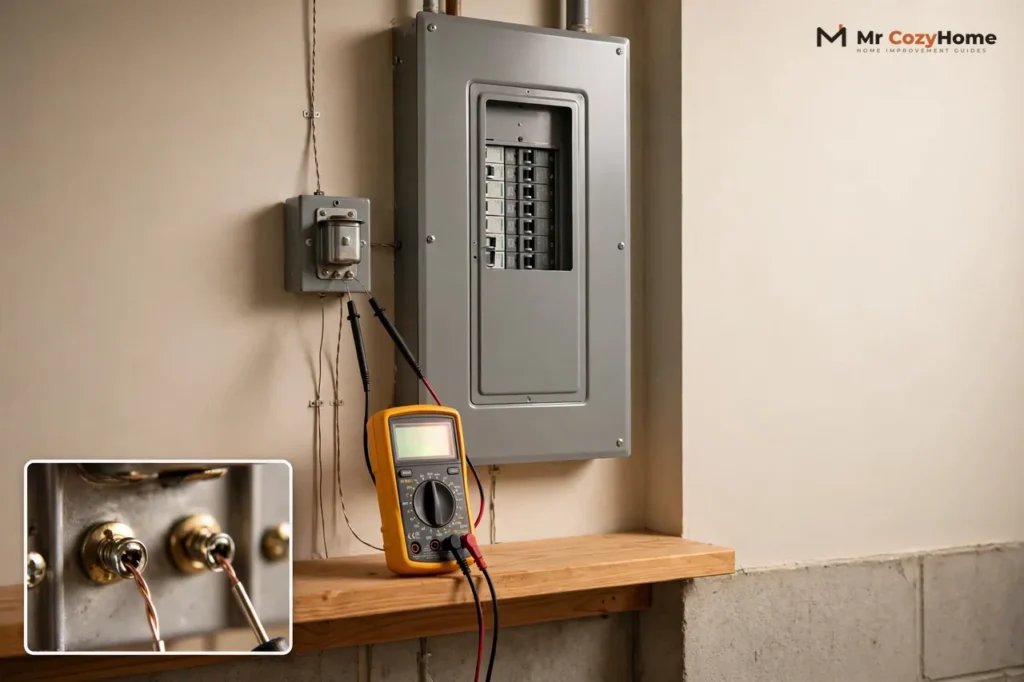
The transformer is a small metal or plastic box, usually mounted on or near a junction box. Inside it, two coils of wire wrap around an iron core. The first coil connects to your 120-volt household wiring, and the second coil delivers the reduced voltage through two small screw terminals.
From those terminals, thin low-voltage wires run to your chime and then out to the doorbell button. When someone presses the button, the circuit closes, current flows, and the chime rings. A video doorbell works the same way, except it draws power all the time to run its camera, Wi-Fi radio, and night vision, not just for the second someone presses the button.
Volts vs. VA: The Two Numbers That Matter
Every doorbell transformer carries two ratings on its label, and you need both of them. Volts (V) tell you the electrical pressure the transformer delivers, such as 10V, 16V, or 24V. Volt-amperes (VA) tell you how much power the transformer can deliver, such as 10VA, 20VA, 30VA, or 40VA.
Here is the simple way to remember the difference. Volts are the size of the pipe, and VA is how much water can flow through it. A transformer can show the right voltage and still be too weak in VA for a video doorbell, because the camera draws power all day while an old mechanical chime only draws power for a moment when someone rings.
That is why an old 16V 10VA transformer often fails a modern video doorbell even though 16 volts sounds right. The voltage matches, but the capacity does not. When you shop for a replacement, match the volts to your doorbell and chime, then pick a VA rating that covers everything on the circuit.
What Voltage Is a Standard Doorbell?
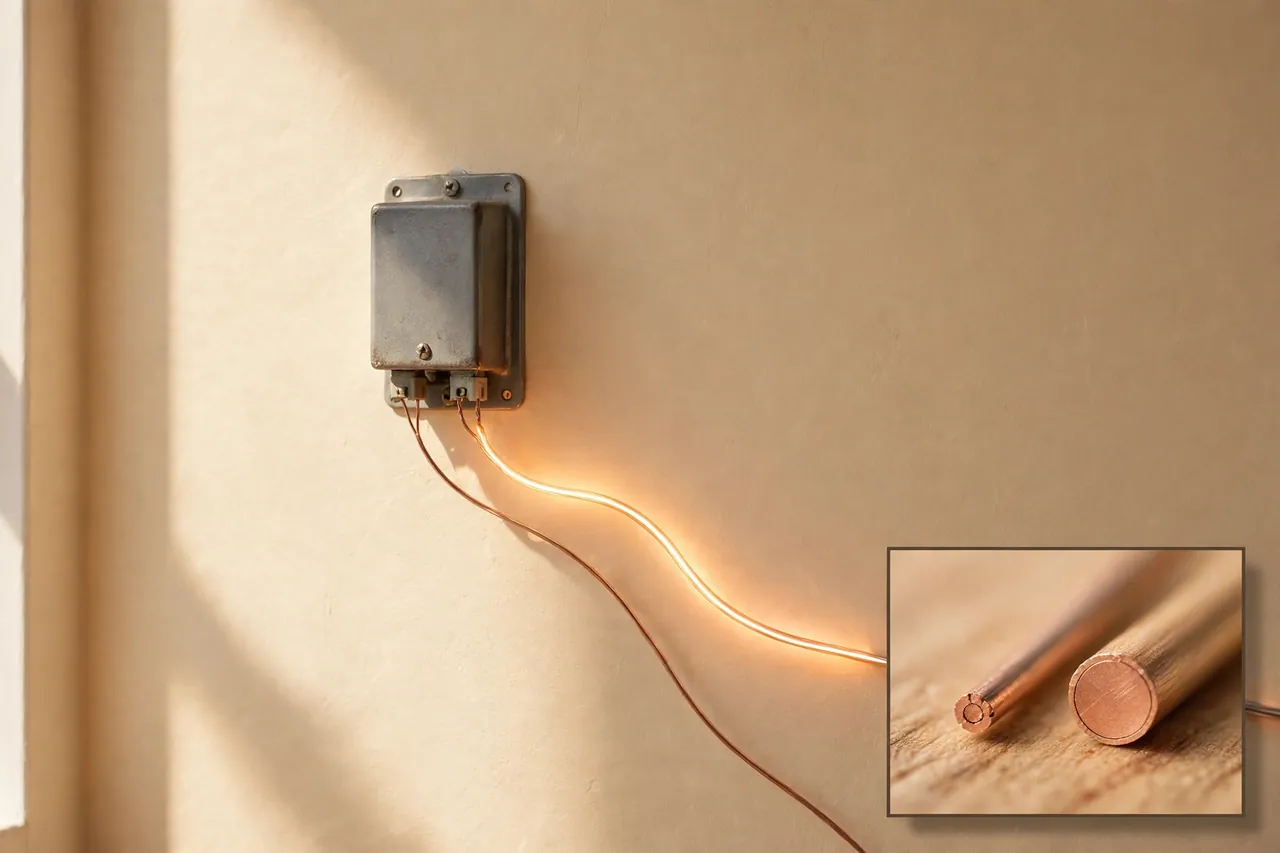
For a traditional wired doorbell with a mechanical chime, 16 volts AC is the standard in most American homes. Older homes sometimes have 10-volt transformers, and some larger homes or newer installs use 24 volts. The full range for wired residential doorbells is 8 to 24 volts AC, but 16 volts is the number you will see most often.
Your chime and your doorbell must agree on the voltage. A chime rated for 16 volts expects 16 volts. Feed it 24 volts and it can overheat or fail, even if the video doorbell on the same circuit accepts 24 volts happily. Always check the chime rating, not just the doorbell rating, before you change anything.
10 Volts: Older and Basic Systems
A 10-volt transformer usually powers a simple old buzzer or a basic mechanical chime in an older home. It was fine for a plain button and a bell that only rang for a second. No modern video doorbell runs on 10 volts, so if you find a 10-volt transformer and you want a video doorbell, plan on an upgrade.
16 Volts: The Common Standard
Sixteen volts is the workhorse of American doorbells. Most mechanical chimes are built for it, most older homes already have a 16-volt transformer, and most video doorbells accept it. If your label reads 16V, you are in the most common setup in the country. The question is usually not the volts but the VA: a 16V 10VA unit suits a plain chime, while a video doorbell usually wants 16V 30VA.
24 Volts: Bigger Homes and Heavier Loads
Twenty-four volts shows up in larger homes, in systems with two chimes or two buttons, and in installs with very long wire runs. Longer wires lose a little voltage along the way, so a higher starting voltage helps the doorbell at the far end still get what it needs. Many video doorbells accept up to 24 volts, which makes 24V 30VA or 24V 40VA a popular upgrade choice, but only when the chime is rated for 24 volts too.
Is Doorbell Voltage AC or DC?
Doorbell voltage is AC, alternating current, in almost every wired home system. Your house power is AC, the transformer steps AC down to lower AC, and traditional chimes are built to work with AC. That matters because DC transformers, halogen transformers, and garden-lighting transformers are not compatible with video doorbells, even if the voltage number looks right. Ring states this plainly in its compatibility guidance: use only a transformer inside your model’s stated range or a compatible Ring accessory, because the wrong kind of power can damage the device and cause electric shock.
How to Check Your Doorbell Voltage
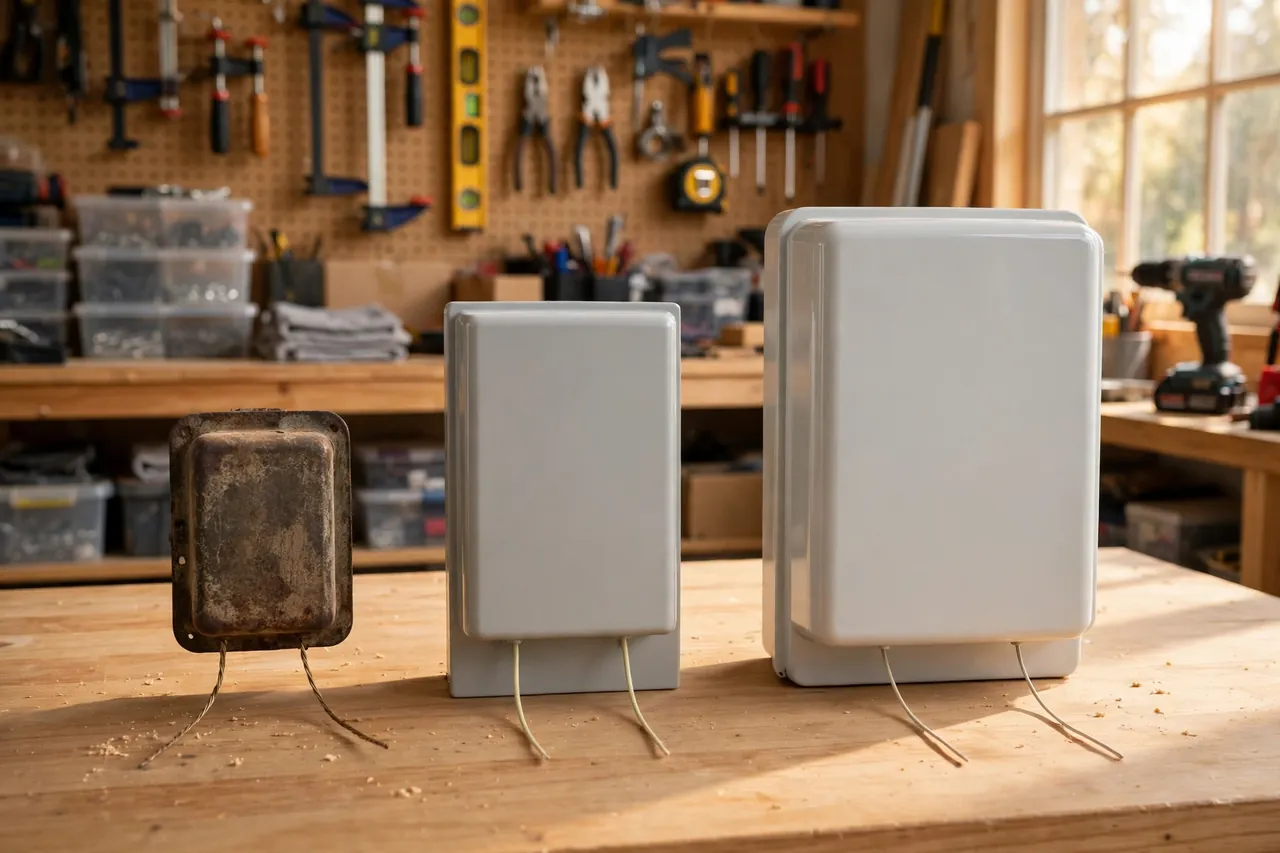
You can find your doorbell voltage in two ways: read the label on the transformer, or measure the output with a multimeter. Start with the label, because it takes seconds and tells you what the system was built to deliver. The multimeter tells you what it actually delivers right now, which is how you catch a failing transformer.
Step 1: Find the Transformer
Doorbell transformers hide in plain sight. Look in these spots first, roughly in order: mounted on a junction box beside or on top of your main electrical panel; in the basement or crawl space, often on a ceiling joist or a junction box near the furnace; near the furnace or HVAC unit; in the attic; in the garage; or inside or behind the chime box itself.
If you cannot find it, follow the thin doorbell wire out of the chime box. It usually leads toward the transformer. Look for a small rectangular metal box with two small screw terminals and a thin pair of wires attached to it.
Step 2: Read the Label
Once you find the transformer, read the rating printed on its face or on a sticker. You should see two numbers, such as 16VAC 10VA or 24VAC 40VA. Sometimes the label gives volts and amps instead, such as 8V and 1.0A. Multiply them together to get the VA: 8 volts times 1.0 amp equals 8VA. Ring explains exactly this on its support page, because many older transformers show amps rather than VA.
Write down both numbers before you do anything else. They are the facts every later decision depends on, from whether your video doorbell will work to which replacement to buy.
Step 3: Measure It With a Multimeter
Stop here and read this caution first. The transformer has two sides. The low-voltage side, the two small screw terminals with thin wires, is safe to test with a multimeter. The other side connects to 120-volt household wiring, and that side can seriously hurt you. Never touch the 120-volt wires or terminals, and never test the high-voltage side unless you are trained to work around line voltage. If you feel unsure at any point, close the box and call a qualified electrician. A five-minute check is never worth an electrical injury.
With that clear, here is how to test the low-voltage output:
- Set your digital multimeter to AC volts, marked V with a wavy line or VAC, on a range above 24 volts.
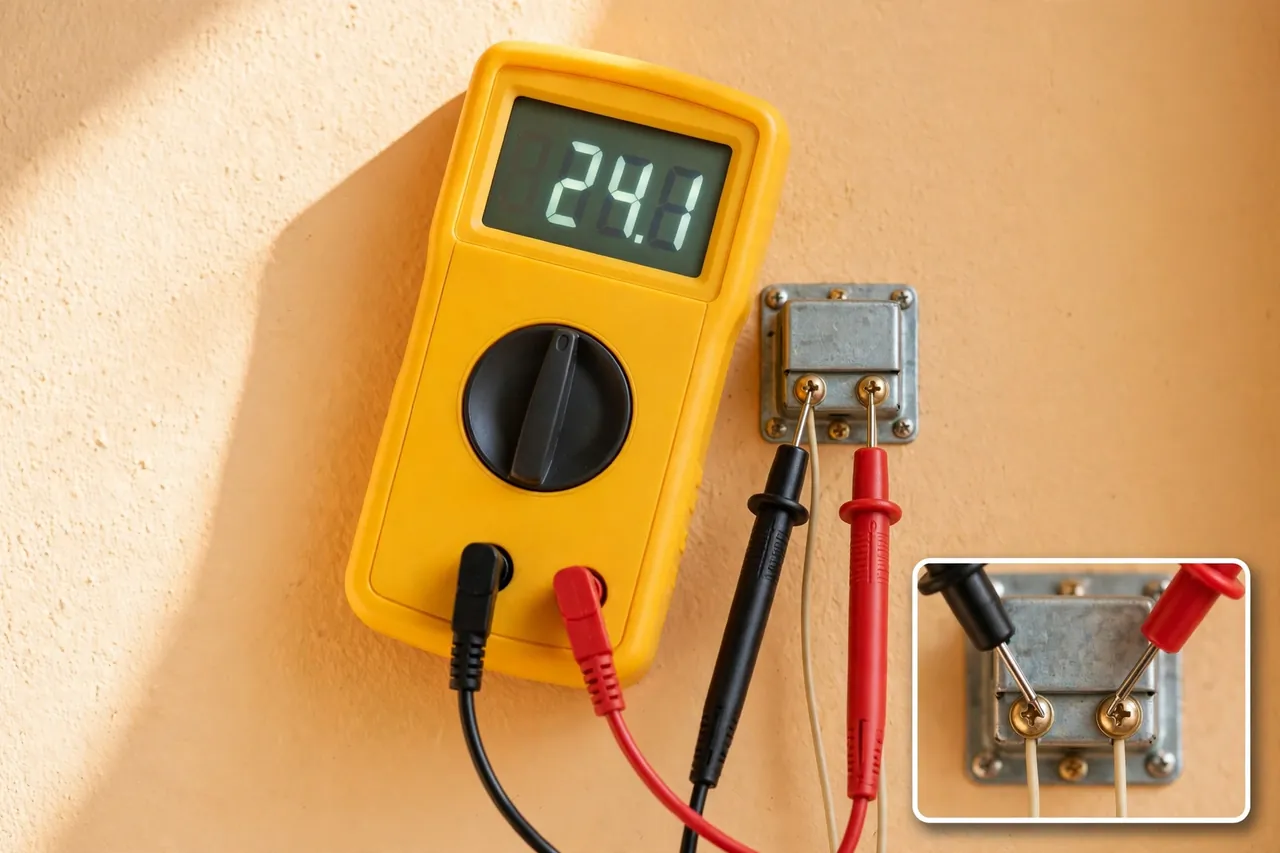
- Touch one probe to each of the two low-voltage screw terminals on the transformer. It does not matter which probe goes to which terminal, because AC has no positive or negative side.
- Read the display and write the number down.
- Compare the reading with the rating on the label.
You can also test at the chime box, which is sometimes easier to reach. Remove the chime cover and measure between the terminal marked Trans and the terminal marked Front. That reading tells you how much voltage actually reaches the chime after traveling through the wires, so it can reveal a broken or loose wire even when the transformer itself reads fine.
How to Read the Result
A healthy transformer reads at or a little above its rated voltage when nothing is drawing power. A 16-volt transformer that reads 16 to 18 volts is working well, and a 24-volt unit that reads 24 to 26 volts is working well. A reading a volt or two above the rating is normal, not a problem.
Use this table to judge your reading:
| Reading | What it usually means | Next step |
|---|---|---|
| Close to the rated voltage | The transformer is working | Look at the wiring, button, or chime next |
| A little above the rating | Normal with no load | No action needed |
| Much lower than rated | Weak or failing transformer | Plan a replacement |
| 0 volts | No power, tripped breaker, or dead transformer | Check the breaker first, then replace if still zero |
If the meter reads zero, check the breaker before you blame the transformer. A tripped breaker is a free fix. If the breaker is on and the transformer still reads zero, the transformer has likely failed. If the reading is far below the rating, such as 10 volts on a 16-volt unit, the transformer is failing or overloaded, and it needs to go.
What Voltage Does Each Video Doorbell Need?
There is no single right doorbell voltage for video doorbells. Every brand publishes its own range, and some brands set different ranges for different models. Always check your exact model’s manual, because the range for a battery model and the range for a wired Pro model from the same brand can be very different.
The table below is the quick reference for the major brands, built from their own support pages and published specs, checked on November 6, 2026. Use it to compare, then confirm your exact model before you buy or wire anything.
| Brand and model | Voltage (AC) | VA |
|---|---|---|
| Ring Video Doorbell Wired | 8–24 VAC, 50/60 Hz | 8–40 VA |
| Ring Video Doorbell Pro and Wired Video Doorbell Pro | 16–24 VAC, 50/60 Hz | 10–40 VA (30–40 VA recommended) |
| Ring battery doorbells (when hardwired) | 8–24 VAC, 50/60 Hz | 5–40 VA |
| Google Nest Doorbell (wired, 2nd gen) | 16–24 VAC, 50/60 Hz | 10 VA |
| Google Nest Doorbell (wired, 3rd gen) | 16–24 VAC, 50/60 Hz | 10–40 VA |
| Arlo Essential Video Doorbell Wired (AVD1001) | 16–24 VAC | Minimum 10 VA |
| Other Arlo video doorbells | 8–24 VAC | Minimum 10 VA |
| Blink Video Doorbell (general) | 8–24 VAC | 40 VA maximum; 8 VAC / 10 VA smallest recommended |
| Blink Video Doorbell (1st gen, wired install) | 16–24 VAC, 50/60 Hz | 40 VA maximum |
| Wyze Video Doorbell Pro (hardwired) | 16–24 VAC | Check the manual for the VA minimum |
Ring publishes the clearest model-by-model ranges. According to Ring’s own compatibility support page, its wired doorbell needs 8 to 24 VAC at 8 to 40 VA, while its Pro models need the narrower 16 to 24 VAC at 10 to 40 VA, and Ring adds that 30 to 40 VA gives the best performance on its newest wired Pro models. That gap is the whole story of this article: the Pro camera needs a higher floor and more capacity than the basic model.
Google Nest wired doorbells sit in the same 16 to 24 VAC band, with the 3rd-gen model rated at 10 to 40 VA. Nest also makes one rule Ring does not spell out the same way: DC transformers are not supported, so an AC transformer is a must.
Arlo draws a line between its models too. Arlo’s own support pages state that the Essential Video Doorbell Wired (AVD1001) needs 16 to 24 VAC with a minimum of 10 VA, while its other doorbell models accept 8 to 24 VAC with the same 10 VA minimum. Arlo also recommends a professional electrician for transformer work, and says plainly that a transformer outside the range must be upgraded before you use the doorbell.
Blink’s numbers look generous at first glance, and they need a careful read. Blink Support states that its Video Doorbell works with transformers from 8 to 24 VAC up to a 40 VA maximum, with 8 VAC and 10 VA as the smallest recommended size. But Blink’s wired-install page for the 1st-gen doorbell narrows the wired requirement to 16 to 24 VAC, and warns that the doorbell drops into a limited Event Response mode below 16 VAC. If you plan to wire a Blink doorbell, use the 16 to 24 VAC figure.
Wyze keeps it simple. Wyze Support states that the Wyze Video Doorbell Pro works with most mechanical and digital doorbell systems with transformers that provide 16 and 24 volts AC. Eufy does not get a row in the table above, because no official Eufy spec was verified for this article; if you own an Eufy doorbell, check its manual for its exact voltage and VA range before you trust any number from a roundup.
One more thing the table shows: every brand caps the VA or the volts somewhere. Ring caps its doorbells at 40 VA. Blink caps its doorbell at 40 VA too. Never assume that a bigger transformer is automatically safe. Higher VA is fine, because the doorbell only draws the power it needs, but higher volts than your doorbell allows is not fine.
What Happens If the Voltage Is Too Low?
Low voltage is the most common doorbell power problem, and it usually creeps in slowly. An old 10-volt or 16-volt 10VA transformer was built for a chime that rang for one second at a time. Put a video doorbell on it, and the camera draws power all day, every day. The transformer cannot keep up, and the symptoms start.
Watch for these signs:
- The doorbell does not ring at all, even with a new button.
- The chime sounds weak, muffled, or only rings half the time.
- The chime buzzes or hums instead of ringing cleanly.
- A video doorbell keeps restarting, goes offline, or shows a low-power warning in its app.
- Night vision or live view cuts out, often at night when the camera works hardest.
- The doorbell works for a while after setup, then fails once the camera starts drawing power all the time.
That last one trips up a lot of people. The doorbell pairs fine, shows video, and rings once or twice, so the install looks good. Then the live feed drops or the unit reboots at night. The circuit was never fine. It was just weak enough to fail after the camera started drawing power continuously. If your doorbell behaves this way, check the transformer before you blame the Wi-Fi.
Low voltage can also come from the wires, not the transformer. Very long wire runs lose voltage along the way, and loose or corroded terminals do the same. That is why testing at the chime matters: if the transformer reads 16 volts but the chime reads 12, the problem sits in the wire between them.
What Happens If the Voltage Is Too High?
Too much voltage is less common, but it causes sharper damage. A 24-volt transformer on a 16-volt chime can make the chime overheat, buzz loudly, or fail. A doorbell fed more volts than its maximum rating can suffer damaged electronics, and the damage may not show up right away.
The fix is not to guess. Match the transformer voltage to the lowest-rated part of the circuit, which is usually the chime. When the chime is rated for 16 volts, stay at 16 volts and add VA instead of volts. More VA gives the system more capacity without pushing extra voltage into parts that cannot take it. And never connect a doorbell straight to household power: Ring warns that its doorbells are not compatible with mains voltage, and connecting one directly to the mains will damage it.
If your transformer hums loudly or feels very hot to the touch, treat that as a warning sign too. A slight hum is normal for a transformer, but a loud buzz can mean a stuck doorbell button, loose connections, or an overloaded transformer. Turn the power off at the breaker and get help if you cannot find the cause quickly.
When Should You Upgrade Your Doorbell Transformer?
You should upgrade when the numbers say so, not when a new doorbell box tempts you. Here are the clear triggers:
- You are adding a video doorbell and your transformer is 10 volts, or 16 volts at only 10 VA.
- Your video doorbell keeps rebooting, going offline, or warning about low power.
- Your multimeter reading is far below the rating on the label, or reads zero with the breaker on.
- The transformer hums loudly, runs very hot, or smells scorched.
- You are adding a second doorbell, a second chime, or a digital chime to the same circuit.
- Your chime buzzes or rings weakly even after you check the button and the wires.
For most homes, the standard upgrade is a 16-volt 30VA transformer or a 24-volt 30VA transformer, as long as both the doorbell and the chime accept that voltage. That single change fixes the most common video doorbell power problems, and the part itself is inexpensive: a standard 16V 10VA transformer typically costs $10 to $20, an upgraded 16V or 24V 30VA unit typically costs $15 to $35, and hiring an electrician to replace one typically runs roughly $100 to $250 depending on your area and how easy the transformer is to reach. Those are typical ranges, not checked prices, so confirm the cost with your local store or electrician.
Before you buy, count everything on the circuit. One video doorbell with a mechanical chime usually does well on 16V or 24V at 30VA. A video doorbell plus a digital chime, or two doorbells on one transformer, usually needs 30VA to 40VA. And if your home has no transformer at all, or the old one sits buried inside a wall, some video doorbells can run on the brand’s own plug-in power adapter instead. That option avoids opening walls, and it is worth asking about if your transformer is hard to reach.
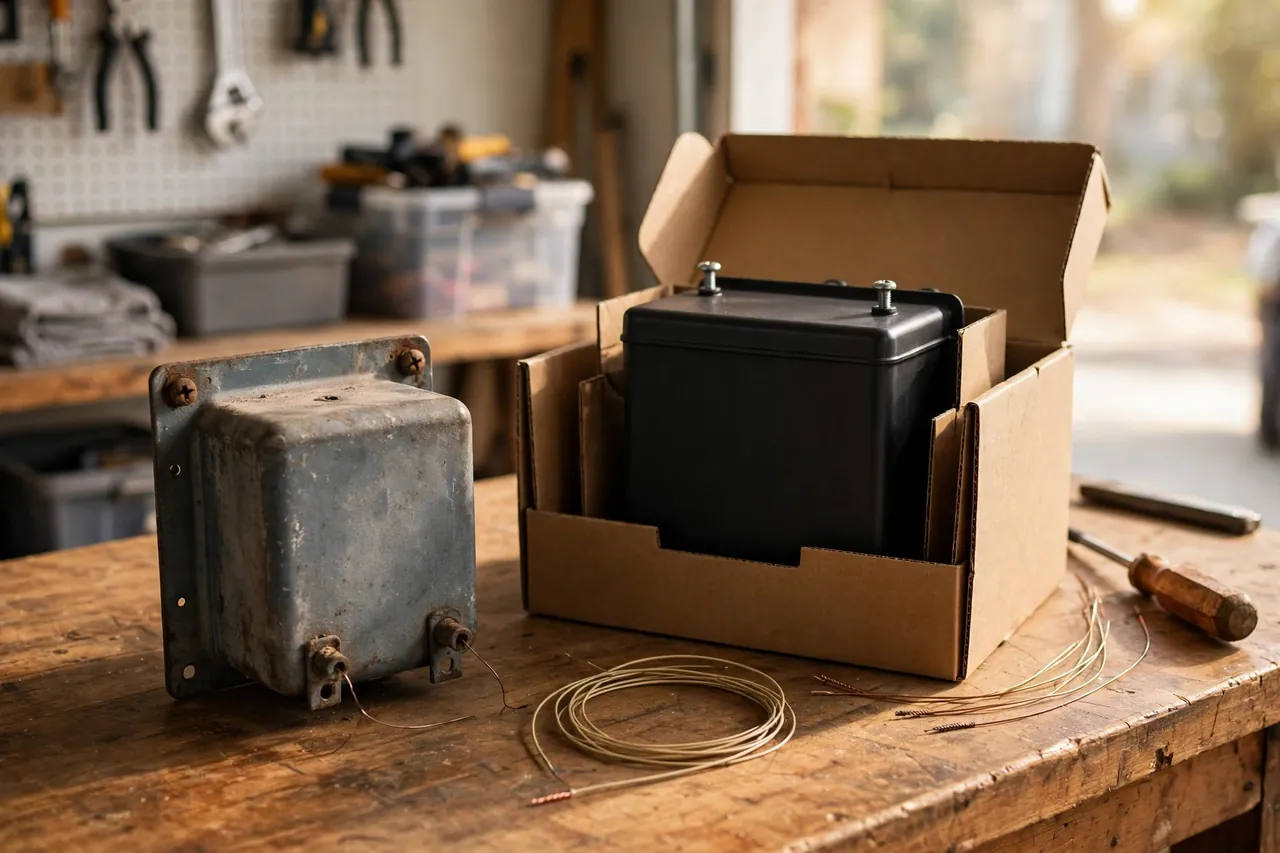
How to Choose the Right Replacement Transformer
Choosing a replacement is a matching exercise, not a bigger-is-better contest. Work through this checklist before you buy anything:
- Check your doorbell’s requirements first. Find the minimum and maximum voltage and the minimum VA in the manual or on the manufacturer’s website.
- Check your chime next. Older mechanical chimes are often rated for 10V or 16V. If you move to 24V, make sure the chime can handle it, or replace the chime too.
- Count your doorbells and chimes. A front and back doorbell, or a video doorbell plus a digital chime, needs more capacity, so choose 30VA or higher.
- Match the mounting style. Buy the same type, junction box, plate mount, or plug-in, so the new unit fits where the old one sat.
- Look for safety certification. Choose a UL-listed or ETL-listed transformer with built-in overload protection.
- Think about distance. Very long wire runs lose some voltage, so if the reading at the doorbell is much lower than at the transformer, a slightly higher voltage or thicker wire can help.
Now the caution, before any replacement talk goes further: swapping a transformer means working with 120-volt household wiring inside a junction box. That is real electrical work, not a low-voltage check. Turn the power off at the breaker, confirm it is off with a tester, and take a photo of the wiring before you disconnect anything. If any step makes you unsure, hire a qualified electrician and let them do it. Many electricians treat this as a short job, and it is the safest money you will spend on a doorbell.
One more buying rule saves people from the most common mistake. A higher VA rating than you need is fine, because the doorbell only draws the power it needs. A lower VA rating than you need is not fine, because it starves the doorbell. But voltage works the other way around: never exceed the maximum voltage your doorbell or chime allows. Add VA for capacity, never add volts beyond the rating.
If you want the full picture on wired models, our guide to hardwired video doorbells explains how wired power differs from battery power, and our guide to how Ring doorbells work walks through how Ring models use your existing wiring. For renters, who often cannot touch the transformer at all, our guide to a doorbell camera for apartments covers battery and plug-in options that skip the transformer question entirely.
Troubleshooting: Voltage Readings and What They Mean
Most doorbell power problems trace back to one of a few causes. Use this table to match what you see with the most likely fix, and always retest after any change.
| Symptom | Likely cause | Fix |
|---|---|---|
| Chime hums or buzzes | Stuck button or low voltage | Check the button, then test the voltage |
| Video doorbell keeps rebooting | Transformer too weak in VA | Upgrade to a 30VA transformer |
| Doorbell works only sometimes | Loose wire or corroded terminal | Tighten and clean the connections |
| No power at all | Tripped breaker or dead transformer | Reset the breaker, test, replace if still zero |
| Transformer very hot | Overloaded or failing | Replace with a higher VA model |
| Digital chime stopped after a video doorbell install | Chime not compatible | Use the doorbell’s chime kit or adapter |
Digital chimes deserve a special note. Many video doorbells work best with old-style mechanical chimes, the kind with a metal bar and a plunger. Digital chimes that play melodies can interfere with the power a video doorbell receives, so some brands include a small adapter, diode, or power kit to solve it. If your chime stops ringing or your doorbell loses power right after an install, check the doorbell’s instructions for its chime kit before you buy a new transformer.
Wire size matters too, and it is easy to overlook. Thin or damaged doorbell wire adds resistance, and resistance eats voltage on long runs. Blink recommends 18 to 22 AWG wire for its doorbell installs, which is the normal range for doorbell wiring. If your wires look frayed, nicked, or corroded, fix the wire first, because a new transformer cannot fix a broken path. Low-voltage wiring has a lot in common with thermostat wiring, so if you want to get comfortable with thin low-voltage wires before you touch anything, our guide to thermostat wire colors explains what each thin wire does in a similar system.
Related Guides
Hardwired Video Doorbell: The Complete Guide for Your Front Door · How Do Ring Doorbells Work? · Thermostat Wire Colors: What Each Wire Means and Where It Goes
- Hardwired Video Doorbell — how wired power works and when it beats battery power.
- How Do Ring Doorbells Work? — Ring models, wiring, and power explained.
- Doorbell Camera for Apartments — renter-friendly options that skip transformer work.
- Best Video Doorbell Without Subscription — video doorbells that keep working with no monthly fee.
- Night Vision Security Cameras — why cameras fail at night, and how power and placement help.
- Security Camera Without Subscription — no-fee camera options for the rest of your home.
Frequently Asked Questions
What does a doorbell transformer do?
It converts 120 volt household power into low voltage AC, typically 10 to 24 volts, to safely power your doorbell button, chime and video doorbell.
What size doorbell transformer do I need for a video doorbell?
Most video doorbells need 16 to 24 volts AC, and many recommend at least 20VA to 30VA. Always check your doorbell’s manual for its exact requirements.
How do I know if my doorbell transformer is bad?
Test it with a multimeter set to AC volts. If the reading is far below its rated voltage or zero with the breaker on, the transformer is likely failing.
Where is the doorbell transformer usually located?
Common spots include near the electrical panel, in the basement near the furnace, in the attic, in the garage, or near the chime box.
Can I replace a doorbell transformer myself?
Yes, many homeowners do, but it involves 120V wiring. Turn off the breaker, verify the power is off and follow the steps above. Hire an electrician if you are not confident.
Why does my doorbell transformer hum?
A slight hum is normal. A loud buzz can mean a stuck doorbell button, loose connections or an overloaded transformer.
Can I use a 24V transformer for my doorbell?
Only if your doorbell and chime support 24V. Many video doorbells accept 16V to 24V, but some older chimes are designed for 10V or 16V.
Disclaimer: This guide covers low-voltage checks you can do at home, but a doorbell transformer connects to 120-volt household wiring. Turn the power off at the breaker before you open any junction box, and hire a qualified electrician for any transformer replacement or wiring work you are not confident doing yourself. If anything looks damaged, scorched, or unfamiliar, stop and call a professional.
Doorbell voltage is a small detail that decides whether your whole doorbell system works. Find the label, read the two numbers, and measure what the transformer actually delivers. If the volts and the VA both match what your doorbell and chime need, you are done. If they do not, a 16V or 24V 30VA upgrade, fitted by an electrician if you prefer, solves the problem for most homes.