An outdoor motion activated camera is a security camera that stays asleep until it senses movement, then wakes up, records a short clip, and sends an alert to your phone. It does not record all day. It watches your porch, driveway, or backyard and only saves the moments that matter, which saves battery life and storage space.
That simple idea only works well when you pick the right detection type, mount the camera in the right spot, and tune its zones and sensitivity. Get those three things right and you catch visitors, deliveries, and intruders while your phone stays quiet the rest of the day. Get them wrong and you get buzzed by every passing car, swaying branch, and neighborhood cat.
This guide explains how these cameras work, how far they can see, how battery, wired, and solar power compare outdoors, and how to stop false alerts for good.
What Is an Outdoor Motion Activated Camera?
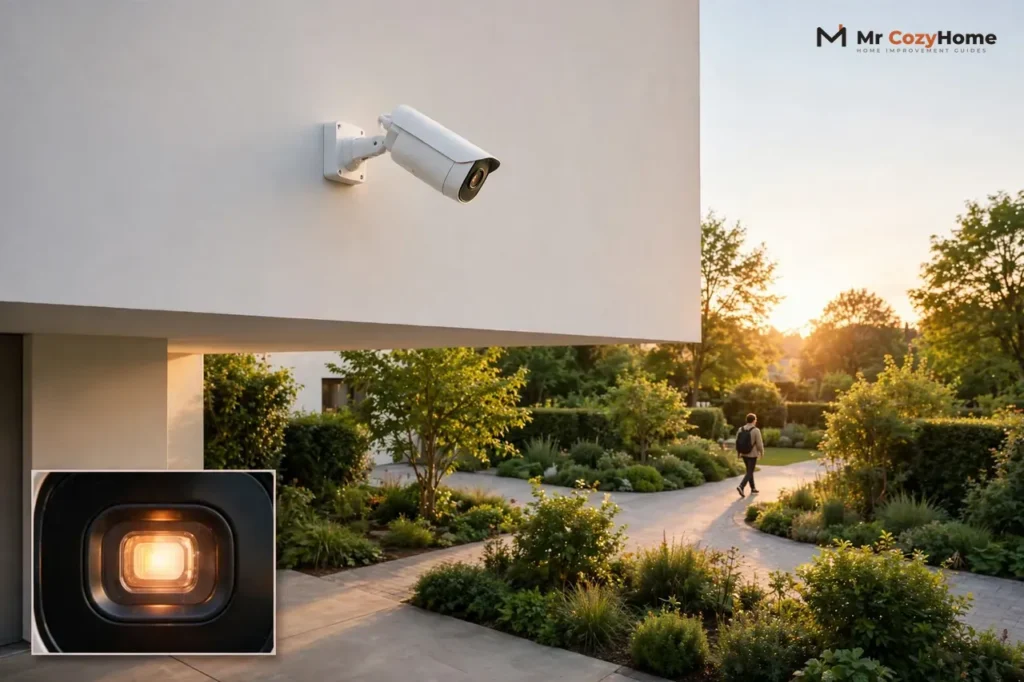
An outdoor motion activated camera is a weatherproof camera built for outside your home. It rests in a low-power standby mode and only starts recording when its sensor detects movement in front of it. When the movement ends, it goes back to sleep.
Most models send a push alert to your phone within seconds of waking up. Many also switch on a spotlight, sound a siren, or let you talk through a built-in speaker. The camera stores each motion clip on a memory card, on a home hub, or in the cloud, depending on the model you buy.
People use these cameras to watch front doors, driveways, garages, side gates, and backyards. They work well for package deliveries, visitors after dark, and anyone walking up to your home when you are away. They are not the same as a camera that records around the clock. If you need nonstop recording, a wired system with a recorder fits better, and our guide to NVR security systems explains how that setup works.
One quick truth up front: no motion camera catches everything. A small animal far away, a person walking straight toward the lens, or a hot summer day can all fool the sensor. The rest of this guide shows you how to shrink those blind spots.
How Does an Outdoor Motion Activated Camera Work?
Every outdoor motion activated camera follows the same four-step chain. First, its sensor detects movement. Next, the camera wakes up and starts recording. Then, on smarter models, the camera checks what moved. Finally, it sends an alert to your phone. The sensor that starts this chain is what makes one camera very different from another.
There are two main sensor types, plus a smart layer that sits on top of them. Learn the difference once and you will never shop blind again.
PIR Motion Detection: Heat Plus Movement
PIR stands for Passive Infrared. A PIR sensor watches for changes in infrared energy, which is the heat that warm objects give off. When a person, a dog, or a warm car moves across the sensor’s view, the heat pattern changes and the sensor wakes the camera.
The word “passive” matters. The sensor sends out no beam and no signal of its own. It only listens for heat changes, so it uses very little power. That is why most battery-powered outdoor cameras use PIR sensors. The sensor can sit alert for months on a small battery while the camera itself sleeps.
PIR works in total darkness because it does not need visible light at all. It only needs a heat difference between the moving object and the background. On a cool evening, a person stands out clearly against a cold driveway. On a hot afternoon, that same person blends into warm pavement, and the sensor may react more slowly or miss the movement entirely.
Reolink explains this four-step process in its PIR guide: the sensor detects the change in infrared radiation, the camera starts recording, AI detection sorts the event on supported models, and the camera sends a push alert to your phone. You can read the full explanation in Reolink’s guide to PIR security cameras.
Pixel-Based Motion Detection: Watching the Picture Change
Pixel-based detection works in a completely different way. The camera compares one video frame with the next and looks for pixels that changed. When enough pixels change in a short time, the camera calls it motion and starts recording.
This method catches any visible movement, warm or not. A person in a thick coat, a car rolling past, or a flag waving in the wind all change pixels. That makes it sensitive, but it also makes it noisy. Moving shadows, sunlight shifting across a wall, rain, and swaying branches all change pixels too, so pixel-based cameras tend to send more false alerts outdoors.
Pixel-based detection also needs the camera to keep watching the picture, which uses more power than a PIR sensor. That is why you usually find it in wired cameras that have constant power, not in battery cameras that must sleep to survive.
Smart Detection: When the Camera Learns What Matters
Smart detection is not a sensor of its own. It is a second check that runs after PIR or pixel-based detection wakes the camera. The camera’s software, sometimes with help from a cloud service, looks at the clip and asks a simple question: was that a person, a vehicle, an animal, or a package?
When the answer is a person, you get an alert. When it is a cat or a passing car, many cameras can stay quiet, or record the clip without buzzing your phone. This filter is the single biggest reason modern cameras feel calmer than older ones.
Check before you buy, because smart detection is not free on every model. Some brands include person detection in the camera itself. Others lock it behind a paid plan. If quiet alerts matter to you, confirm which detections work without a subscription before you pay.
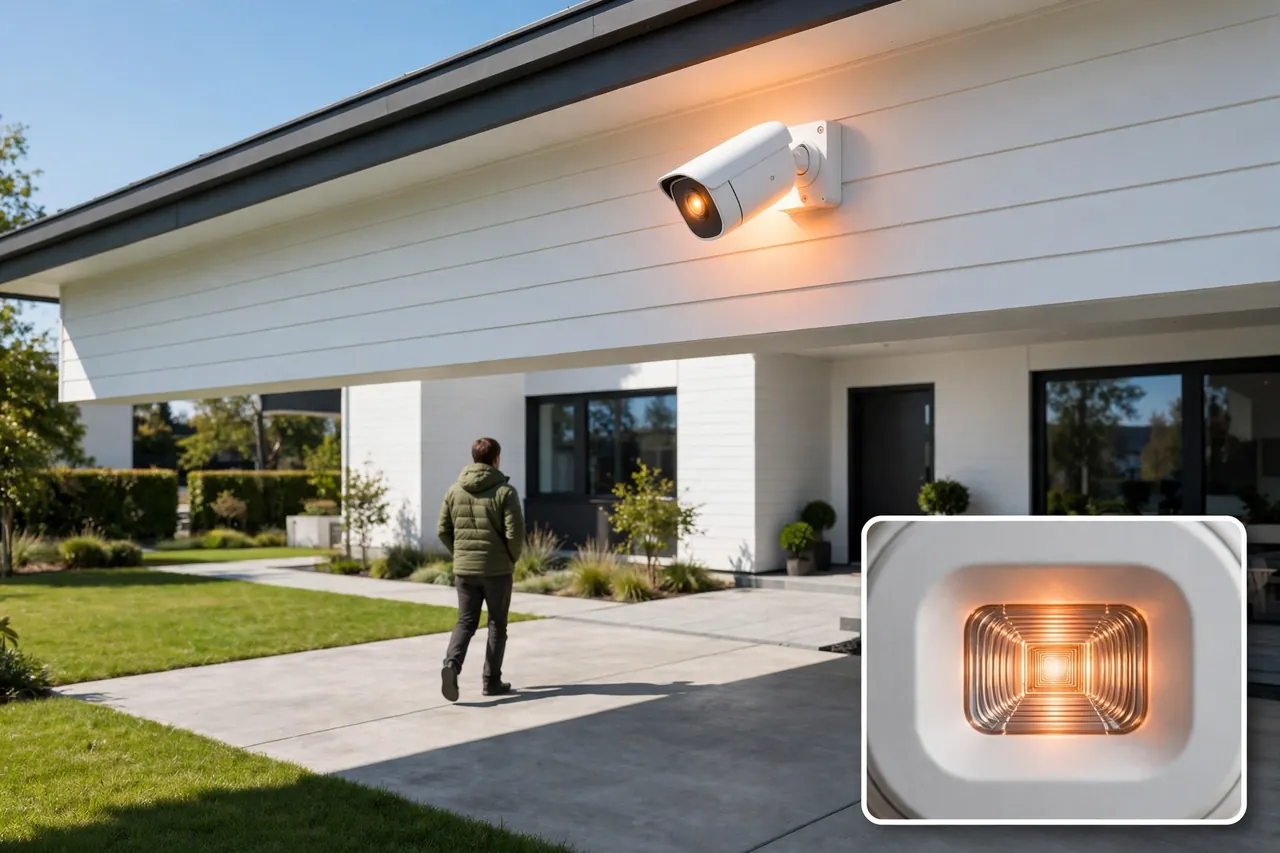
PIR vs Pixel-Based Motion Detection
Neither type wins in every yard. PIR wins on battery life and calm alerts. Pixel-based detection wins on pure sensitivity. The table below puts the trade-off in one place so you can match the sensor to your spot.
| Feature | PIR detection | Pixel-based detection |
|---|---|---|
| What it senses | Changes in heat (infrared energy) | Changes between video frames |
| Common triggers | People, animals, warm vehicles | People, vehicles, branches, shadows |
| False alerts | Fewer; ignores shadows and light changes | More; reacts to shadows, rain, and leaves |
| Power use | Very low; ideal for battery cameras | Higher; needs ongoing video processing |
| Works at night | Yes, without visible light | Needs a usable image, often with infrared |
| Weak spot | Weak on hot days; poor straight-on detection | Noisy near trees, roads, and bright sun |
For most homes, a PIR camera with smart person detection is the calmest choice. A wired camera with pixel-based detection makes sense only when you need to catch every visible movement and you have constant power to run it.
How Far Can an Outdoor Motion Activated Camera Detect Motion?
Most outdoor motion activated cameras detect movement up to about 30 feet away, but the real number depends on the model, the sensor type, and where you mount it. Reolink states that many PIR security cameras offer a detection distance of up to 10 meters (33 feet), with a horizontal detection angle commonly around 90 to 120 degrees.
Other brands land in the same range. Blink states in its Blink Outdoor 4 support FAQ that the camera can detect motion up to 30 feet (9 meters) away when armed. Eufy says its PIR cameras detect sideways movement up to 25 to 30 feet (8 to 10 meters) away, with the exact range depending on mounting height, tilt angle, and sensitivity settings.
Direction matters as much as distance. PIR sensors catch movement across their view far more reliably than movement straight toward them. A person walking across your driveway triggers the sensor easily. The same person walking in a straight line toward the camera may get much closer before the sensor reacts. Angle the camera across the path people take, not head-on down it.
Mounting height matters too. Reolink recommends mounting a PIR camera about 2 to 3 meters (6.5 to 10 feet) above the ground, angled toward the path to your entrance. Mount it too high and small movements slip under the sensor. Mount it too low and a passing dog fills the whole frame.
Heat matters as well. On a hot day, the gap between a person’s body heat and the warm ground shrinks, so detection gets weaker and slower. In cold weather, the same person stands out sharply. If your camera seems lazy on summer afternoons and sharp on winter evenings, the weather is the reason, not a fault.
Finally, remember that detection range and picture range are different numbers. A camera may detect movement at 30 feet without capturing enough detail to identify a face at that distance. Plan your mounting distance around the detail you need, not the longest number on the box.
Battery vs Wired vs Solar Power Outdoors
Power decides where you can mount the camera, how often you touch it, and whether it keeps working in a storm. There is no perfect option, only the best fit for each spot on your home.
| Power type | Best for | Watch out for |
|---|---|---|
| Battery | Renters, gates, sheds, any spot with no outlet | Recharging; cold weather shortens battery life |
| Wired (plug-in or hardwired) | Front doors, garages, spots near power | Needs an outlet or wiring; harder to move |
| Solar panel | Sunny spots far from power | Needs direct sun; weak in shade and long cloudy spells |
Battery cameras are the easiest to install. You screw in a mount, clip the camera on, and you are done in minutes. Blink states that its Outdoor 4 camera runs for up to 2 years on two AA lithium batteries with default settings, and its support page notes that real battery life varies with device settings, usage, and weather. Treat any battery claim as a best case. A busy driveway that triggers 50 clips a day will drain a battery far faster than a quiet side gate that triggers twice a week.
Wired cameras never need charging. They plug into an outlet or wire into an existing light circuit, and they can record longer clips or even record around the clock. The trade-off is placement. You can only mount them where power already exists, or where you are willing to run it. If you hire an electrician for hardwired work, get the quote before you buy the camera.
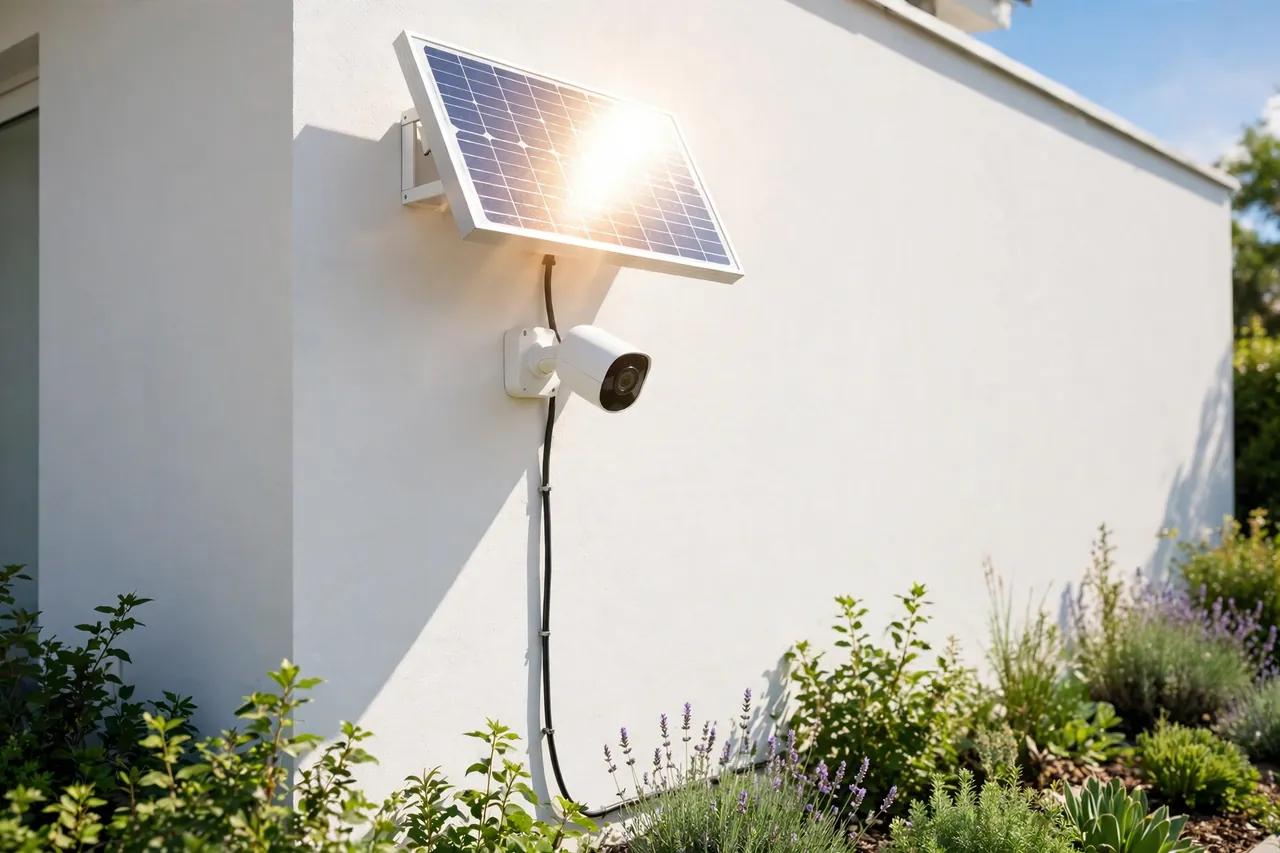
Solar panels sit in the middle. A small panel trickle-charges the battery during the day, so a camera in a sunny spot can run for months without a recharge. A panel in shade, under an eave, or facing north in winter will not keep up. Check the sun on that exact wall across the seasons before you count on solar.
Cold weather deserves a special note. Batteries lose capacity in the cold, so a camera that lasts six months in summer may last far less in a freezing winter. If you live where winters bite, check the camera’s operating temperature range on the spec sheet and keep a spare set of batteries indoors.
What IP65 and IP66 Really Mean for Outdoor Cameras
IP stands for Ingress Protection. The two digits after IP tell you how well the camera’s housing keeps out dust and water. The first digit rates dust protection from 0 to 6. The second digit rates water protection from 0 to 9. A 6 for dust means fully dust-tight. For water, a 5 means the camera handles low-pressure water jets, and a 6 means it handles powerful water jets.
For most homes, IP65 or higher is the right floor. An IP65 camera handles rain, dust, and garden hose splashes from any direction. It is not made to sit underwater. An IP66 camera adds protection against powerful water jets, which helps in exposed spots and places with heavy wind-driven rain. IP67 means the camera can survive being under one meter of water for up to 30 minutes, which is more than a house camera ever needs.
Do not let a high number fool you. A higher water digit does not always mean a better camera for your wall. IP67 covers dipping in water but is not tested against high-pressure jets, while IP66 is. For a camera under an eave, IP65 is plenty. For a camera on an open fence with no cover, IP66 is the safer pick.
Also check the operating temperature range, not just the IP rating. Reolink gives the example of a camera rated for minus 10 degrees Celsius to 55 degrees Celsius (14 to 131 degrees Fahrenheit) and notes that colder regions need a model rated for lower temperatures. A camera that survives rain but shuts down in a freeze will let you down on the coldest nights, when you need it most.
Where to Place Your Outdoor Motion Activated Camera
Placement decides whether your camera catches the right moments or floods you with noise. Walk your property first, then mount. The steps below take about 20 minutes and save weeks of fiddling later.
- List the spots that matter: front door, driveway, garage, side gate, and backyard door. Cover entries first and open yard last.
- Stand where a visitor would walk and look at the approach path. Your camera should watch people crossing that path, not walking straight at the lens.
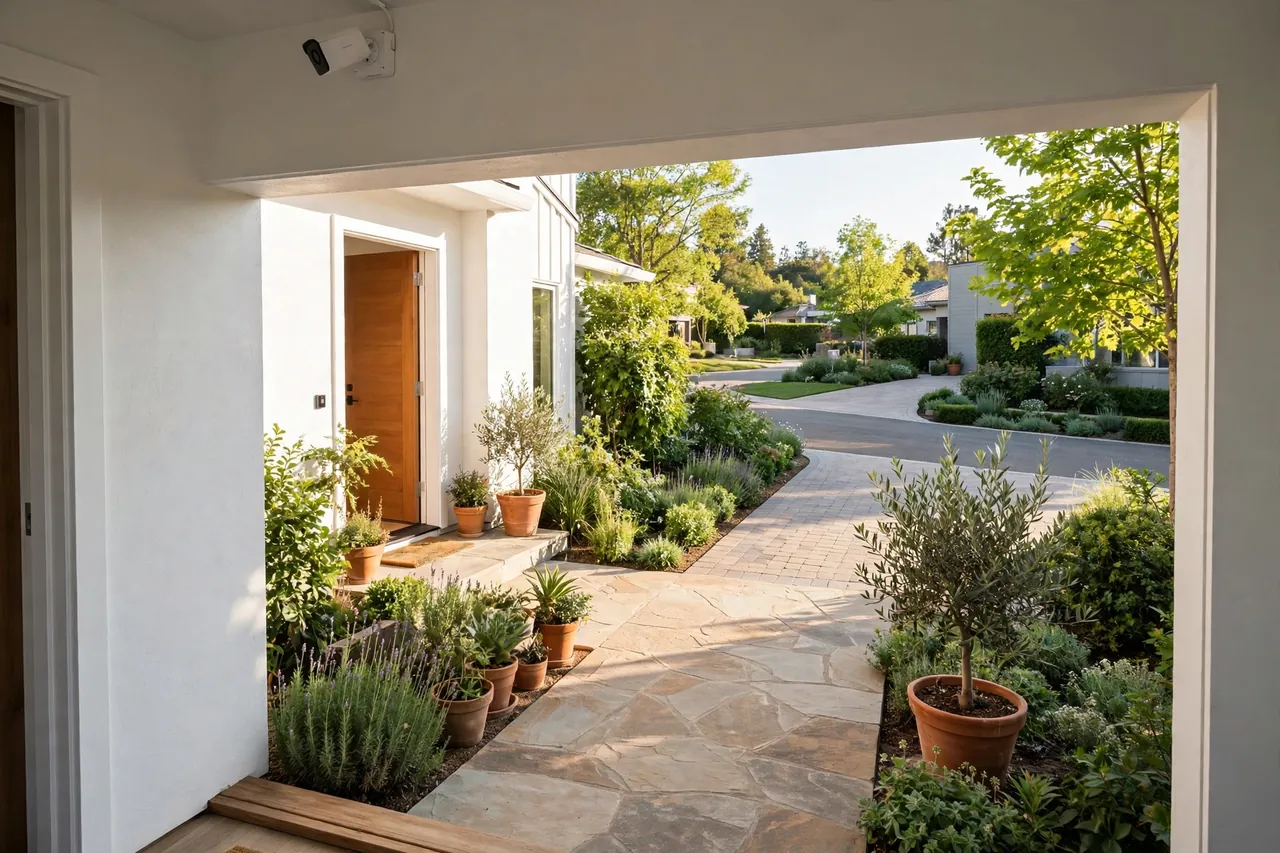
- Pick a mounting height of about 7 to 10 feet. This keeps the camera out of easy reach and gives the sensor a clear view of the path.
- Angle the camera slightly downward, about 15 to 30 degrees, so the detection zone covers the walkway and not the sky or the street beyond.
- Keep trees, bushes, and flags out of the frame where you can. Every branch in view is a future false alert on a windy day.
- Point the camera away from direct sun, busy sidewalks, and roads. Sun glare and passing traffic are the two biggest sources of outdoor noise.
- Test before you drill. Hold the camera in place, walk the path yourself, and watch the app. If it misses you or catches the street, shift the angle and test again.
- Mount the camera firmly, then walk the path one more time. A loose mount that shifts in the wind will trigger alerts all night.
Use a stable ladder and have someone hold it while you mount a camera above head height. Do not lean out from a ladder to reach a far corner. Move the ladder instead.
If you also use a video doorbell at the front door, let the doorbell own the doorstep and let the outdoor camera own the driveway or yard. The two devices cover different ground, and our guide to doorbell cameras for apartments and doorbell setups can help you split the job cleanly. For the bigger picture of how cameras, alarms, and monitoring fit together, see home security systems with self-monitoring.
How to Set Up Motion Zones and Sensitivity
Mounting is only half the job. The app settings decide what your camera cares about. Set them in this order: zones first, then sensitivity, then smart alerts. Zones have the biggest effect, so a wrong zone will defeat every other setting.
- Open the camera’s app, pick the camera, and open Motion Settings.
- Draw your motion zone over the live view. Cover your walkway, porch, and driveway entrance. Leave out the sidewalk, the road, and your neighbor’s yard.
- Save the zone, then walk through it yourself. If the camera misses you, widen the zone slightly. If it catches the street, pull the edge back.
- Set sensitivity to the middle of the slider first. Live with that setting for two or three days before you change it.
- If small animals and leaves still trigger alerts, lower sensitivity one notch at a time. Test after each change with a normal walk-through.
- If the camera misses real visitors, raise sensitivity one notch. Never jump from low to high in one move.
- Turn on person detection or smart alerts if your model offers them. Choose to get notified for people while the camera still records other motion quietly.
- Set a schedule if your app allows it. Many homes need full alerts at night and fewer alerts during the day when the family is coming and going.
Ring explains the difference clearly on its blog: motion zones control where the device detects motion, while motion sensitivity controls how much movement is needed to trigger an alert. Ring allows up to three customizable Motion Zones on most of its devices, and the zones are a free feature that needs no subscription. Read the step-by-step in Ring’s guide to setting up Motion Zones.
Remember that zones and sensitivity do different jobs. If alerts come from the wrong direction, no amount of sensitivity tuning will help. Redraw the zone. If alerts come from the right direction but from too far away, lower the sensitivity. That one rule fixes most noisy cameras.
How to Stop False Alerts From Pets, Trees, and Cars
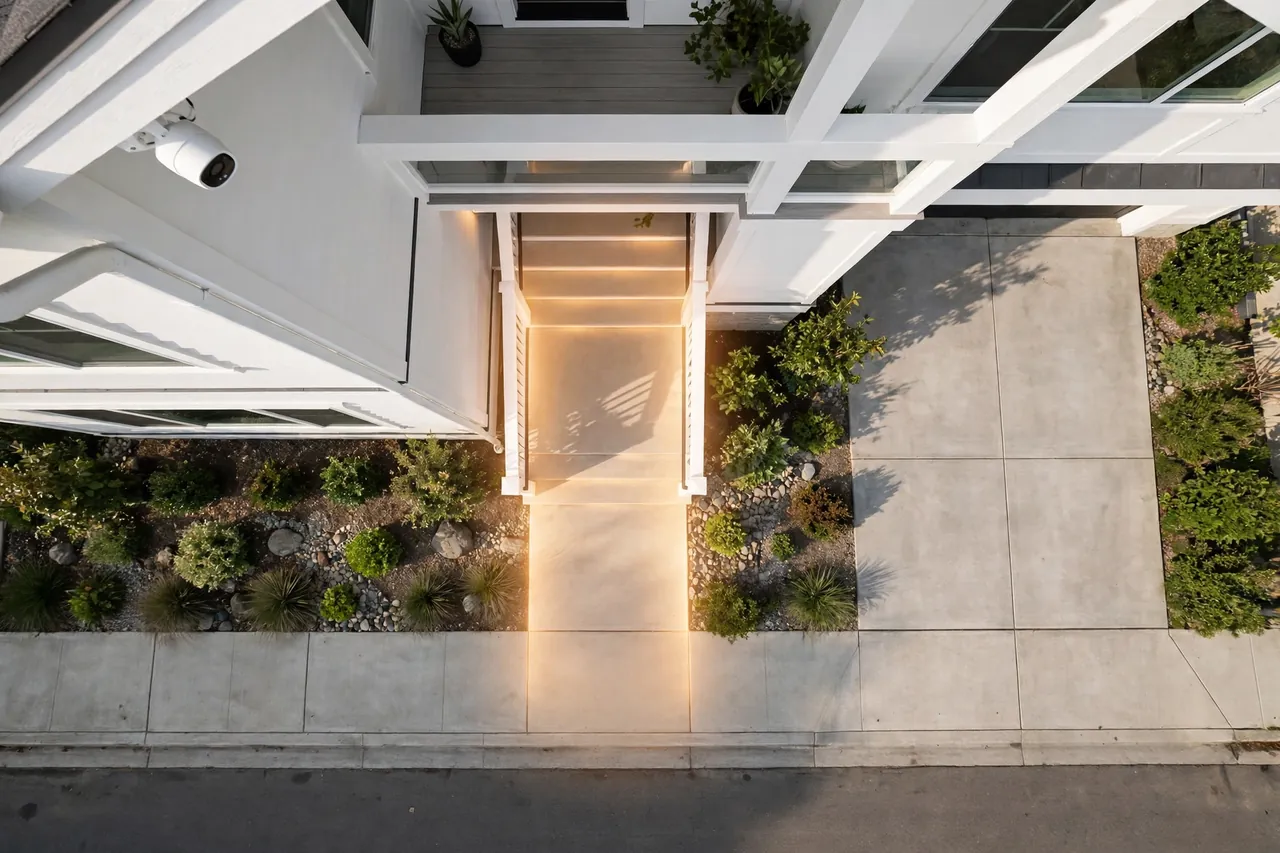
False alerts have causes, and each cause has its own fix. Check your saved clips first. The clip tells you exactly what triggered the camera, and guessing wastes days. Sort the cause, then apply the matching fix below.
False Alerts From Pets
A pet crossing the porch is a real event, just not one you need on your phone. Start by turning on person or pet detection if your camera offers it, and set alerts for people only. The camera still records the dog, but it stops buzzing you.
If your model has no pet filter, shrink the zone so it covers the walkway at human height and leaves out the low corner where the dog sleeps or plays. Lower sensitivity one notch as well, since a small animal close to the lens looks bigger than a person farther away. Mounting the camera at 7 to 10 feet also helps, because the sensor sees the pet at a smaller angle from up high.
Do not exclude the whole porch to silence the dog. If the dog uses the same steps as visitors, a zone that cuts out the porch will also hide the arrival you care about. Trim the edge, do not delete the zone.
False Alerts From Trees and Weather
Wind is the hardest outdoor trigger to beat because it moves half the frame at once. Branches sway, rain crosses the lens, and shadows slide across the driveway. The fix is mostly about what the camera sees.
Trim the branches that hang into the frame, or shift the camera so the tree sits outside the motion zone. Lower sensitivity during stormy weeks, then raise it back when the weather calms. If your camera offers a weather or motion-frequency setting, use it to space out repeat alerts from the same gusty hour.
Keep the lens clean. A spider web, a raindrop, or a smear of dirt near the lens can look like a large moving object to a pixel-based camera. Wipe the lens once a month and after every big storm.
False Alerts From Cars and Headlights
A car does not need to enter your driveway to set off your camera. Headlights sweep across walls, wet pavement throws bright reflections upward, and a passing car casts a moving shadow through the yard. A pixel-based camera treats those light shifts as motion.
Redraw the zone so it stops at your property line. Point the camera at your driveway entrance, not down the street. If the camera still catches headlights, lower sensitivity at night or turn on vehicle filtering so only cars that enter your property trigger an alert.
For a fuller look at what your camera sees after dark, our guide to night vision security cameras explains infrared and color night vision in plain terms. If you want a camera that can follow a moving person across a wide yard, read about pan tilt zoom security cameras before you buy.
Do Outdoor Motion Activated Cameras Record All the Time?
No, and that is the point. A motion activated camera records only when its sensor wakes it. The rest of the time it sleeps, which saves battery life and storage space. A wired camera can record around the clock if you set it that way, but a battery camera should not, because constant recording would drain the battery in days.
Each motion event usually saves a clip of 10 to 60 seconds, depending on your settings. Some cameras add a few seconds before the trigger, called pre-roll, so you see the person arriving, not just the moment after. Check whether your model offers pre-roll, because a clip that starts too late can miss the face that matters.
Where do the clips go? Most cameras store them on a memory card in the camera, on a hub inside your home, or in the cloud. Local storage costs nothing each month and keeps working when the internet drops. Cloud storage keeps clips safe if someone steals the camera, but it usually needs a monthly plan. Our guide to cloud cameras walks through that trade-off, and security cameras without a subscription lists options that store footage locally with no monthly fee.
One more honest limit: a battery camera can miss the first second of an event while it wakes up. That wake-up delay is usually under a second on PIR cameras, but it exists. If you need to catch every second at a high-risk entry, a wired camera with continuous recording is the safer choice. For everyday porches and driveways, motion recording is more than enough.
What to Look for Before You Buy
Shopping is easier when you check the right specs in the right order. Use this list in the store or on the product page, and skip any camera that fails the first three checks.
- Outdoor rating of IP65 or higher, plus an operating temperature range that covers your winters.
- PIR sensor with adjustable sensitivity, and motion zones you can draw in the app.
- Person detection that works without a paid plan, or a plan price you are happy to pay every month.
- Power that fits the spot: battery for flexibility, wired for nonstop use, solar only where the sun actually hits the wall.
- Video of at least 1080p, with a clear statement of the detection range in feet or meters.
- Local storage on a memory card or hub, so clips survive an internet outage.
- Strong Wi-Fi at the mounting spot. Test your phone’s Wi-Fi there before you buy. A camera with a weak signal will miss alerts no matter how good its sensor is.
- A mount that fits your surface. Brick, vinyl siding, and wood each need different screws and anchors.
If your camera will sit far from your router, check our guide to security cameras without WiFi for options that record locally when the signal is weak. If you want a live feed on a screen inside the house, security cameras with a monitor cover that setup. And if you want to hear what is happening outside as well as see it, read security cameras with audio before you choose a model.
Motion-Detection Setup Checklist
Use this checklist as your quick reference after mounting. Work through it in order, and check each item off only after you have tested it with a real walk-through.
| Step | Setting to check | Good result |
|---|---|---|
| 1. Mounting height | Camera 7 to 10 feet high, angled across the path | Visitors cross the sensor; pets stay small in frame |
| 2. Motion zone | Zone covers walkway and entries only | Sidewalk, road, and neighbor’s yard left out |
| 3. Sensitivity | Start at middle; adjust one notch at a time | People trigger alerts; leaves and small animals do not |
| 4. Smart alerts | Person detection on; alerts for people only | Phone buzzes for visitors, not for the dog |
| 5. Night test | Walk the path after dark | Camera wakes, records, and alerts within seconds |
| 6. Weather check | IP65 or higher; lens clean; branches trimmed | Rain and wind do not flood you with alerts |
| 7. Storage check | Memory card, hub, or cloud saving clips | Test clip plays back and shows a clear face |
| 8. Wi-Fi check | Strong signal at the mounting spot | Live view loads fast; alerts arrive in seconds |
Keep this list on your phone for the first week. Most cameras need two or three small tweaks in that first week, and then they settle down and stay quiet until something real happens.
Related Guides
Night Vision Security Cameras: How They Work, How Far They See, and Which Type Fits Your Home · Wireless Indoor Security Cameras: A Simple Guide for Your Home · Security Camera With Monitor: The Complete Guide to Monitor-Included Systems
- Night Vision Security Cameras — what your camera sees after dark, in plain terms.
- Pan Tilt Zoom Security Camera — when a camera that follows movement is worth the extra cost.
- Security Cameras With Audio — hearing what happens outside, and the rules that come with it.
- Security Camera With Monitor — watching a live feed on a screen inside your home.
- NVR Security System — nonstop recording with a recorder, for homes that need full coverage.
- Cloud Camera — where your clips live, and what cloud storage really costs.
- Wireless Indoor Security Cameras — the indoor side of the same system, for rooms and hallways.
Frequently Asked Questions
What is a motion sensor camera?
A motion sensor camera is a surveillance camera that automatically begins recording when it detects movement within its field of view. It uses built-in motion sensors, often enhanced with AI, to identify people, vehicles, or animals, so it captures relevant footage while saving battery life and storage space.
Do motion sensor cameras record all the time?
No, motion sensor cameras typically do not record continuously. They activate only when motion is detected within their range. This saves battery life and storage space, and it makes footage review faster because you skip over long stretches of nothing happening.
What triggers a motion sensor camera?
Motion sensor cameras are triggered by movement within their detection range. Depending on the technology, that can mean changes in infrared heat (PIR), visual motion, or AI-based detection of humans or vehicles. Sensitivity levels and activity zones help reduce false triggers from wind or animals.
How far can a motion sensor camera detect?
Most outdoor models detect movement up to about 30 feet away. Eufy states its PIR cameras detect sideways movement up to 25 to 30 feet (8 to 10 meters). The real range depends on mounting height, tilt angle, sensitivity, and temperature, so test with a walk-through after mounting.
How can I reduce false alerts from my motion sensor camera?
Set custom activity zones that cover only your walkway and entries, lower sensitivity one notch at a time, and turn on person detection so the camera tells people apart from pets and passing cars. Also check placement: keep trees out of the frame and point the camera away from roads and bright reflections.
Which is better, PIR or motion detection?
Neither is universally better. PIR is itself a type of motion detection, and the right choice depends on your setting, power source, and what you want to detect. PIR suits battery cameras and calm alerts, while pixel-based detection suits wired cameras that need to catch every visible movement.
Start with one camera at your busiest entry, not five cameras all at once. Mount it across the path, draw a tight zone, set sensitivity to the middle, and live with it for a week. Once that first camera stays quiet until something real happens, you will know exactly what to buy for the next spot.