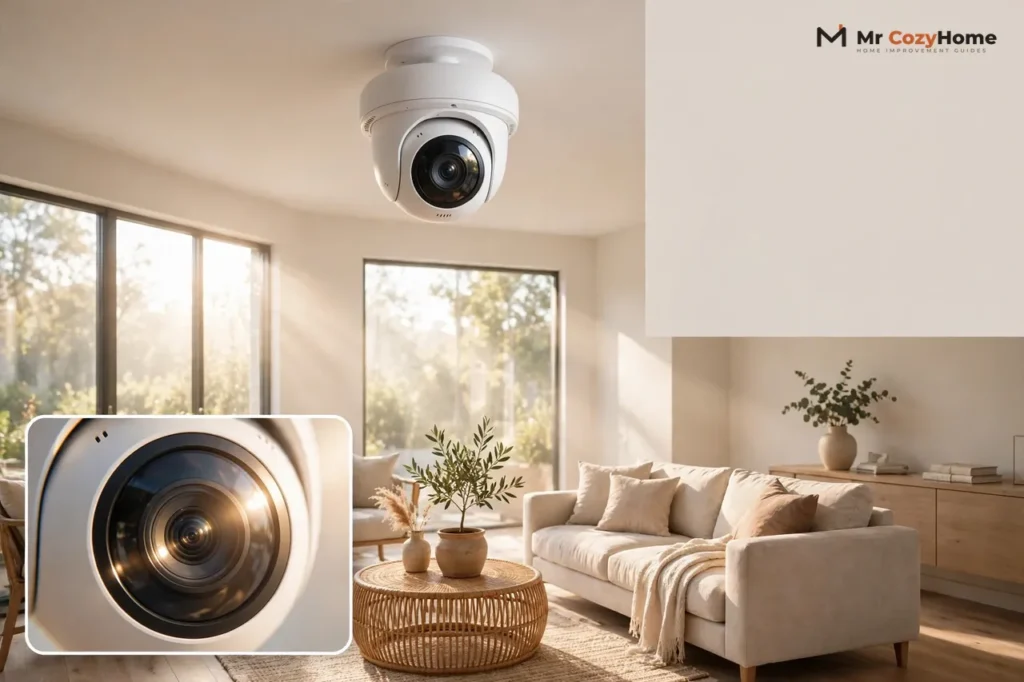
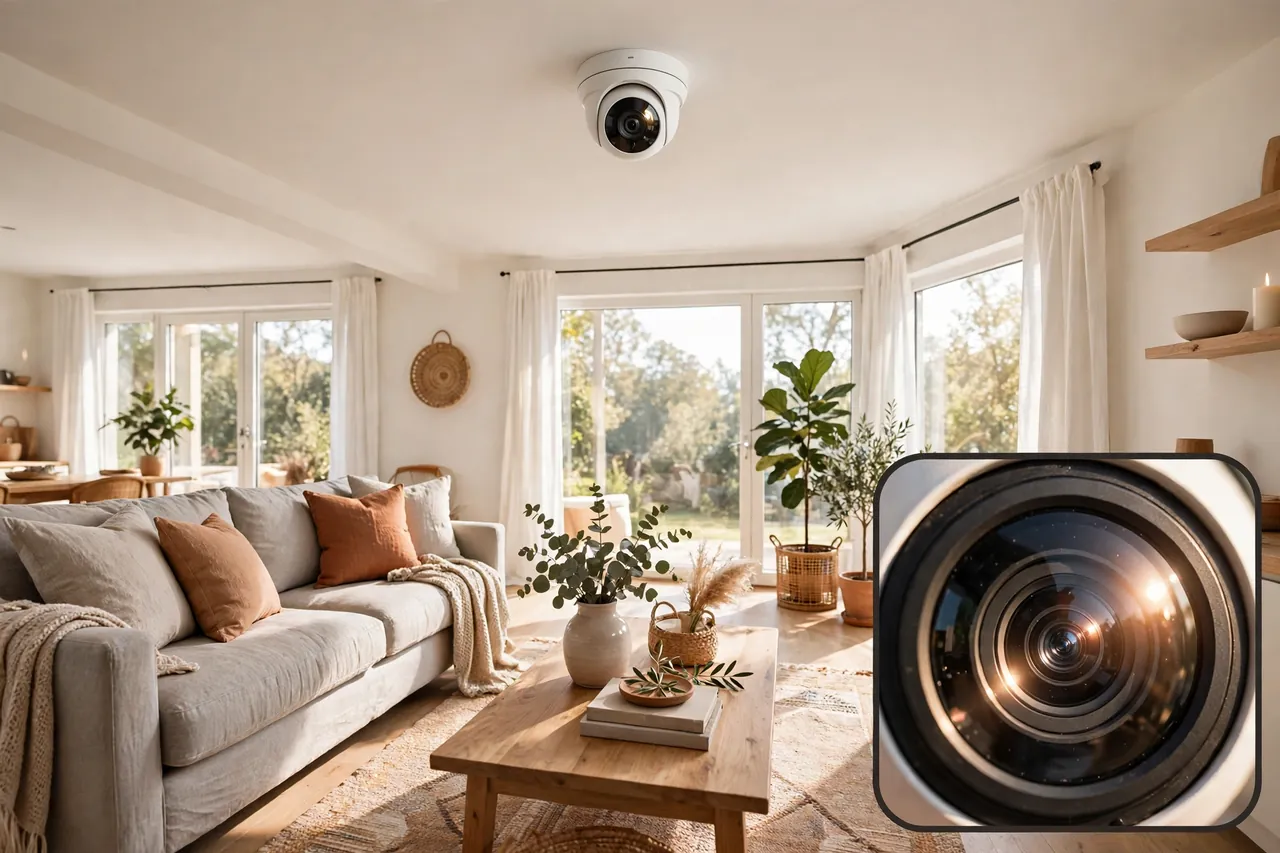
A 360 security camera watches a whole room or yard from one spot. It does this in one of two ways: a true panoramic camera uses a super-wide fisheye lens to record every direction at once, while most home models sold as “360” use a motor that turns the lens around. Either way, one camera can replace two or three fixed cameras in an open space, but it cannot see through walls, and it will not show a far-away face as clearly as a camera aimed right at it.
If you want one camera to watch your living room, your backyard, or a small shop floor, a 360 security camera is often a smart pick. Read on to learn how each type works, where it shines, where it falls short, and which models are worth your money.
What Is a 360 Security Camera?
A 360 security camera is a camera that covers a full circle around its mount. The name sounds simple, but it hides three very different designs. The label on the box does not always tell you which one you are buying, so check the design before you pay.
A true panoramic camera records all directions at the same time. A pan-tilt camera looks in one direction at a time and turns to look somewhere else. Both get called “360,” yet they behave very differently once they are on your wall.
The Fisheye Design: One Lens Sees Everything at Once
A fisheye camera uses one ultra-wide lens to capture a huge round image, often a full 360 degrees around and 180 degrees top to bottom. It has no moving parts. It records the whole scene at once, so nothing gets missed while the camera looks the other way, because it never looks away.
The raw image looks like a round bubble, with straight lines bent into curves. Software fixes that bend, a process called dewarping, and turns the bubble into a flat view you can watch. Rhombus, a commercial camera maker, explains that dewarping can straighten parts of the image, but it cannot restore detail the camera never recorded in the first place.
Fisheye cameras are common in shops, lobbies, gyms, and warehouses. For homes, they show up less often, because most home brands sell pan-tilt models instead.
The Multi-Sensor Design: Several Lenses Stitched Into One View
A multi-sensor camera packs two, three, or four lenses into one housing. Each lens covers a slice of the scene, and the camera stitches the slices into one wide, seamless picture.
This design keeps detail more even across the image than a single fisheye lens, and the edges warp less. It costs more, and you will mostly find it in business systems. For a home, it is usually more camera than you need.
The Pan-Tilt Design: The “360” Most Homes Actually Buy
Most home cameras sold as 360 security cameras are pan-tilt cameras. A motor turns the lens left and right (pan) and up and down (tilt), so over a full sweep it can look all the way around. At any single moment, though, it watches only the direction the lens faces.
If it looks at your gate, it does not watch your back door at the same time. Motion tracking helps: the camera turns to follow movement it spots. Patrol mode helps too: the camera visits saved positions in turn. But each spot is only watched part of the time. Our full guide to pan-tilt-zoom security cameras explains the motor, the zoom, and the tracking in detail, so this article will not repeat it here.
Before you buy, check the product page for the words “fisheye,” “panoramic,” or “pan-tilt.” That one line tells you what kind of 360 you are really getting.
How Do 360 Security Cameras Work?
A 360 security camera starts with a wide view and ends with a view you can actually use. The steps in between depend on the design, but the idea stays the same: capture a lot, then let software shape it into something clear.
A fisheye camera bends light through its curved lens and records a round, warped image. Dewarping software then flattens that image into one or more flat views. You can watch the whole room as one wide strip, split it into tiles, or pan digitally through the recorded picture to follow a person across the room. Digital pan, tilt, and zoom work on footage that is already recorded, so you can rewind and look around a scene after the moment has passed. That is a real edge over a motor camera, which only records what its lens faced at the time.
A pan-tilt camera works more like a person turning their head. The motor moves the lens, the sensor records a normal flat image, and the app lets you steer it, set preset positions, or let auto-tracking follow movement. There is no warped image to fix, so the picture looks normal right away.
Both types send video to your phone app over Wi-Fi, save clips to a memory card or a hub, and can offer cloud storage as an extra. Both can pair with motion alerts, so your phone buzzes only when something actually moves. The difference is not the app. The difference is whether the camera sees everything at once or one slice at a time.
360 vs PTZ: The Difference That Matters
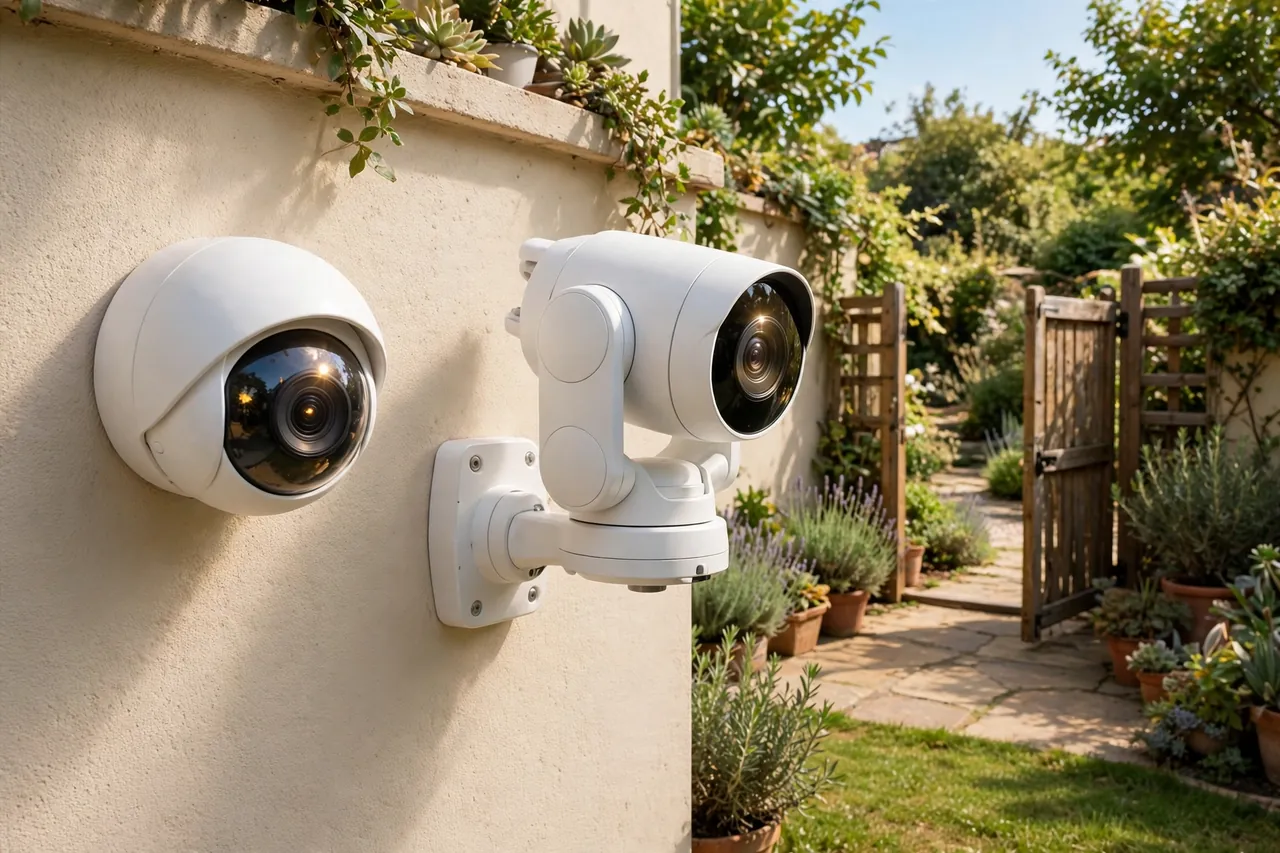
Shoppers mix these two up more than any other pair in home security. Here is the short version: a true 360 camera records the whole scene all the time, while a PTZ camera points at one thing at a time and zooms in close on it.
A PTZ camera wins when you need detail at a distance. Its optical zoom magnifies a face or a license plate without losing clarity, because the lens itself does the magnifying. A 360 camera wins when you need to know what happened anywhere in a room, because it never turns its back on part of the scene.
Solink, a video security company, puts it plainly: a PTZ camera only records what is in frame at that moment, so it can miss an event happening behind it, while a 360 camera records everything in its field of view at all times. That trade-off drives the whole choice.
| Feature | True 360 (fisheye or panoramic) | PTZ (pan-tilt-zoom) |
|---|---|---|
| What it records | Every direction at once | One direction at a time |
| Blind spots while recording | None inside its view, but walls block it | Everything behind the lens |
| Zoom | Digital zoom only, detail drops as you zoom | Optical zoom, detail stays sharp |
| Moving parts | None | Motor that can wear out |
| Best for | Open rooms, whole-yard awareness | Faces and plates at a distance |
| After the fact | Rewind and look around the recorded scene | Only the view it faced is saved |
Many homes end up with both: a 360 camera for the big picture and a fixed or PTZ camera aimed at the front door or driveway for detail. If you want the deep dive on the motor side, read our pan-tilt-zoom security camera guide before you choose.
Where 360 Security Cameras Work Best
A 360 camera earns its keep in open spaces where one mount can see a lot. Put it in the middle of the action, and it does the work of several fixed cameras.
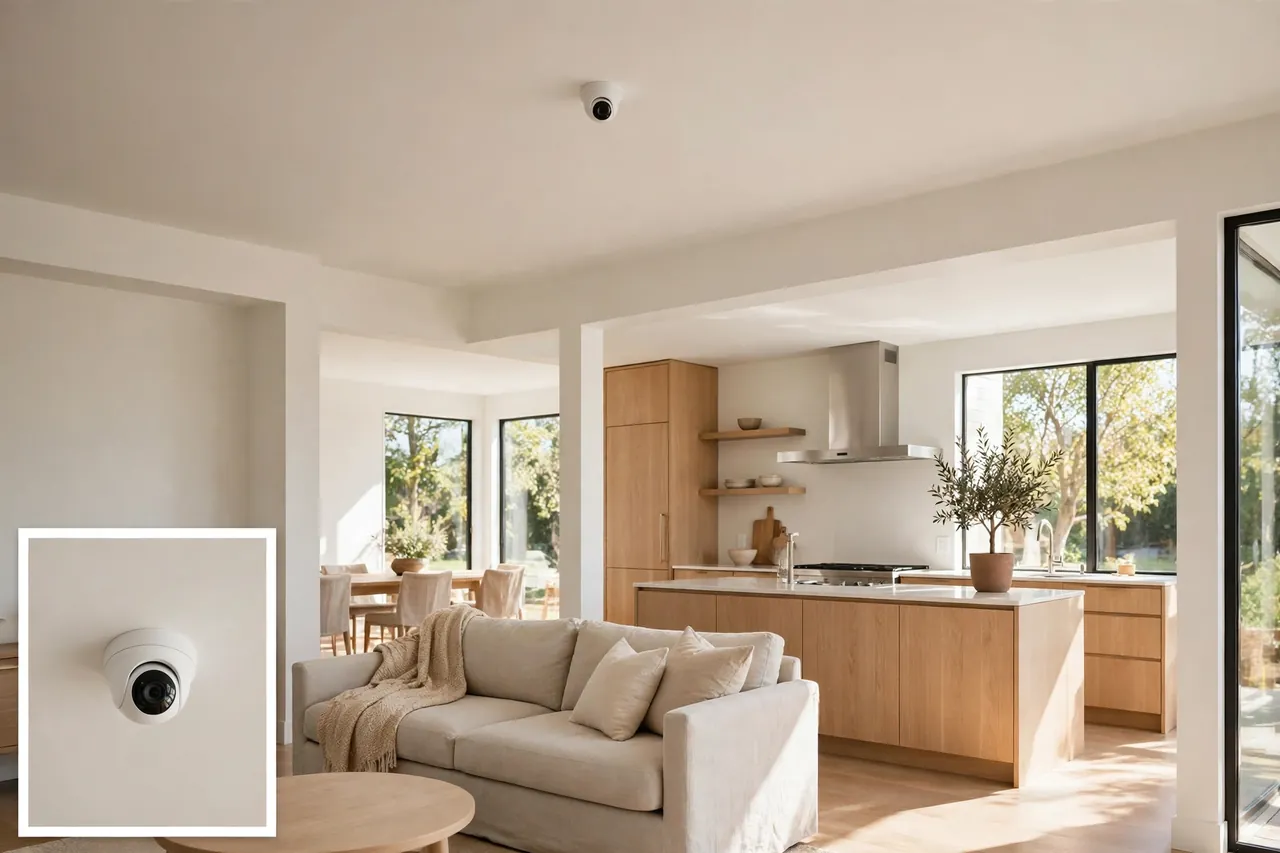
Inside the home, the best spots are the living room, a large open kitchen, a playroom, or a home office. Mount it on the ceiling in the center of the room, or set it on a high shelf, and it watches every corner at once. That makes it a strong pick for checking on kids, pets, or an elderly parent from another room. If the camera will sit inside a bedroom or living area, our guide to wireless indoor security cameras covers placement and privacy settings that pair well with a 360 view.
Outside, a 360 camera suits a backyard, a patio, a driveway entrance, or the front of a small shop. One camera over the patio can watch the back door, the garden gate, and the kids’ play area together. Mount it high enough to see faces, but low enough that faces are more than a few pixels tall: about 8 to 10 feet usually works well for a yard camera.
Renters like these cameras too. A single wireless model on a shelf or a clamp mount covers a whole room with no holes in the wall and no wires to run. When you move, you take it with you.
Where 360 Security Cameras Fall Short
No camera does everything, and 360 cameras have honest limits. Know them before you buy, and you will not feel let down later.
First, detail drops with distance. A fisheye lens spreads its pixels across a huge scene, so a person 30 feet away takes up far fewer pixels than the same person in front of a narrow fixed camera. Even a 4K sensor cannot beat that math. Faces and license plates get blurry at range. If you need to identify a stranger at the end of a long driveway, a 360 camera alone will disappoint you.
Second, the edges distort. The fisheye image bends straight lines near the rim of the picture, and dewarping stretches those edge pixels to flatten them. The result looks fine in the middle and softer at the edges. Check sample footage before you buy, and look at the corners, not just the center.
Third, walls and shelves still block the view. A 360 camera sees in every direction, but it cannot see through a bookshelf, a tall cabinet, or a wall. A cluttered room or an L-shaped yard leaves hidden pockets no matter how wide the lens is. Narrow hallways and corridors are a poor fit: most of the camera’s wide view gets wasted on two close walls.
Fourth, pan-tilt models sold as 360 still have a blind side. The lens can only face one way at a time, so an event behind the camera goes unrecorded unless the camera happens to turn. Patrol mode and tracking reduce the gap, but they do not close it. Only a true panoramic design records everything at once.
Finally, night vision gets harder at range. Infrared light fades with distance, and a wide scene needs more light than a narrow one. A camera that shows a crisp room at noon may show a grainy gray wash across a dark yard at midnight. Our guide to night vision security cameras explains infrared range and color night vision in detail, and it will help you judge whether a 360 model’s night specs are real or just marketing.
Key Specs That Matter When You Shop
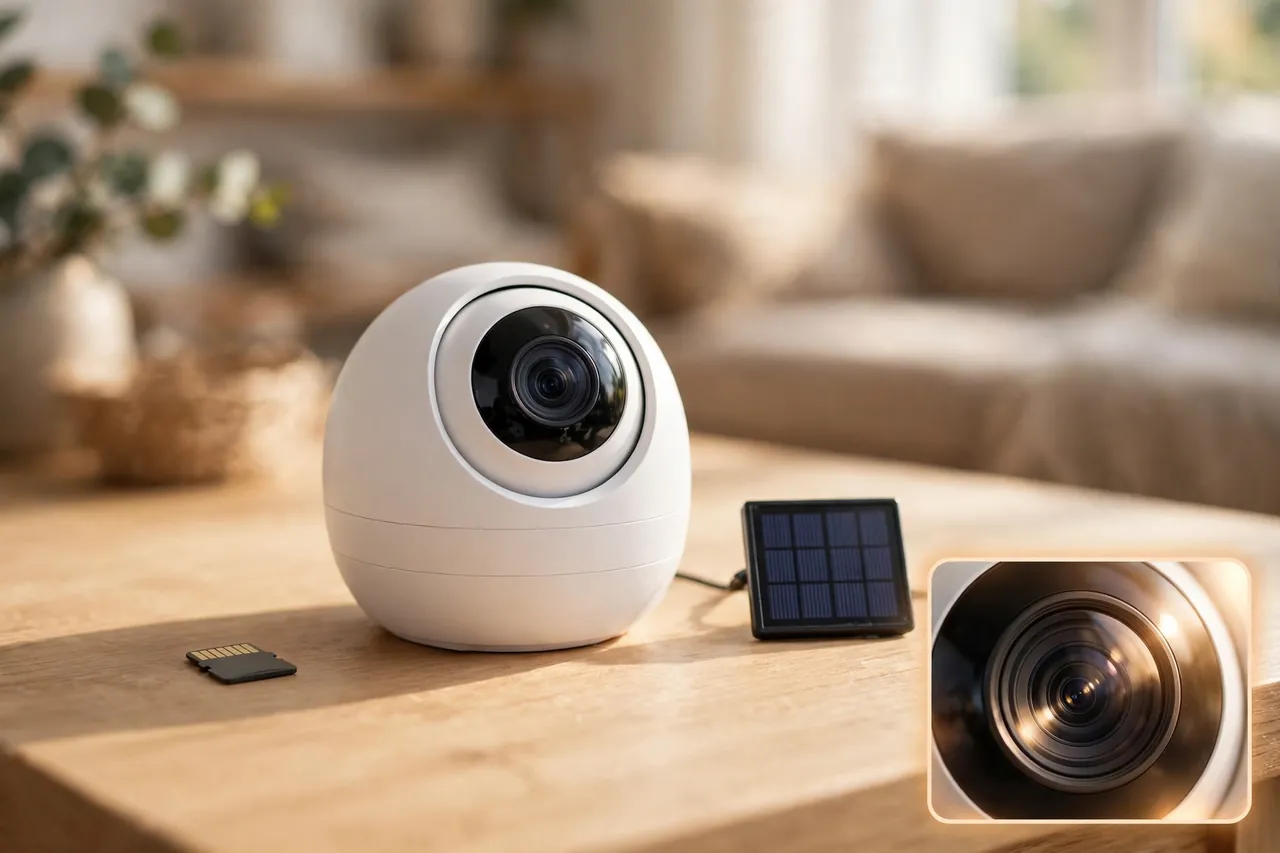
Camera boxes shout big numbers. Only a few of them change what you actually see. Here are the ones to weigh.
Resolution: Go Higher Than You Think
Because a 360 view spreads pixels thin, resolution matters more here than on a fixed camera. Treat 2K as the floor and prefer 4K when the camera watches a large room or yard. A 1080p panoramic image sounds fine on the box, but its detail per square foot is low, and faces turn to mush fast.
Dewarping and Viewing Modes
For a fisheye camera, ask how the dewarped view works. Can you watch the flat view live, or only in playback? Can you split the picture into tiles, one per zone? Can you pan digitally through a recording? If the app only shows the round bubble image, daily use gets annoying fast. Rhombus notes that available views and whether dewarping works during live playback vary by product, so test the app before you commit.
Night Vision
Look for infrared LEDs or a spotlight for color night video, and check the stated range against your actual space. A 30-foot infrared range sounds generous until the camera sits 15 feet up on a ceiling, which eats half the range before the light even reaches the floor. Spotlights help, but they also announce the camera and can annoy neighbors.
Audio: Two-Way Talk and Listening
Most home 360 cameras include a microphone and speaker, so you can hear what happens and talk back through the app. That matters more than people expect: a voice warning often stops a porch visitor faster than a silent recording. Check whether audio records by default and whether your state allows it. Our guide to security cameras with audio covers two-way talk, audio recording rules, and which models do it well.
Storage: Local, Cloud, or Both
Clips have to live somewhere. Local storage on a memory card or a home hub costs nothing each month and keeps working if the internet drops. Cloud storage keeps footage safe if someone steals the camera, but it usually needs a monthly plan. Many owners use both: local for day-to-day clips and cloud for the events that matter. Our cloud camera guide walks through plans, clip limits, and how to pick between them.
Power and Weatherproofing
Indoor models plug into an outlet. Outdoor models run on battery with a solar panel, or on a wired connection. Battery models only record motion events, not 24/7, so a busy yard drains them faster. For outdoor use, look for an IP65 rating or better, which means the camera stands up to rain and dust.
Smart Detection
Person, vehicle, and pet detection cut false alerts from swaying trees and passing shadows. Auto-tracking matters most on pan-tilt models, since the camera has to turn to follow someone. Privacy zones matter indoors: they let you black out a neighbor’s window or a bathroom doorway so the camera never records it.
Best 360 Security Cameras for Home Use
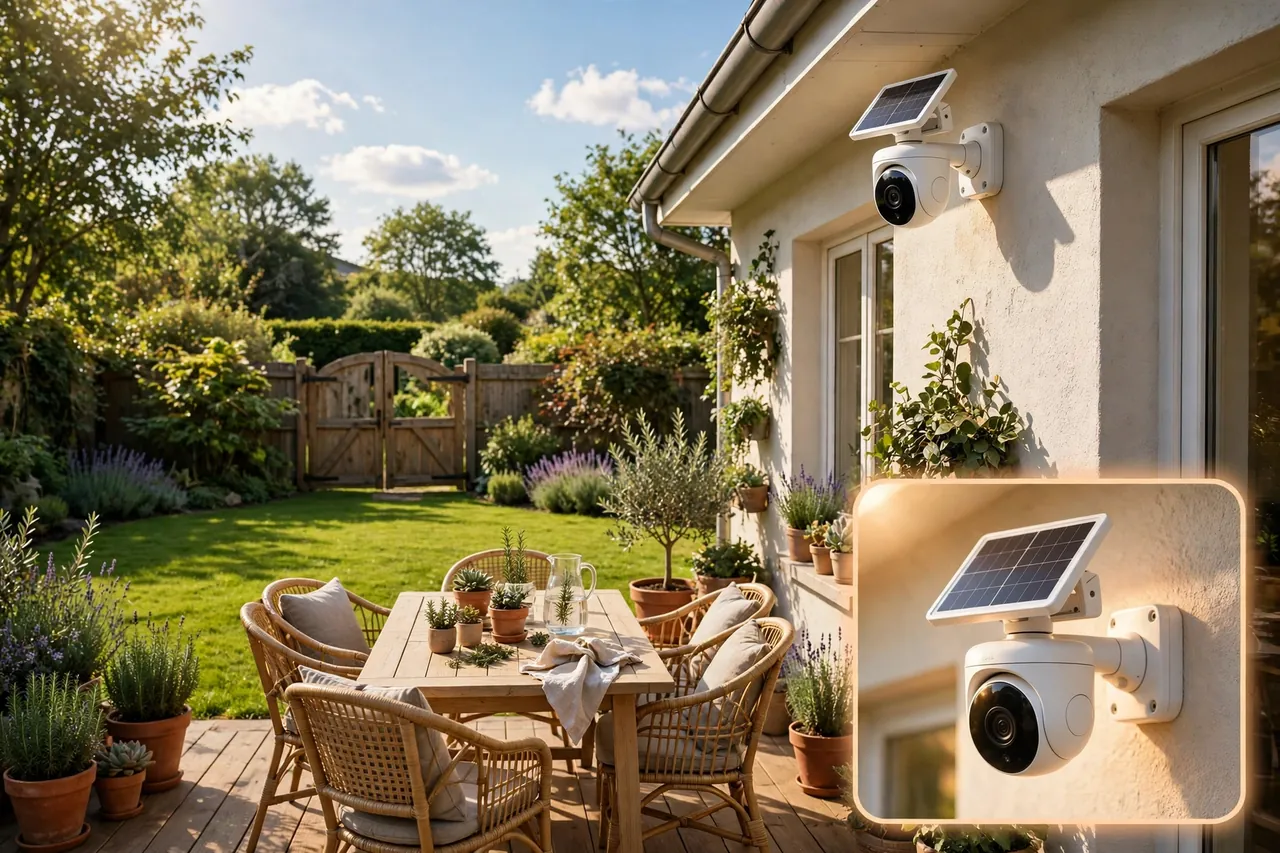
Home stores sell far more pan-tilt “360” cameras than true fisheye models, so the picks below reflect what you can actually buy for a house. Prices were checked on November 7, 2026, and they change often, so confirm the current price before you order. All prices are in US dollars from each maker’s own US store.
| Camera | Type | Key specs | Price (checked Nov 7, 2026) |
|---|---|---|---|
| eufy SoloCam S340 | Pan-tilt, outdoor | 3K wide + 2K telephoto, 8x hybrid zoom, 360-degree pan, solar panel, 8 GB built-in storage | $139.99 on sale, $219.99 list on eufy.com |
| eufyCam S4 | Fixed 4K + pan-tilt head, outdoor | 4K fixed lens plus 2K dual-lens pan-tilt head, 360-degree pan, solar panel, 32 GB built-in storage | $349.99 on eufy.com |
| eufy Indoor Cam S350 | Pan-tilt, indoor | 4K dual-lens indoor camera, 360-degree pan, AI tracking, plug-in power | $139.99 on eufy.com |
| Reolink Argus 4 Pro | Wide-view, outdoor (180 degrees) | 4K dual-lens stitched 180-degree view, battery + solar, microSD up to 512 GB | $179.99 with Solar Panel 2 on reolink.com |
The eufy rotating camera guide describes the SoloCam S340 as a wire-free PTZ with dual lenses, 360-degree panning, and 70-degree tilt, plus a solar panel that keeps the battery topped up with a couple of hours of daily sun. At $139.99 on sale, it is the best value pick for a yard or driveway where you cannot run wires.
The eufyCam S4 suits a bigger property. Its fixed 4K lens watches the whole scene without a break, while the pan-tilt head below it zooms in on people or cars. At $349.99, it costs more, but it covers the one weakness of a pan-tilt camera: the moment when the lens looks away, the fixed lens still records.
For indoor use, the eufy Indoor Cam S350 gives you a full 360-degree pan in a living room or nursery for $139.99, with AI tracking that follows a person across the room. It plugs in, so it can record around the clock.
The Reolink Argus 4 Pro is not a full 360 camera: its two lenses stitch into a 180-degree view. It earns a place here because many buyers who want wide coverage from one mount find 180 degrees is enough for a porch or a yard corner, and at $179.99 with a solar panel it costs less than most true 360 options. If your space wraps all the way around the mount, though, pick a real 360 model instead.
True fisheye cameras for homes exist, but they mostly come from business brands such as Rhombus, Axis, and Hanwha, and their prices vary by dealer and system. If you want one for a home, ask the seller for the full installed price, including the recorder or cloud plan, before you compare it with the models above.
How to Set Up a 360 Camera for the Best Coverage
Good placement beats an expensive camera. Follow these steps, and one camera will do the work of two.
- Mount it in the center. A ceiling mount in the middle of a room gives a fisheye camera its best view. For a pan-tilt camera, a high corner mount works well, since the motor can sweep the whole room from there.
- Keep the height near 8 to 10 feet outdoors. Higher than that, faces shrink and night vision fades. Lower than that, a tall person can reach the camera.
- Clear the sightlines. Move tall plants, hanging lights, and shelf clutter out of the camera’s view. A 360 lens sees everything, including the junk you forgot was there.
- Test the view at night. Open the app after dark and check the picture before you fix the mount for good. Infrared glare off a white wall or a window can wash out half the image.
- Set activity zones and privacy masks. Draw zones around doors and paths so alerts mean something, and mask off neighbors’ windows and private rooms.
- Check the Wi-Fi signal at the mount. A camera that drops offline at the far end of the yard is just a decoration. If the signal is weak, move your router or add an extender before you blame the camera.
- Decide where clips live. Put in a memory card or pair the camera with its hub on day one, so the first event is saved. A camera with no storage records nothing.
If you would rather watch footage on a screen in the house instead of only on your phone, read our guide to a security camera with monitor to see which setups support a live display.
How Much Does a 360 Security Camera Cost?
A home 360 camera usually costs between $140 and $350 for the camera itself, based on the verified prices above from November 7, 2026. Budget pan-tilt models start near $100, while dual-lens and hybrid models climb toward $350. True fisheye systems for businesses can run into the thousands once you add the recorder and installation, so get a written quote before you judge them.
The camera price is only part of the bill. Add a memory card or a home hub for local storage if the camera does not include one, and check the cloud plan: many brands store clips free on the device but charge monthly for cloud backup and longer clip history. Solar panels often come in the box with battery models, but a spare battery or a longer mount can add $20 to $50.
One 360 camera can replace two or three fixed cameras, so compare the total, not the single price tag. A $200 camera that covers your whole backyard may cost less than three $80 fixed cameras plus the extra cables and mounts they need. If you want to skip monthly fees entirely, our guide to a security camera without subscription shows which models store everything locally at no monthly cost.
Should You Buy a 360 Security Camera?
Buy one if you need to watch a wide, open space and you care more about seeing everything than about reading a face at 40 feet. A living room, a playroom, a backyard, or a small shop floor is the sweet spot. One camera, one mount, and the whole scene is on record.
Skip it if your main job is identifying people at a distance, watching a long narrow driveway, or covering a hallway. A fixed camera aimed at the spot, or a PTZ camera with real optical zoom, will serve you better there. And if your home already has good fixed cameras, a 360 model adds awareness, not detail, so weigh that before you spend.
A quick privacy note: a camera that sees the whole room also records everyone in it. Tell the people in your home where the camera sits, use privacy zones for bedrooms and bathrooms, and check your local rules about recording audio and video before you point a camera at a shared space.
When you are ready, start with one camera in the room or yard you worry about most. Live with it for a few weeks, check the footage at night, and then decide whether a second one is worth it. If you need to watch without home internet at all, our guide to security cameras without Wi-Fi covers cameras that record offline.
Related Guides
If this guide helped, these companion guides go deeper on the pieces a 360 setup touches: our pan-tilt-zoom security camera guide for the motor-driven alternative, wireless indoor security cameras for room placement and privacy, night vision security cameras for seeing clearly after dark, security cameras with audio for two-way talk, our cloud camera guide for storage plans, and security cameras with a monitor for watching on a screen at home.
Frequently Asked Questions
What is the difference between a fisheye camera and a 360-degree security camera?
A fisheye camera uses an ultra-wide lens to capture a distorted circular image. The term 360-degree security camera is broader and can also refer to other panoramic capture designs, such as multi-sensor cameras or pan-tilt models, and available viewing modes vary by product.
Can one 360-degree camera replace several fixed cameras?
It can reduce the number of cameras needed in an open, unobstructed area, but fixed cameras may still be necessary for entrances, distant subjects, or detail-critical views. Pair a 360 camera with a fixed camera at the front door for the best mix of coverage and detail.
Do 360-degree cameras work at night?
Some models include infrared illumination. Check the selected camera’s specifications, then test footage at the planned mounting height and lighting level, because a stated illumination range alone does not establish usable detail at night.
Should you choose cloud or local video storage?
Check required retention, available upload bandwidth, who will manage recordings, and how footage must be recovered after an outage. Local storage costs nothing monthly and works offline, while cloud storage protects clips if the camera is stolen. Many owners use both.
Are 360 security cameras worth it?
Yes, they are often a smart option. These cameras can turn a full 360 degrees, and many can follow motion automatically, letting you scan an entire scene with ease. That flexibility means a single unit can cover the same area that might otherwise need several fixed cameras, especially in wide-open spaces.
Start with the space you worry about most, mount the camera where it can see the whole area, and test the picture day and night. The right 360 camera will not watch everything perfectly, but it will watch more of your home from one spot than any fixed camera can.