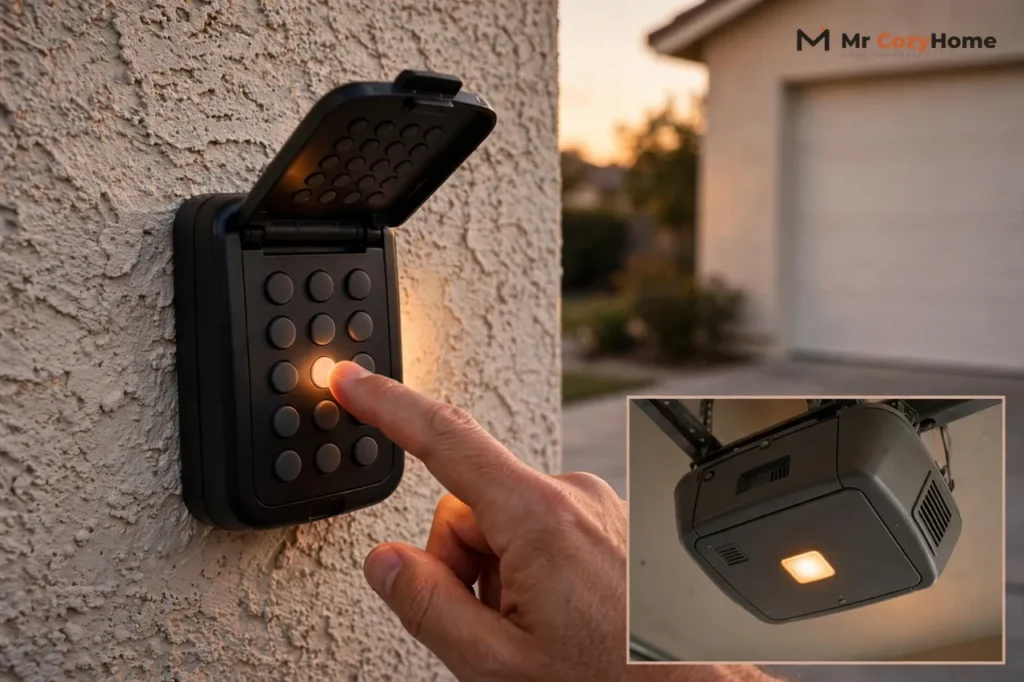
To reprogram a garage door keypad, press and release the Learn button on the opener’s motor unit, then, within 30 seconds, enter a new four-digit PIN on the keypad and press and hold Enter until the opener’s lights blink. That one sequence covers most LiftMaster, Chamberlain, and Craftsman openers.
Genie keypads work a little differently: you set the PIN on the keypad first, then pair it with the opener. This guide gives each brand its own steps, verified against the manufacturers’ published instructions. But check the keypad battery before you reprogram anything. A dead or weak battery is the most common reason a keypad stops working, and ruling it out takes two minutes.
Garage Door Keypad Not Working? Check These Causes First
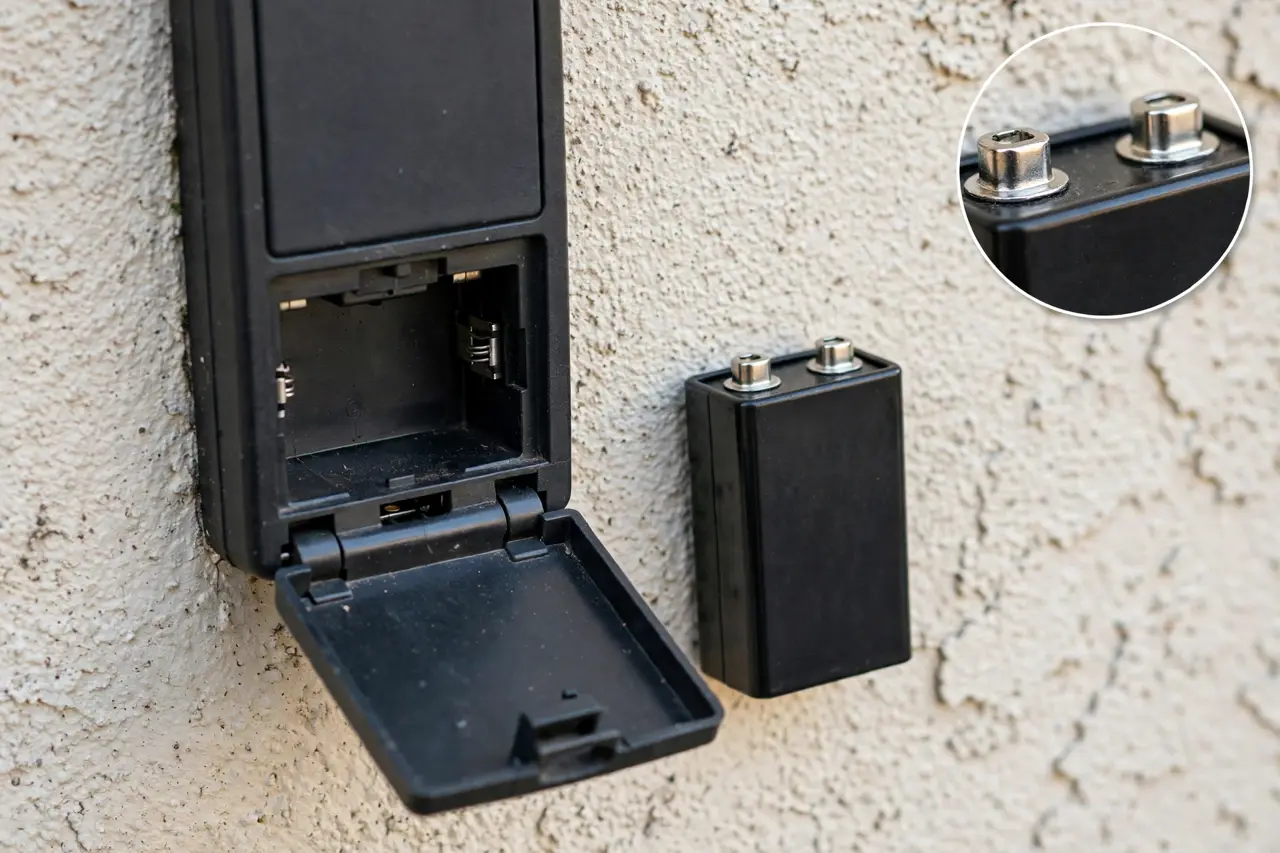
A keypad that suddenly stops opening the door has usually failed for one of four simple reasons. Work through them in this order, cheapest first, before you assume the code is lost.
1. A Dead or Weak Battery
This is the number one cause. The warning signs are a keypad that looks dim, does not light up when you press a button, works only when you stand very close, or works one day and not the next. LiftMaster’s own manual gives the same test: replace the battery when the keypad becomes dim or does not light after a button is pressed.
Most LiftMaster, Chamberlain, and Craftsman keypads run on one 9-volt battery. The current Genie GK-R keypad runs on two AAA batteries, and Genie confirms its programming is not lost during a battery change. On most systems the PIN is stored in the opener, not the keypad, so a fresh battery alone rarely wipes your code. If the keypad still fails with a new battery, move on.
2. Range Problems and Interference
A weak battery also shortens the keypad’s range, so test the code while standing a few feet from the door. If it works up close but not from its mounting spot, the signal is struggling to reach the opener.
Radio interference can do the same thing. LiftMaster’s keypad troubleshooting lists LED light bulbs and other radio-frequency noise as possible sources of interference, so a new LED bulb screwed into the opener or a nearby fixture is worth suspecting. If your handheld remotes stopped working at the same time as the keypad, also check the wall control inside the garage. Many wall controls have a lock feature that blocks every wireless device until it is switched off.
3. Worn or Dirty Buttons
Press each number slowly and watch the keypad. Every press should light the pad or flash its light. If one digit of your PIN no longer registers, the opener never receives the full code, even though the keypad seems alive. Outdoor keypads collect grit around the keys, and a wipe with a slightly damp cloth can free a sticking button. A button that stays dead after cleaning and a fresh battery means the keypad itself is wearing out.
4. The Keypad Has Lost Its Programming
If the keypad lights up, the battery is fresh, you are standing in range, and the opener still ignores a correctly entered PIN, the pairing between keypad and opener is probably gone. Power surges and memory clears can drop it. The fix is to reprogram, which is the rest of this guide.
💡 Practical Home Tip: Once your keypad works again, write the Learn button color from the next section on a small piece of tape inside the keypad’s battery cover. The next time you replace the battery or buy a replacement keypad, you will know your opener’s radio type in seconds instead of climbing up to check.
Find the Learn Button and Check Its Color
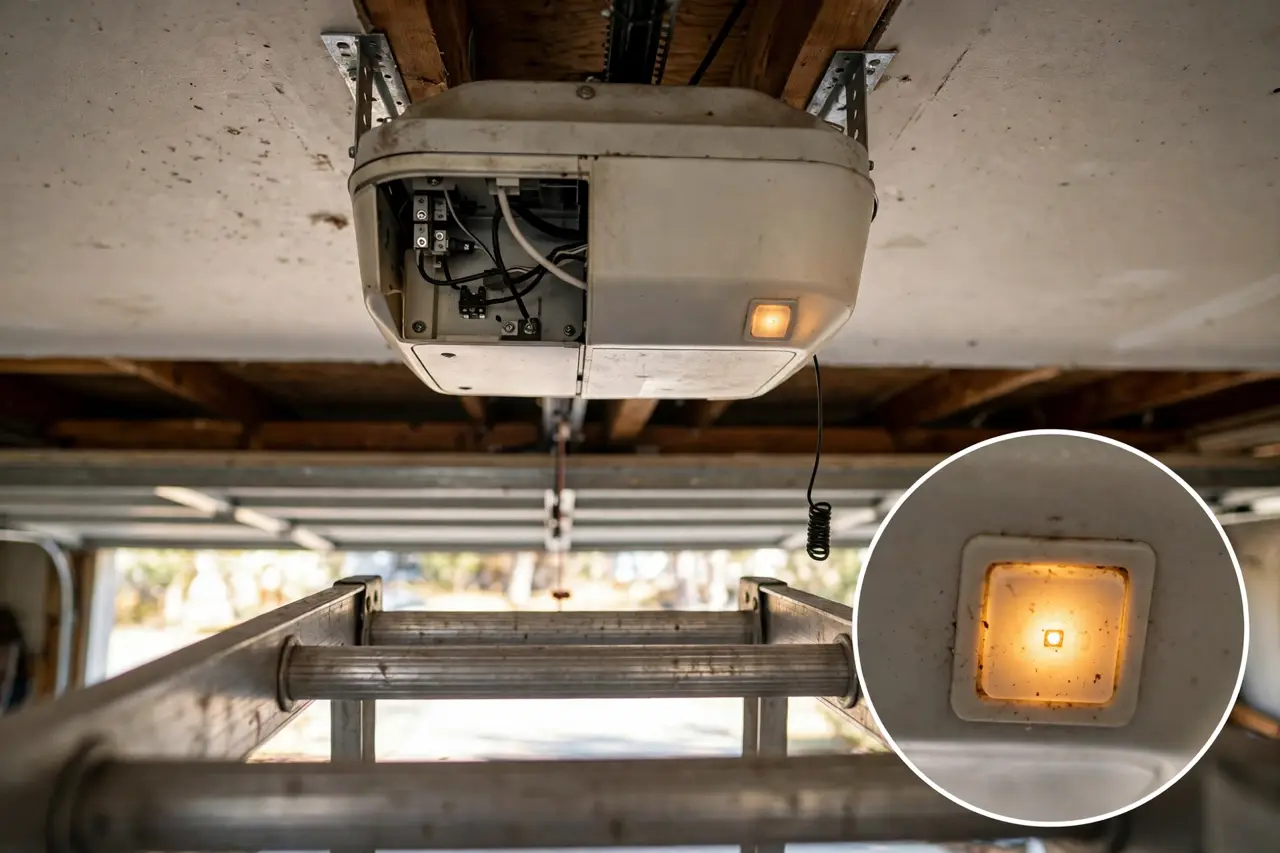
Almost every reprogram starts at the Learn button on the motor unit hanging from your garage ceiling. Look on the back or side panel, near the hanging antenna wire and the wire terminals. On many models it hides under the light lens cover, with a small LED right beside it. The Chamberlain Group’s program-mode guide gives the same locations for Chamberlain, LiftMaster, and Craftsman openers.
Press and release the button once to start programming. Do not hold it down. Holding the Learn button for about six seconds erases every remote and keypad paired with the opener, which is a useful reset later in this guide but a frustrating accident now.
The button’s color tells you which radio technology your opener uses, and that decides which keypads and remotes can pair with it. Chamberlain, LiftMaster, and Craftsman openers use this color system:
Learn button colors on Chamberlain, LiftMaster, and Craftsman openers
| Learn Button Color | Technology | Typical Years |
|---|---|---|
| Yellow | Security+ 2.0 rolling code | About 2011 to today |
| Purple | Security+ rolling code, 315 MHz | About 2006 to 2014 |
| Red or Orange | Security+ rolling code, 390 MHz | About 1996 to 2005 |
| Green | Billion Code, 390 MHz | About 1993 to 1995 |
| White (round) | Security+ 3.0, the newest system | 2025 and later |
Write your color down before you shop for any replacement. A keypad built for a different technology will not pair, no matter how carefully you follow the steps. Genie openers do not use this color system; they pair through a Program or Learn Code button instead, covered in the Genie steps below.
What If There Is No Learn Button?
Very old openers, mostly from the early 1990s and before, have no Learn button at all. They use small DIP switches inside the remote and the motor unit, and the switch positions have to match. If your opener has DIP switches, follow the switch-matching instructions in its manual instead of the steps below.
How to Reprogram a Garage Door Keypad, Brand by Brand
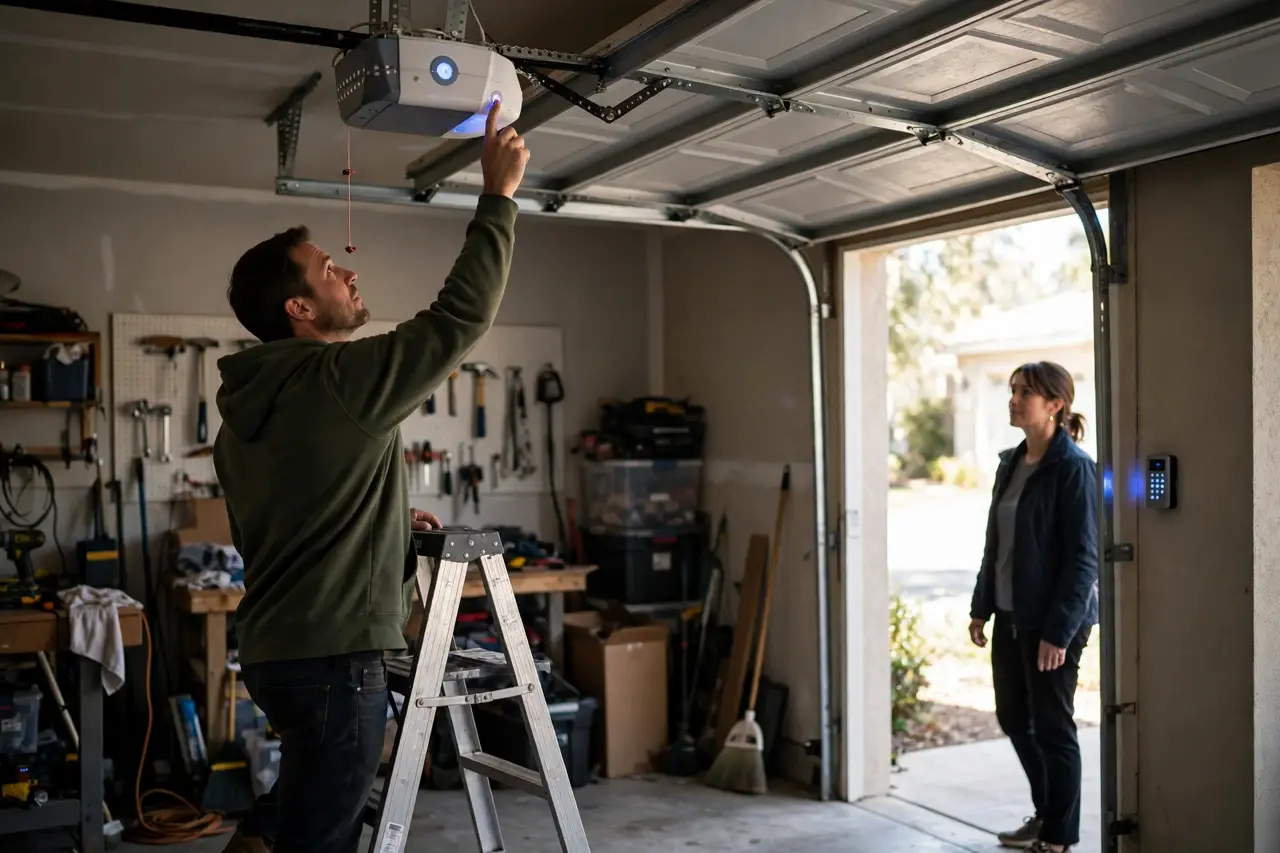
Every brand follows the same shape: put the opener into learning mode, send it a new PIN from the keypad within about 30 seconds, and wait for the opener to confirm with flashing lights or clicks. The details differ, so find your brand. You will need a stable ladder for the motor unit steps, and keep the door in sight while you test. Because the keypad is usually mounted outside, the manufacturers note this can take two people: one at the motor unit, one at the keypad.
LiftMaster and Chamberlain
- Locate the Learn button on the motor unit and note its color.
- Press and release the Learn button. The LED beside it glows steadily for 30 seconds.
- Within those 30 seconds, enter a four-digit PIN of your choice on the keypad.
- Press and hold the Enter button on the keypad.
- Release Enter when the motor unit lights blink. If no bulbs are installed, you will hear two clicks instead. The code is learned.
- Test it: enter your PIN and press Enter. The door should move.
Choose a PIN that is not easy to guess. Skip your house number, a birth year, or 1234. If your wall control has its own Learn button or menu, many Chamberlain and LiftMaster models also let you start programming from the wall control and skip the ladder; the wall control’s labels show the way. Universal keypads from other brands add one step first: you select your opener type, usually by Learn button color, using the keypad’s own instructions, then follow the same sequence.
Genie (Intellicode)
Genie keypads, including the current GK-R, store the PIN in the keypad itself, so you set the PIN first and pair second. Genie also recommends programming the keypad before mounting it.
- Make sure the keypad backlight is off. Press 3, 5, 7 in sequence.
- Press the Program key. The LED blinks once per second.
- Enter your PIN. Genie allows 3 to 8 digits.
- Press the Program key again. The LED blinks twice and goes out, and the PIN is set in the keypad.
- Put the opener into programming mode. On current Genie models, press and hold the Program Set button until the round LED turns blue, then release; the round LED goes out and the long LED flashes purple. On Genie openers from 1995 to 2011, press and release the Learn Code button instead; the red LED flashes, and you have 30 seconds.
- On the keypad, enter your PIN.
- Press the Up/Down key 3 to 4 times slowly, until the garage door opener operates.
- Test it: enter your PIN and press the Up/Down key once. The door should run.
If the keypad lights flash rapidly, the entry failed. Genie’s instructions say to wait 15 seconds, until the backlight goes out, before trying again. The full procedure is also on Genie’s official keypad programming page.
Craftsman
Craftsman is the easy case. The Chamberlain Group, which makes the technology behind these openers, lists Craftsman among the brands built on Chamberlain technology, and Craftsman manuals print the same keypad procedures word for word. So follow the LiftMaster and Chamberlain steps above exactly: same Learn button, same 30-second window, same PIN plus held Enter. The PIN change and temporary PIN steps later in this guide also apply to Craftsman unchanged. Very old Craftsman openers with DIP switches are the only exception; match the switches instead.
How to Change the PIN on a Working Keypad
If your keypad works and you simply want a new code, you do not need the ladder or the Learn button on Chamberlain, LiftMaster, and Craftsman systems. The keypad can change its own PIN:
- Enter your current PIN, then press and hold the # button. The opener light blinks twice. Release the # button.
- Enter the new four-digit PIN you have chosen, then press Enter. The opener lights blink once when the new PIN is learned.
- Test it: enter the new PIN and press Enter. The door should move.
This shortcut only works when you know the current PIN. If the PIN is forgotten, or you never knew it, go back to the Learn button steps above and reprogram from the opener instead. On a Genie GK-R, the keypad holds one PIN and Genie’s published instructions change it by resetting the keypad: press and hold the Program and Up/Down keys together for about five seconds, until the LED flashes twice, then set a new PIN with the 3-5-7 sequence and pair the keypad again. Resetting the keypad does not erase the opener; it only clears the keypad.
How to Set a Temporary PIN for Guests
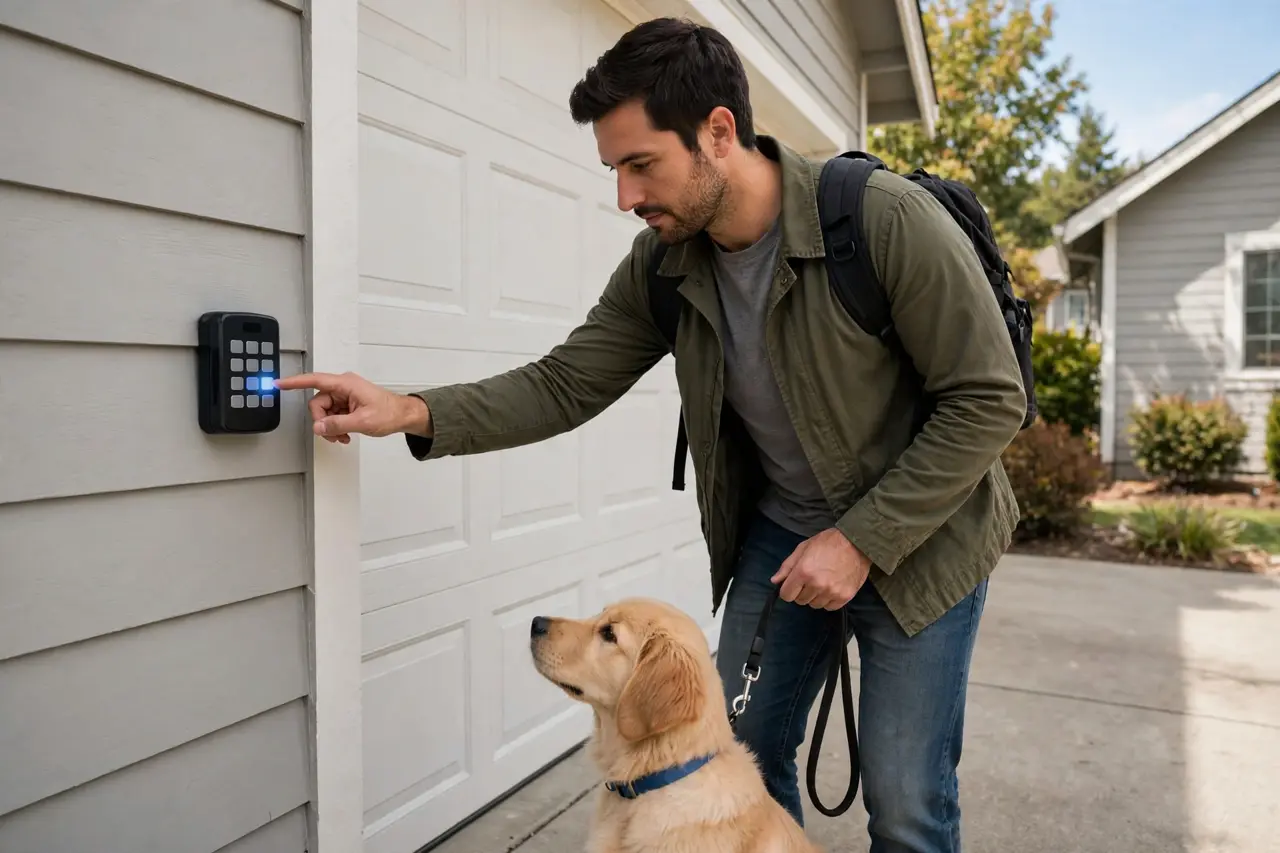
A temporary PIN gives a visitor, dog walker, or repair technician access that expires on its own. LiftMaster, Chamberlain, and Craftsman keypads that support the feature, including the 877LM and 878MAX, set it up entirely from the keypad:
- Enter your personal PIN (not the last temporary PIN), then press and hold the * button. The opener light blinks three times. Release the button.
- Enter the temporary four-digit PIN you have chosen, then press Enter. The opener light blinks four times.
- To limit it by time, enter the number of hours it should work, up to 255, then press *. Or to limit it by use, enter the number of openings, up to 255, then press #. The opener light blinks once when the temporary PIN is learned.
- Test it with the temporary PIN and Enter. The door should move. If you limited the PIN by openings, remember the test used up one of them.
After a temporary PIN expires, it can still close the door but will no longer open it. To cancel one early, repeat the same steps and enter 0 for the hours or openings. Genie keypads also support a temporary PIN; one Genie behavior worth knowing is that the temporary PIN is automatically cancelled the next time you enter your regular PIN. The exact key sequence for your Genie model is printed under the keypad’s flip-up cover. Not every keypad offers a temporary PIN, so if the * button sequence does nothing, check your keypad manual rather than repeating it.
Erase All Codes: The Fresh Start Every New Homeowner Needs
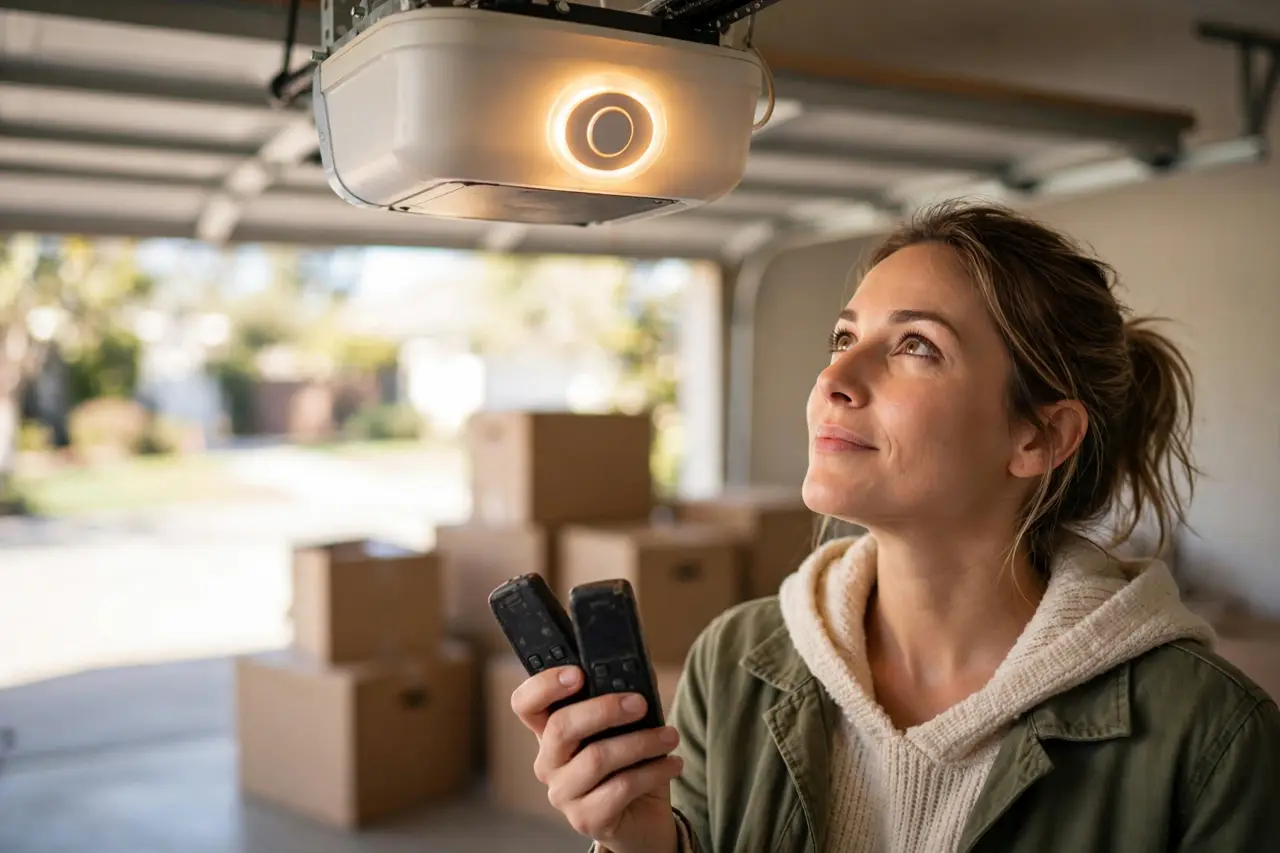
If you have just moved into a new home, do this before anything else in this guide. The previous owner’s keypad PIN is only part of the picture. Old remotes, a former tenant’s visor clip, and codes given to cleaners or contractors may all still open your garage, because on Chamberlain-family openers every code lives in the opener’s memory. Erasing that memory removes all of them at once:
- Press and hold the Learn button on the motor unit. Keep holding, for about six seconds, until the learn LED goes out.
- Release the button. Every remote control and keypad paired with the opener is now erased.
- Re-add only your own devices. Pair each handheld remote with a quick press of the Learn button, then program the keypad with a fresh PIN using the brand steps above.
On Genie Intellicode openers, the equivalent is to press and hold the Learn Code button until its LED turns off, then re-add your remotes and keypad. Plan a few minutes for this job, because nothing wireless will work until you pair it again. It is also worth giving the front door the same fresh start if it uses a keypad lock; our guide to the best door locks with keypad covers what to look for there.
When Reprogramming Fails
If a careful run through the steps does not take, check these causes before you conclude the keypad is dead:
- You missed the 30-second window. The opener leaves learning mode on its own. Press the Learn button again and move straight to the keypad.
- You held the Learn button too long. A hold of about six seconds erases everything, so your remotes may have been wiped too. Re-pair each device one at a time.
- The battery is too weak to finish programming. A keypad can light up and still fail to transmit a strong signal. Try a brand-new battery.
- The keypad is pausing after wrong entries. Repeated failed entries can make a keypad flash or go quiet briefly. Wait until the backlight goes out, then try once, slowly.
- A universal keypad is set to the wrong opener type. Repeat its type-selection step for your Learn button color before pairing.
- Interference is blocking the signal. Test while standing close to the door, and suspect a new LED bulb in or near the opener if the range suddenly shrank.
Some keypads are simply worn out. The clear signs are no lights at all with a fresh battery, one or two dead digits, a keypad that pairs and then forgets within days, or a cracked housing letting in water. A replacement keypad has to match your opener’s Learn button color and technology, and our universal garage door keypad guide walks through choosing one that will actually pair. If a handheld remote failed at the same time, our garage door opener remote guide covers programming, resetting, and replacing it. And if the opener itself will not enter learning mode, or the door has a separate mechanical problem, that is a job for a garage door professional; the keypad work in this guide is button-level only.
A Quick Safety Note
Programming only involves buttons, so leave the opener plugged in as the manufacturers direct, and unplug it before doing anything more than pressing buttons. Use a stable ladder for the motor unit, keep children and pets out of the garage while you test, and always test the keypad with the door in full view. Handle your opener’s power exactly as its manual instructs.
Frequently Asked Questions
How do I reprogram my garage door keypad without the manual?
You do not need the paper manual. Find the brand on the motor unit label, press and release the Learn button, then enter a new PIN at the keypad and hold Enter until the opener light flashes, all within about 30 seconds. Genie keypads set the PIN on the keypad first, using the 3-5-7 sequence in the Genie steps above.
Why won’t my keypad accept a new code?
The usual causes are a missed 30-second Learn button window, a brief pause after repeated wrong entries, a battery too weak to finish programming, or a keypad that does not match your opener’s technology. Rule them out in that order: re-time the sequence, wait for the backlight to go out, swap the battery, then check the Learn button color.
How can I tell if my keypad is broken or just unprogrammed?
Fit a fresh battery and press any key. A healthy keypad lights up or flashes with every press. If it responds but a correctly run reprogram will not save the code after repeated tries, the pairing or the hardware has failed. No response at all with a new battery points to a dead keypad.
Does resetting the keypad affect my remotes?
Reprogramming the keypad alone does not touch your remotes; the keypad and each remote are stored as separate devices. Only erasing the opener’s memory, by holding the Learn button until its LED goes out, removes everything at once. After a full erase, pair each remote and the keypad again one by one.
What does keypad lockout mean after wrong entries?
After several wrong PINs in a row, many keypads pause briefly: the lights may flash rapidly or the pad may go quiet, and entries are ignored until it clears. On a Genie keypad, wait 15 seconds for the backlight to go out. Lockout is not a forgotten code; if you truly do not know the PIN, reprogram with the Learn button instead.
What does the color of the Learn button mean?
On Chamberlain, LiftMaster, and Craftsman openers, the color names the radio technology and frequency the opener uses: yellow is Security+ 2.0, purple is Security+ at 315 MHz, red or orange is Security+ at 390 MHz, and green is the older Billion Code. A replacement keypad or remote must match that color’s technology to pair.
Most keypad problems end with a battery or a two-minute reprogram, so start there and work down this guide in order. If you finish with a fresh PIN, an erased old memory, and a tested code, your garage is both working and yours alone.