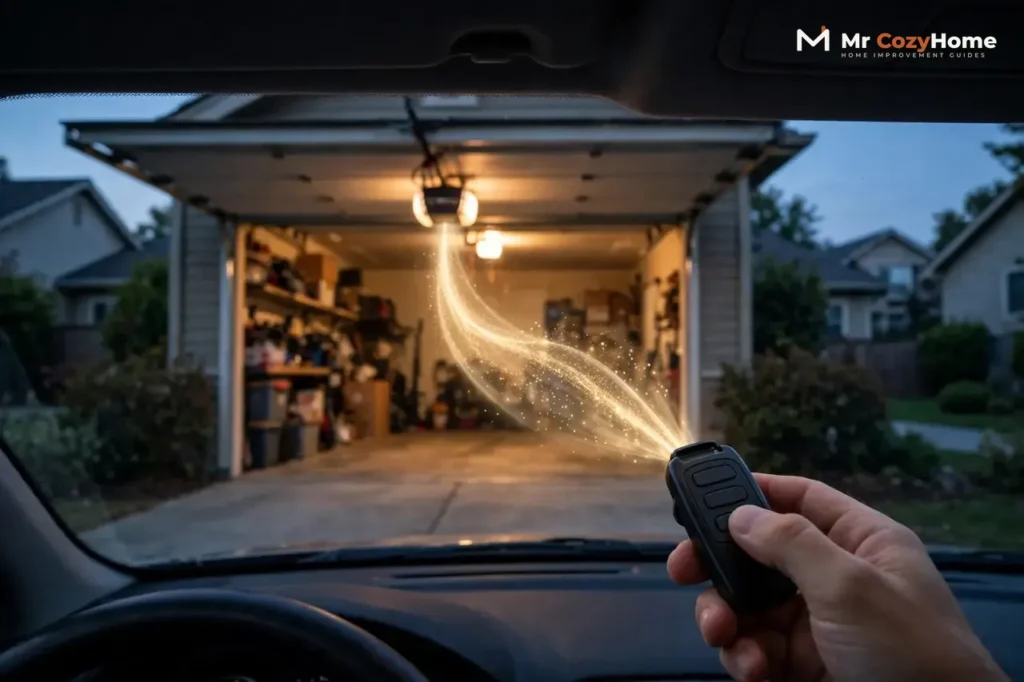
To program a garage door opener remote, press and release the Learn button on the opener, then press the button on your remote within 30 seconds. The opener lights flash or you hear two clicks, and it is paired. That same button also resets everything: hold it for about 6 seconds on a LiftMaster or Chamberlain and every remote is erased, which is exactly what you want when one is lost. And when a remote dies completely, the fix is usually a fresh CR2032 battery, not a new remote.
Genie openers do the same three jobs with a Program/Set or Learn Code button instead, and those steps are below too. This guide covers programming a remote, erasing and resetting after a lost remote, replacing a remote or its battery, pairing a universal remote, and fixing the range problems that make a good remote look broken.
The Learn Button: Where It Is and What Its Color Means
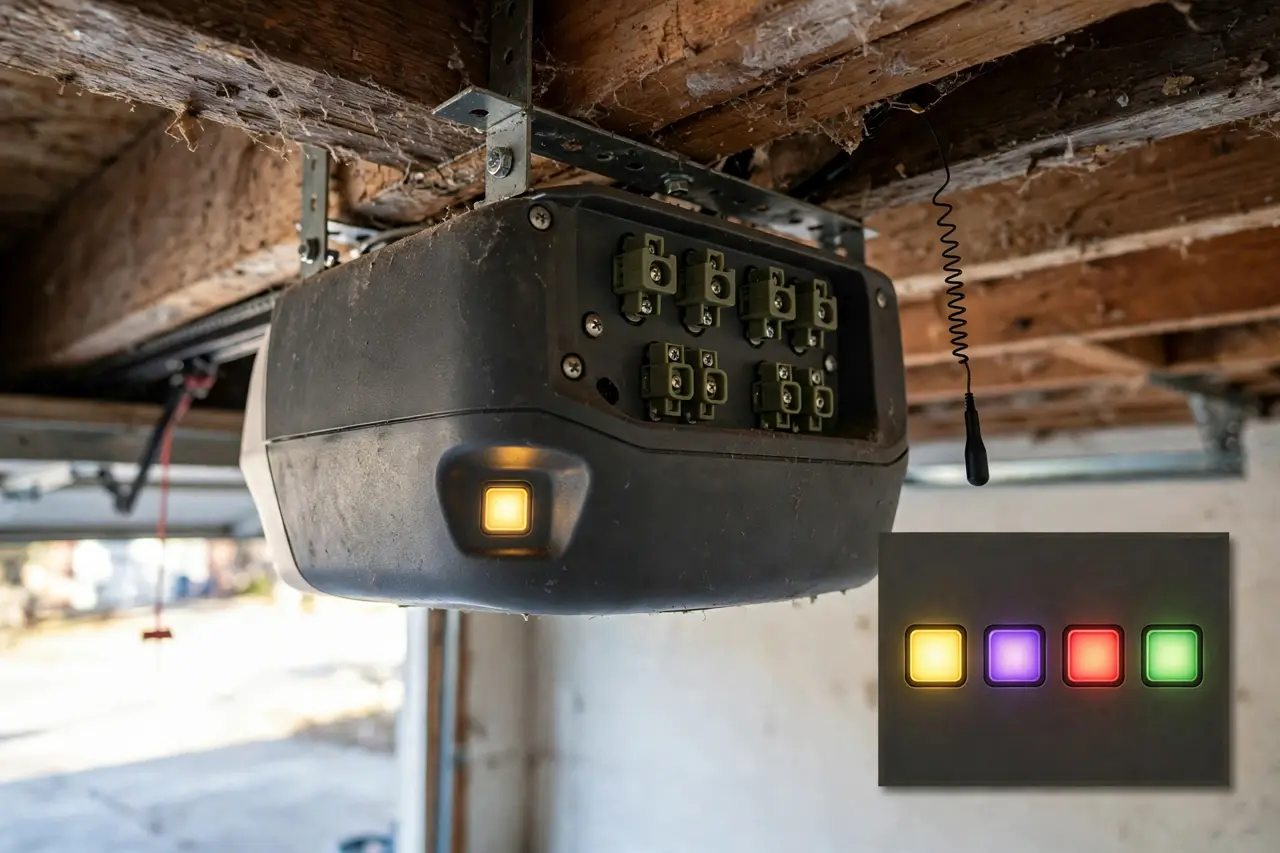
Every job in this guide starts at the Learn button, so find it first. On a ceiling-mounted opener it sits on the back or side panel of the motor unit, near the hanging antenna wire and the terminals where the wall control and sensor wires connect. On many models it hides behind the light lens, so pop the lens off if the panel looks bare. On wall-mounted openers, look under the cover on the unit itself. Chamberlain’s own support guide to placing an opener into program mode confirms these locations brand by brand. You will need a sturdy ladder, and the doorway should stay clear while you test.
The button’s color is not decoration. On LiftMaster, Chamberlain, and Craftsman openers, the color names the security system and radio frequency your opener uses, and that decides which remotes can ever pair with it. A small LED sits right beside the button and shows you learn mode, confirmation flashes, and the erase signal later on.
Learn button colors on LiftMaster, Chamberlain, and Craftsman openers:
| Learn button color | Security system | Frequency | Rough years |
|---|---|---|---|
| Yellow | Security+ 2.0 | 315 / 390 MHz | 2011 to today |
| Purple | Security+ | 315 MHz | About 2005 to 2014 |
| Red or orange | Security+ | 390 MHz | About 1997 to 2005 |
| Green | Billion Code | 390 MHz | About 1993 to 1996 |
The newest Chamberlain-family openers, built on Security+ 3.0, swap the colored button for a white Learn button; Chamberlain’s current remote manual identifies them that way. Craftsman owners can use this table and every step below without translation, because Craftsman openers are built on Chamberlain technology, as Chamberlain itself states. Genie uses its own Intellicode system instead, with the two button styles covered in its sections.
How to Program a Garage Door Opener Remote
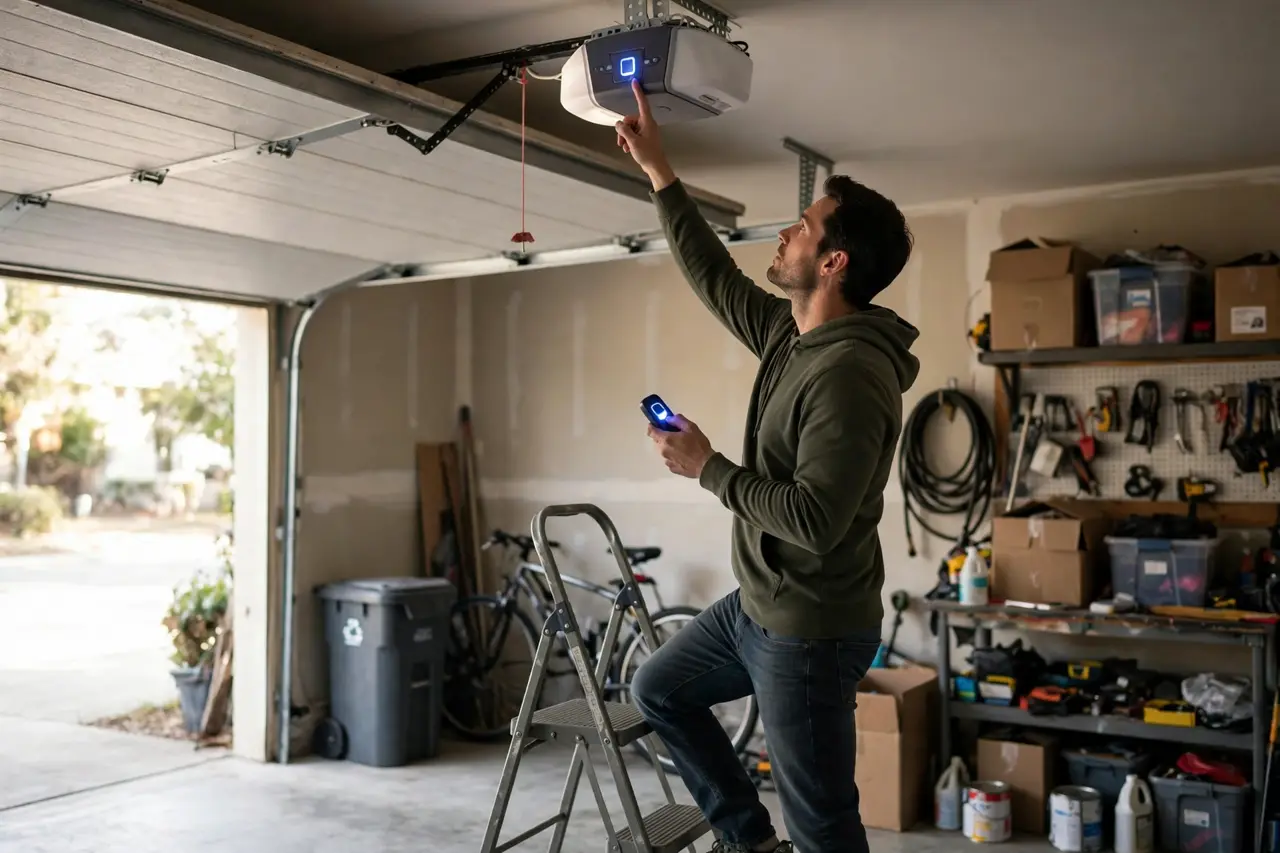
The pattern is the same on every brand: put the opener into learn mode, send the remote’s signal inside a short window of about 30 seconds, and look for the confirmation. What changes is only which button starts learn mode. Find your brand below.
LiftMaster, Chamberlain, and Craftsman
- Press and release the Learn button on the opener. The LED beside it lights up, which means learn mode is on.
- Within 30 seconds, press and hold the button on the remote that you want to operate the door.
- Release the remote button when the opener lights flash or you hear two clicks. The code is stored.
- Press the remote button once more to test. The door should run.
Two variations are worth knowing. MAX remotes such as the 893MAX need a quick prep on the remote itself first: hold the remote’s program button until the LED on the front of the remote lights, press the button you want to use, then press any other button on the remote. After that, do the Learn steps above. And on openers with a smart wall control, you can skip the ladder for this step: Chamberlain’s manual gives two starts, pressing the LEARN button twice on a push-button door control, or choosing MENU, then PROGRAM, on a Smart Control Panel, then pressing the remote button within 30 seconds.
Genie Openers With a Program/Set Button (2011 and Newer)
- Press and hold the square Program/Set button on the opener until the round LED turns blue, then let go. The long LED begins flashing purple, which means the opener is ready to learn.
- Stand at least 5 feet away from the opener. Slowly press and release the remote button you want to use, twice.
- Watch the opener’s LEDs flash and go out. That is the code being stored.
- Press the same remote button a third time. The door should open or close.
Genie Openers With a Learn Code Button (1995 to 2011)
- Find the Learn Code button, behind the light lens or on the back of the motor unit, directly above the antenna wire. Press and release it. The red LED starts blinking, about twice a second.
- Press the button on your remote. The LED turns solid.
- Press the same remote button again. The LED goes out, and the remote is stored.
- Press the button once more to test the door.
Openers With Dip Switches Instead of a Learn Button
The oldest openers, mostly from before 1993, have no Learn button at all. Inside the remote, and on the opener, sits a row of tiny switches. Programming means matching them:
- Open the remote’s battery cover to reach its row of dip switches.
- Set each switch on the remote to the same up or down position as the matching switch on the opener unit.
- Press the remote button and confirm the door moves.
One honest warning: a dip-switch remote sends the same fixed code every time, and anyone with a compatible remote set to the same pattern can open your door. This is the one setup where replacing the opener itself, not just the remote, is worth serious thought.
💡 Practical Home Tip: Do every remote in one trip up the ladder — the spare, the second car’s remote, and the keypad — then test each one from the driveway before the ladder goes away. A remote that pairs at the ladder but fails at the street is flagging a weak battery or a tucked antenna, and both are five-minute fixes while you are already set up.
Lost a Remote? Erase the Opener’s Memory and Start Over
Here is the fact most people miss: programming a new remote does not remove the old one. A lost or stolen remote keeps opening your garage until you erase it, and the only erase is a full one — the opener forgets every remote and keypad at once. So do the wipe when a remote goes missing, when a car is sold, or when you move into a new home, and plan to re-add the devices you still hold right afterwards.
Erase a LiftMaster, Chamberlain, or Craftsman Opener
- Press and hold the Learn button. This is a hold, not a tap, so keep your finger on it.
- Release the button when the LED beside it goes out, after about 6 seconds. Every remote control and keyless entry is now erased.
- Test an old remote. The opener lights may react, but the door must not move.
- Re-add each remote you still have, using the programming steps above.
On Wi-Fi models there is a deeper wipe for myQ accessories: hold the Learn button until the LED goes out, then immediately hold it again until the LED goes out a second time. LiftMaster’s manual lists that two-hold sequence as the erase for all devices, including myQ accessories.
Erase a Genie Opener
On current Genie models with a Program/Set button:
- Press and hold the Program/Set button until the round LED turns blue, then release it.
- Press and hold the Up (+) and Down (−) buttons together until both LEDs light blue and go out.
- Test every remote and keypad. None of them should operate the door.
On 1995 to 2011 models, press and hold the Learn Code button until its LED stops blinking. Genie’s own instructions for erasing remote and keypad access confirm both methods, and warn that the wipe clears everything, including a missing remote, which is precisely the point. Your wireless keypad is forgotten too, so set it up again with our guide to how to reprogram a garage door keypad. Built-in car buttons such as HomeLink also need re-pairing after a wipe.
How to Replace Your Garage Door Remote Battery
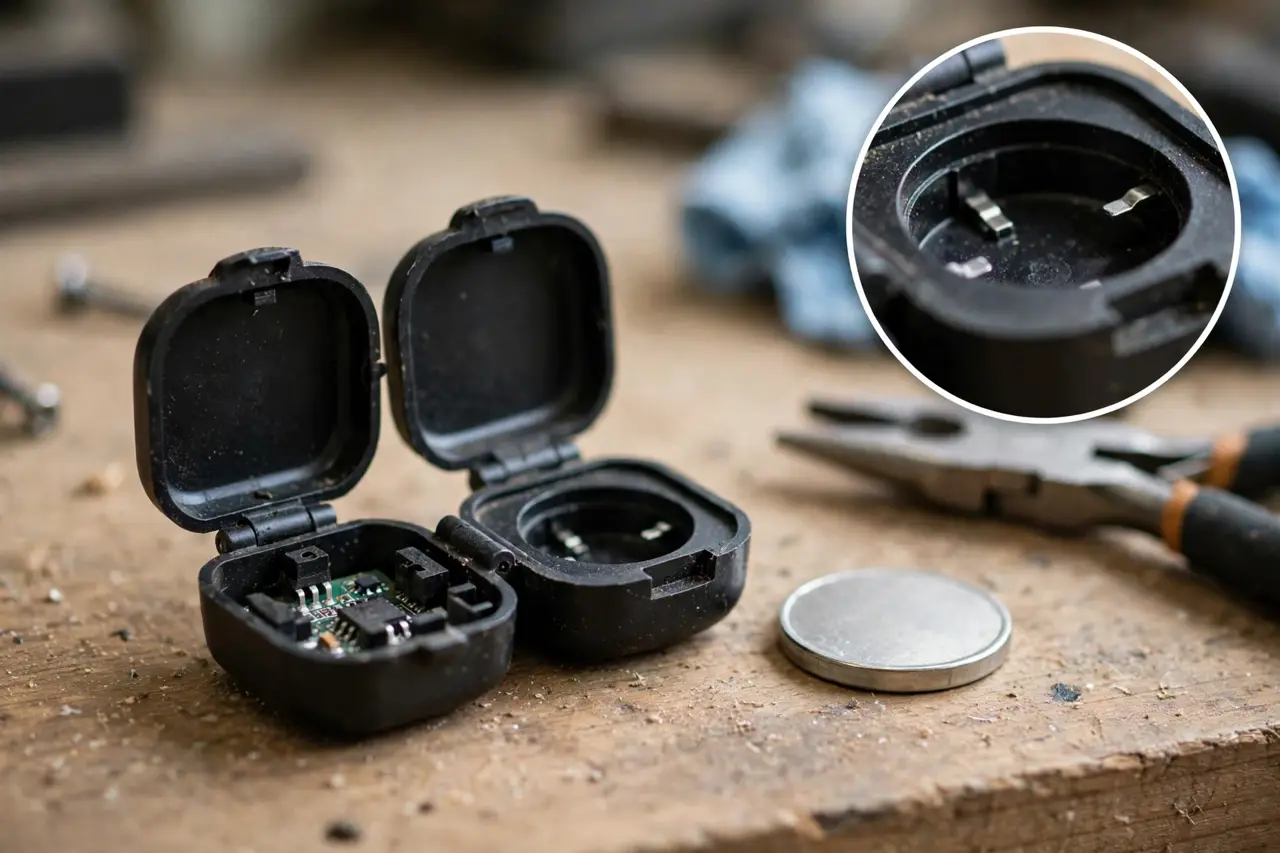
A fading battery announces itself politely: the range shrinks first, so you have to pull closer before the door answers, and then the remote’s LED gets dim or stops blinking when you press the button. LiftMaster’s manuals name that dead LED as the low-battery sign, and rate the lithium cell at up to about 3 years of use. Most current remotes from the big brands run on a single 3V CR2032 coin cell; a few use the thinner CR2016. The type is printed on the old cell, so match that number exactly, because look-alike coin cells differ in thickness.
Remote batteries by model:
| Remote | Battery it uses | How the case opens |
|---|---|---|
| LiftMaster 371LM, 891LM, 893LM | 3V CR2032 | Pry open with the visor clip, middle first, then each side |
| LiftMaster 890MAX, 893MAX | 3V CR2032 | Visor clip (893MAX) or a flat screwdriver blade (890MAX) |
| LiftMaster 895MAX | 3V CR2016 | Remove the two case screws |
| Chamberlain Security+ 3.0 remotes (L991S, L993S) | 3V CR2032 | Undo the single captive screw on the back, then pry the case apart |
| Genie G3T | CR2032 | Push a coin or washer into the slot at the top of the remote and twist |
| Genie Universal 2-Button | CR2032 | Remove the small Phillips screw on the back; a coin pops the case if needed |
- Open the case the way your model allows, per the table. Most need no tools at all, because the visor clip doubles as the pry tool on LiftMaster remotes.
- Note which way the old cell faces, then lift it out.
- Drop in the new cell with the positive (+) side facing up. Every model in the table installs positive-up, and the polarity marks are printed inside the case if you want to double-check.
- Snap or screw the case shut, then test the remote on the door.
One safety note both manufacturers print in bold: coin cells are a swallowing hazard. Keep new and used cells well away from small children, and if a cell is swallowed, get medical help immediately. Send the old cell to battery recycling rather than the trash.
Universal and Clone Remotes: What Actually Has to Match
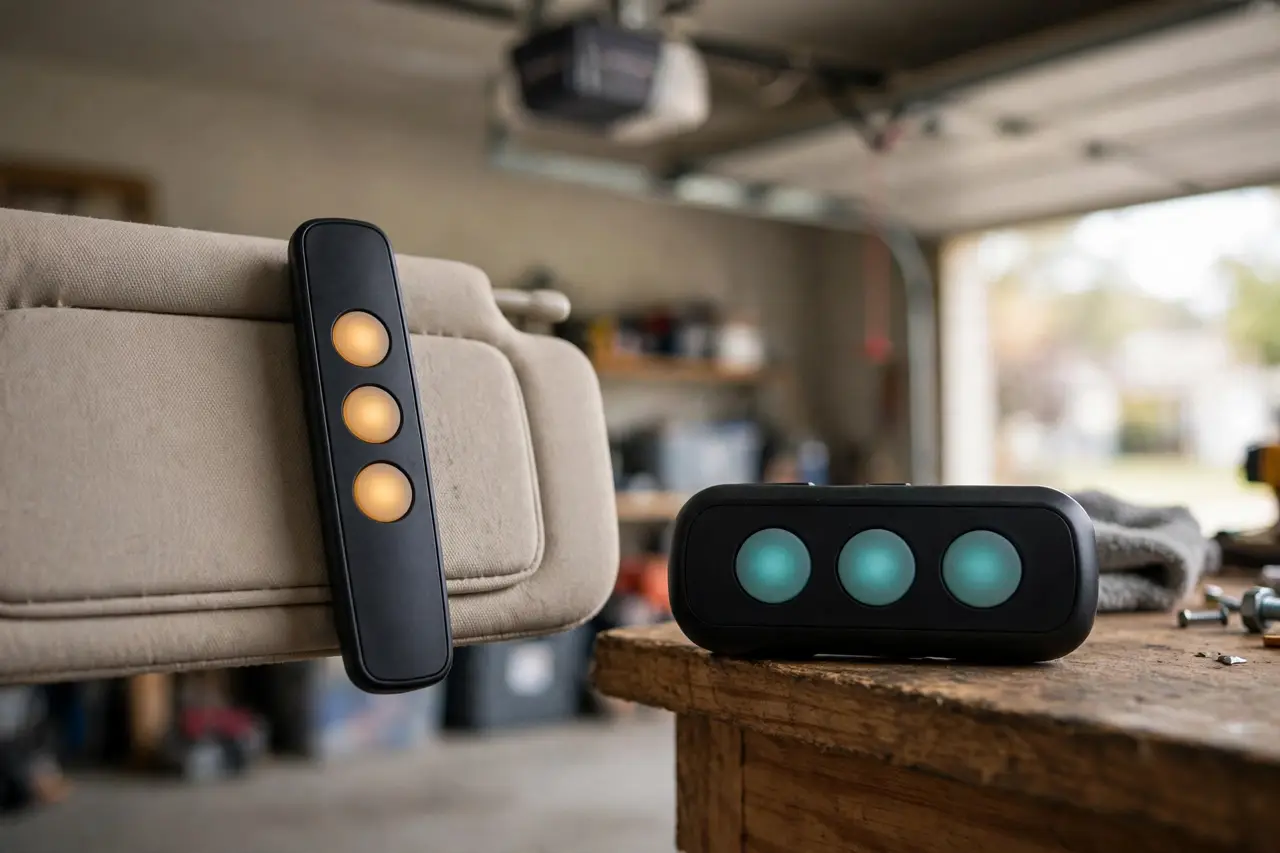
A universal remote is not universal by magic. It speaks several brands’ radio languages, but your opener has to speak one of them. Three things must match:
- Frequency. Openers listen on set frequencies: 315 or 390 MHz for most Genie and Chamberlain-family systems, 318 MHz for Linear MegaCode, 372.5 MHz for Wayne Dalton, per Genie’s published compatibility chart on its universal remote page.
- Security generation. On a Chamberlain-family opener, that is simply the Learn button color from the table above. A universal that supports Security+ (purple button) may not support Security+ 2.0 (yellow button).
- Code type. Rolling-code systems such as Security+ and Intellicode send a brand-new code with every use. Fixed-code systems repeat the same code forever.
Pairing still happens at the opener. You put the universal into its program mode, tap the opener’s Learn button, then teach the remote which system it is talking to. LiftMaster’s own universal remote, the 380UT, does it by counting presses: after the Learn tap, you press the chosen remote button a set number of times for your opener type, 8 presses for a yellow-button Chamberlain-family opener, 3 for purple, 2 for orange, 4 for green, and 6 for Genie Intellicode, then press the remote’s program button to save. Genie’s universal takes the opposite route: its buttons come pre-programmed for Intellicode, and you re-aim a button for other brands. Either way, each button programs on its own, so one remote can run two different brands on two different doors.
So-called clone remotes, which copy a working remote’s signal, only work on fixed-code systems. On a rolling-code opener, the copied signal is already spent, because the opener expects a new code next time. For any opener with rolling code, which means nearly everything since the mid-1990s, there is no shortcut around the Learn button. If a universal’s compatibility list does not name your exact system, it will not pair no matter how many times you repeat the steps, so check before you buy. For the buying side of universal controls, our universal garage door keypad guide walks through the same compatibility check before you spend money.
Why Your Remote’s Range Shrinks (and How to Get It Back)
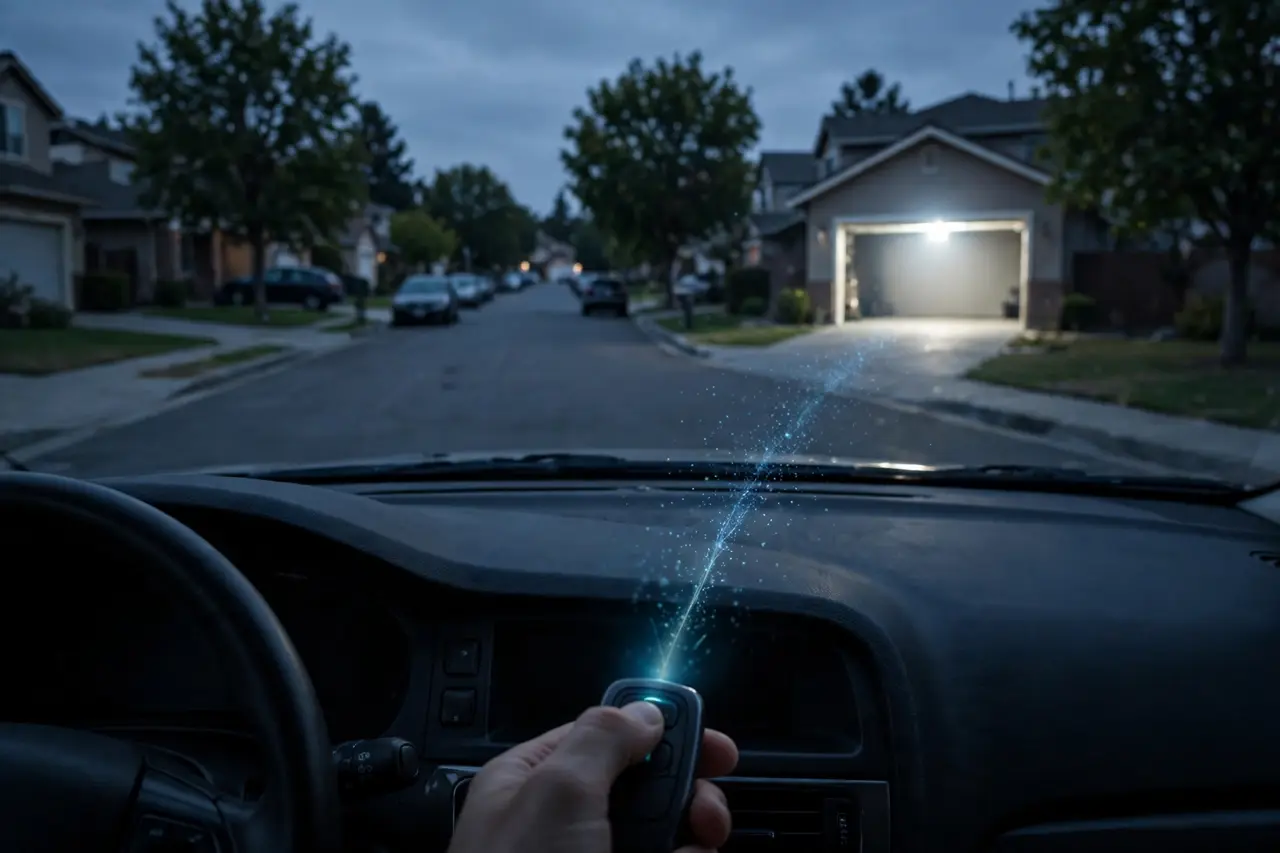
LiftMaster’s manuals rate a healthy remote at roughly three car lengths under typical conditions. If yours now works only from the end of the driveway, or only from inside the garage, work through these checks in order. They run cheapest first.
- Swap the battery. A fading cell shortens range long before the remote dies outright, so fit a fresh CR2032 before suspecting anything bigger.
- Straighten the antenna wire. The thin wire hanging from the opener is its ear. It should hang straight down, not coiled, tucked up on top of the unit, or pinched. Straighten it and test again.
- Test the bulb. Some LED bulbs leak radio noise that swamps the opener’s receiver. LiftMaster’s own product bulletin on LED bulb compatibility warns that an individual LED bulb can cause radio interference, and tells owners to replace the bulb if accessory range drops after fitting one. Unscrew the bulb in the opener, and any new LED shop light nearby, then test the remote from the street. If the range returns, fit a bulb made for garage door openers or one on the manufacturer’s compatible list.
- Unplug the new gadget. If the range dropped the same week a charger, LED work light, or similar device was plugged in nearby, unplug it and test. Cheap power supplies are a common, invisible source of radio noise.
The split test tells you where the fault lives. If the remote works at 5 feet but not at 30, the remote is sending and the opener is struggling to hear, so think battery, antenna, or interference. If it fails even up close with a fresh battery, reprogram it. If it still fails, the problem is the remote itself or the opener’s receiver, which is the next section.
When Every Remote Fails, the Problem Is the Opener
One dead remote is a remote problem. Every remote failing at once, while the wall button still runs the door, points at the opener. Check these three things before buying anything:
- Lock mode is on. Many Chamberlain wall controls have a LOCK feature, and while it is active, portable remotes cannot operate the door at all. Turn lock off at the wall control and test a remote before you reprogram anything.
- The memory is full. Genie rates its older Intellicode openers at 7 remote devices in total, and its newer units at 28 to 30. An opener at its limit simply ignores the next remote you try to add. Erasing the memory and re-adding only what you actually use fixes a full memory.
- The receiver or logic board is wearing out. If remotes pair, work for a day, and are forgotten again, or the opener loses everything after a power cut, the receiving side is failing. That is a repair-or-replace decision, not a remote problem.
And if the door itself will not close, reverses on its own, or only closes while you hold the wall button, that is a different fault entirely. Start with our garage door won’t close hub, which covers the safety sensors and the opener-side causes. No remote can fix a door that refuses to run.
Frequently Asked Questions
How do I erase all programmed remotes from my garage door opener?
On LiftMaster, Chamberlain, and Craftsman openers, hold the Learn button for about 6 seconds, until its LED goes out. On newer Genie openers, hold Program/Set until the round LED turns blue, then hold the Up and Down buttons together until both LEDs go out. On 1995 to 2011 Genies, hold the Learn Code button until its LED stops blinking.
What if I lose my garage door remote?
Treat it like a lost house key. The lost remote keeps working until you erase the opener’s memory, so wipe the memory first, then reprogram the remotes you still have plus any replacement. If the remote was in a stolen car, do the erase the same day. The whole job takes about a minute.
Can I program a universal remote to my garage door opener?
Yes, if the universal supports your opener’s frequency and security generation. Check the Learn button color on a Chamberlain-family opener, or the Intellicode generation on a Genie, against the remote’s compatibility list before you buy. Pairing then happens at the opener: Learn button first, then the remote’s own brand-selection steps.
How many remotes can I program to my garage door opener?
It depends on the opener. Genie rates its older Intellicode models at 7 remote devices in total, and its newer units at 28 to 30. Chamberlain-family limits vary by model, so check the manual. If a new remote refuses to store, the memory may simply be full: erase it and re-add only the devices you use.
My remote worked before, but now it doesn’t. What could be the problem?
Start with the battery, because range shrinks and the LED dims as the cell fades, well before it dies. Next, check whether lock mode is on at the wall control, and whether a new LED bulb went into the opener around the time it failed. Then reprogram the remote. If it still fails, try a second remote to separate a remote fault from an opener fault.
What does it mean if my garage door opener has a yellow “Learn” button?
A yellow Learn button means your opener uses Security+ 2.0, Chamberlain’s rolling-code system fitted from 2011 onward, listening on 315 and 390 MHz. Any replacement or universal remote must say Security+ 2.0 compatible. Remotes made for the older purple-button Security+ system will not pair with it.
A Quick Final Test Before You Put the Ladder Away
Run each remote once from the end of the driveway, not just from under the opener. That is the distance that exposes a weak battery, a tucked antenna, and bulb interference while the ladder is still out. Then you are done: programmed, secure after a loss, and working from where you actually use it.