A garage door opener battery backup is a rechargeable battery pack that takes over automatically the moment your power fails, so the door keeps working from your remote, keypad, or wall button. In California, every opener sold or installed since July 1, 2019 must have one by law. Everywhere else, it is a choice — and the right answer depends on your opener model and how your household gets in and out.
This guide explains how the backup works, when you can add one to an opener you already own, what stops working on battery power, and how long the battery lasts. One fact saves many readers a wasted purchase: if your opener was never built to accept a battery, no add-on can change that.
How a Garage Door Opener Battery Backup Works
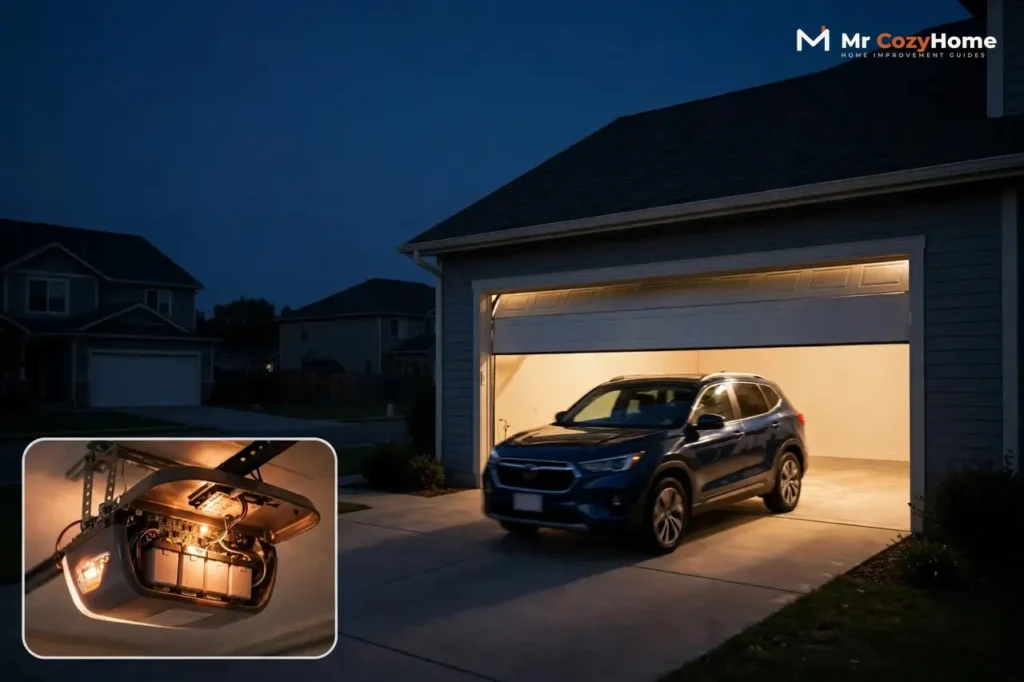
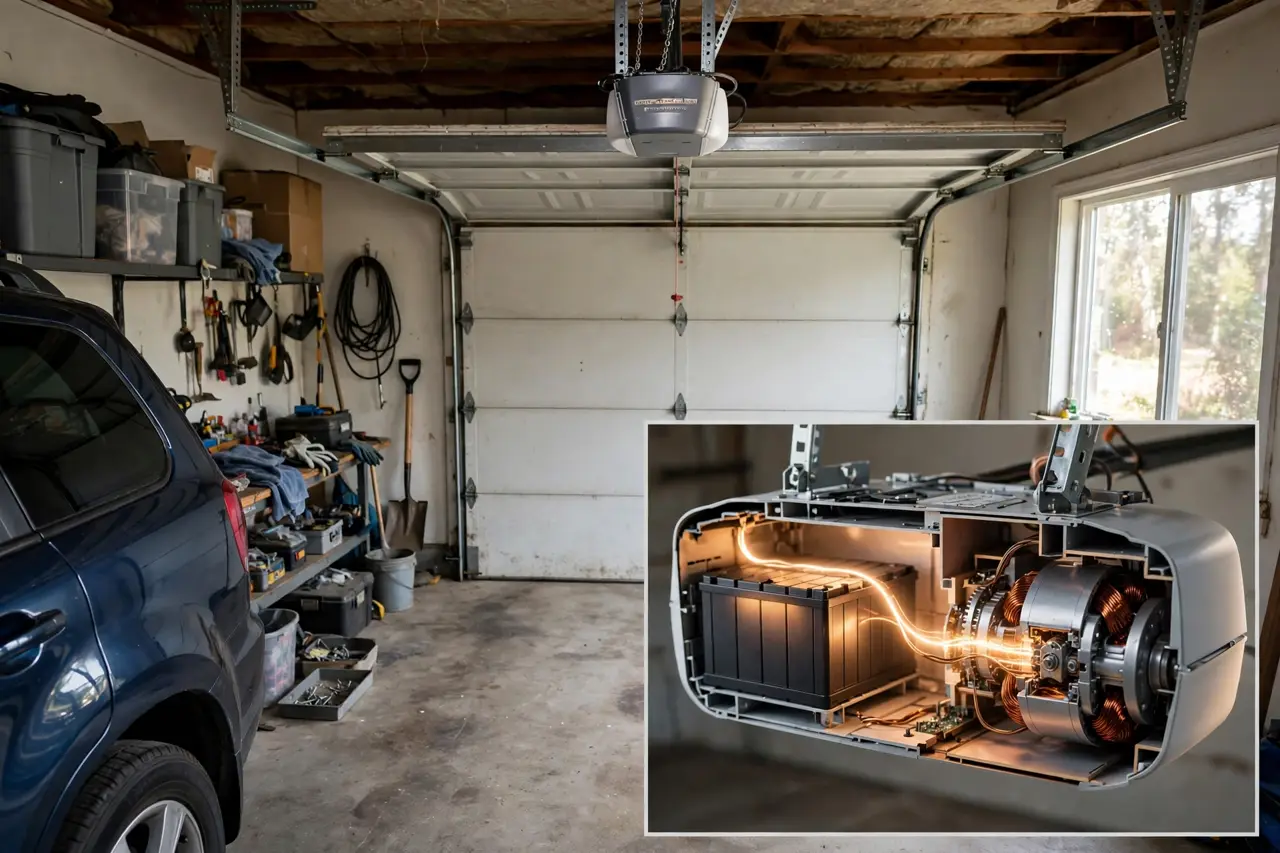
The battery itself is unglamorous: a sealed lead-acid pack, 12 volts on most current openers, kept inside the opener housing or in a separate box mounted beside the motor. While your house power is on, the opener quietly keeps the battery charged and ready. Nothing about daily use changes.
When the power cuts, the switchover is automatic. There is no switch to find in the dark. Chamberlain’s manuals describe the signs: the battery status LED glows solid orange, and the opener beeps about every 2 seconds while it runs on battery. The door may also run a little slower than usual, which is normal.
Battery backup is a feature of DC-motor openers, because the battery supplies DC power. That single fact explains most of the compatibility limits later in this guide: an older AC-motor opener has no way to use a battery pack.
How much work do you get from one charge? The honest answer is a day of normal use, not a week. Manufacturers rate their systems in slightly different ways:
Manufacturer ratings for a fully charged backup battery
| System | What the manufacturer states |
|---|---|
| Chamberlain (current models) | A fully charged battery supplies power for up to 24 hours of operation during an outage; the battery takes about 24 hours to recharge afterward |
| LiftMaster / Chamberlain EverCharge systems | Up to 40 cycles within a 24-hour period; about 20 full cycles remain after 24 hours on standby |
| Genie | Up to 50 cycles within the first 24 hours of an outage |
These are best-case figures at room temperature, on a properly balanced door. A heavy, poorly balanced door and a cold garage both drain the battery faster, so treat the numbers as a ceiling, not a promise.
California’s SB-969: Battery Backup Is the Law There
California is the reason battery backup moved from a premium extra to a standard feature. Senate Bill 969 (SB-969), written into Health and Safety Code section 19892, took effect on July 1, 2019. Since that date, no one may manufacture for sale in California, sell, offer for sale, or install a residential garage door opener that does not have a battery backup function designed to operate during an electrical outage — one that keeps the opener operational without interruption while the power is out.
Three details of the law are widely misunderstood:
- It covers openers sold or installed from July 1, 2019 onward. A working opener installed before that date is not illegal to keep using.
- It also applies at door-replacement time: a new residential garage door may not be installed connected to an existing opener that lacks battery backup, no matter how old that opener is.
- Violations carry a civil penalty of $1,000 per noncompliant opener installed, manufactured, sold, or offered for sale.
The law followed California’s 2017 wildfire season. Coverage of the bill described residents who could not lift their garage doors by hand, or did not know how to release the opener, and so could not drive out while the power was down. The backup battery is the legislature’s fix: the door must simply keep working.
Outside California, no comparable state mandate appears in the sources checked for this guide, so backup remains your choice. But the California rule is why so many current openers include the feature as standard — and it makes a backup-equipped model the safe default if you ever plan to sell a California home.
Can You Add Battery Backup to Your Existing Opener?
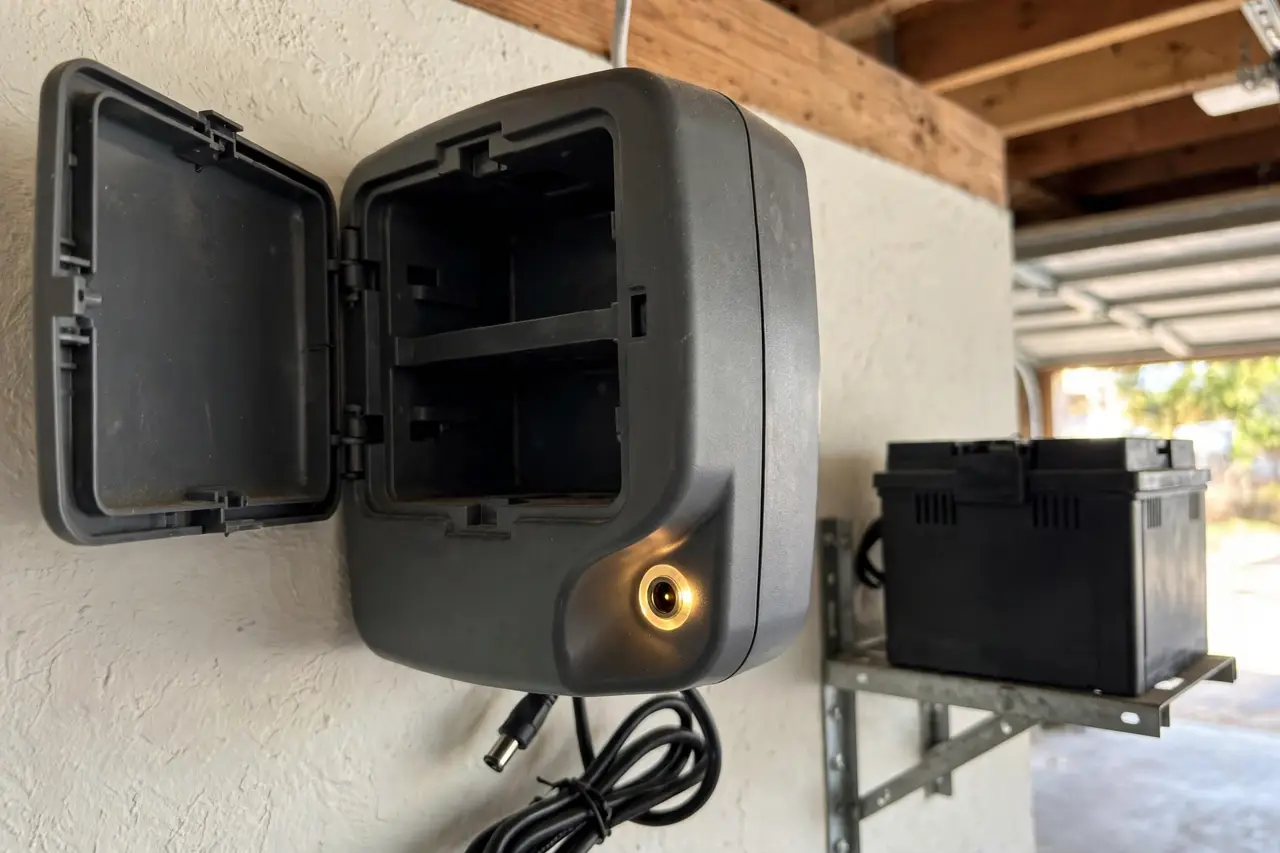
Only if your opener was built to accept one. There is no universal add-on battery that works with any opener. Your opener either has a battery compartment inside the housing or a dedicated backup port on the powerhead — or it has neither, and that settles the question.
Genie owners
Genie sells a true add-on unit, the BB140-BX (part 41590R), for its 140-volt openers. Genie’s compatibility list covers the PowerMax 1200 and 1500, SilentMax 1000 and 1200, ChainMax 1000, MachForce, Excelerator II, and the TriloG and IntelliG professional models made after October 2012. The unit mounts near the powerhead and plugs into the port marked “BBU.” It is listed at $99.79 on Genie’s own store (checked on October 21, 2026). A second unit, the PBB-BX, covers certain newer 24-volt models. Just as important: Genie states plainly that many of its models — the 3053 and 7155 among them — have no battery backup option at all.
Chamberlain and LiftMaster owners
Current Chamberlain and LiftMaster openers are either sold with a battery installed or described as battery backup capable, meaning the 12-volt battery (part 485LM on many models) drops into a compartment in the unit. If your capable opener was installed without the battery, adding one is a genuine plug-in job. The older external add-on, the 475LM EverCharge Standby Power System, fitted only specific DC openers — LiftMaster’s 2500, 3500, and 3800 series — a discontinued generation. Do not buy a used 475LM expecting it to fit a modern opener.
How to check your opener in two minutes
- Find the model number on the sticker on the opener housing.
- Look for a battery compartment door on the unit, or a backup port on the end panel.
- Check the accessories list in your owner’s manual (the manufacturer’s site hosts manuals by model number) for a battery or backup unit listed for your exact model.
If none of the three turns up a battery option, your opener cannot take one. Your only route to backup is a new opener — which the next section helps you judge honestly.
Add-On Battery Backup vs. a New Opener: Which Route Makes Sense?
Start from your opener’s situation, not from the product you would rather buy:
Add-on or replacement? A decision guide based on your current opener
| Your situation | Better route | Why |
|---|---|---|
| Your opener accepts an add-on unit and runs well | Add the add-on | Lowest cost by far — Genie’s BB140-BX is $99.79 — and about an hour of plug-in work |
| Your opener is battery-capable but the battery is missing or dead | Replace the battery only | The backup system is already built in; a fresh pack restores it |
| Your opener has no battery option, or is old, loud, and pre-dates modern safety sensors | Replace the opener with a backup-equipped model | No accessory exists for it, and the money buys a quieter DC drive, current safety features, and a warranty |
| You are in California and replacing the garage door itself | New opener with battery backup | State law will not let the new door be connected to an opener without backup |
The trade-off is straightforward. The add-on route keeps a good opener working and costs the least, but it ties you to that brand’s parts and does nothing for an opener that is already wearing out. A new opener costs more — for scale, the Chamberlain B4613T, a battery-backup belt-drive model, was listed at $339.00 at Home Depot when checked on October 21, 2026, with installation a separate cost if you hire it out — but it resets the clock on the whole system.
What Actually Works When the Opener Runs on Battery Power
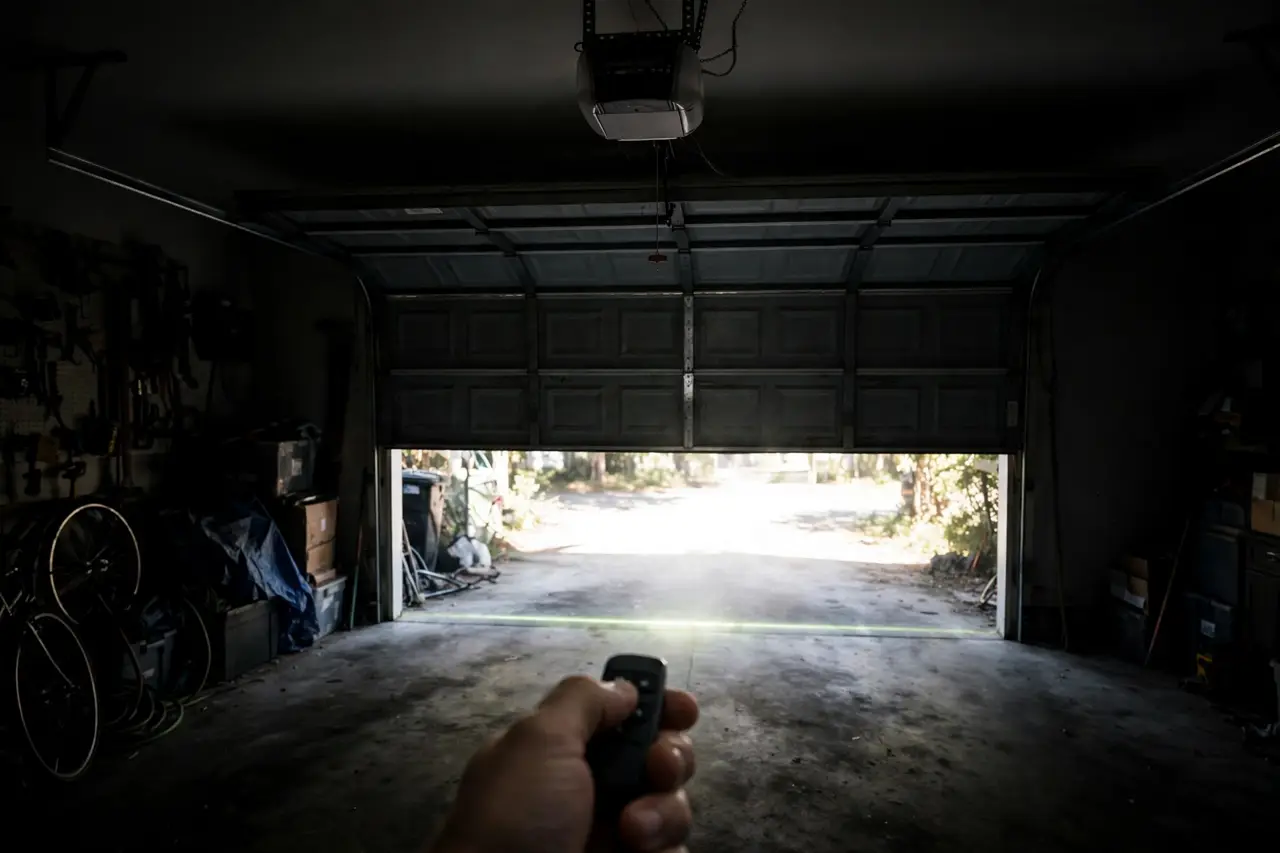
The door works. That is the point of the system. But both major manufacturers deliberately switch off the power-hungry extras to stretch the battery, and first-time owners are often surprised by what goes dark:
Feature availability while a garage door opener runs on battery backup
| Feature | On battery power |
|---|---|
| Opening and closing the door | Yes — expect a slower speed than normal |
| Remotes, keypad, and wall control | Yes — they work as usual |
| Safety sensors and auto-reverse | Yes — the safety systems stay active on battery power |
| Opener lights | No — Chamberlain and Genie both disable the work light on battery power |
| Smartphone app control | No — Chamberlain lists the myQ app and Timer-to-Close as unavailable; Genie’s Aladdin Connect stays off until power returns |
| Motion-activated light | No — Genie disables the motion detector and work light to conserve the battery |
The row that matters most is the safety sensors: the photo-eye sensors and the auto-reverse keep working on battery, per Chamberlain’s documentation, so a backup-powered door is not a less safe door. What you lose is light and app control — plan on a flashlight by the door, not on checking the garage from your phone.
Battery Life, Testing, and Replacement
A backup battery is a wear item, like a car battery. Chamberlain’s current manuals state that the battery will last approximately 1 to 2 years with normal usage. Genie describes its backup batteries as having a usable life of about three maintenance-free years. Older two-battery Chamberlain and LiftMaster systems were rated at 3 to 5 years in their manuals. Hot garages shorten all of these figures.
The signs a backup battery is failing
- On Chamberlain and LiftMaster units, beeping every 30 seconds with a flashing orange LED means the battery is low; a solid red LED with beeping means the battery will no longer hold a charge and needs replacement.
- A solid green LED means fully charged; flashing green means charging. Learn these two before an outage teaches you the rest.
- On Genie’s add-on unit, a red LED that is still on after 48 hours of charging means the battery has failed to charge.
- The practical test: unplug the opener and run the door. A battery that cannot complete a cycle is done, whatever the LED says.
Test it twice a year
Genie’s guidance is to test the battery backup every 6 months, and the test is the same on any brand:
- Unplug the opener from the outlet, or switch off its breaker.
- Open and close the door once with the remote or wall control.
- Confirm the door completes the cycle on battery power.
- Plug the opener back in and check that the status LED shows charging.
💡 Practical Home Tip: Tie the battery test to the two clock changes each year. Unplug the opener, run the door once on battery, plug it back in. Five minutes, twice a year, is the whole maintenance program — and the same test-don’t-guess habit protects every battery device that guards your home; our smart lock battery guide follows the same routine.
Replacing the battery
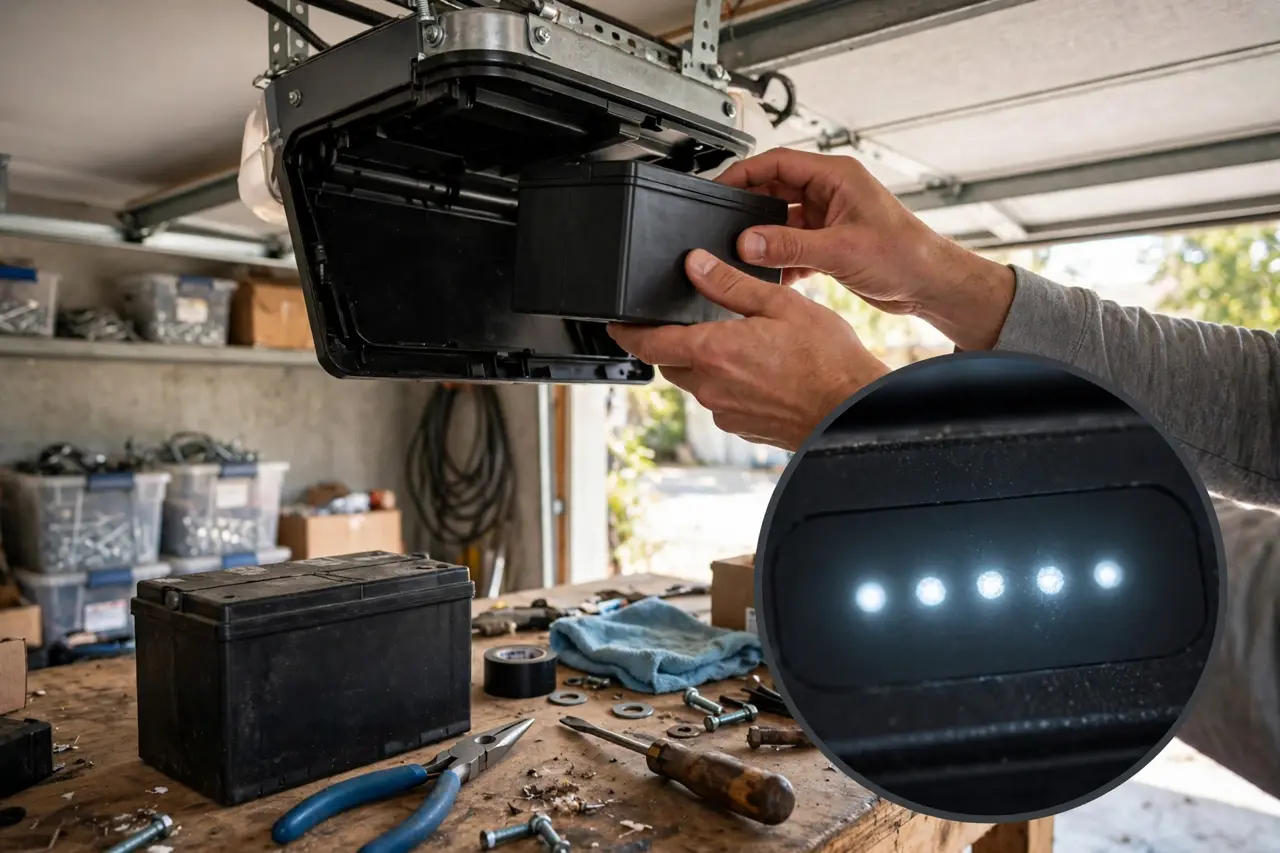
Caution first: unplug the opener before you open the battery compartment, and stop at the plug-in swap. Anything beyond it — wiring, circuit boards, a swollen or leaking battery — is a job for a qualified door technician.
- Unplug the opener.
- Open the battery compartment and note which terminal each wire connects to.
- Remove the old battery and fit the exact replacement your manual specifies — part 485LM on many current Chamberlain and LiftMaster models; two-battery systems use the 41B591 kit listed in LiftMaster’s parts catalog, which supplies the pair of 12V, 4.5Ah batteries; Genie’s add-on uses a 12V, 8Ah battery, part 37342R.
- Plug the opener back in and let the new battery charge — up to 24 hours on Chamberlain systems, and Genie advises 24 to 48 hours before the first test.
- Run the unplug test once to confirm the new battery works.
Two habits extend battery life. If the opener will sit unplugged for weeks — a seasonal home, a long renovation — disconnect the backup battery: both Chamberlain’s manuals and LiftMaster’s service notes warn that a battery left connected to an unpowered opener drains slowly, and a full discharge can ruin it. And when a battery dies, recycle it. The pack is sealed lead-acid: never put it in household trash and never burn it (Genie’s instructions warn the cells can explode). Take it to a household hazardous-waste site, a battery retailer, or an auto-parts store — local programs accept lead-acid batteries for recycling — and tape over the terminals before you carry it in.
Your Power-Outage Routine With a Battery Backup
When the power actually goes out, a short routine gets the most from the battery:
- Use the door normally, but budget your cycles. A full charge is one day of standby and a few dozen cycles at most — do not run the door just to check on it.
- Expect a slower door and a dark garage. The opener lights are off on battery power, so keep a flashlight by the inside door.
- Listen for the beep. On Chamberlain and LiftMaster units, a beep about every 2 seconds simply confirms the opener is in battery mode; beeping every 30 seconds means the battery is getting low.
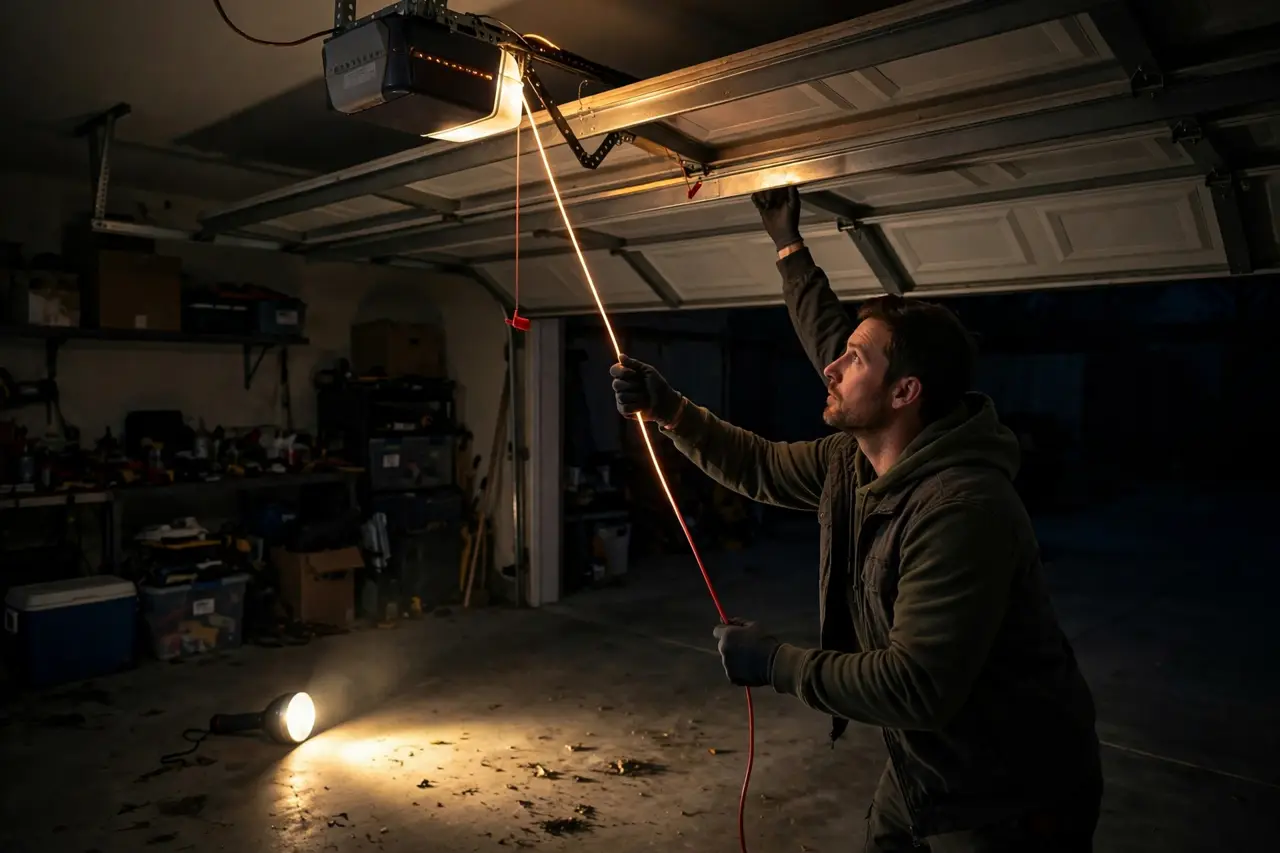
- If the battery runs out mid-outage, pull the red emergency release cord and lift the door by hand. Reconnect the opener when power returns, following your manual.
- When power returns, let the battery recharge for up to 24 hours before judging it. A battery that seems dead right after an outage is often just an empty battery recharging.
- If the door still misbehaves with house power restored, that is a door or opener fault rather than a battery problem — work through the causes in our guide to a garage door that won’t close.
Who Actually Needs a Garage Door Opener Battery Backup?
The case is strong if any of these describe your home:
- Outages are a regular event. Storm country, wildfire shutoff zones, and rural feeders all lose power for hours at a time, sometimes several times a year.
- The garage is your main entrance. If the overhead door is how everyone comes and goes — or the garage has no pedestrian door at all — a dead opener can lock you out of your own home or trap the car inside.
- Someone in the house cannot lift the door. The manual release works only if you can reach the cord, pull it, and lift a heavy door. For older adults and anyone with limited mobility, that is not a plan; it is a hope.
- A car must get out no matter what. Shift work, medical needs, and on-call jobs do not pause for the power company.
- You are in California. At the next opener purchase, installation, or door replacement, the law has already decided for you.
You can honestly skip it, for now, if your garage has a pedestrian door everyone can use, everyone in the house can work the manual release, and your outages are rare and short. And if your opener is old enough that replacement is already on the horizon, skip the add-on entirely and put the money toward a backup-equipped replacement when the time comes. Renters should note that fitting an add-on or swapping a battery changes the landlord’s equipment — ask first.
Frequently Asked Questions
How long does a garage door battery backup last?
Two answers, because the question means two things. On one charge, manufacturers rate a backup for about a day of normal use — Chamberlain states up to 24 hours of operation, and Genie up to 50 cycles in the first 24 hours. As a part, the battery wears out: Chamberlain’s current manuals say approximately 1 to 2 years with normal usage, and Genie about three years.
Should I get an opener with battery backup?
If you live in California, any opener sold or installed since July 1, 2019 must have battery backup anyway. Elsewhere, it is worth it if outages are common where you live, the garage is your main way in, or anyone at home could not lift the door by hand in an outage. If none of those apply, it is a comfort, not a necessity.
Does the battery recharge when the electricity is restored?
Yes. The battery recharges automatically from the opener once house power returns — there is nothing to remove or plug into a separate charger. Chamberlain states the battery will recharge within 24 hours after power is restored; Genie advises allowing 24 to 48 hours for a full charge before testing a new or drained battery.
What maintenance does a backup battery require?
Very little, but not none. Watch the status LED when you pass the opener, test the system twice a year by unplugging the opener and running the door once, and replace the battery when the LED or beeping says it no longer holds a charge — roughly every 1 to 2 years on current Chamberlain models. Recycle the old lead-acid pack instead of trashing it.
The Bottom Line
A battery backup does one simple thing — it keeps the biggest door in your home working when the power does not — and it does it automatically. Check your opener’s model plate this week. If it accepts a battery or an add-on, you are one inexpensive part away from outage-proof access. If it does not, you know the truth before you spend anything: the next opener you buy should have the backup built in.
Disclaimer: This guide is general information for homeowners, not a substitute for your opener’s manual or for a licensed electrician or trained door technician. Battery designs, part numbers, and local rules — including California’s — vary and change, so verify the requirements and parts for your exact model before buying or installing anything. If a job goes beyond plugging in the manufacturer’s battery or add-on unit, hire a qualified professional.