Your smart lock battery is almost certainly a set of four AA alkaline batteries, and how long it lasts depends mostly on how the lock talks to your phone. Schlage rates its Wi-Fi Encode Plus at up to six months, Yale rates its Assure locks at about a year, and a dead battery does not lock you out — a physical key, a 9-volt battery, or a USB power bank will still get you in on most models.
This guide covers the whole battery picture: what your lock uses, why Wi-Fi locks eat batteries faster, which cells to buy, the warnings that arrive before the battery dies, how to swap the cells, and how to get back in if you ignore every warning. If you are still choosing a lock, our smart key lock guide explains the lock types first.
What Battery Does a Smart Lock Use?
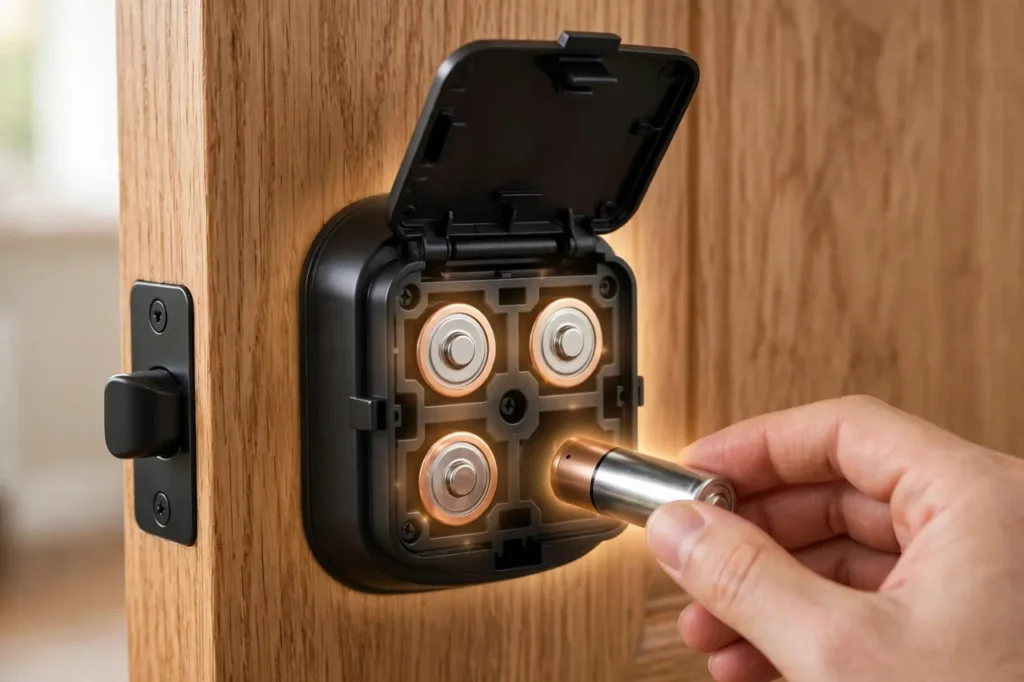
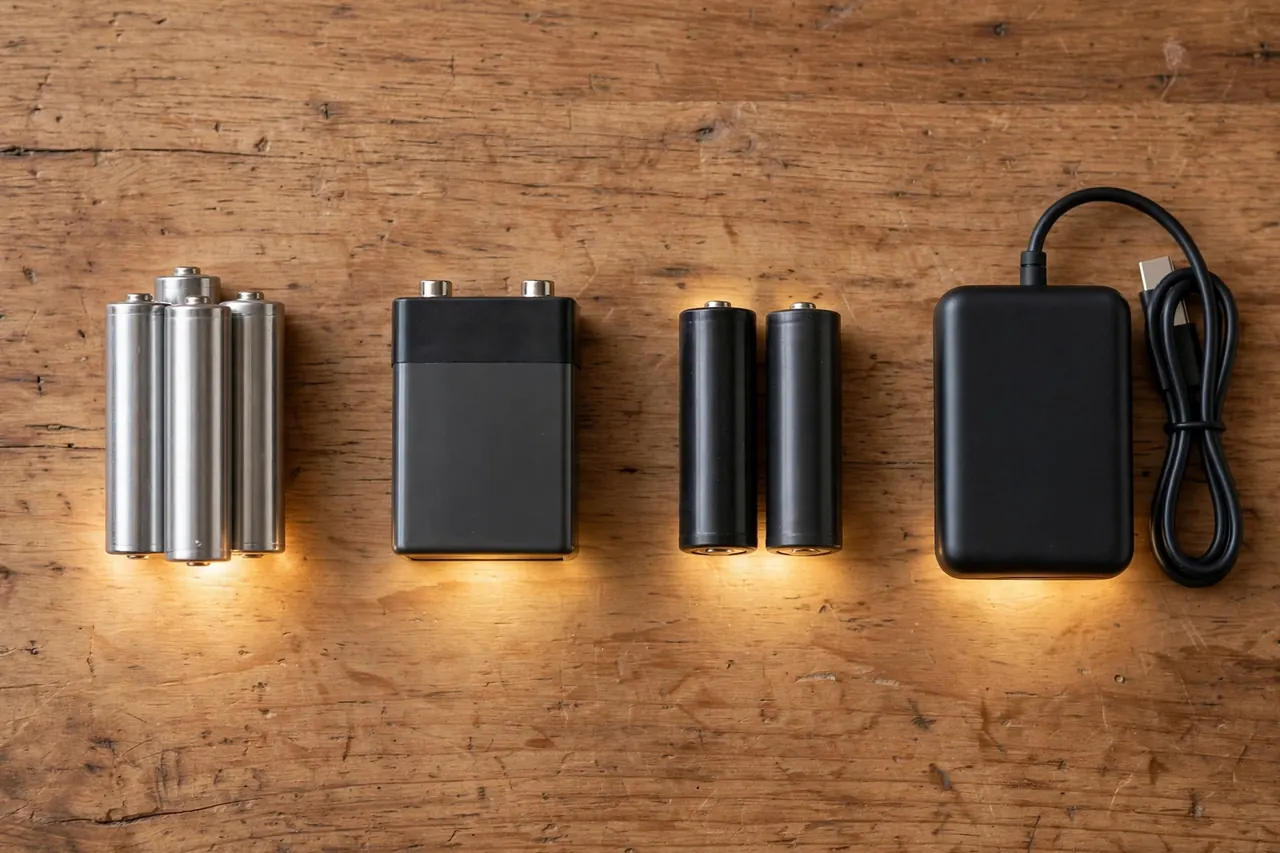
Most smart deadbolts from Schlage, Kwikset, Yale, Ultraloq, and Wyze run on four AA batteries, and their manuals ask for alkaline cells by name. The batteries sit in the inside half of the lock, behind a cover you can open by hand.
Three common exceptions are worth knowing. Schlage’s non-smart keypad locks, such as the Camelot BE365, run on a single 9-volt alkaline battery instead. The August Wi-Fi Smart Lock, which clamps over your existing deadbolt, uses two CR123 lithium batteries. And a growing group of locks, such as the eufy Smart Lock C210, skip loose cells entirely and use a built-in rechargeable lithium-ion pack that you charge with a cable.
Smart lock batteries by lock, with the battery life each maker states (checked October 19, 2026)
| Lock | Battery it uses | Maker-stated battery life |
|---|---|---|
| Schlage Encode Plus (Wi-Fi deadbolt) | 4 AA alkaline | Up to 6 months with typical use |
| August Wi-Fi Smart Lock (retrofit) | 2 CR123 lithium | About 3 to 6 months |
| Yale Assure Lock 2 (Z-Wave / Bluetooth) | 4 AA alkaline | About 1 year with normal use |
| Wyze Lock Bolt (Bluetooth) | 4 AA | 10 to 12 months |
| SimpliSafe Smart Lock | 4 AA alkaline | 8 to 12 months, depending on use |
| eufy Smart Lock C210 (rechargeable) | 10,000 mAh lithium-ion pack | About 4 months per charge, at 10 unlocks a day |
How Long Do Smart Lock Batteries Really Last?
The honest range is about three months to a year, and the biggest factor is not the brand — it is the wireless radio inside the lock. A lock that holds a Wi-Fi connection all day spends power staying connected. A lock that only whispers to a hub or your phone can sleep almost all the time.
Wi-Fi locks: plan on months, not years
Wi-Fi is the hungry option. Schlage rates the Encode Plus at up to six months on its four AA batteries with typical use, and August estimates three to six months for the two CR123 cells in its Wi-Fi Smart Lock. In exchange, these locks answer your phone from anywhere with no hub in between.
Z-Wave, Thread, and Bluetooth locks: up to a year
Low-power radios stretch the same batteries much further. Yale rates its Assure locks at approximately one year of normal use, and Wyze rates its Bluetooth-only Lock Bolt at 10 to 12 months on four AA batteries. The trade-off is range and features: these locks lean on a hub, a border router, or your phone being nearby. Our best smart deadbolt guide compares the connection types if you are weighing that trade.
Simple keypad locks: the longest of all
A basic electronic keypad lock with no app connection has no radio to feed, so each lock-and-unlock motor turn is nearly the whole power bill. That is why simple keypad locks routinely outlast connected models on one set of cells — there is simply less inside them spending power between uses.
Alkaline vs Lithium AA Batteries: Which Belong in Your Lock?
On paper, lithium AA cells look like the obvious upgrade. Energizer rates its Ultimate Lithium AA to perform from -40°F to 140°F, hold its power for up to 20 years in storage, and resist leaks. Alkaline cells lose strength quickly in deep cold, so a lithium set sounds perfect for a front door in a cold state.
Here is the catch: most lock makers tell you not to use them. Schlage’s support team at Allegion explains why lithium batteries are not recommended in Schlage locks — a lithium cell holds its voltage high and then drops off suddenly, so the lock gets little or no low-battery warning before the voltage falls too low to run. Your lock’s battery gauge was tuned for alkaline, which fades slowly and predictably.
So the rule is simple. If your lock’s manual says alkaline — and Schlage, Kwikset, Yale, and Ultraloq manuals all do — use good name-brand alkaline AA cells and change them a little early in winter. Only choose lithium AA cells if your lock’s maker allows them, and know that cold weather is the one place their advantage is real.
Can You Use Rechargeable Batteries in a Smart Lock?
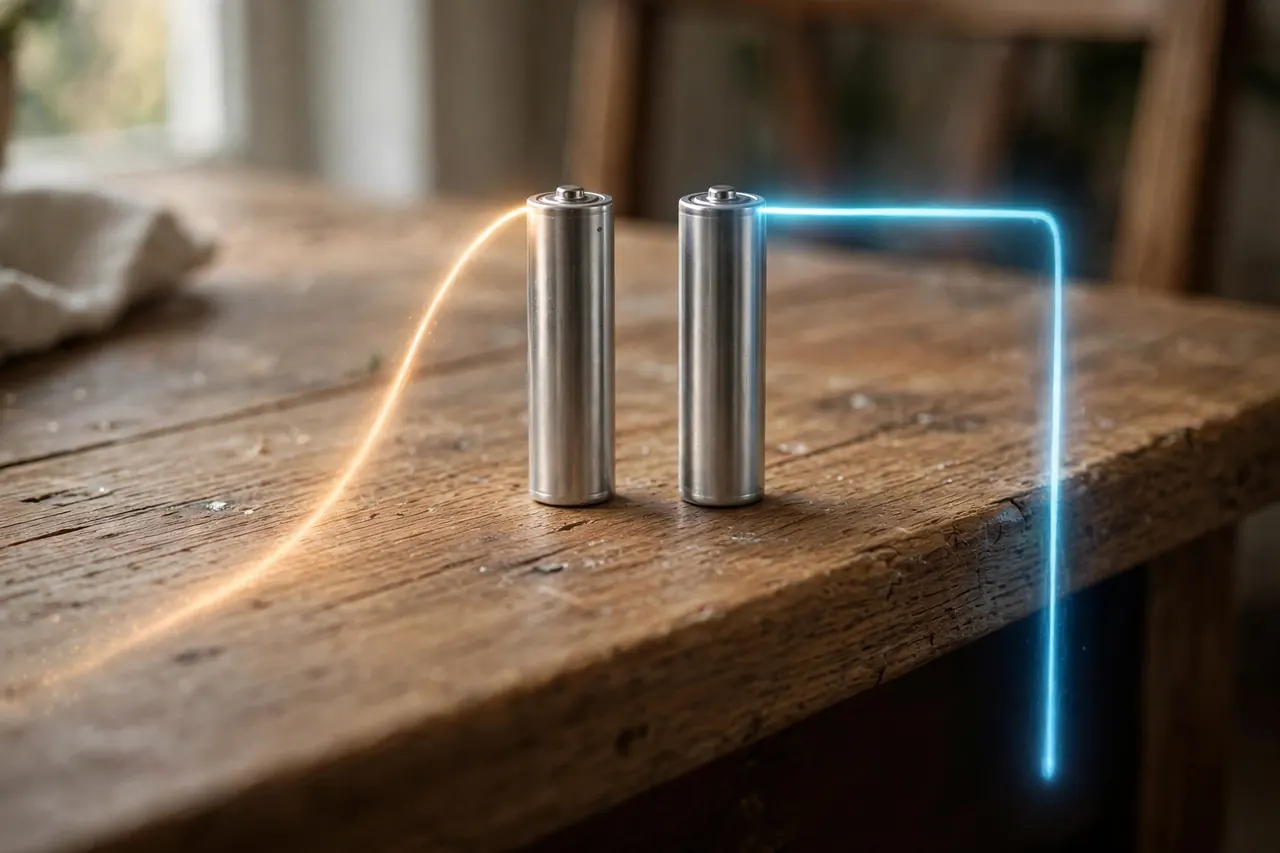
For loose AA cells, the makers’ answer is no — and it is about voltage, not stubbornness. A rechargeable NiMH AA cell runs at about 1.2 volts, while a fresh alkaline AA runs at about 1.5 volts. Four slightly weaker cells can make a lock act tired from day one.
Kwikset explains the deeper problem in its support answer on using rechargeable batteries in a smart lock: the lock’s software and app read the battery level from alkaline’s discharge curve, while rechargeable cells have a flatter curve, so the percentage reading and the low-battery warnings can be wrong. Kwikset says rechargeables will not harm the lock, but it recommends alkaline for accurate warnings. Schlage gives the same advice — premium alkaline, because lithium and rechargeable technologies may cause undesirable operation.
The exception is a lock built around a rechargeable pack, like the eufy and Tapo models. Those packs are part of the lock’s design, their gauges are tuned for them, and you recharge them with a cable instead of swapping cells. Never put loose rechargeable AA cells into a lock that was designed for alkaline, and never put a rechargeable pack’s cells on a charger they were not made for.
The Low-Battery Warnings: What They Look Like and How Much Time You Get
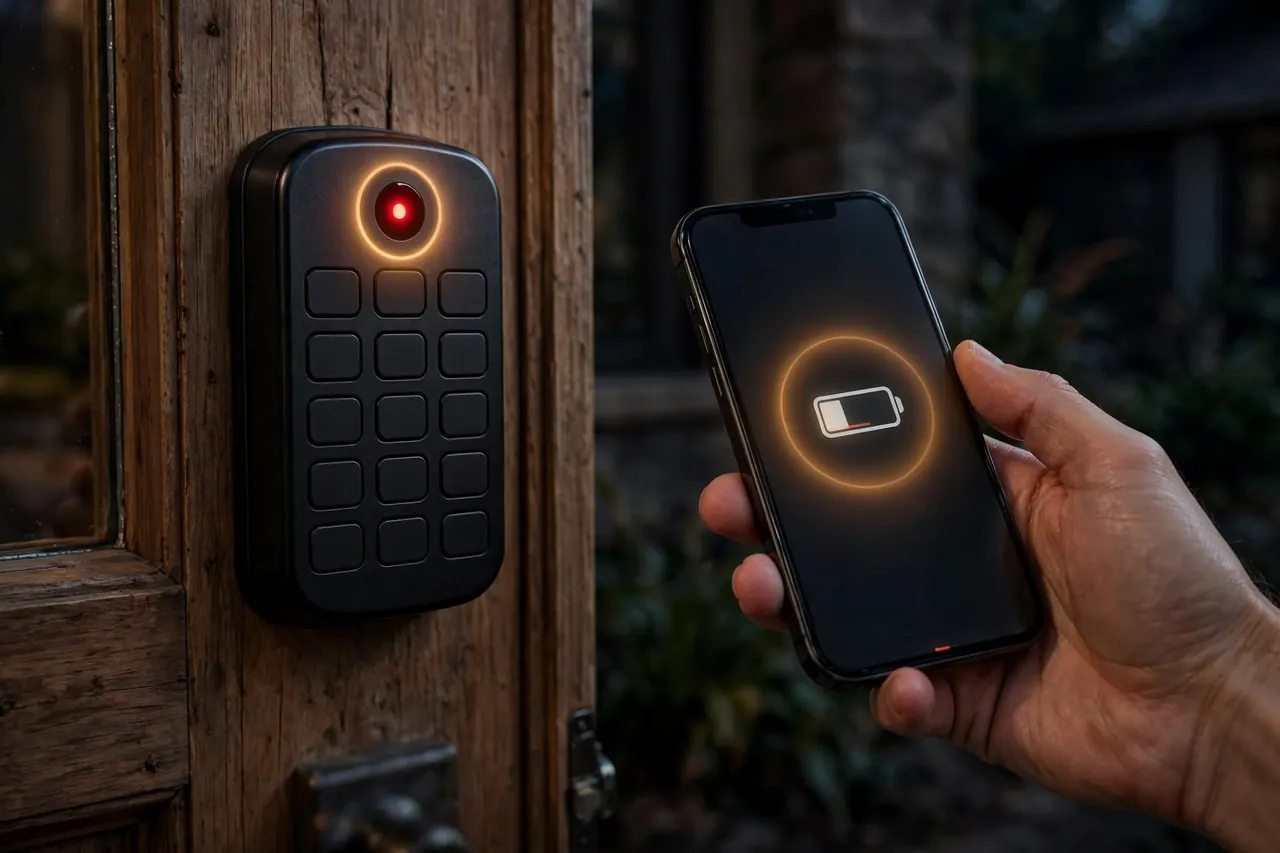
Smart locks warn you in two places: the lock itself and the app. Expect some mix of a flashing light or red indicator on the keypad, a beep or changed chime after you enter your code, and a phone notification with a battery percentage. Wyze, for example, flashes its Lock Bolt’s indicator red, and Schlage shows a low-battery icon on the Encode Plus touchscreen as well as in the Schlage Home app.
The warnings start earlier than most people expect. Yale’s support FAQ says the Assure Lock and its app notify you about a month before the batteries die, with continuous warnings in the final weeks. Schlage’s app sends a low-battery alert when the level drops to 20 percent or lower, and a critical alert at 8 percent or lower. Eufy notifies you when its pack falls under 10 percent.
That lead time is the whole system working as designed. Treat the first warning as your cue to swap the batteries that week — not the day the keypad stops lighting up. A fresh set costs little, and changing it on your schedule beats meeting the problem on your doorstep.
How to Replace Smart Lock Batteries
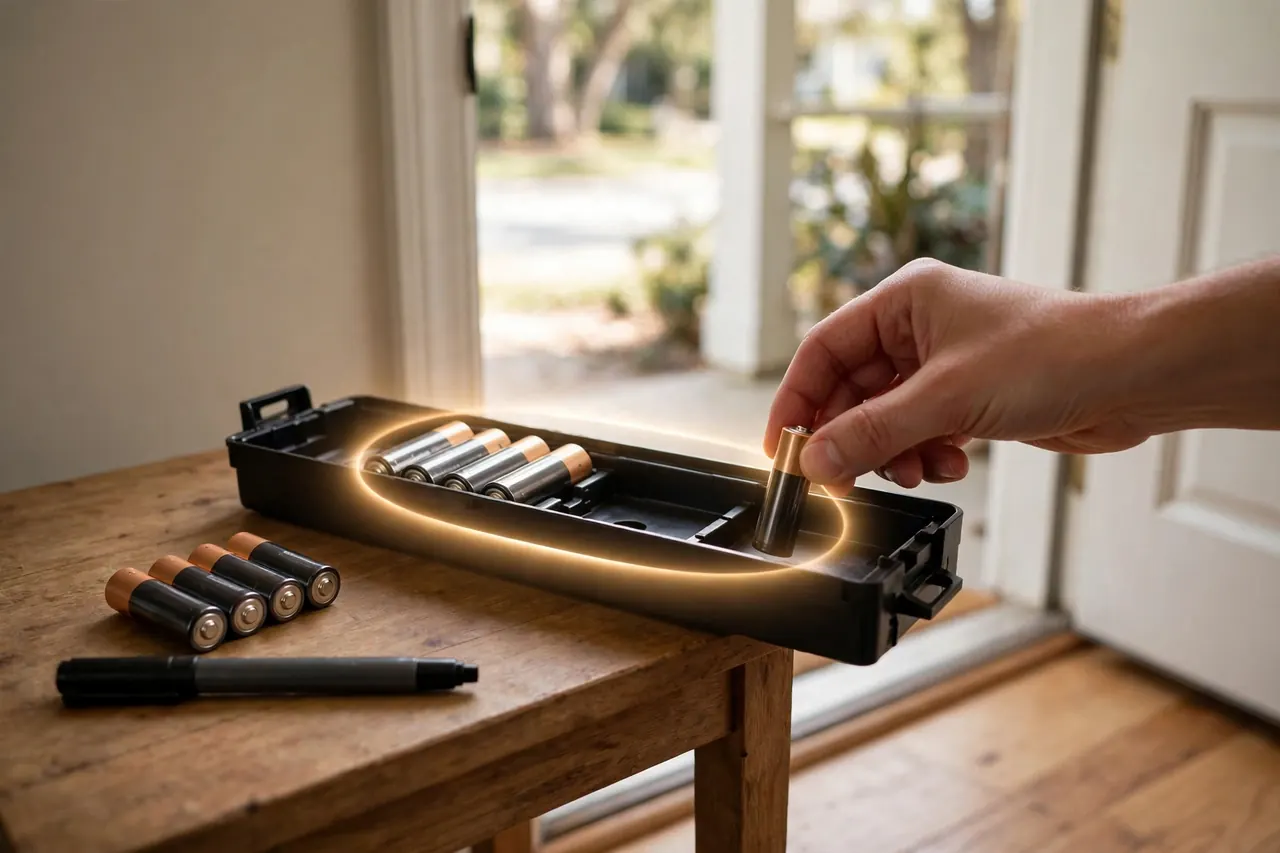
On most deadbolts the job takes five minutes, needs no tools, and does not erase your codes or settings — those live in the lock, not in the batteries. Work through these steps:
- Open the door and work from the inside, so you can test freely without any chance of locking yourself out.
- Remove the interior cover. On most locks it slides upward or lifts off; a few models hide one small screw at the bottom.
- Take out the old cells. Some locks hold them in a pull-out pack or tray, and Yale locks have a ribbon you pull to pop the cells free.
- Insert a full fresh set of the same type your manual specifies, matching the + and − marks molded in the compartment.
- Replace all the cells at once. Yale’s manual is explicit about this: never mix old and new batteries, or different brands, because the weakest cell drags the whole set down and confuses the battery gauge.
- Snap the cover back on, turn the thumb turn by hand, then lock and unlock once with your code to confirm the motor runs smoothly.
- Check the battery reading in the app. It should show full or near full; if it does not, re-seat the cells and check their orientation.
💡 Practical Home Tip: When you install a fresh set, write the month and year on the cells with a marker, and keep one spare set — plus a 9-volt battery if your lock has jump contacts — in the same kitchen drawer. When the low-battery warning arrives, everything you need is already in the house, and the date on the old cells tells you exactly how long a set really lasts on your door.
If the Battery Dies Completely: How to Get Back In
First, the reassuring part. Dead batteries can never trap you inside your home: the interior thumb turn is mechanical and always works. And from outside, almost every smart lock keeps at least one power-free way in. Try them in this order:
- Use the physical key. Most smart deadbolts keep a normal key cylinder — the Schlage Encode Plus includes a backup key, Schlage and Kwikset deadbolts open with a key at any battery level, and the August retrofit never changed your outside lock at all, so your old key still works.
- Jump it with a 9-volt battery. Key-free models from Yale, and many Kwikset SmartCode locks, have two small metal contacts on the bottom of the outside unit. Hold a 9-volt battery firmly against those contacts and, while holding it there, enter your code. The borrowed power runs the lock for that one entry.
- Feed it USB power. Wyze puts a USB-C port on the bottom of the Lock Bolt’s keypad that takes a brief charge from a power bank so you can enter your code, and Ultraloq’s U-Bolt Pro does the same job through a micro-USB port. Eufy’s exterior charging port works the same way for its pack locks.
- Then replace the batteries immediately — the jump and USB tricks lend the lock a moment of power; they do not recharge it. If your lock has none of these options, a locksmith is the last resort.
Habits That Drain a Smart Lock Battery
If a set of batteries dies months earlier than the rating promised, the cause is usually one of these — and the first two are free to fix. Work down the list in order.
A weak Wi-Fi signal at the door
This is the number one drain on Wi-Fi locks, and both big makers say so. August names Wi-Fi connection quality as the top factor in its lock’s battery life: a lock at the edge of coverage keeps reconnecting and answering network polls. Schlage warns that a weak or obstructed signal makes its Encode locks search and reconnect often, straining the battery — and that switching your router off at night without disconnecting the lock does the same. Check the signal reading in the lock’s app; moving the router or adding a mesh point near the door often doubles battery life.
A bolt that scrapes, binds, or needs a push
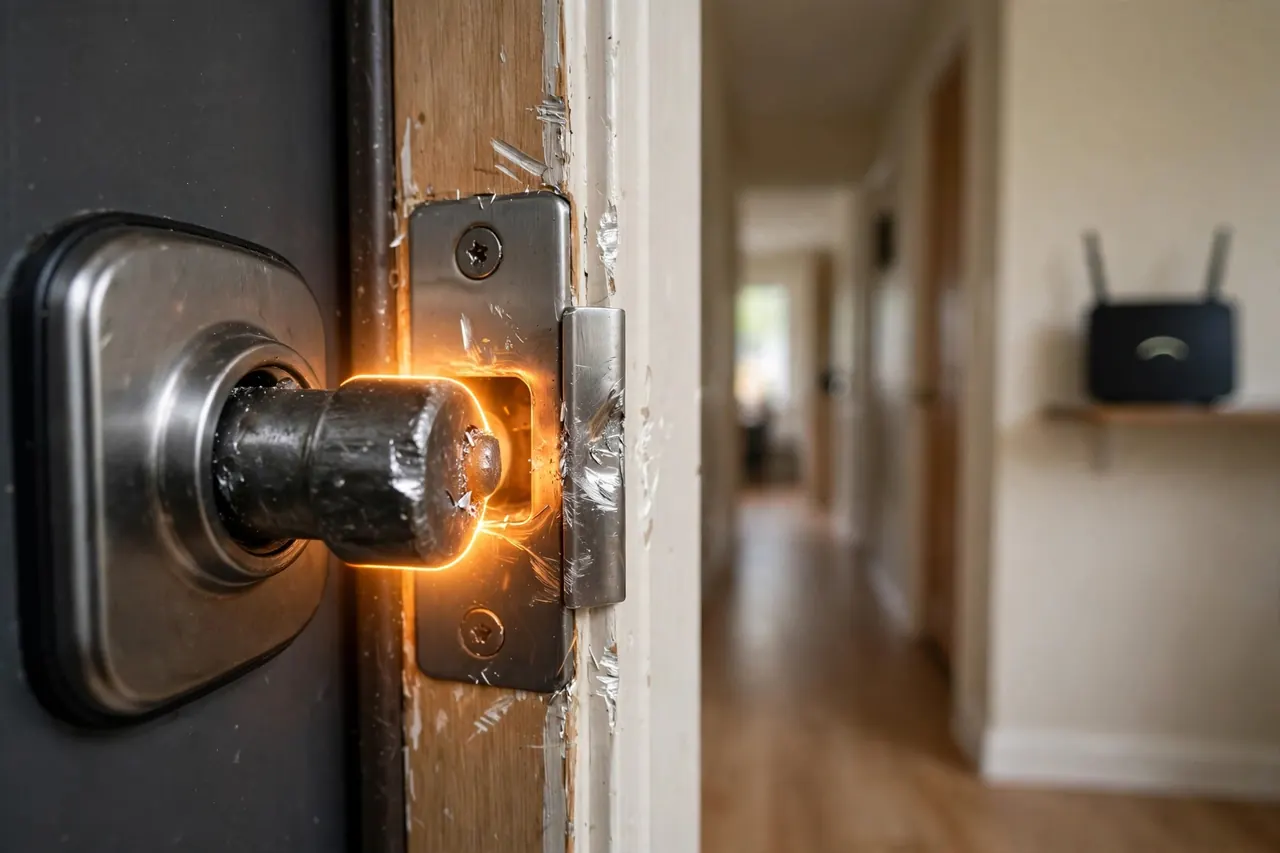
The motor spends the most power in the last inch of travel. If your bolt rubs the strike plate, the motor strains on every cycle, and a failed throw that retries spends the power twice. Do the two-finger test: with the door closed, turn the thumb turn using only two fingers. If you need a full grip or a shove, fix the door’s alignment before blaming the batteries — our door lock installation guide covers the strike and hinge adjustments that cure a binding bolt.
Always-on features and heavy use
Auto-unlock that watches for your phone, frequent remote checks, and a door that cycles twenty times a day all spend power. Maker ratings assume a handful of cycles a day — eufy, for example, rates its C210 at 10 unlocks a day. A busy family door will land below the rating, and that is normal, not a defect.
Cold weather and tired cells
Alkaline chemistry slows in the cold, so a set that would last until spring indoors may fade by mid-winter on an exposed door. Plan a fresh set in the fall if your winters are cold. And never top up with a mix of old and new cells — the gauge reads the weakest one, and the strong cells waste their energy trying to carry it.
How to Dispose of Old Lock Batteries
Disposal rules depend on the chemistry, and the U.S. Environmental Protection Agency draws the line clearly in its used household batteries guidance. Single-use alkaline batteries can go in household trash in most communities, though the EPA recommends sending them to battery recyclers or checking with your local or state solid waste authority first.
Lithium and rechargeable batteries are different. The EPA says single-use lithium cells — that includes CR123 cells and lithium AA cells — and all rechargeable batteries, including NiMH cells and built-in lithium-ion packs, should never go in household trash or curbside recycling bins. Bag each battery separately or tape over its terminals, and take them to a battery recycler, a retailer take-back bin, or a household hazardous waste collection point. Even a battery too weak to run your lock can hold enough charge to spark, which is why the terminals get taped.
Frequently Asked Questions
How long do smart lock batteries typically last?
Most smart lock batteries last between about three months and one year. Wi-Fi locks sit at the short end — Schlage rates the Encode Plus at up to six months, and August estimates three to six months — while Yale rates its Assure locks at about a year and Wyze rates its Bluetooth Lock Bolt at 10 to 12 months.
What type of batteries do smart locks use?
Most smart deadbolts use four AA alkaline batteries, including models from Schlage, Kwikset, Yale, Ultraloq, and Wyze. The main exceptions are retrofit locks like the August Wi-Fi Smart Lock, which uses two CR123 lithium batteries, Schlage’s non-smart keypad locks, which use one 9-volt battery, and pack-powered locks from eufy and Tapo that recharge by cable.
Can I use rechargeable batteries in my smart lock?
Makers advise against loose rechargeable AA cells. NiMH cells run at about 1.2 volts instead of alkaline’s 1.5, and their flat discharge curve makes the lock’s battery percentage and low-battery warnings unreliable, as Kwikset explains in its support pages. Use name-brand alkaline cells — unless your lock was built around a rechargeable pack, which you simply recharge.
How do I know when my smart lock battery is getting low?
Your lock tells you in several ways at once: a notification and battery percentage in the app, a flashing or red light on the keypad, and often a beep or changed chime after you enter your code. Yale says its locks start warning about a month before the batteries die, so the first warning is your cue to swap the set that week.
What happens when a smart lock battery dies?
You are not locked out. From inside, the thumb turn always works by hand. From outside, use the physical backup key if your lock has one — most do. Key-free locks offer a jump start instead: hold a 9-volt battery to the contacts under a Yale keypad, or feed a Wyze or Ultraloq lock brief USB power from a power bank, then enter your code.
Why does my smart lock battery die faster in winter?
Cold slows the chemical reaction inside alkaline batteries, so they deliver less power and the lock’s motor has to work with less — Energizer’s datasheet rates its alkaline AA cells down to about 0°F (-18°C), while its lithium AA cells are rated to -40°F. Expect shorter life on an exposed door in winter, and start the season with a fresh set.
A brief note: battery types, warning styles, and jump-start options vary by model, so treat your lock’s own manual as the final word for your exact lock. Everything above reflects the major makers’ published guidance, checked on October 19, 2026.
The Bottom Line
A smart lock battery is a small, predictable chore once you know your lock’s type. Buy the cells your manual names — usually four name-brand AA alkaline — swap the whole set at the first low-battery warning, and keep a spare set and your backup key where you can find them. Do that, and the battery is the one part of your smart lock you never have to think about.
Your next step takes one minute: open your lock’s app and check the battery percentage today. If it is under a quarter, order the right cells now, while the lock is still doing the reminding politely.