Yes, you can protect your home with an alarm system and pay $0 every month. Alarm systems from Abode, SimpliSafe, Ring Alarm, and eufy all work without a subscription: you buy the hardware once, set it up yourself, and when a sensor trips, the siren sounds and your phone gets an alert. No plan, no contract, and no monthly bill.
But “no monthly fee” does not mean “no trade-offs.” Nobody calls the police for you. Your cameras do not save recordings to the cloud. And if your Wi-Fi goes down, most of these systems go quiet. This guide shows you which home alarm systems without monthly fee truly work at $0 a month, what each one gives up, and how to pick the right one for your home.
What “No Monthly Fee” Really Means
A home alarm system without a monthly fee is a system that works fully without a required subscription. You pay once for the hardware, and the core job keeps working for free: door and window sensors watch for entry, motion sensors watch the rooms, the base station sounds a loud siren, and the app alerts your phone.
That is not the same thing as “free.” A few costs still sit outside the monthly bill, and honest sellers will tell you so up front:
- The hardware itself. Starter kits run from about $159 to about $283, and bigger homes need extra sensors.
- Extra sensors and accessories. Every extra door, window, or room you want covered adds a sensor to the bill.
- Batteries and storage. Sensor batteries wear out, and local video storage needs a microSD card or a hub with a hard drive.
- Your internet connection. Almost every no-fee system leans on your home Wi-Fi to send alerts, so your broadband bill is part of the deal.
- Optional add-ons. Features like cloud video recording, cellular backup, and professional monitoring exist as paid upgrades you can add later, or skip forever.
It also helps to separate two ideas people often mix up. Self-monitoring is a model: you watch the alerts and decide what to do. No monthly fee is a price: $0 a month. A system can be self-monitored and still charge you for app features or cloud storage, so the two are not the same thing. If you want the full picture of how self-monitoring works as a model, read our guide on home security systems with self monitoring — this article stays on the money question: what costs $0 a month, and what does not.
The Best No-Fee Alarm Systems at a Glance
Five systems genuinely work with no monthly fee. The table below shows what each one costs up front and what its free tier actually gives you. Prices are US retail prices checked on November 7, 2026, and they change often, so confirm the current price before you buy.
| System | Starter kit | Monthly fee | Free tier highlight | Biggest gap at $0 |
|---|---|---|---|---|
| Abode | From about $159 | $0 | Full app control, live video, push alerts, smart home integrations | No video recording, no cellular backup |
| SimpliSafe | From $250.96 | $0 | Live video, remote arm and disarm, local siren | No recordings, no dispatch, no cellular backup |
| Ring Alarm | $199.99 (5-piece kit) | $0 | Live video, real-time alerts, loud siren | No app arming, no recordings |
| eufy | $282.85 (5-piece kit) | $0 | Local video storage, no plan to decline | Camera-first; fewer alarm sensors |
| Wyze | Camera-based setup | $0 | Free alerts, live view, local microSD recording | Cloud video is image-only |
Abode has the strongest free tier of the full alarm systems. Ring has the thinnest: it works at $0, but the useful parts sit behind a plan. The rest of this guide walks through each system so you can see the trade-offs before you spend anything.
Abode: The Most Complete Free Tier
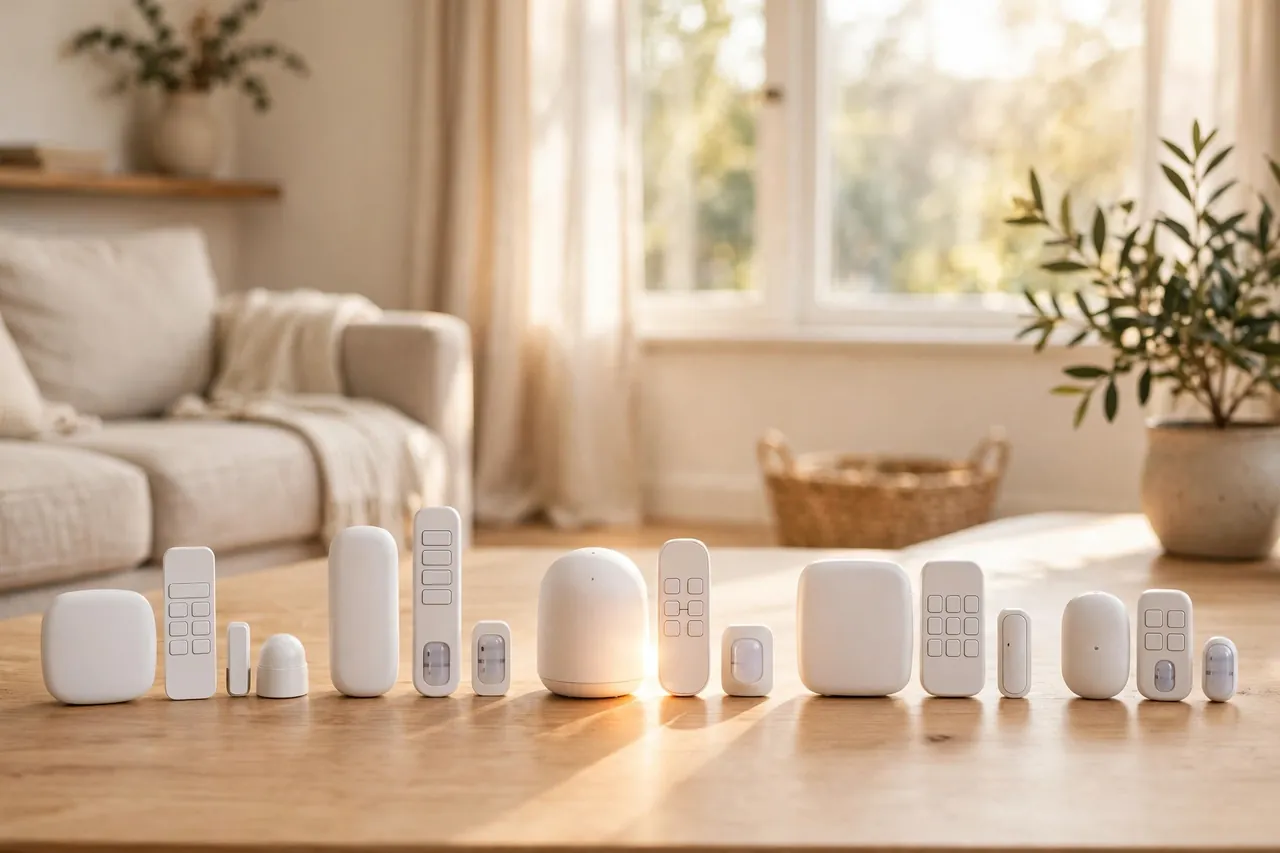
Abode is the one system on this list whose free tier feels like a finished product, not a demo. Abode’s own plans page says plainly that no subscription is required, and it lists what you keep for free. That honesty is a big part of why it leads this guide.
What You Get for $0 a Month
With no plan at all, Abode gives you full app access on iOS, Android, smartwatch, and desktop, plus live video streaming from connected cameras and real-time push notifications. You also keep a 10-day event timeline and smart home integrations with Apple HomeKit, Alexa, Google Home, and Home Assistant. You can arm and disarm from anywhere, and your automations keep running. If your internet drops, the siren and sensors still work locally — you just stop getting remote alerts until the connection comes back.
What Costs Extra
Video recording is the main thing Abode holds back: event clips, AI detections for people, packages, and pets, and cellular backup all need a paid plan. Its Standard plan costs $8.49 a month or $79.99 a year and adds a 30-day timeline, AI detections, and rich notifications. Its Pro plan costs $26.99 a month or $245.99 a year and adds 24/7 professional monitoring plus 4G cellular backup. Camera-only users can add clip storage for $3.99 a month per camera, and continuous 24/7 recording costs $9.99 a month per camera. All prices come from Abode’s own plans page, checked November 7, 2026.
Abode fits best if you want a real alarm system with entry sensors and a siren, you like smart home automations, and you want the free tier to stay useful for years. It is also the strongest pick if you run Home Assistant, since the integration works without a plan.
SimpliSafe Without a Plan: Solid Basics, Quiet Gaps
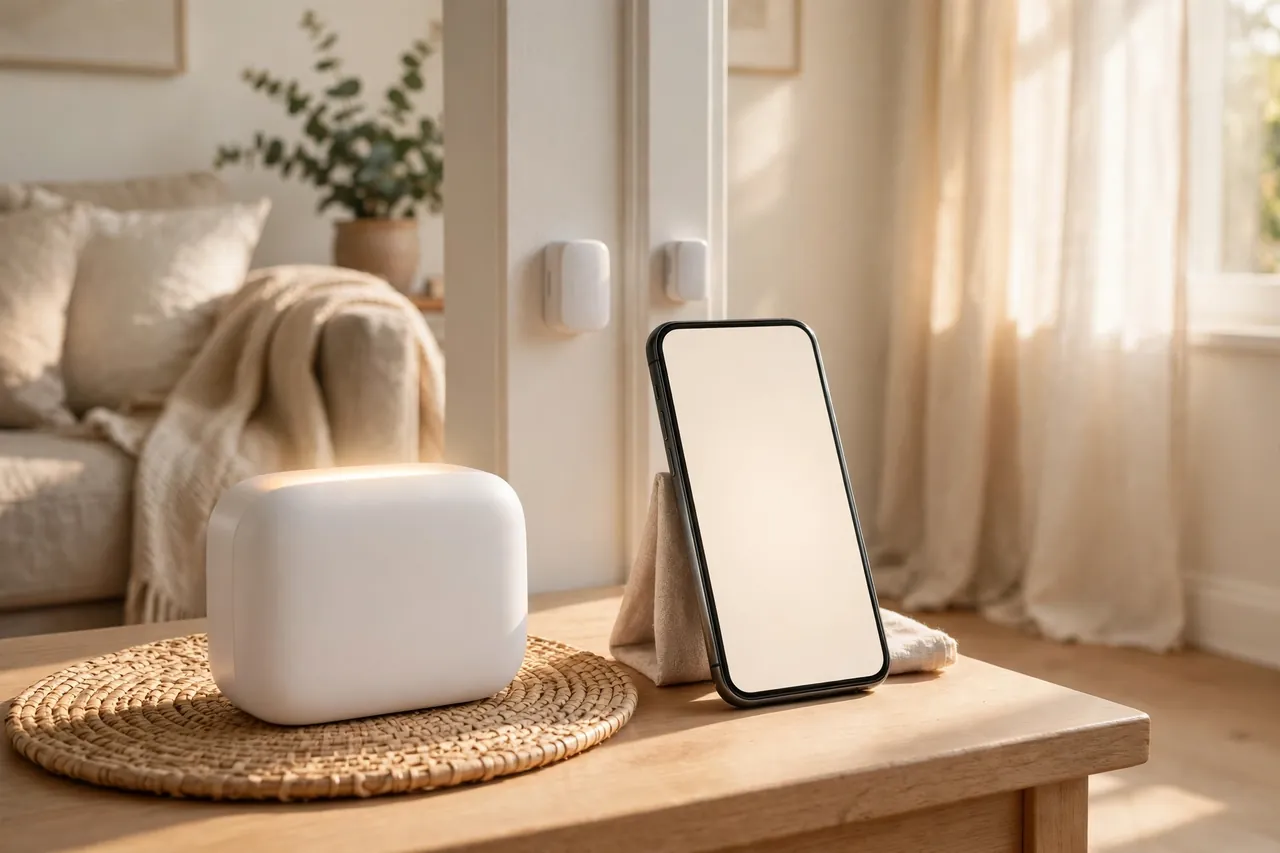
SimpliSafe officially supports running its system with no plan, and its support pages spell out the split. The hardware is mature, the sensors are reliable, and setup takes about an hour. But the free experience has quiet gaps that surprise people, so read the fine print before you buy.
What You Keep for Free
Without any subscription, you keep live video feeds from your cameras in the SimpliSafe app and remote arm and disarm from the app. The local siren still sounds when a sensor trips, and the system still works as an alarm in your home. Both app features need a working internet connection, per SimpliSafe’s own support pages.
What You Lose
What you give up is the list that matters most in a real emergency: 24/7 emergency dispatch for police, fire, and medical help, built-in network backup, camera recordings and evidence capture, homeowners insurance discount certificates, and the subscription lifetime warranty. One more gap to know about: SimpliSafe’s published unmonitored feature list does not include push notifications or text alerts, which it lists as features of its paid plans, so do not count on phone alerts until you confirm them for your setup.
If you later want a middle step, SimpliSafe’s plans start at $1.10 a day for the Core plan — about $33 a month — which adds professional monitoring and camera recordings. The Pro plan costs $1.66 a day and the Pro Plus plan costs $2.66 a day, both adding live-agent outdoor protection. Prices come from SimpliSafe’s own monitoring page, checked November 7, 2026. SimpliSafe starter packages start at $250.96, per Security.org’s September 2026 pricing.
SimpliSafe fits best if you want proven, easy hardware and you may add monitoring later. It fits less well if phone alerts at $0 a month are a must-have, because that piece is not clearly included in the free tier.
Ring Alarm Without a Subscription: The Thinnest Free Tier
Ring Alarm is the most popular system on this list, and its hardware is good. But Ring’s free tier is the thinnest of the full alarm systems here, and many buyers only find that out after the box arrives. Ring’s own support documentation is direct about it: without a subscription, you can view live video and respond to alerts as they happen, and nothing is recorded. Events are only recorded after you subscribe.
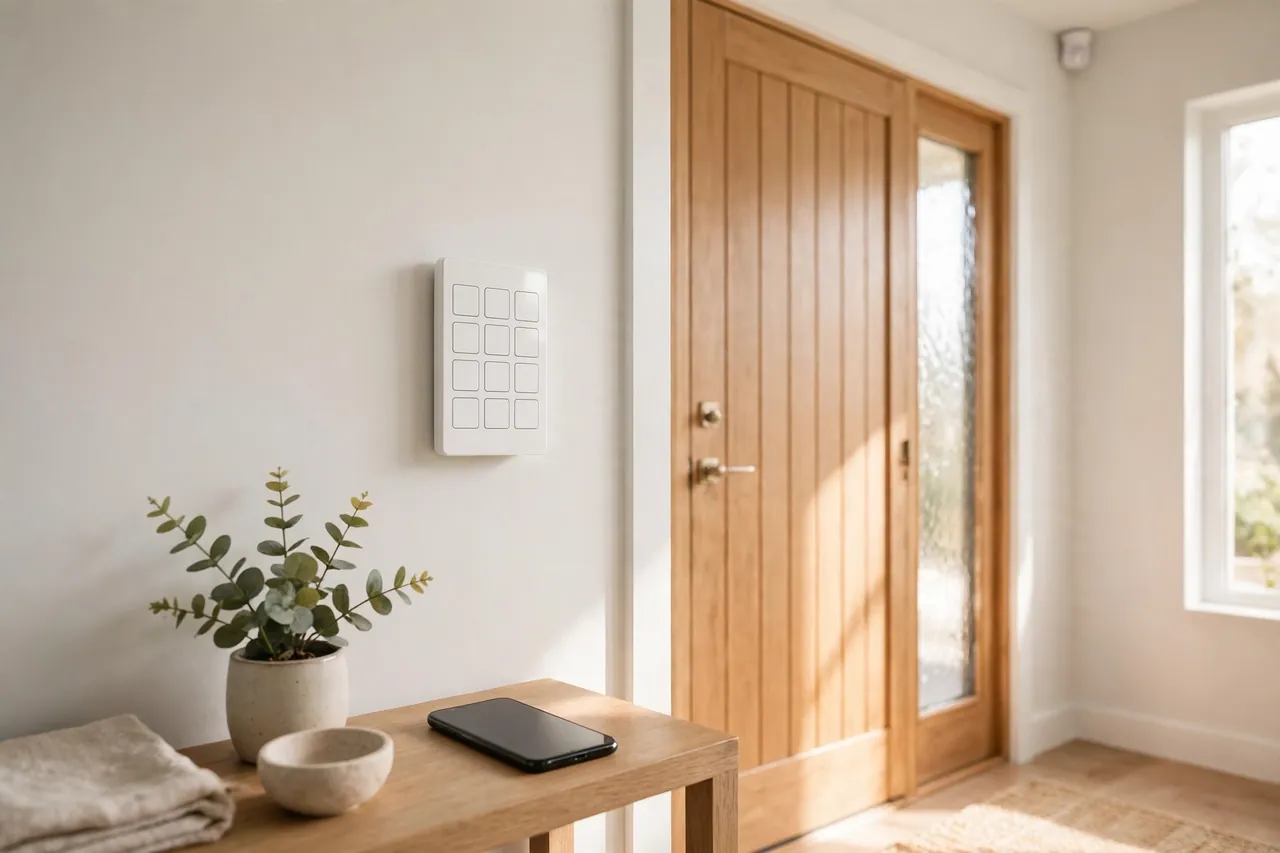
The surprise that catches most owners is arming. Ring’s plan footnotes state that a compatible Ring subscription is required for digital arming and disarming and certain other in-app features. In practice, that means without a plan you arm and disarm from the keypad on your wall, not from your phone. Cellular backup also requires a subscription, as does professional monitoring.
Ring’s paid plans run from Solo at $4.99 a month for one device, to Multi at $9.99 a month for all devices at one home, to Pro at $19.99 a month or $199.99 a year, which adds 24/7 professional monitoring and cellular backup. Every new device also starts with a free 30-day trial of Ring Protect, so you can test the paid features before you decide. The Ring Alarm 5-piece kit costs $199.99 and the 8-piece kit costs $249.99, per retailer listings checked November 7, 2026.
Ring fits best at $0 a month if you already own Ring cameras and doorbells and you mainly want a loud siren plus live video. It fits poorly if you want to arm the system from your phone or keep video evidence without paying, because both of those need a plan. If a video doorbell is part of your plan, our guide to the best video doorbell without subscription shows which doorbells keep working for free.
Eufy and Aqara: Local Storage as the Business Model
Two brands design for no monthly fee rather than merely tolerating it. Eufy and Aqara build their systems around local storage, so your footage stays in your house instead of on someone else’s servers. There is no plan to decline, because the plan was never the product.
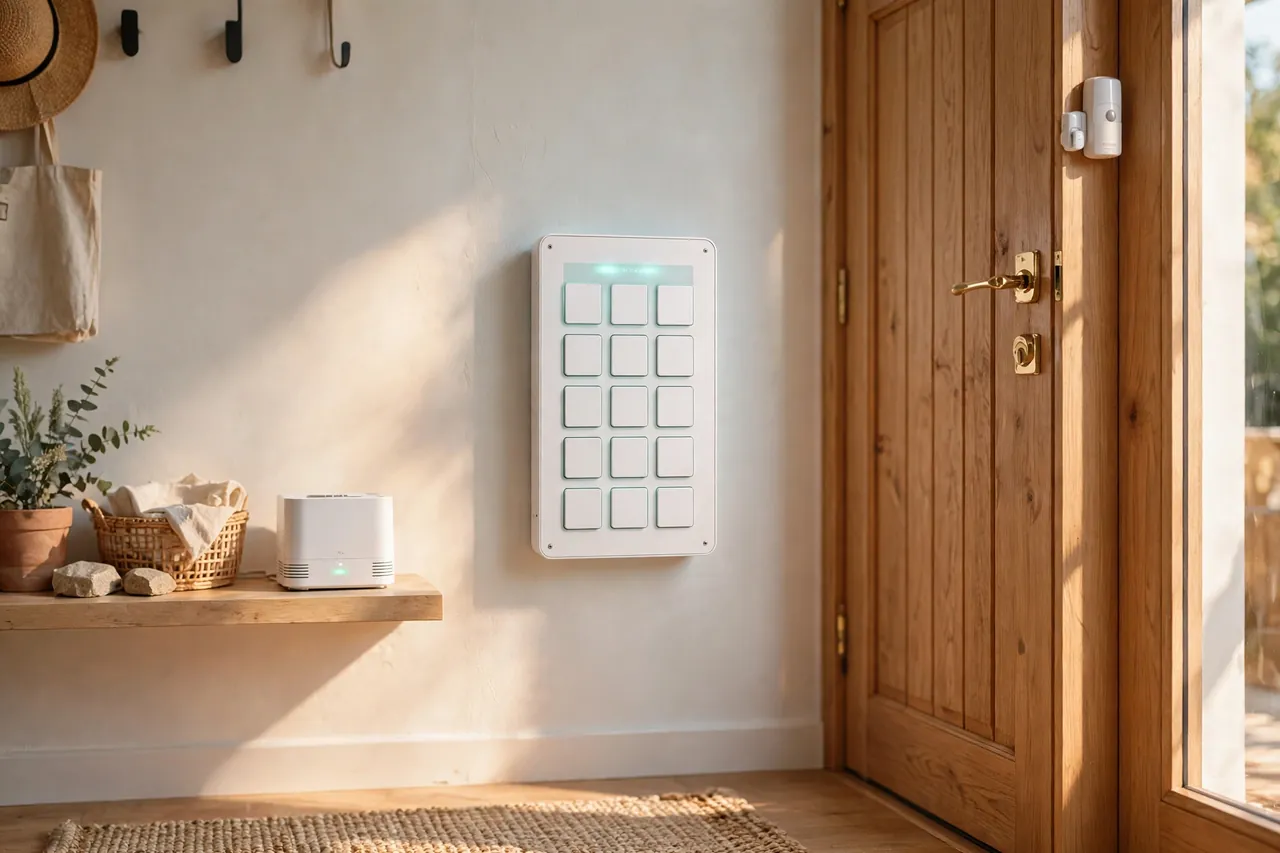
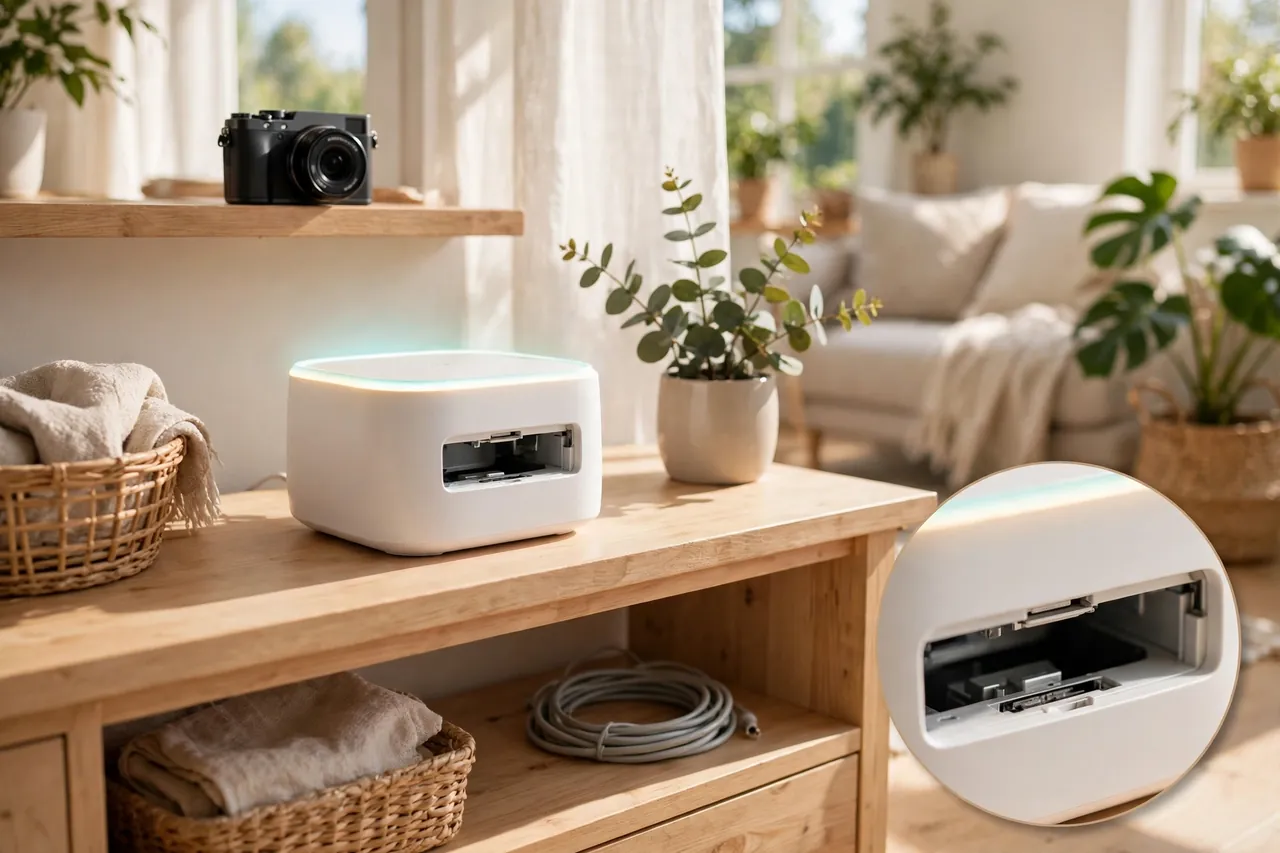
Eufy’s security line is explicitly marketed as local-first. Its HomeBase 3 hub carries a 100dB siren and doubles as a local video recorder, with storage expandable to 16TB, and the processing happens in your house rather than in the cloud. The eufy Alarm 5-piece kit with HomeBase 3 costs $282.85, per a retailer listing checked November 4, 2026. Cloud backup exists as an option, but the default setup keeps recordings at home at no extra cost.
Aqara takes a similar line. Its Camera Hub G3 does AI face and pet recognition locally and doubles as a Zigbee hub, its G5 Pro outdoor camera has 8GB of built-in storage with no subscription needed, and its Video Doorbell G4 includes free local storage plus free 7-day event-based cloud clips. The trade-off is the same for both brands: footage stored locally is gone if the device holding it is stolen, so place hubs and cameras where a burglar cannot grab them easily.
One honest footnote for Apple households: HomeKit Secure Video, which several Aqara and eufy cameras support, stores footage through Apple’s iCloud+, which is a separate paid Apple subscription. It is not an Aqara or eufy fee, but it is not $0 either. If you want cameras that record without any subscription at all, our guide to security cameras without subscription covers the camera-first options in detail.
Wyze: The Cheapest Way Into a No-Fee Setup
Wyze cameras are the cheapest way into self-monitoring, and Wyze publishes exactly what every user gets without paying. On its Cam Plus support page, Wyze lists motion and sound alerts, alarm sound detections, live stream viewing, timelapse recording, image-only cloud storage, and 24/7 local recording to a microSD card — all free.
The key phrase is image-only. Without a Cam Plus subscription, the cloud Events tab holds thumbnail snapshots of motion events, not video clips. Full video capture of events, AI detections for person, pet, vehicle, and package, and 14-day cloud video all require Cam Plus. The workaround Wyze itself documents is the microSD card: continuous 24/7 local recording is free, so a card in each camera gives you reviewable footage at $0 a month, and you review it by scrubbing the timeline in the app instead of tapping a neat event clip.
A Wyze-based setup works at $0 if you accept snapshot-grade alerts and card-based review. Budget for a decent microSD card per camera, and remember the local-storage rule that applies everywhere: stolen camera, gone footage.
What You Give Up at $0 a Month
Every free tier on this page drops the same two things, and they are the two things that matter most when something actually goes wrong. This table puts the trade-off in one place so you can judge it honestly.
| Feature | At $0 a month | With a paid plan |
|---|---|---|
| Emergency dispatch | No one calls police, fire, or medical for you | A monitoring center requests dispatch for you |
| Cellular backup | Alerts stop when your internet drops | System stays connected over cellular |
| Cloud video recordings | Live view only, or local storage only | Event clips or 24/7 cloud recording |
| Smart alerts and AI detection | Basic motion alerts, or none | Person, package, pet, and vehicle alerts |
| Insurance discount certificate | Not available | Available with monitored plans |
| Extended hardware warranty | Standard warranty only | Lifetime equipment replacement on most plans |
The first two rows are the real decision. No dispatch means an alarm at 3 a.m. while you are on a flight, or while your phone is on silent, is just a notification nobody saw. No cellular backup means the whole system reports nothing the moment your internet drops. Those are exactly the failure modes professional monitoring exists to cover, and only you can judge whether saving $20 to $33 a month is worth carrying that risk yourself.
The Real Cost: Upfront vs. 3 Years
A no-fee system costs more on day one and less every day after. A monitored system costs less up front and keeps billing you forever. Run the numbers over three years and the gap is hard to ignore.
| Setup | Hardware | Monthly fee | 3-year total |
|---|---|---|---|
| Abode, free tier | From about $159 | $0 | About $159 |
| Ring Alarm, no plan | $199.99 (5-piece kit) | $0 | About $200 |
| SimpliSafe, no plan | From $250.96 | $0 | About $251 |
| eufy Alarm, no plan | $282.85 (5-piece kit) | $0 | About $283 |
| Ring Alarm + Pro plan | $199.99 | $19.99 | About $920 |
| SimpliSafe + Core plan | $250.96 | About $33 | About $1,439 |
| Abode + Pro plan | About $159 | $26.99 | About $1,131 |
Three-year totals are hardware plus 36 months of the plan, before tax, and they leave out extra sensors, batteries, and storage cards. The point is the shape of the math: a no-fee system costs roughly $160 to $285 once, while the same hardware with monitoring costs roughly $900 to $1,440 over three years. That is why the free tier matters so much — the monthly fee is not a small add-on, it is most of what you will ever pay.
Hidden Costs That Can Sneak In
A $0 monthly fee is real, but a few one-time and occasional costs still show up. None of them are monthly bills, but budget for them so the “free” system does not surprise you:
- Extra sensors. A starter kit covers a small home. Every extra door or window needs its own contact sensor, and each one adds to the bill.
- Sensor batteries. Contact and motion sensors run on batteries that last one to three years, so keep spares on hand.
- Storage cards and drives. Local recording needs a microSD card per camera or a hub with room for a hard drive.
- Apple iCloud+. If you use HomeKit Secure Video with Aqara or eufy cameras, Apple charges for the iCloud+ storage behind it.
- Professional installation. Most of these systems are DIY, but if you hire help, expect to pay for the visit.
- Replacement hardware. Without a paid plan, you lose perks like SimpliSafe’s subscription lifetime warranty, so a dead sensor comes out of your pocket.
None of these costs turns a no-fee system into a subscription. They are one-time or occasional purchases, and you choose when to make them.
How to Choose the Right No-Fee Alarm System
Pick by your home and your habits, not by the brand name. Walk through these five questions in order and the right system usually picks itself:
- Count your doors and windows. A small apartment needs a 5-piece kit. A house with many ground-floor openings needs a bigger kit or extra sensors, and the starter price stops being the real price.
- Check your Wi-Fi. Every no-fee system leans on your internet. If your Wi-Fi drops often, fix that first — or pick a system with local storage, like eufy, so a dead connection does not mean dead footage.
- Decide what cameras must do. If you only need a siren and alerts, any system here works. If you need saved video evidence, pick local storage (eufy, Aqara, Wyze with microSD) or accept that recordings cost extra.
- Match your smart home. Apple households get the most from Abode and Aqara, which support HomeKit. Alexa and Google households work well with all five systems.
- Test the free tier before you commit. Set the system up, trigger a sensor, and check that the alert reaches your phone fast. Ring also gives you a free 30-day trial of its paid plans, so test those features too and decide with real experience, not a sales page.
If you want the alarm to cover entry points properly, read our guides on burglar alarms and door sensor alarms before you buy sensors. And if you want to understand the panel itself — the base station that ties everything together — our guide to the security alarm panel explains what it does and where to place it.
How to Set Up a No-Fee Alarm System
Every system on this page is DIY, and most people finish in under two hours. The steps are nearly the same for all five:
- Place the base station centrally. Put it near the middle of your home, close to your router, and plug it in. This is the brain of the system, and every sensor talks to it.
- Install the keypad by the main door. You will arm and disarm here every day, and on Ring’s free tier this is the only way to arm the system.
- Mount door and window sensors first. Start with the front door, back door, and ground-floor windows. Peel, stick, and test each one before you move on.
- Add motion sensors in main rooms. Place them in corners, about 6 to 7 feet high, aimed across the room and away from heating vents and sunny windows that can cause false alarms.
- Connect the app and test everything. Create your account, connect the system to Wi-Fi, arm it, and trip each sensor on purpose. Check that the siren sounds and the alert reaches your phone.
- Set up cameras and local storage. Add a microSD card or connect your hub storage, then check that recordings actually save and play back.
- Tell your household how it works. Show everyone the arm and disarm steps and the duress code if your system has one, so nobody triggers a false alarm at midnight.
Skip the paid plan screens during setup if you want $0 a month. Every system here lets you finish setup without entering a card, and you can add a plan later if you change your mind.
When $0 a Month Is the Wrong Call
A no-fee system is a good deal for many homes, but not for every home. Pay for monitoring instead if any of these sound like you:
- You travel often. If you are regularly away for days, nobody is home to act on an alert, and a monitoring center fills that gap.
- You live alone and have health risks. A monitored system can call for medical help when you cannot reach your phone.
- Your internet is unreliable. Frequent outages leave a Wi-Fi-only system blind, and only cellular backup fixes that.
- Your insurer requires monitoring. Some insurers only give the security discount for a professionally monitored system, and the discount can cover much of the plan cost.
- You want video evidence that survives a break-in. Cloud recordings stay safe even if a burglar steals your cameras or hub. Local storage does not.
There is no shame in paying for monitoring. The goal is not the lowest bill, it is the system that actually protects your home in the situations you worry about most. And if you already own a no-fee system, you can add monitoring month to month with no contract on Abode, SimpliSafe, and Ring — so the decision is never final.
Related Guides
Home Security Systems Self Monitoring: How It Works and When It Fits · Burglar Alarms: Types, Costs, and How to Choose the Right One · Security Alarm Panel: What It Is, How It Works, and How to Choose One
- Home Security Systems Self Monitoring — how the self-monitoring model works, and when it is enough on its own.
- Security Camera Without Subscription — cameras that record and alert with no monthly fee.
- Security Cameras Without WiFi — cameras that keep working when the internet does not.
- Best Video Doorbell Without Subscription — doorbells that keep their best features free.
- Burglar Alarms — how burglar alarms work and which type fits your home.
Frequently Asked Questions
Which home security system has the best free tier?
Abode publishes the most complete no-subscription tier: full app access, live video, push notifications, a 10-day event timeline, and HomeKit, Alexa, Google Home, and Home Assistant integrations, per its plans page. SimpliSafe’s unmonitored mode keeps app arm and disarm and live view, but its published free feature list leaves out push notifications.
Does Ring work without a subscription?
Only partly. Ring’s own support documentation says that without a subscription you can view live video and respond to alerts as they happen, but events are not recorded, and its plan footnotes say a subscription is required for digital (app) arming and disarming of Ring Alarm and for cellular backup. Keypad arming still works.
What do I lose by self-monitoring instead of paying for professional monitoring?
Two things, on every brand: emergency dispatch, because no one requests police, fire, or medical response if you miss the alert, and cellular backup, because every brand covered here ties it to a paid plan, so alerts stop when your internet is down. Some brands also tie insurance discount certificates and extended warranties to paid plans.
Is HomeKit Secure Video really free?
The camera makers do not charge for it, but Apple does: HomeKit Secure Video footage is stored through an iCloud+ subscription, per Apple’s own documentation, and the number of cameras you can add depends on your iCloud+ tier. Aqara and eufy cameras that support it still offer their own fee-free local storage as an alternative.
Do Wyze cameras record for free?
Locally, yes; to the cloud, no. Wyze’s Cam Plus support page says every user gets 24/7 local recording to a microSD card, live streaming, and motion and sound alerts for free, but cloud storage without Cam Plus is image-only thumbnail snapshots. Full event video clips, AI detections, and 14-day cloud storage require a Cam Plus subscription.
Do I need a subscription to use Abode?
No. Abode works straight out of the box with no subscription required. You get full app access, live video streaming from connected cameras, smart home integrations with Apple HomeKit, Alexa, and Google Home, and real-time push notifications — all completely free. Optional paid plans add professional monitoring, cellular backup, video recording, and AI smart detection.
Start with the free tier, test it for a week, and only pay for what you actually miss. For most homes, that test costs nothing — and it tells you more than any comparison page can. If the free tier covers your home, you have just bought your last security bill.