A security alarm panel is the brain of a home security system. It listens to every sensor in your home, decides when something is wrong, sounds the siren, and sends an alert to you or a monitoring center. You arm and disarm the system through it, and it keeps a record of what happened and when.
If you buy the wrong panel, you can end up with too few zones for your doors and windows, no backup when the power fails, or a system that cannot grow with your home. This guide explains what the panel does, how the main types differ, where to put it, and how to pick the right one for your house.
What a Security Alarm Panel Does
Think of the panel as the control center. Sensors on doors, windows, and in rooms watch for trouble, but they cannot decide anything on their own. They send a signal to the panel, and the panel does the thinking.
When a sensor trips while the system is armed, the panel checks the rules you set. Then it acts. It can sound the siren, flash a light, send a phone alert, or call a monitoring center. It also logs the event, so you can see later which sensor tripped and at what time.
The panel also runs the daily jobs. It arms and disarms the system, holds your user codes, watches for low batteries and faults, and tells you when a sensor stops talking to it. GeoArm Security describes the control panel as the central hub that manages and controls all security operations, receiving signals from sensors and deciding the right response.
Most panels also handle more than break-ins. Many accept smoke, carbon monoxide, and water-leak sensors, so one panel can watch for fire and floods too. That is why the panel matters more than any single sensor: every device in the system reports to it.
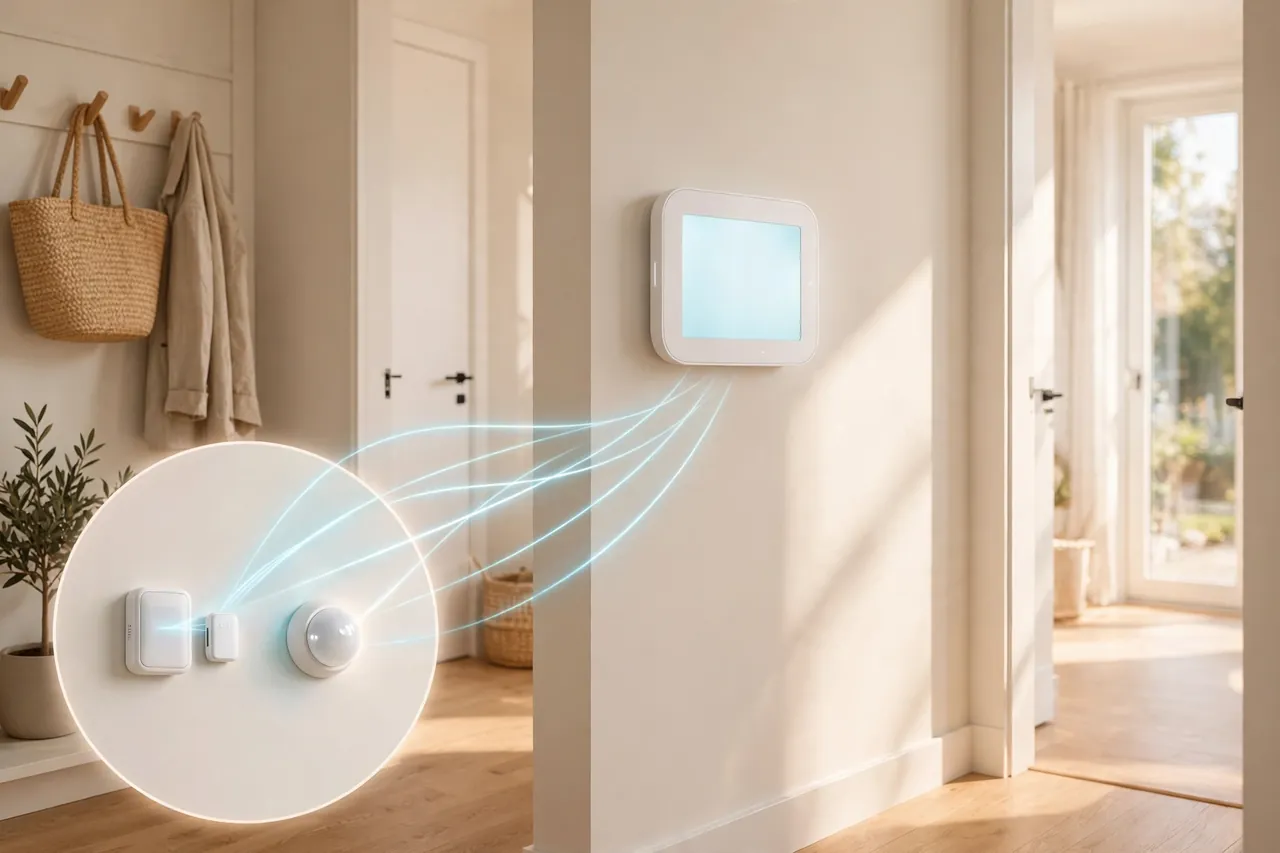
Panel vs Keypad vs Hub: Do Not Mix Them Up
Shoppers often use panel, keypad, and hub as if they mean the same thing. They do not, and mixing them up leads to buying the wrong part. Here is the plain difference.
The panel is the brain. It holds the zones, the rules, the user codes, and the connection to the monitoring center. The keypad is only the remote control. It lets you type a code, arm the system, and see the status, but it holds no zones and makes no decisions. The hub is a word brands use in different ways. Sometimes it means the panel itself. Sometimes it means a small base station that talks to sensors and the app, like the base station in a SimpliSafe or Ring Alarm kit.
Table 1: Panel, keypad, and hub at a glance
| Part | What it does | Can it work alone? |
|---|---|---|
| Security alarm panel | Receives sensor signals, decides, sounds the siren, alerts you or a monitoring center | Yes, it is the system itself |
| Keypad | Lets you arm, disarm, and check status with a code or buttons | No, it needs a panel to control |
| Hub or base station | Connects sensors, sounds the siren, and links the system to the app or monitoring center | Depends on the brand; in all-in-one kits it is the panel |
A good example makes this clear. Alarm Grid explains that the Honeywell Lyric is an actual alarm control panel, while the Tuxedo Touch is only a touchscreen keypad. The Lyric holds up to 128 wireless zones. The Tuxedo holds none, because sensors report to the system, not to the keypad.
So before you buy, ask one question: does this box hold the zones, or does it only control a panel somewhere else? If you already own a wired system, you need a keypad that matches it. If you start from scratch, you need a panel first, and the keypad comes second.
Wired, Wireless, and Hybrid Panels
Panels fall into three types by how their devices connect. The right type depends on your house, your budget, and whether you can run wires.
Wired panels
A wired panel connects to each sensor with a cable that runs back to the panel, usually hidden inside walls. The panel itself sits in a metal box, often in a basement, closet, or utility room, with a separate keypad by the front door.
Wired panels are steady and reliable. They do not depend on radio signals, and their sensors never need batteries. They suit larger homes and new builds, where you can run wires before the walls close. The trade-off is the install. Running wires through finished walls is slow, messy, and often a job for a professional.
Wireless panels
A wireless panel talks to its sensors by radio. Many modern wireless panels are all-in-one units: the panel, keypad, siren, and communicator sit in one touchscreen box on the wall. You mount it, plug it in, pair the sensors, and you are done.
Wireless panels are the easiest choice for most homes, and they are the best pick for renters and for houses with finished walls. The trade-off is batteries. Each wireless sensor runs on its own battery, so you must replace them every few years. Radio range also matters: thick walls, metal, and long distances can weaken the signal.
Hybrid panels
A hybrid panel takes both wired and wireless devices. You can keep the wired sensors you already have and add wireless sensors where running a cable is hard. Many hybrid panels also take a radio module inside the panel if they do not carry one already.
Hybrid panels are the smart pick when you upgrade an old wired system or when your house mixes easy and hard spots. A wired core gives you rock-solid coverage on the main doors, and wireless sensors cover the garage, the shed, or a far bedroom without new holes in the wall.
Table 2: Wired, wireless, and hybrid panels compared
| Panel type | Best for | Main strength | Main weakness |
|---|---|---|---|
| Wired | Large homes, new builds | Very reliable, no sensor batteries | Hard install in finished homes |
| Wireless | Most homes, renters, quick installs | Fast and easy to install | Sensor batteries, radio range limits |
| Hybrid | Upgrades, mixed houses | Mixes wired and wireless devices | Costs more, needs more planning |
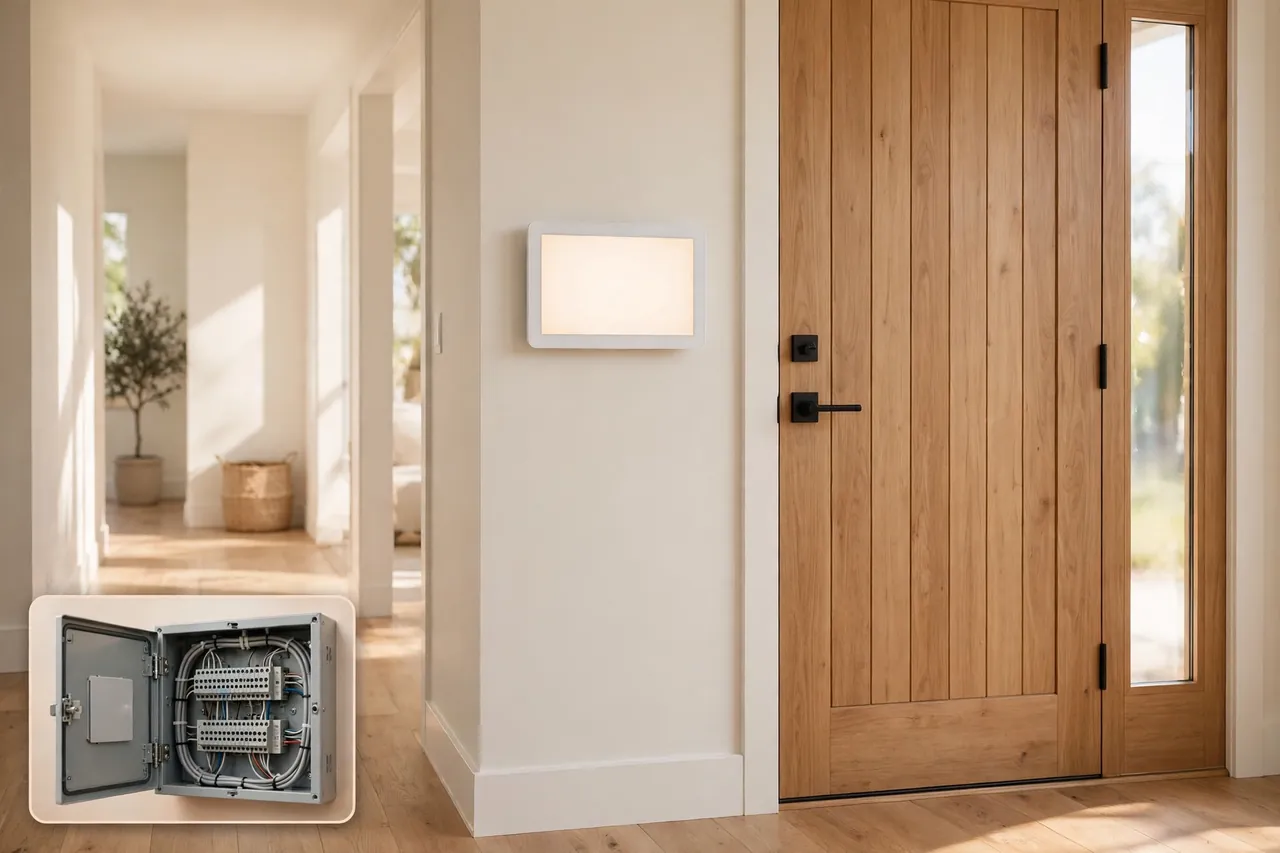
Touchscreen vs Button Keypad
Most panels give you one of two ways to control them: a touchscreen or a button keypad. Both arm and disarm the system. The difference is how easy they feel day to day.
A touchscreen panel looks like a small tablet on the wall. It shows clear menus, plain words instead of codes, and often a live status for every zone. Some touchscreens also show camera feeds and let you control lights and locks. They cost more, but most families find them easier to use.
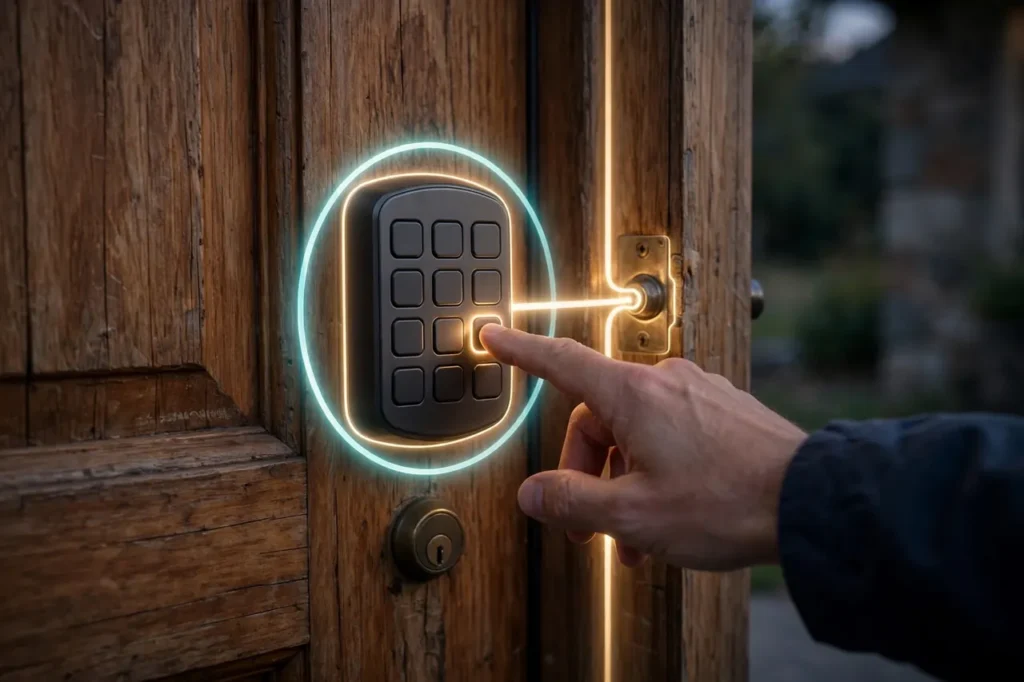
A button keypad is the classic choice: physical buttons, a small screen, and a code. It is simple, tough, and cheap. It works well in the dark, with gloves, and after years of use. The trade-off is the menus. You must learn key presses and short codes, and the small screen shows less at once.
Which one should you pick? If your household includes kids, guests, or anyone who dislikes menus, a touchscreen saves daily friction. If you want the lowest cost and the toughest control, a button keypad does the job fine. Many homes use both: a touchscreen by the front door and a simple keypad by the back door or bedroom.
One more option exists on some systems: no keypad at all. A few wireless panels let your phone act as the keypad. That works well until your phone dies or you hand the house to a guest, so keep at least one wall keypad or key fob as a backup.
Features That Actually Matter
Panels come packed with features, but only a few decide whether you will love the system or fight it. Check these before you buy.
Zones and room to grow
A zone is one input the panel watches. One door sensor can be one zone, and one motion sensor can be another. Small panels may hold 8 to 32 zones, while larger ones hold 100 or more. Count every door, window, and motion sensor you want now, then add 20 to 30 percent spare capacity. A panel with no spare zones forces you to buy a new panel when you add a room or a sensor later.
How it calls for help
When the alarm trips, the panel must reach you or a monitoring center. Older panels used a phone line. Modern panels use cellular, Wi-Fi, or both. Cellular is the safer path, because it keeps working when your internet goes down. Wi-Fi is cheaper and faster for app alerts. The best setup is dual-path: cellular plus Wi-Fi, so one path covers the other if it fails.
Battery backup
Every good panel has a backup battery inside it. When the power fails, the battery takes over and keeps the panel, the keypads, and the wired sensors running. Many panels are rated to run about 24 hours on battery, though real time depends on the battery size, its age, and how many devices draw power from it. Ask for the rated time, and plan to replace the battery every three to five years. An old battery may last only a fraction of its rated time, and you will not find out until the first long outage.
App control and alerts
Most modern panels pair with a phone app. The app lets you arm and disarm from anywhere, check which zones are open, see the event log, and get alerts when the alarm trips. Check what the app can do without a subscription, because some brands lock remote control behind a monthly plan. Also check whether the panel still arms and disarms at the keypad when the internet is down. It should.
Smart home control
Many panels also act as a smart home hub. They can lock doors, turn on lights, and run routines when you arm the system. If you already own smart locks or lights, check that the panel speaks the same language, such as Z-Wave, Zigbee, or Matter. A panel that talks to your smart key lock can lock the door for you every time you arm the system at night.
User codes and partitions
Look for separate user codes for each person in the house. That way the event log shows who armed or disarmed the system, and you can delete one code when a cleaner or tenant leaves without changing everyone else’s code.
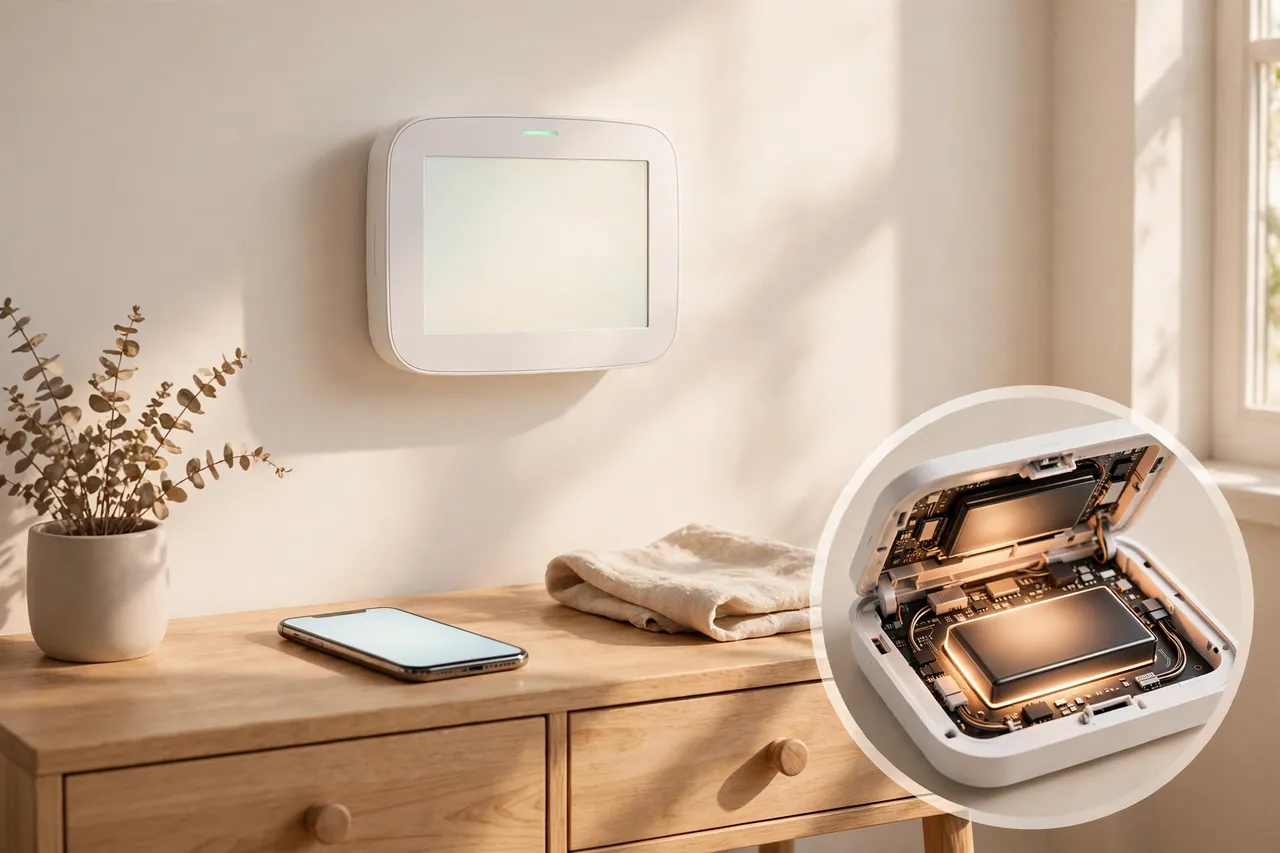
Where to Put the Panel (and the Keypad)
Placement decides both safety and daily ease. Get it wrong and the system is easy to smash, hard to reach, or plagued by weak signals. Follow these rules.
Hide the panel, show the keypad. The panel itself should sit out of sight and out of easy reach, such as in a closet, under the stairs, or in a utility room. An intruder who reaches the panel fast can damage it before it calls for help. The keypad belongs where you walk in, usually by the main entry door, so you can disarm the system within seconds of coming home.
All-in-one wireless panels break this rule by design, because the panel and the keypad share one box by the door. That is fine for most homes, but it makes the panel easier to find and hit. Good all-in-one panels fight back with crash-and-smash protection: they send the alarm signal the moment a door opens, before anyone can smash the panel. Ask whether your panel has this feature before you buy an all-in-one unit.
Keep the panel near power, away from metal, and in a dry spot. It needs a power outlet close by, and it should sit at least a few feet from large metal objects, ductwork, and big appliances, which can block radio signals. Avoid hot attics, damp basements, and spots above cookers or heaters. Heat and damp wear out electronics faster than most people expect.
Mount the keypad at a comfortable height, about eye level, and on the wall you face as you walk in. If you enter through the garage, add a second keypad by the internal garage door. The goal is simple: you should reach a keypad within the entry delay, usually 30 to 60 seconds, without rushing through the house.
Test the signal before you finish. Walk to each sensor spot with the panel in test mode and check the signal strength. Move the panel a few feet or add a wireless repeater if a far sensor reads weak.
How to Choose the Right Security Alarm Panel
Follow these six steps in order, and you will land on the right panel without overthinking it.
- Count your zones. Walk the house and list every door, window, and room that needs a sensor. Add spare capacity for later, and pick a panel that covers that total.
- Pick wired, wireless, or hybrid. New build or big renovation? Go wired or hybrid. Finished home or rental? Go wireless. Upgrading an old wired system? Go hybrid so you keep what works.
- Choose your monitoring. Decide whether you want professional monitoring, self-monitoring through the app, or both. Then check that the panel supports that path, and whether it uses cellular, Wi-Fi, or both.
- Check the app and the keypad. Try the app demo or read the app reviews. Make sure the keypad feels easy for the least technical person in the house, because they will use it every day.
- Check smart home fit. List the locks, lights, cameras, and voice assistants you already own. Confirm the panel works with them, or accept that it will run as a separate system.
- Set your budget for the whole system. The panel is only one part of the cost. Sensors, keypads, sirens, install, and monitoring add up fast. A cheaper panel with expensive sensors can cost more in the end than a pricier panel with cheap sensors.
If you are torn between two panels, pick the one with more zones and dual-path communication. Those two features are the hardest to add later, and they are the ones you will miss most when your home or your needs grow.
How Much Does a Security Alarm Panel Cost?
The panel itself is only part of the price, and panel-only prices vary a lot by type. Basic wired panels cost the least, while touchscreen wireless panels and large hybrid panels cost far more. The table below shows real panel-only prices from GeoArm Security, checked on November 6, 2026. These prices cover the panel hardware alone, not sensors, keypads, install, or monitoring.
Table 3: Example security alarm panel prices (panel only, GeoArm Security, checked November 6, 2026)
| Panel | Type | Price |
|---|---|---|
| DSC PowerSeries Neo HS2016 | Hybrid | $104.39 |
| Honeywell Home VISTA-15P | Wired | $107.50 |
| Honeywell Home VISTA-20P | Wired | $132.72 |
| Resideo First Alert VISTA H3 | Hybrid | $289.16 |
| GeoAlarm Wireless Touchscreen Panel | Wireless touchscreen | $310.98 |
| 2GIG EDGE Wireless Touchscreen Panel | Wireless touchscreen | $474.74 |
| Qolsys IQ Pro Hybrid Panel | Hybrid, commercial | $792.44 |
Expect to pay more than the panel price for a working system. A small wireless kit with a panel, a keypad, a few door sensors, and a motion sensor often starts around $200, while a professionally installed wired system for a larger home can run into the thousands once you add sensors, wiring, and labor. Monitoring, when you choose it, is a separate monthly cost.
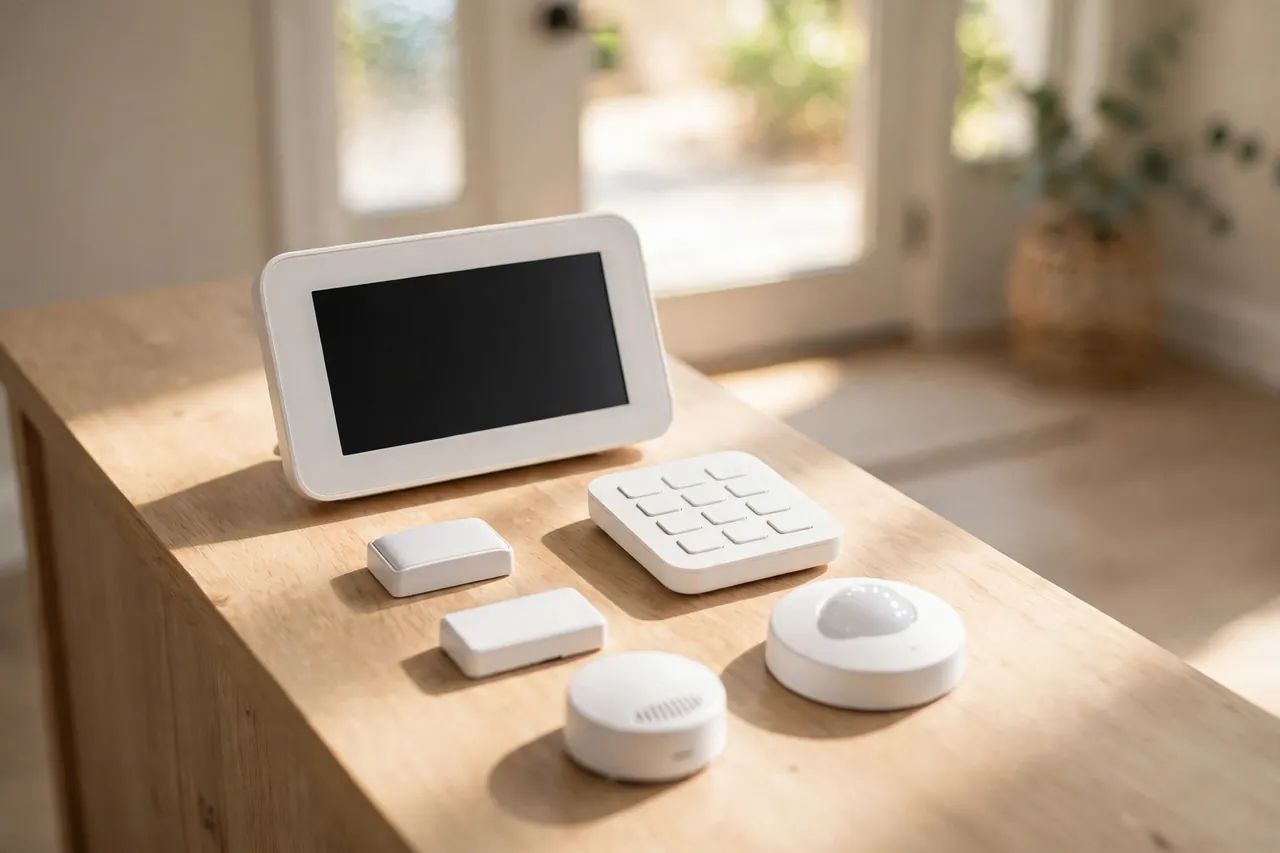
Basic Setup: Arming, Disarming, and Everyday Use
Once the panel is installed and the sensors are paired, daily use is simple. You will use three modes most of the time.
Arm Away turns on every sensor, inside and out, when nobody is home. Arm Stay, sometimes called Arm Home, turns on the door and window sensors but leaves the indoor motion sensors off, so you can move around the house at night. Disarm turns the whole system off when you come home.
Here is the daily routine in practice.
- Before you leave, check the panel. It should show Ready, which means every door and window is closed. If it shows a zone open, close that door or window first.
- Arm the system. Type your code and press Away, or tap Arm Away in the app. You will hear beeps and get an exit delay, usually 30 to 60 seconds, to leave and close the door.
- When you come home, disarm fast. Walk to the keypad and type your code before the entry delay runs out. If you use the app, you can disarm from the driveway.
- At night, use Arm Stay. The doors and windows stay guarded while you move freely inside. Keep a keypad or key fob by the bed for quick checks.
- Test the system every month. Put the panel in test mode, trip one sensor, and confirm the panel sees it. Tell your monitoring center first if you are monitored, so a test does not send the police.
Give every regular user their own code, and teach kids and guests the disarm steps before they need them. A system that only one person knows how to use will cause false alarms, and false alarms teach everyone to ignore the siren. If your panel links to a smart lock app, check how the two work together: on many systems, arming the panel can lock the door, and unlocking the door can disarm the alarm, which makes the daily routine one step instead of two.
What Can Go Wrong: Honest Limits and Common Mistakes
No panel is perfect, and knowing the limits helps you avoid the mistakes that cause most trouble.
First, a panel cannot protect a door or window that has no sensor. Walk the house and check the spots people forget: the side door, the basement window, and the garage entry door. A panel with strong features still leaves a gap where no sensor watches.
Second, wireless sensors die quietly when their batteries run low. The panel should warn you, but do not ignore that warning. Replace the battery the same week, and keep spares at home.
Third, Wi-Fi-only panels go silent when your internet fails. The siren still sounds at home, but no alert reaches your phone or the monitoring center. That is why cellular backup matters so much, and why you should ask about it before you buy.
Fourth, a panel is only as good as its codes. A code like 1234 or your birth year is easy to guess. Pick a code that is hard to guess, change the installer or default code on day one, and delete codes when people leave the house.
Finally, know when to call a professional. Wired installs, large homes, monitored systems, and anything that involves mains wiring are jobs for a licensed installer. A bad wire or a wrong setting can leave the system silent when you need it most. For the full picture of the system around the panel, read our guide to burglar alarms, and for the sensors that report to the panel, see our guide to door sensor alarms. If you want eyes on the front door too, our guide to the best video doorbell without subscription pairs well with a panel-based system.
Keep this short safety note in mind: a security alarm panel helps you detect a break-in, but it does not stop one on its own. Strong doors, good locks, and sensible habits still matter. If you are unsure about wiring, power, or monitoring, ask a licensed alarm installer before you change anything, and follow your panel maker’s manual for your exact model.
Related Guides
If you are building out the rest of your smart home security, these guides help with the next step. Our smart key lock guide explains keyless entry for the door the panel guards. Our smart lock app guide shows how to manage codes, guests, and alerts from your phone. And our best smart deadbolt picks narrow the lock choice down to six models worth buying.
Security Alarm Panel FAQs
What does an alarm panel do?
An alarm panel is the control unit of your security system. It watches every sensor, decides when to sound the siren, records events, and sends alerts to your phone or a monitoring center. You arm and disarm the system at the keypad, key fob, or app linked to the panel.
How do you choose an intruder alarm panel?
Count the zones you need now and later, then pick wired, wireless, or hybrid to suit your building. Check the security grade you need, whether you want app control, and whether the panel can reach a monitoring center by cellular, Wi-Fi, or both. Pick a panel with spare zone capacity so the system can grow.
What Is a Home Security Alarm Panel and Do I Need a Home Security Alarm Panel?
A home security alarm panel is the brain of the system. It arms and disarms the system, controls the devices, shows faults, and can call a monitoring center when a sensor trips. You need one if you want sensors, a siren, and alerts working together as one system rather than as separate gadgets.
If my power goes out, will my alarm system still work?
Yes, for a limited time. Every control panel has a battery backup that keeps the system running when the power fails. How long it lasts depends on the panel and the battery, but many residential panels are rated for about 24 hours. If your panel reports over home internet, that path stops when the router loses power, so cellular backup matters.
How long does an alarm battery backup last?
It varies by panel, battery size, and system load, but most residential systems run for several hours up to about a day on battery. Sealed backup batteries usually need replacing every three to five years, and an old battery will run for far less than its rated time. Ask your provider for your panel’s rating and the battery’s age.
The Bottom Line
A security alarm panel is a simple idea with a big job: it turns a pile of sensors into one system that watches your home, warns you, and calls for help. Count your zones, pick wired, wireless, or hybrid for your house, insist on cellular backup and spare capacity, and put the panel somewhere safe and the keypad somewhere handy. Do that, and the panel will quietly do its job for years. Your next step is to walk your home, list every door and window, and shortlist two panels that cover that list with room to grow.