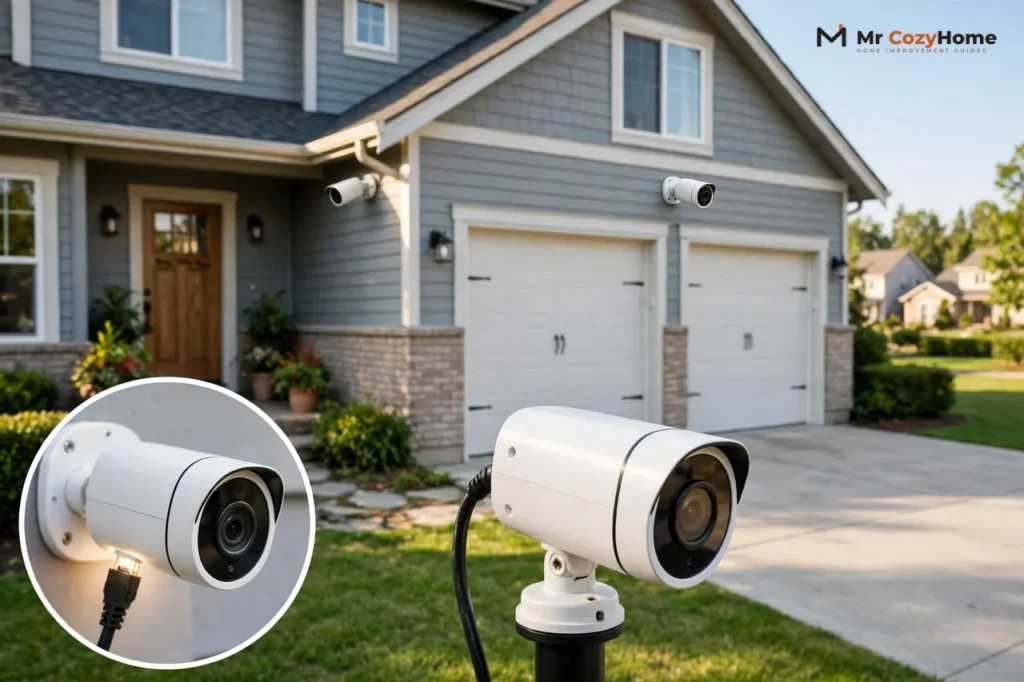
Yes, security cameras without WiFi work just fine. A camera does not need WiFi to see, detect motion, or record video. It only needs power and a place to save the footage, like a memory card in the camera or a recorder box in your home.
WiFi only handles the extras: live viewing on your phone, alerts, and cloud backup. So if your home has no internet, weak WiFi, or a router that keeps dropping out, you can still protect your home. You just need the right kind of camera, and you need to know what you give up when the connection is gone.
What “Without WiFi” Really Means
People use “without WiFi” to mean three different things, and mixing them up leads to buying the wrong camera. First, it can mean no WiFi signal where the camera sits, like a far shed or a back gate. Second, it can mean no internet in the whole home, like a cabin or a farm with no broadband. Third, it can mean the WiFi works but keeps dropping, so the camera must keep recording through the gaps.
WiFi and the internet are not the same thing either. WiFi is the wireless signal inside your home. The internet is the connection from your home to the outside world. A wired camera can skip WiFi completely and still sit on a small local network in your home. A cellular camera can skip your home network and reach the internet through a cell tower instead.
So before you shop, answer one question: do you need to check the camera from far away, or is recording on site enough? If recording on site is enough, a fully offline system is simple and cheap to run. If you need alerts and live viewing from anywhere, you need a cellular camera or a connection of some kind. No camera can send you a live alert with no signal at all.
The 4 Ways a Camera Works Without WiFi
Every no-WiFi camera uses one of four setups. Each one solves a different problem, so pick the setup that matches your home, not the one with the flashiest box.
1. A Camera With a Memory Card
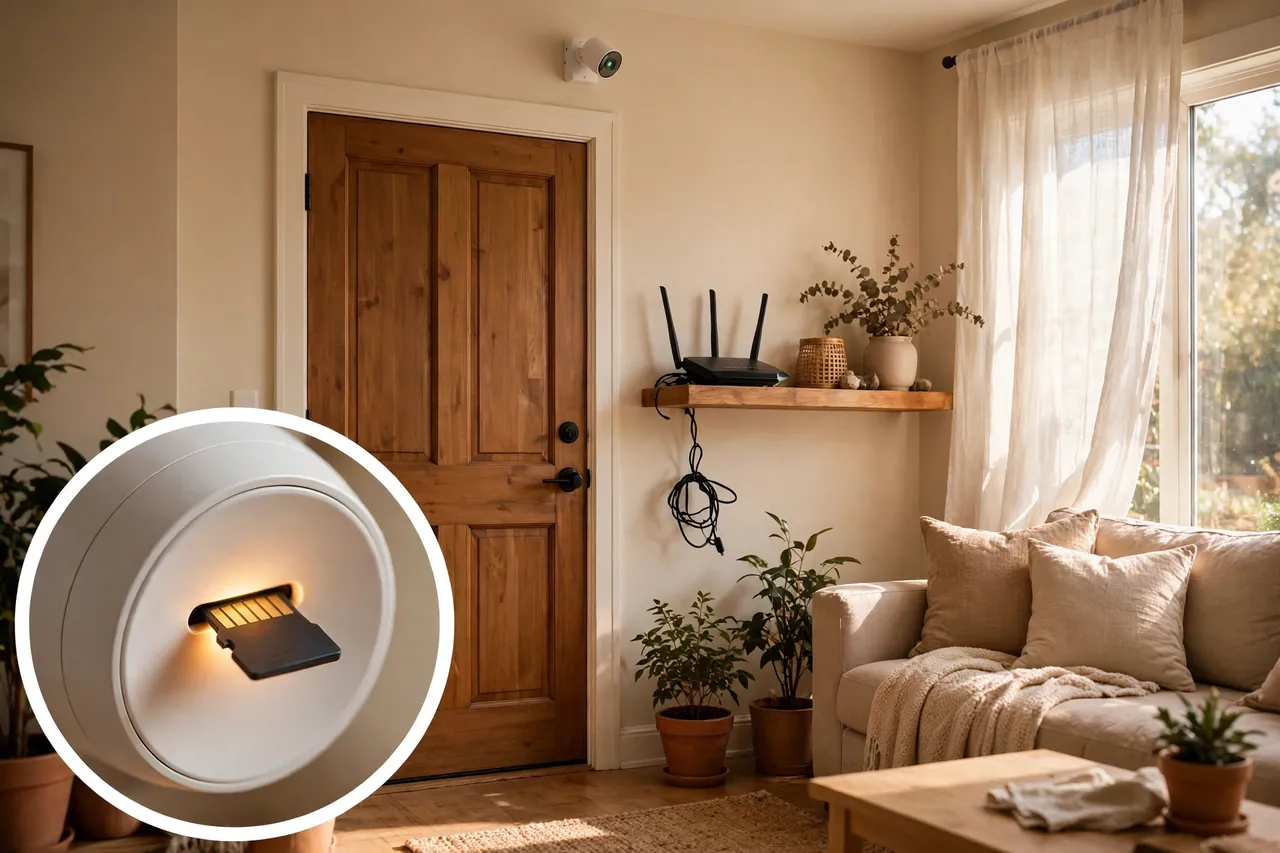
This is the simplest option. The camera saves video straight to a microSD card inside it. No recorder, no network, no cable back to the house. When motion is detected, the camera writes a clip to the card, and you pull the card out later to watch it.
This setup suits one or two cameras at a door, a garage, or a shed. It is also the cheapest way to start. The catch is storage: a card fills up and starts recording over the oldest clips, so check the card size the camera supports. Reolink notes that most of its current mainstream cameras support microSD cards up to 512GB, while its Video Doorbell series caps at 256GB. Reolink also notes that a camera on its own memory card records motion-triggered events only while offline, not continuous 24/7 video.
To watch the footage, you take the card out and read it on a computer, or you open the camera’s app while you stand near the camera. Either way, you cannot check it from work or on holiday.
2. A Wired PoE or NVR System
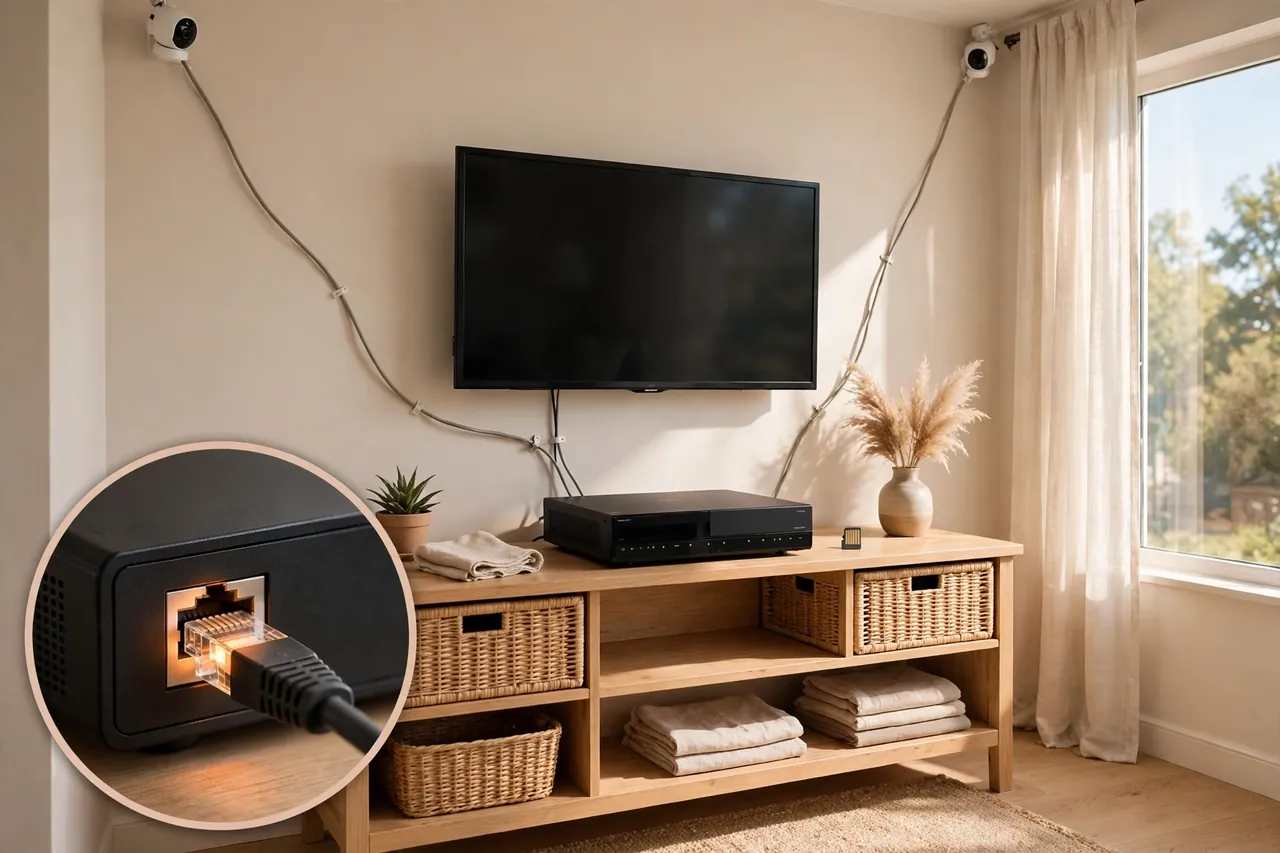
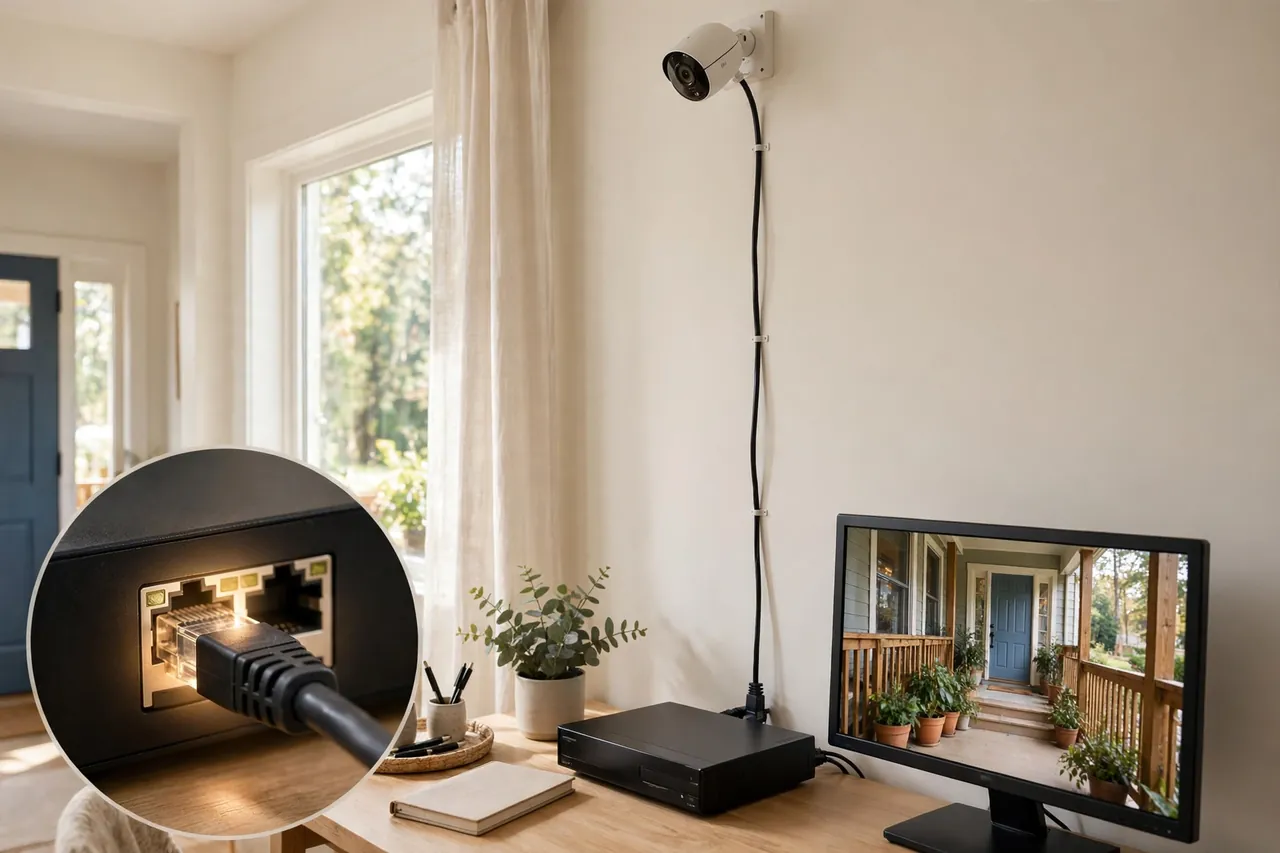
This is the strongest fully offline setup, and the one most homes should choose when they want several cameras. PoE stands for Power over Ethernet. One Ethernet cable carries both power and video from each camera to a recorder box called an NVR, a Network Video Recorder. Older analog systems use a DVR, a Digital Video Recorder, and coax cable instead.
Once you plug the cameras into the NVR, the cameras and the recorder talk to each other over their own cable network. They record around the clock with no internet involved at all. You watch the footage on a monitor or TV plugged straight into the NVR. Reolink describes exactly this setup for its RLK8-810B4-A system: four 4K PoE cameras and an 8-channel NVR with a 2TB hard drive included, expandable to 12TB, and you get 24/7 recording with or without internet.
The trade-off is the cable work. You must run a cable from each camera back to the recorder. That takes more effort up front than sticking a battery camera on a wall, but you get steady power, steady video, and no batteries to charge. If you cannot run cables through walls yourself, hire a local installer for that part. It is a one-time job, and the system then runs for years.
3. A Cellular Camera
A cellular camera has a SIM card slot and connects to a 4G LTE or 5G mobile network, just like a phone. It needs no WiFi, no Ethernet cable, and no router. This is the only standalone camera type that gives you live viewing and alerts from a place with no broadband at all.
Cellular cameras suit cabins, farms, building sites, gates, and barns — anywhere with cell coverage but no home internet. Most pair a rechargeable battery with an optional solar panel, so they need no power cable either. The Reolink Go Plus, for example, is a 4MP cellular camera with a 7,800mAh rechargeable battery, an optional solar panel, microSD storage up to 128GB, and two-way audio. The pan-tilt version, the Reolink Go PT Ultra, adds 8MP video, a 355-degree pan, a 140-degree tilt, and auto-tracking that follows a person or vehicle across a wider area.
Two costs come with cellular. First, the data plan: the camera uses mobile data, and live viewing uses the most. Anker’s guide to no-WiFi cameras puts typical use at a few hundred megabytes to several gigabytes a month, depending on resolution and how often you watch live. Second, most cellular cameras record motion clips to a memory card and only send short clips or alerts over the network, to keep data use down. Check the plan size before you buy, and keep live viewing short.
4. A Camera on a Local Network With No Internet
This is the setup people miss. You can have a home network with no internet behind it. Plug the NVR into a router that has no broadband connection, and your phone can join that router’s local network and stream footage while you are inside the house. Reolink explains that your phone connects to the router’s local network and streams footage directly, without using any outside internet at all.
The same idea works for one camera and a computer. Reolink’s guide shows how to connect a camera straight to a PC or Mac with a network cable, open the free Reolink Client software, and watch live video and save recordings with no internet. You set the computer’s address to match the camera’s network, and the two talk directly.
This option is handy in a workshop, a barn, or a rental where you cannot get broadband yet. You get live viewing on site, but nothing reaches you once you leave. A few cameras also offer a direct short-range link to your phone for setup and close-range viewing, but this varies by model, so check the manual before you buy.
What You Lose Without WiFi
An offline camera still records, but it cannot do the jobs that need a connection. Know the list before you buy, so the missing features never surprise you.
- Remote live viewing: you cannot open the camera from work, from the store, or on holiday. You watch footage on site only.
- Push alerts: no phone ping when someone walks up to the door. You find out what happened when you review the footage.
- Cloud backup: if someone steals the camera or the recorder, the footage goes with it. There is no copy anywhere else.
- Firmware updates: most cameras need the internet to download updates, so an offline camera stays on the software it shipped with unless you update it by hand.
- Cloud smart features: some person, pet, and vehicle detection runs on the camera itself, but features that need the cloud will not work.
None of this makes an offline camera useless. It makes it a recorder, not a remote guard. For many homes, that is exactly what they need: proof of what happened, saved on site. If you need a warning while it happens, only a cellular camera or a connected system can give you that.
Here is the key difference from our guide to a security camera without subscription: that guide is about skipping monthly fees while WiFi is present, using local storage instead of paid cloud. This guide is about skipping the connection itself. A camera can be fee-free and still need WiFi, and a camera can work without WiFi and still need a cellular data plan. Fees and connection are two separate questions.
What Happens When Your WiFi Drops?
This is a different question from setting up a camera with no WiFi at all, and it matters even if your home has good internet. Routers reboot, storms knock out broadband, and signals drop. What your camera does next depends on its design.
A camera with a memory card keeps recording locally the whole time the connection is down. Reolink confirms this for its own cameras on its support page: only three things pause until the connection comes back — live viewing from your phone, remote access, and push notifications. The footage itself is never at risk. Other brands behave differently, and some cloud-only cameras stop recording entirely when WiFi drops, so check the camera’s own specs before you assume it keeps recording.
The same drop hits your other smart home gear too. A WiFi water leak detector can still sense water on the spot, but it cannot warn your phone until the WiFi returns, and that delay is exactly when a leak does its damage. A WiFi plug keeps its last on-or-off state, but you cannot switch it from the app. A flood sensor has the same limit: local sensing works, remote warning does not. The pattern is the same across the house: local work continues, remote work waits.
That is why local storage matters even in a connected home. A camera that records to a card or an NVR turns a WiFi outage into a short gap in viewing, not a gap in evidence. A camera with no local storage turns the same outage into lost footage.
Which Setup Fits Your Home?
Match the setup to your place, not to a brand. Start with how many cameras you need and whether you can run a cable.
A House With Several Entry Points
Choose a wired PoE NVR system. Four to eight cameras, one recorder, one hard drive, and continuous recording. You get the most reliable footage for the least daily effort, and you never charge a battery. This is the best fit when you own the home and can run cables, or you can hire someone to run them once.
A Cabin, Farm, or Site With No Internet
Choose cellular cameras for one or two spots, or a wired NVR system if you need many cameras and have mains power. A cellular camera is the only choice that still alerts your phone from a place with no broadband. Check cell coverage at the exact spot first — one bar on your phone at the gate does not guarantee a steady signal at the barn.
A Rental or a Single Door
Choose a battery camera with a memory card, or a small local-storage hub camera. No holes for cables, no recorder box, and you take it with you when you move. Just remember to check the card often, because storage fills up and overwrites the oldest clips.
A Home With Weak WiFi in Spots
Choose a wired camera for the weak spot and keep WiFi cameras where the signal is strong. A camera at the far end of the garden or in a metal shed will fight WiFi forever. A cable ends that fight. Some hub systems, like eufy’s HomeBase, also help: the camera talks to the hub over its own private wireless link instead of your router, and eufy says its HomeBase S380 holds up to 16TB of local storage. The hub still needs a connection for remote viewing, so read it as a WiFi fix, not a no-internet fix.
Use this quick comparison to decide:
Table: Which no-WiFi setup fits your home
| Setup | Needs WiFi? | Remote viewing? | Best for |
|---|---|---|---|
| Memory card camera | No | No | One door, a rental, a shed |
| Wired PoE NVR system | No | Only if the NVR gets internet | A house with several cameras |
| Cellular camera | No | Yes, over mobile data | A cabin, farm, or remote site |
| Local network, no internet | No | On site only | A workshop or barn |
How to Set Up a Fully Offline Camera System
Follow these steps for a wired NVR system, the most complete offline setup. A single memory-card camera needs only the first three steps.
- Pick the camera spots first. Walk the house and mark each door, driveway, and blind corner. A camera sees what it points at, so stand where you plan to mount it and check the view with your eyes before you drill anything.
- Plan the cable path. Measure from each camera spot back to the recorder’s place. Keep cables away from sharp edges and hot pipes. If a run must pass through a wall or ceiling, mark it and get help if you have never drilled through a wall before.
- Mount the cameras. Fix each camera about 8 to 10 feet high, tilted slightly down, and out of easy reach. Point it so it sees faces and license plates, not just the tops of heads. Tighten the mount and check the angle before you run the cable.
- Run the Ethernet cables. Plug one end into the camera and the other into the NVR’s PoE ports. PoE sends power down the same cable, so there is no separate power plug at each camera. Label both ends of every cable so you can trace a fault later.
- Connect the NVR to a monitor. Plug the NVR into a TV or monitor with an HDMI cable, then plug the NVR into power. The cameras should appear on screen within a minute or two.
- Set the recording mode. Choose continuous recording if you want everything, or motion recording if you want the hard drive to last longer. Set the date and time correctly — footage with the wrong time is hard to use as proof.
- Test it before you finish. Walk past every camera and check that each one records, that the night view is clear, and that you can play the footage back from the NVR. Fix the angle now, not after something happens.
- Lock the recorder away. Put the NVR in a cupboard or a locked room, not beside the front door. A recorder that a burglar can grab in ten seconds is no better than no recorder at all.
For a cellular camera, the steps are shorter: charge the battery, insert the SIM card and the memory card, mount the camera where it gets sun for the solar panel and a clear cell signal, then open the app once while you have coverage to finish setup. After that, the app works from anywhere with cell service.
How to View Footage Without WiFi
Recording is only half the job. You also need a way to watch what you recorded, and offline viewing is different from opening an app.
The easiest way is a monitor plugged into the NVR. You sit in front of it, pick a camera and a time, and watch. No network, no password dance, no app update. Keep a small monitor or an old TV near the recorder for this.
The second way is a computer and a cable. Connect the camera straight to a PC or Mac with a network cable and open the maker’s desktop software. Reolink’s own guide walks through this: power the camera, connect the cable, open Reolink Client, and set your computer’s address to match the camera’s network. Then you can watch live and save recordings on the computer.
The third way is the memory card. Take the card out of the camera, put it in a card reader on your computer, and play the clips. This is slow but it always works, and it is the fallback when everything else fails. Carry a spare card so the camera keeps recording while you review the first one.
The fourth way is your phone on a local network with no internet. Join the router’s local network in the house, open the app, and stream from the NVR. This only works while you are inside the house, and only if the app allows local viewing without an internet login. Test this on day one, before you need it in a hurry.
Power: The Part People Forget
No camera runs on zero power. “Without WiFi” never means “without power,” and this is where offline setups fail most often.
A wired PoE system stops when the mains power goes out, unless the recorder and the network switch sit on a UPS, an uninterruptible power supply. A small UPS keeps the system alive through a short outage. A big one buys you hours. If break-ins during blackouts worry you, a UPS is not optional — it is part of the system.
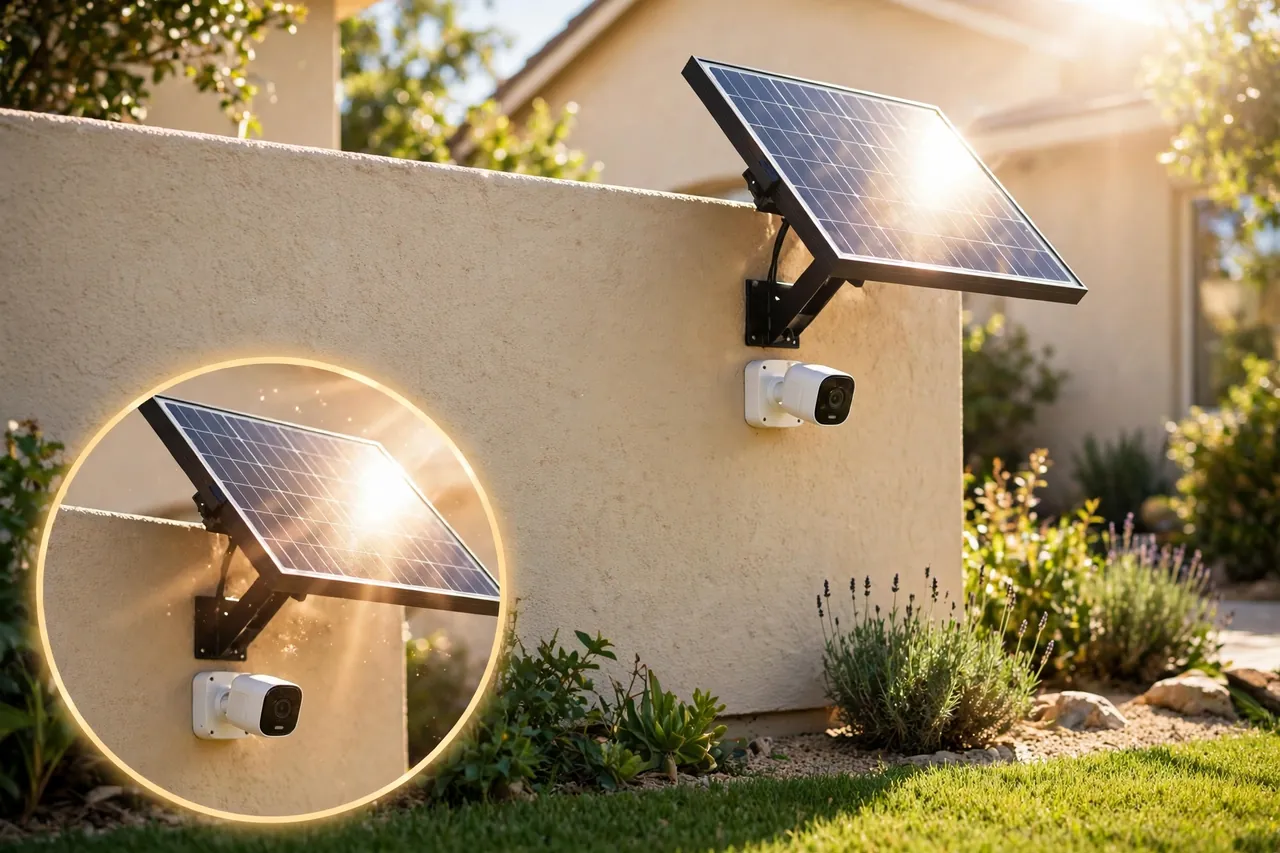
Battery and solar cameras are the only ones that keep working through a power cut on their own. A solar panel tops up the battery during the day, and the battery runs the camera at night. Reolink’s placement guidance for its solar panel says to mount it in the sunniest spot you have, tilted around 40 to 45 degrees and facing south in the Northern Hemisphere, clear of shade. Cloudy weeks and short winter days cut the charge, so a camera in deep shade will still need a manual recharge now and then.
Check the battery in winter, too. Cold drains batteries faster, and a camera that lasted two months in summer may last far less in January. If a camera guards a spot you rarely visit, solar is worth the extra cost because it stretches the time between visits.
Mistakes to Avoid When You Buy
Most bad no-WiFi purchases come from one of these five mistakes. They are all easy to avoid if you spot them before checkout.
- Buying a cloud-only camera. Some cameras have no memory card slot and no local storage at all. They stop recording when the connection drops. If the box does not say microSD, NVR, or local storage, do not buy it for offline use.
- Confusing “wireless” with “no WiFi.” Wireless usually means no cable, not no network. Most wireless cameras are WiFi cameras, and they still need your router for viewing and alerts. A cellular camera is the one wireless type that truly skips WiFi.
- Forgetting the data plan. A cellular camera without an active SIM and data plan is just an expensive memory-card camera. Buy the plan first, test the signal at the camera’s spot, and keep live viewing short.
- Buying too little storage. A small card fills fast on a busy driveway. Continuous recording on an NVR needs a real hard drive, not a card. Match the storage to the recording mode: motion clips need far less room than 24/7 video.
- Ignoring the “no power” problem. A wired system with no UPS goes dark in a blackout. A battery camera with no solar panel needs regular charging. Plan the power the same way you plan the cameras.
One more check before you buy: read the manual or the spec page for the exact model, not just the brand. Two cameras from the same brand can behave very differently when the WiFi drops. The spec page tells you whether it has a card slot, how big a card it takes, and whether it records without a connection.
How Much Storage Do You Need?
Storage decides how far back you can look. A camera that overwrote last week’s footage cannot help you with last week’s break-in.
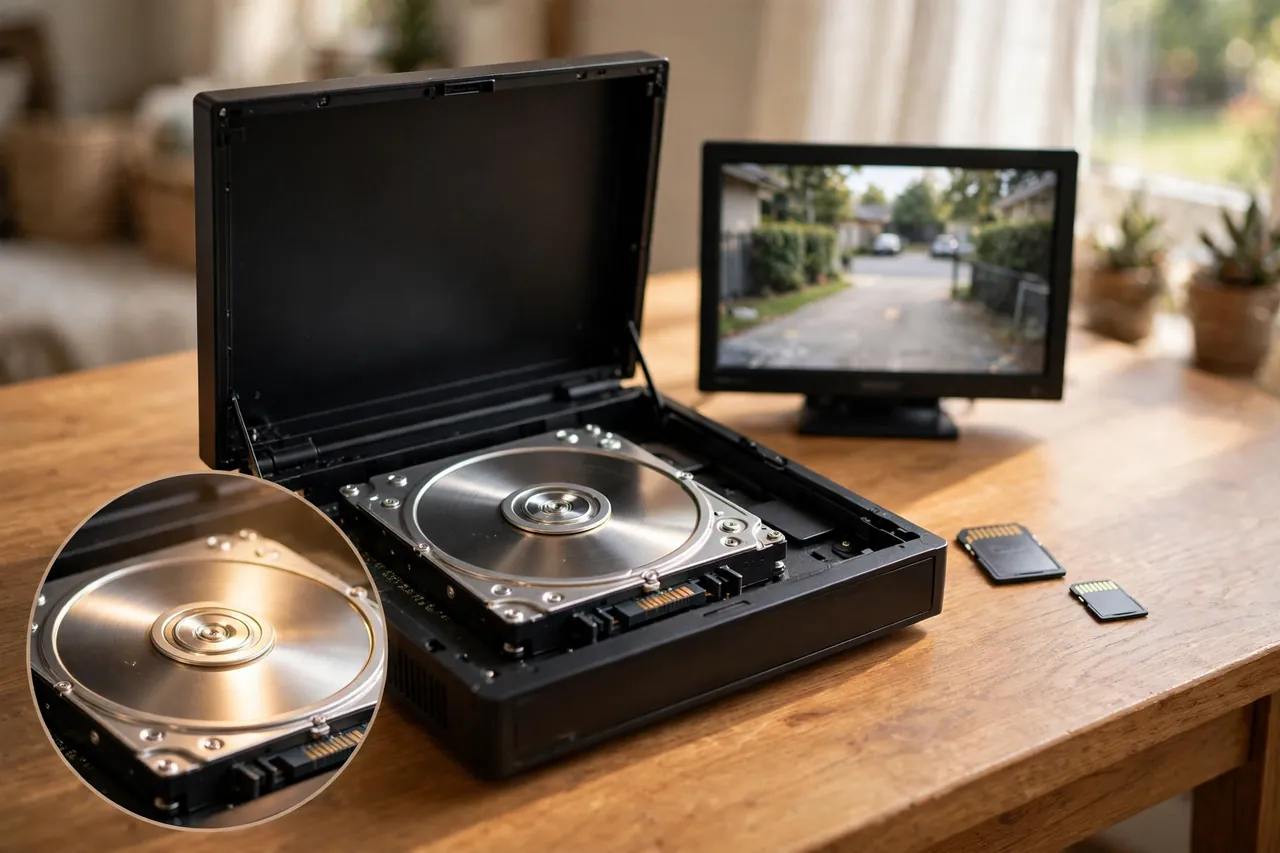
For a single memory-card camera, a 128GB card holds days to weeks of motion clips, depending on how busy the spot is. A quiet back door needs far less room than a driveway that sees every passing car. Reolink’s Go Plus takes a card up to 128GB, while many of its wired cameras take cards up to 512GB. Buy the largest card the camera supports if the spot is busy.
For an NVR system, the hard drive does the heavy work. The RLK8-810B4-A ships with a 2TB drive and expands to 12TB, which covers four 4K cameras recording around the clock for weeks. More cameras and higher resolution eat storage faster, so size the drive for the number of cameras you actually plan to add, not just the ones in the box.
Two settings stretch storage a long way. Motion recording saves space by writing only when something moves. Lower frame rates and smart detection, like person and vehicle detection, also cut the hours of empty footage. Set these on day one, then check after a week how many days of footage you actually keep. If the answer is under seven days, add storage or switch to motion recording.
Do Security Cameras Without WiFi Still Make Sense in 2026?
Yes, and for more homes than before. Internet outages still happen, rural homes still have no broadband, and more people want footage that stays in their own house instead of on someone else’s server. A local-storage camera keeps your video at home, works through an outage, and costs nothing per month to record.
Cellular cameras have also improved. Better batteries, solar panels, and smarter detection mean a camera at a remote gate can now send you a real alert instead of a blurry clip hours later. And wired PoE systems keep getting cheaper per camera, so a full offline system is no longer a big-budget job.
The honest limit has not changed: without a connection of some kind, nobody warns you while something happens. If you need that warning, add a cellular camera to the spots that matter most, and let the wired system cover the rest. That mix — wired recording at home, cellular alerts where it counts — is the setup most offline homes end up happiest with.
Think about your own home the way you think about a smart key lock: the lock still opens with a code or a key when the WiFi is down, because the important job happens on the device itself. A good offline camera works the same way. The important job — recording — happens on the device, and the connection only adds convenience on top. And if you use an app to manage that lock, remember the smart lock app needs a connection to reach the lock from far away, just like a camera app needs one to show you live video from far away.
Related Guides
If you are sorting out the fee question too, read our guide to a security camera without subscription — it covers no-fee recording while your WiFi is present. To see how your other smart home gear behaves when the connection drops, read our guide to a WiFi water leak detector. And if you want a lock that still works offline, see our guide to the smart key lock.
Frequently Asked Questions
Do CCTV Cameras Need Wi-Fi to Work?
No. A CCTV camera does not need Wi-Fi to record. PoE and wired cameras with a memory card keep recording on site without internet, so you miss nothing. Wi-Fi is only needed for remote live streaming, motion alerts, and smart features. Cellular cameras run on 4G or 5G instead, so they reach places with no Wi-Fi at all.
Can an NVR Work Without an Internet Connection?
Yes. An NVR keeps recording from its connected cameras with no internet involved at all. The cameras and the NVR talk to each other over their own local cable connection, not through the internet. You watch the footage on a monitor plugged into the NVR. Internet only adds remote viewing from your phone.
Do Wireless Cameras Need to Be Connected to Wi-Fi?
Not always. Wireless usually means no cable runs to the camera, not that it skips networking. Most wireless cameras are Wi-Fi cameras and still need your router for remote viewing and alerts. A cellular camera is wireless too, but it uses a SIM card and cell signal instead of Wi-Fi, so it truly needs no Wi-Fi.
Is there a security camera that works without WiFi and internet?
Yes. A wired NVR system records with no network at all, and a cellular 4G LTE camera sends alerts over the mobile network instead of Wi-Fi. Battery and solar Wi-Fi cameras still need a network to send alerts, so for a true no-internet, no-Wi-Fi site, choose a wired system or a cellular camera.
Can Security Cameras Work When There’s No Power?
PoE and wired cameras stop working when the power goes out. Battery or solar-powered cameras need no power outlet at all, so they keep running through an outage. A wired system can survive a short outage if its recorder and switch sit on a UPS battery backup. No camera runs with no power source of any kind.
Start with the one question that matters: do you need alerts from far away, or is recording on site enough? If recording is enough, buy a wired PoE system or a memory-card camera and you are done. If you need alerts from a place with no internet, buy a cellular camera with a data plan and test the signal first. Either way, pick local storage, test the setup on day one, and your cameras will keep working when the WiFi does not.