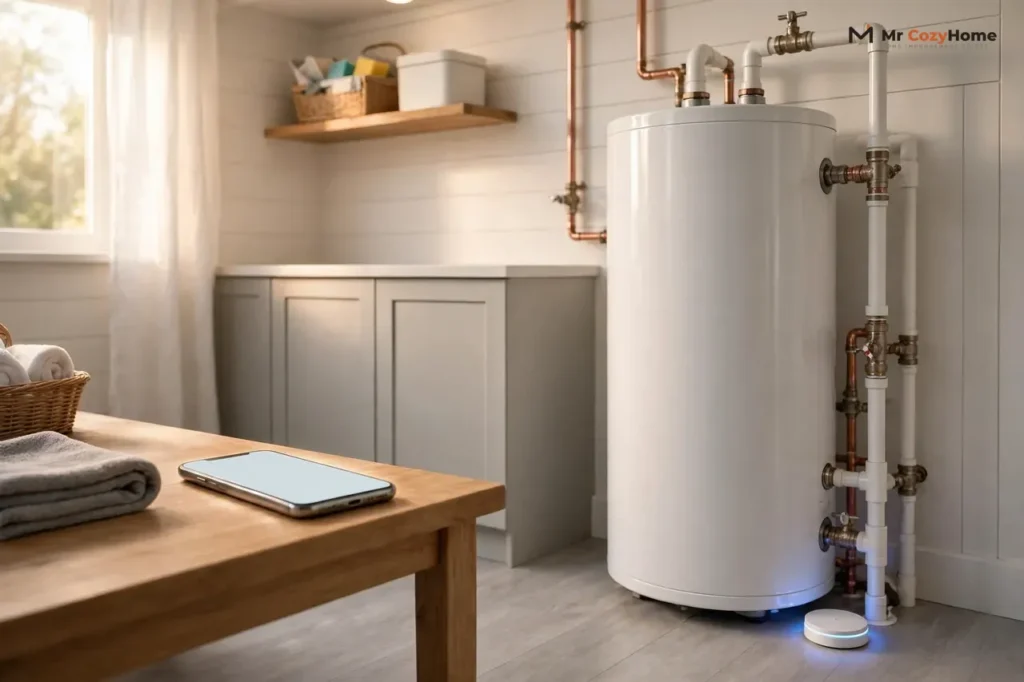
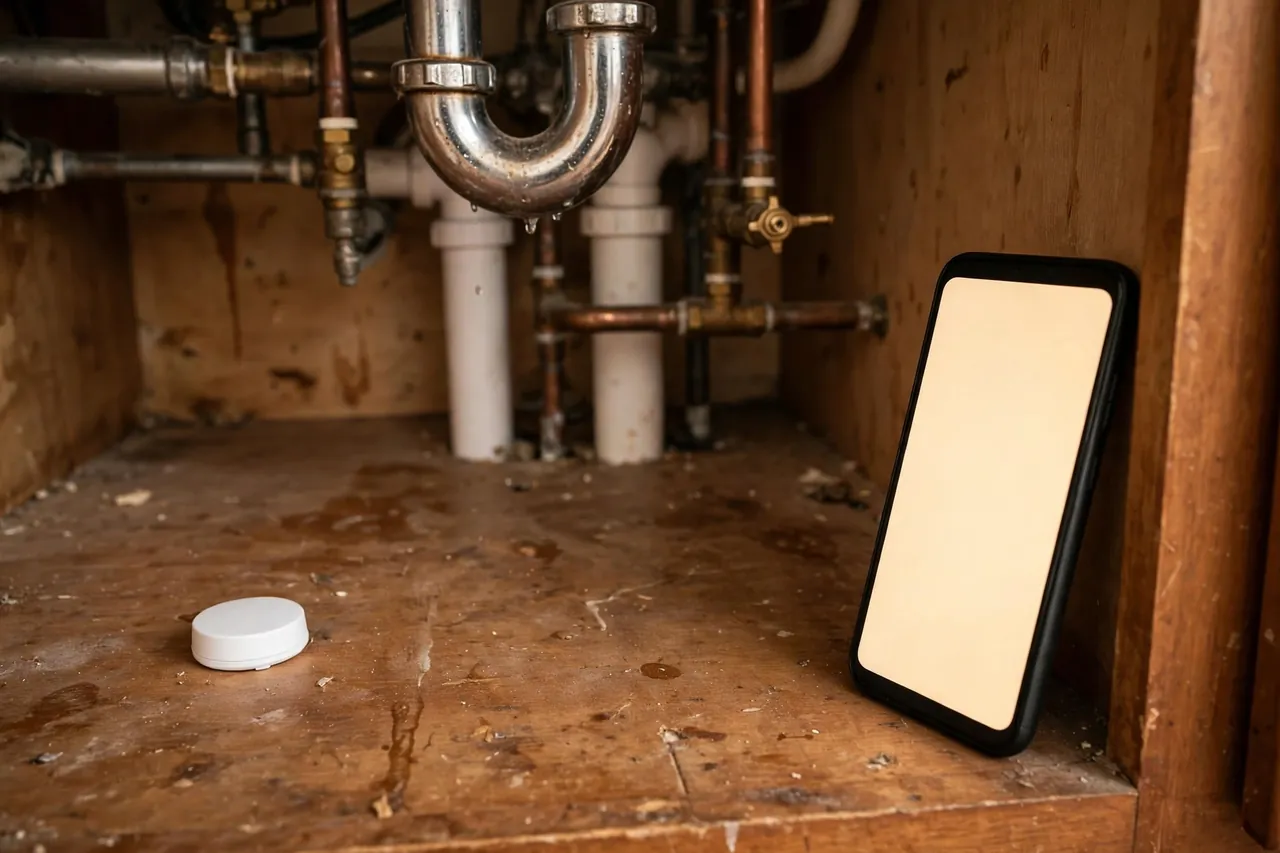
A WiFi water leak detector is a small battery-powered sensor you place on the floor where water should never be, such as under a sink or beside a water heater. The moment water touches its metal probes, it sends an alert to your phone through your home WiFi network, so you learn about a leak within seconds even if you are at work or on vacation. Many models also sound a loud alarm at home, and some can trigger a valve that shuts off your water supply on their own.
This guide focuses on the connected side of these detectors: how the alert reaches your phone, the difference between direct WiFi models and hub systems, how they work with Alexa and Google Home, and what still protects you when the WiFi goes down. For where to place sensors around the house, see the companion guides linked at the end of this article.
How a WiFi Water Leak Detector Actually Works
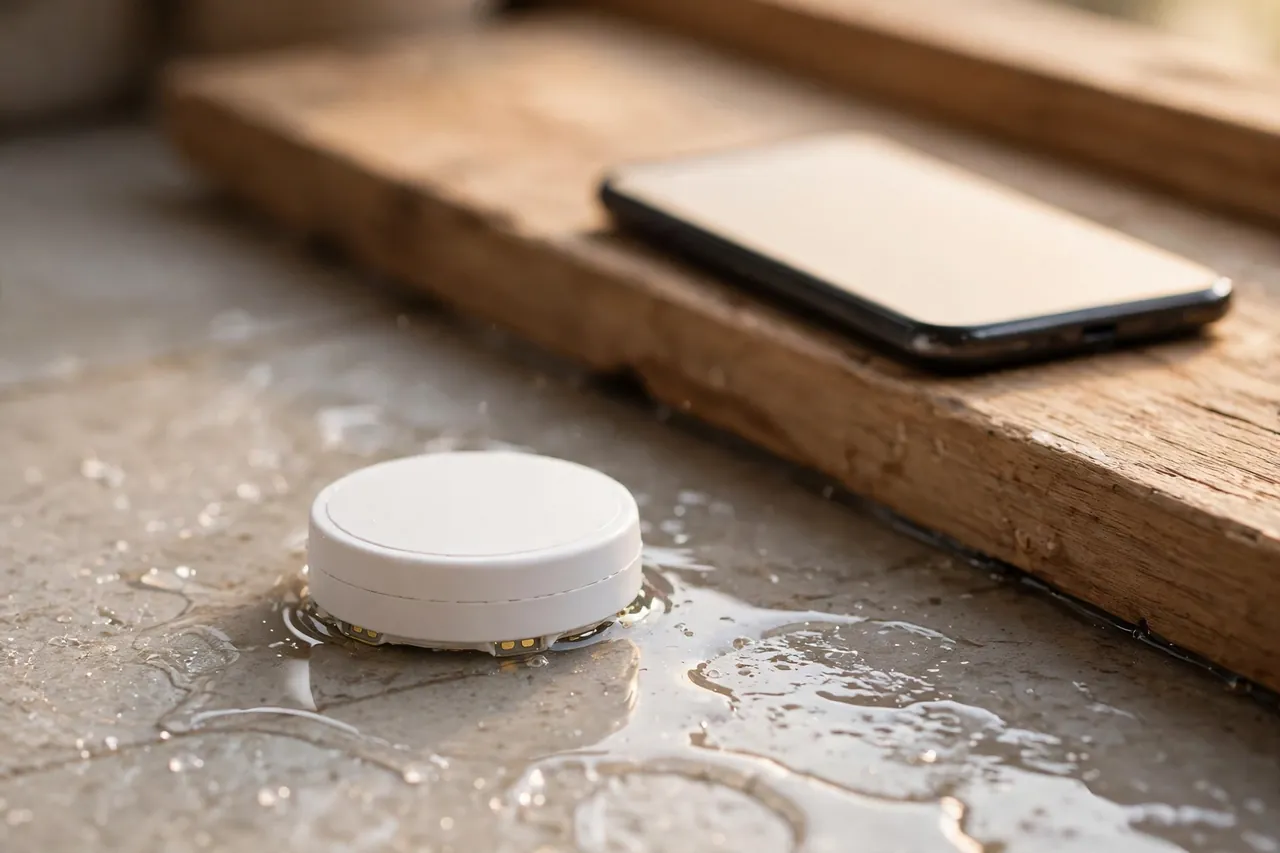
At its simplest, a WiFi water leak detector is a water sensor with a radio attached. Two or more metal probes sit on the bottom of the sensor, close to the floor. Dry air does not conduct electricity well, so nothing happens while the floor stays dry. When water bridges the probes, the circuit closes, and the sensor wakes up and reports a leak.
From there, the message takes one of two paths. In a direct WiFi model, the sensor itself joins your home WiFi network, usually on the 2.4GHz band, and talks straight to the maker’s cloud service. In a hub model, the sensor talks over a low-power radio link to a small gateway plugged in near your router, and the gateway uses your WiFi to pass the message on. Either way, the cloud service pushes a notification to the app on your phone.
The 2.4GHz detail matters more than it sounds. Most leak sensors do not support 5GHz WiFi, because 2.4GHz travels farther through walls and floors and uses less battery power. If your router combines both bands under one network name, most apps still pair fine, but if setup keeps failing, check whether your router lets you temporarily show the 2.4GHz network on its own. The sensor also needs a steady WiFi signal at the exact spot where it sits, which is easy to forget when the sensor lives in a basement corner or behind a washing machine.
Some sensors add a temperature probe as well, so the same device can warn you about freezing pipes. That feature is handy, but it does not change how the leak alert itself travels. The core job stays the same: water touches the probes, and a message reaches your phone fast.
The Alert Chain: From a Drop of Water to Your Phone
A leak alert is only useful if it reaches you before the damage spreads, so it helps to know every link in the chain. Here is the path a typical alert follows, step by step:
- Water touches the sensor probes, and the sensor wakes from its low-power sleep.
- The sensor sounds its built-in siren, if it has one, so anyone at home hears it right away.
- The sensor sends a leak signal over WiFi, or to its gateway, which forwards it to the maker’s cloud service.
- The cloud service pushes a notification to your phone and, on many systems, sends an email as well.
- You open the app, see which sensor tripped, and decide what to do next, such as calling a neighbor or shutting off the water.
The whole chain usually takes seconds, and makers like Govee advertise detection within about 2 seconds of water contact for their leak sensors. The slow link is rarely the sensor. It is usually a phone that silences the app’s notifications, a sensor that lost its WiFi signal weeks ago, or a household member who never installed the app at all. Test the chain end to end after setup, and repeat the test whenever you change your router or WiFi password.
Phone alerts from a leak detector work a lot like the alerts from other smart home devices. If you already live with app-based alerts, our guide to how smart lock apps work shows the same ideas at play: named devices, per-device notifications, and shared access for family members.
Direct WiFi vs Hub Systems: Which Connection Suits Your Home
The first buying decision is not the brand. It is the connection type, because it decides how many devices you manage, how far sensors can sit from your router, and what happens when one part of the system fails.
Direct WiFi sensors connect straight to your router. Setup is simple, there is no extra box to buy or plug in, and each sensor works on its own. The trade-off is range and battery life: WiFi radios use more power than low-power sensor radios, and a sensor in a far basement corner may struggle to hold a signal. Each sensor also counts as another device on your WiFi network.
Hub systems use a gateway as a middleman. The sensors talk to the gateway over a long-range, low-power radio link, and only the gateway uses WiFi. That usually means longer battery life, much longer range, and more sensors per system. The trade-off is a second device to place and power, and if the gateway loses power or its connection, every sensor behind it goes quiet at once.
The comparison below sums up the choice in one place.
Direct WiFi vs hub leak detectors at a glance
| Feature | Direct WiFi sensor | Hub (gateway) system |
|---|---|---|
| Setup | Join your WiFi in the app, place the sensor, done | Plug in the gateway, pair sensors to it, then place them |
| Range from router | Limited to your WiFi coverage | Often hundreds of feet from the gateway, through floors |
| Battery life | Often around 2 years | Often 2 to 5 years, depending on the model |
| Sensors per system | Often around 10 in one app account | Often 30 to 100, depending on the brand |
| If one part fails | Only that sensor goes quiet | All sensors behind a dead gateway go quiet |
| Extra hardware | None | One gateway, usually plugged into a wall outlet |
As a rule of thumb, a small home or apartment with good WiFi everywhere is a natural fit for direct WiFi sensors. A larger home, a multi-story house, or a basement that barely gets a signal is where a hub system earns its keep. If you are unsure, buy one sensor first, place it in the hardest spot in your house, and check that alerts arrive reliably for a week before you buy the rest.
Smart Home Links: Alexa, Google Home, and Automations
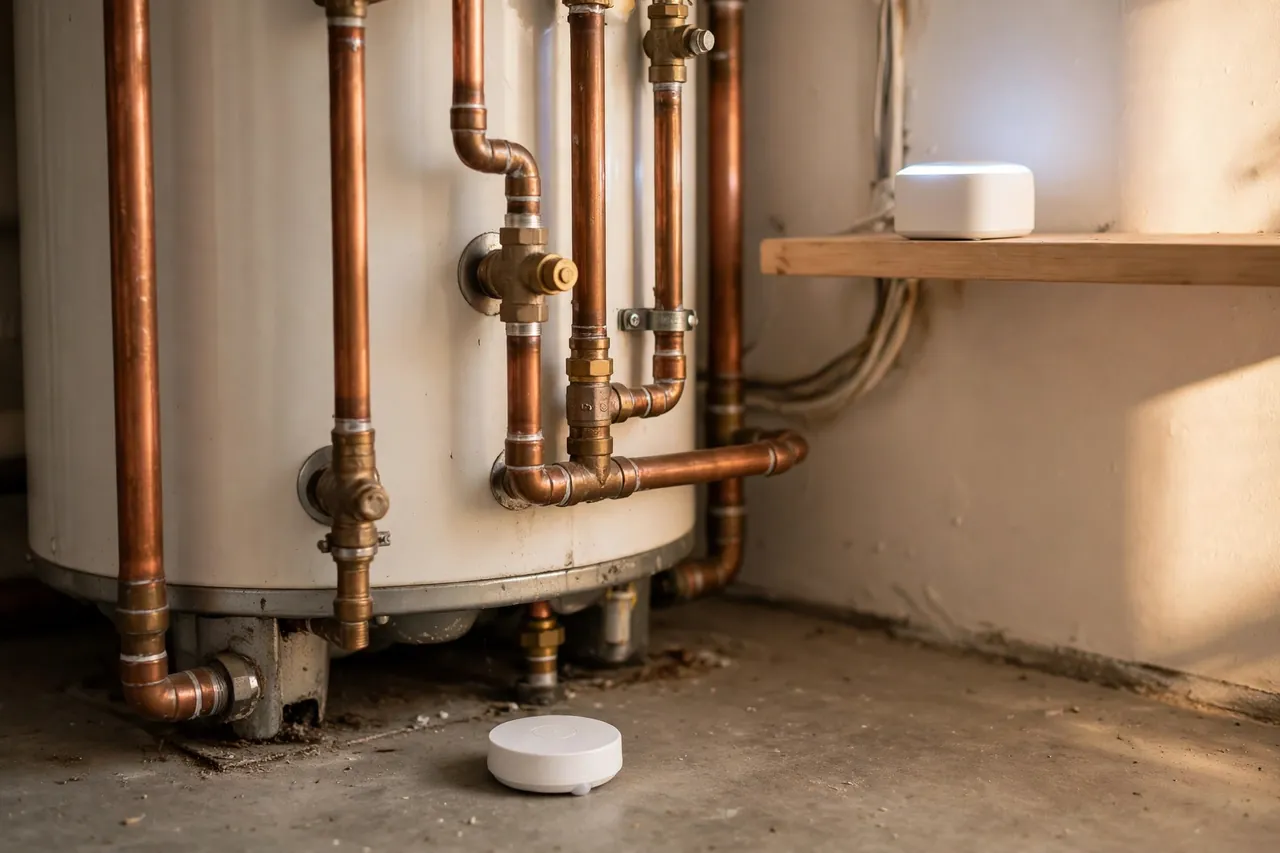
Most WiFi leak detectors work with Alexa, Google Home, or both, and the GoveeLife system also lists IFTTT support. The voice link is useful in two directions. First, you can ask about the state of your home, for example whether any leak has been detected. Second, and more useful, you can build automations that act without you touching your phone.
A simple automation might flash your smart lights or announce the leak on every smart speaker in the house when a sensor trips. That matters at night, when a phone on silent in another room will not wake you but a spoken announcement in the bedroom will. A stronger automation pairs the sensor with a smart shutoff valve, so the water stops on its own. The next section covers that in detail.
Two cautions keep voice control honest. First, voice assistants report what the system knows, so if a sensor is offline, the assistant may answer from stale information or say it cannot reach the device. Second, automations depend on the same cloud services as the alerts, so they share the same weakness during an internet outage. Treat voice announcements as a helpful extra layer, not as the only layer. The sensor’s own siren is the layer that works with no internet at all.
If your home already runs on a smart lock and other connected devices, a leak detector slots into the same routines and the same app habits. Our complete smart key lock guide explains how one connected device changes daily routines, and leak sensors follow the same pattern: the value shows up in the alert, not in the gadget itself.
Remote Water Shutoff: The Valve That Acts While You Are Away
An alert tells you about a leak. A shutoff valve stops it. That difference is the whole reason remote shutoff exists, because a leak that runs for a weekend while you are away can do far more damage than the same leak caught in an hour.
There are two main ways to get automatic shutoff. The first is an add-on valve controller: a motorized unit that clamps onto your existing main shutoff valve and turns it when a sensor trips or when you tap a button in the app. The second is a whole-home monitor and shutoff unit installed on the main water line itself. These units watch your home’s water flow, learn what normal use looks like, and shut the water off when they see a pattern that looks like a burst pipe or a major leak.
The two approaches differ in installation. An add-on valve controller is usually a DIY-friendly device, while a whole-home monitor on the main line involves cutting into your plumbing. For that second type, the safe move is a qualified plumber, even when the box says a handy homeowner can do it. A mistake on the main water line can flood the very area you were trying to protect, and it can also affect your home insurance position if the work was not done properly.
One more distinction matters for renters. A battery sensor under a sink needs no permission and leaves no mark, so it suits a rental well. A valve on the main water line does not. If you rent, stick to sensors and alerts, and make sure your landlord or property manager is one of the people who gets the alert.
What Happens When the WiFi Goes Down
This is the question every careful buyer should ask, because the answer decides whether a leak detector is real protection or just a fair-weather gadget. The honest answer is that it depends on the model, and the differences are worth checking before you buy.
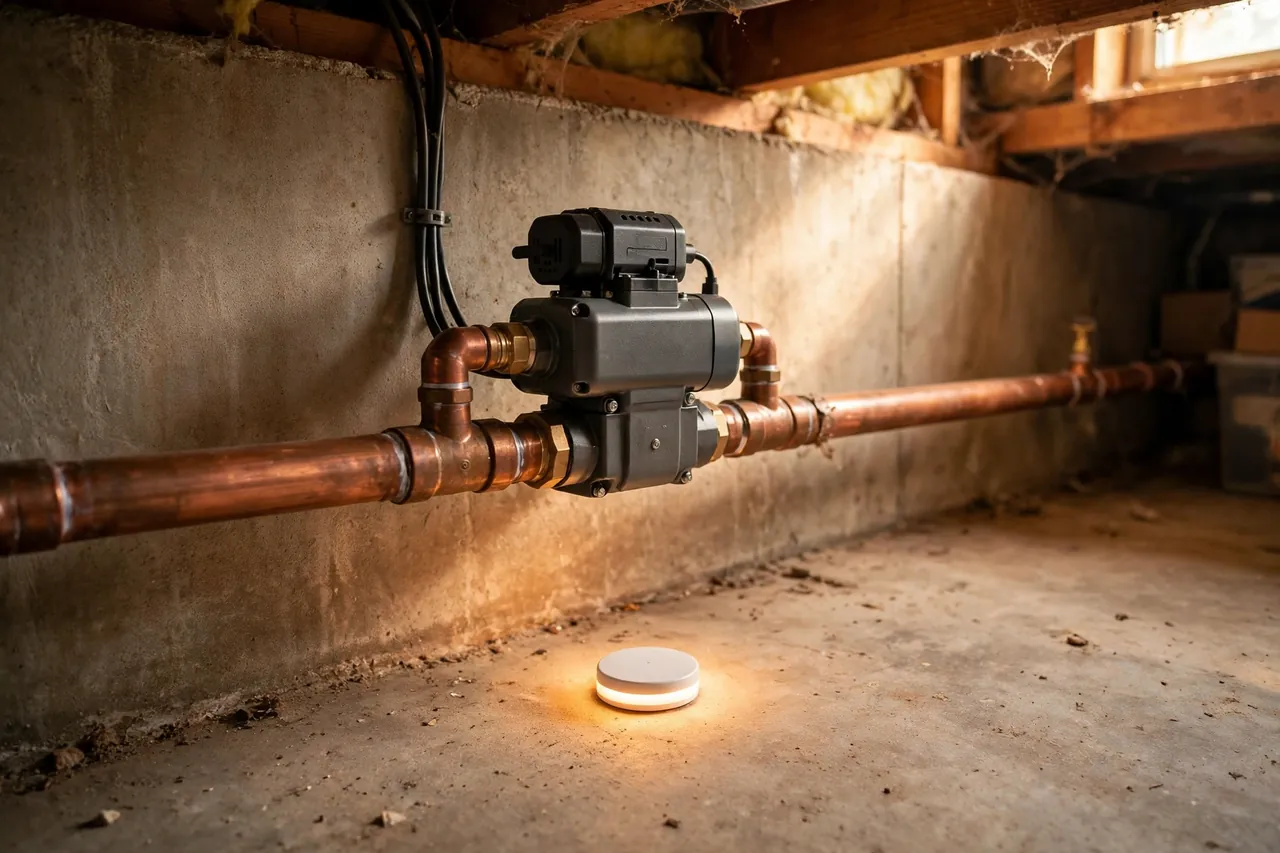
First, the good news: most sensors still sound their built-in siren when water touches them, even with no WiFi at all. The siren lives in the sensor and needs no network. That helps anyone at home, but it does nothing for you if you are away, which is exactly when a leak does the most damage.
Second, phone alerts stop when the path to your phone is broken. A direct WiFi sensor cannot reach the cloud without WiFi, so no push notification arrives. A hub system in the same situation is equally quiet unless its gateway has a backup path. Some systems queue the alert and deliver it once the connection returns, and some whole-home monitors keep watching locally and shut the water off on their own.
Phyn’s own help documentation describes this clearly for its Phyn Plus monitor: when WiFi is lost, its Offline Leak Protection keeps watching for catastrophic leaks, and if a high flow rate continues for a set duration, it shuts the water off even while offline. Push and SMS notifications do not arrive during the outage, but they are delivered once the connection returns. That is a strong design, and it is worth asking any brand you consider whether it offers the same behavior.
Other brands handle the gap differently. The Resideo (Honeywell Home) WiFi water leak and freeze detector, for example, is documented to send push and email notifications when the device itself goes offline, so at least you learn that your protection has a gap. Moen’s Flo system is described in its support answers as having a backup battery and an offline mode that can still shut off the water without an active WiFi connection. The pattern to look for is simple: a sensor that can act locally, or at least tell you it went dark, is far better than one that fails silently.
To protect yourself during outages, put the gateway on a small backup power supply if your system uses one, keep your router on backup power too, and give a trusted neighbor or family member app access so a local person can act when you cannot. Battery backup for connected home devices follows the same logic as our guide to garage door opener battery backup: the device is only as reliable as its power source.
Batteries, Range, and Keeping the System Online
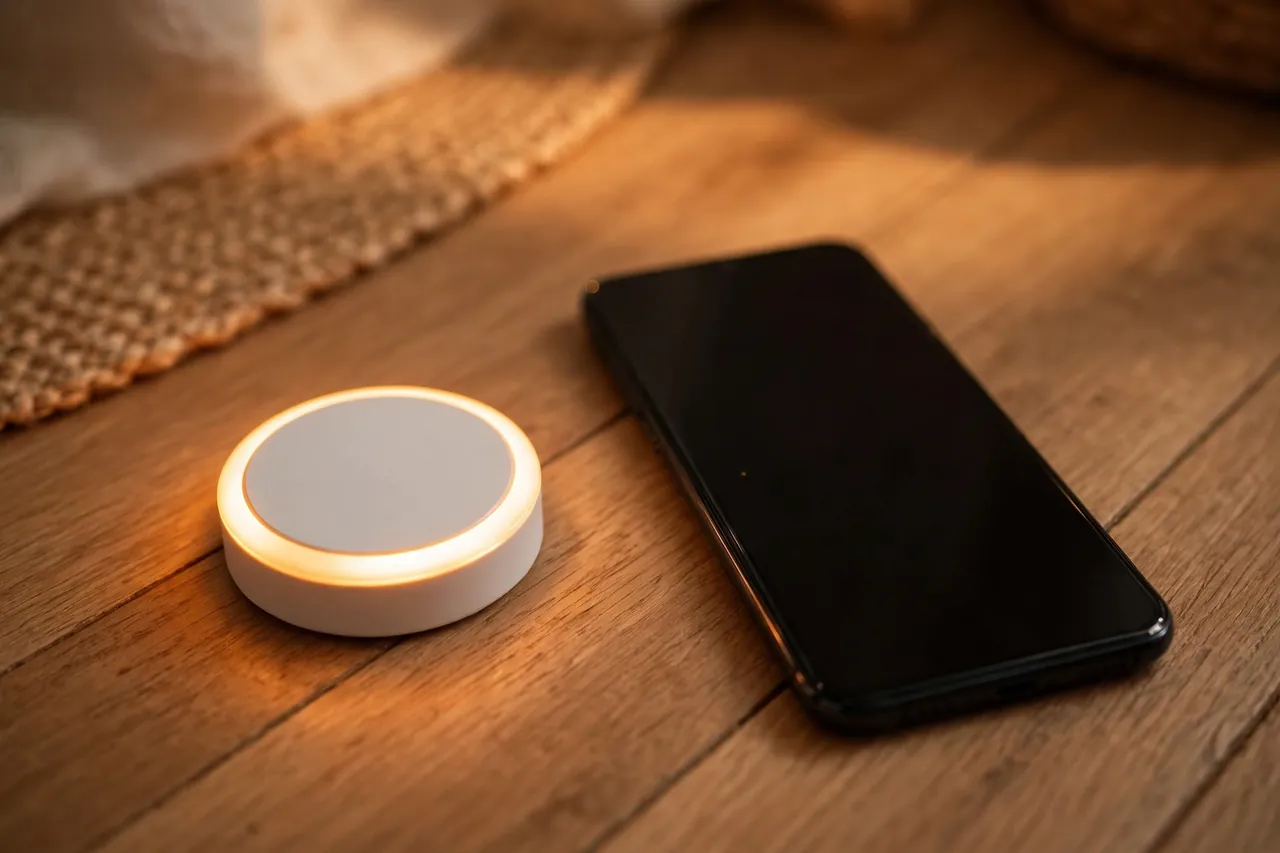
Battery life is the quiet maintenance job of a leak detector system, and it varies more than the marketing suggests. Direct WiFi sensors commonly last around 2 years on their batteries, while some hub sensors claim up to 5 years. Govee’s own product pages, for example, list a 5-year battery life for its GoveeLife sensors, with batteries included. Real life depends on how often the sensor wakes up, how weak its signal is, and how cold the spot gets, so treat every claimed number as a best case.
What matters more than the headline number is the low-battery warning. Good systems push a low-battery alert to your phone well before the sensor dies, and some beep on the device itself as a backup. The Resideo detector, for instance, starts beeping about once a minute when its battery drops to roughly 5 percent. When you get a low-battery warning, replace the battery that week, not next month. A dead sensor is the same as no sensor, and leaks do not wait for your schedule.
Range deserves the same attention. A sensor that cannot reach your router or gateway reliably will drop offline, and an offline sensor sends no alerts. Check the app after setup to confirm every sensor shows as online, and recheck after you move a router or add a large appliance nearby. If a far corner keeps dropping, a WiFi extender or a mesh node near that area usually fixes it, and it is cheaper than replacing the whole system. Keep the gateway, if you have one, in the open and near your router rather than buried behind furniture.
One habit ties all of this together: a monthly two-minute check. Open the app, confirm every sensor is online, confirm the battery levels look healthy, and press the test button or wet the probes on one sensor to confirm an alert still reaches your phone. Our guide to smart lock battery care follows the same routine, and it applies just as well here: small batteries, checked on a schedule, are what keep a smart home device trustworthy.
Setup Checklist
Setting up a WiFi leak detector is a beginner-friendly job that usually takes under half an hour for the first sensor. Follow these steps in order, and do not skip the test at the end.
- Confirm your WiFi details: most sensors need a 2.4GHz network, your network name, and your WiFi password.
- Install the maker’s app, create an account, and allow notifications for that app on your phone.
- Plug in the gateway first, if your system has one, and let the app confirm it is online before adding sensors.
- Add each sensor in the app and give it a clear name for its spot, such as “basement water heater” or “kitchen sink”.
- Place each sensor flat on the floor where water would pool first, with its probes touching the floor.
- Test every sensor with a damp cloth on the probes, and confirm the alert arrives on your phone.
- Add a second household member to the app, and confirm they also get alerts.
- Set a monthly reminder to check that every sensor is online and its battery is healthy.
The naming step is the one people skip and later regret. When an alert says “Sensor 3” at 2 a.m., you will not know whether to run to the basement or the laundry room. A clear name turns a confusing alert into an immediate action.
Troubleshooting: When Alerts Do Not Arrive
If a test alert never reaches your phone, work through these checks in order, cheapest and simplest first:
- Check that the app has notification permission on your phone, and that it is not silenced by a focus or do-not-disturb mode.
- Open the app and confirm the sensor shows as online. If it shows offline, move it closer to the router or gateway and test again.
- Confirm your WiFi network name and password have not changed since setup. A new router means sensors must be set up again.
- Check the sensor battery. Replace it even if the app still shows a partial charge, because a weak battery can fail under load.
- Confirm the sensor probes are clean and touching the floor. Dust, mineral buildup, or a sensor tilted on a grout line can break contact.
- If the sensor works at home but not away, check that your phone has mobile data and that the app is allowed to run in the background.
- As a last step, remove the sensor from the app and add it again from scratch, following the setup checklist above.
If the sensor still will not alert after these steps, contact the maker’s support with the model number and the app version, and do not rely on that sensor until the problem is fixed. A leak detector that cannot alert is worse than none at all, because it gives false confidence.
Costs and Subscriptions: What You Actually Pay
Most WiFi leak detectors are a one-time purchase with no monthly fee for basic alerts. That is the norm across the budget and mid-range brands, and it is one of the reasons these sensors are such good value. Always check the product page before buying, because a brand can add a paid plan for extras like professional monitoring or extended history, but the basic leak alert should not sit behind a paywall.
As a real price anchor, Govee’s US store listed its GoveeLife Water Leak Detector 1s, a gateway plus one sensor, at $43.99, down from $54.99, when checked on October 24, 2026. That kit needs the gateway to work, and extra sensors are sold separately, so the cost of covering a whole house is the kit plus one sensor per risk spot. Direct WiFi sensor packs from other brands often land in a similar range per sensor, but check the exact variant before comparing, because gateway kits and sensor-only packs are not the same product.
Whole-home monitor and shutoff units cost far more than a few sensors, and a professionally installed unit adds labor on top. That higher cost buys something sensors alone cannot: the ability to stop the water without a human in the loop. For a home with a history of leaks, a vacation home, or a basement full of valuables, that difference can be worth it. For most homes, a handful of well-placed sensors with reliable alerts is the right starting point, and a shutoff valve can come later.
Related Guides
If you are building out a connected home, these MrCozyHome guides cover the devices your leak detector will live alongside: how smart lock apps work, the complete smart key lock guide, smart lock battery care, and garage door opener battery backup.
For placement room by room, see our flood sensors guide, and for how every detection method compares, how leak detection works.
Frequently Asked Questions
What is a WiFi water leak detector and how does it work?
A WiFi water leak detector is a small sensor that sits on the floor where leaks start, such as under a sink or beside a water heater. When water touches its metal probes, it sends an alert to your phone through your home WiFi network, and many models also sound a loud alarm at home so anyone nearby hears it too.
Does a WiFi water leak detector require a hub?
It depends on the model. Direct WiFi sensors connect straight to your router with no extra hardware, while other systems need a gateway, such as Govee’s H5044 gateway for its H5059 sensors. Check the product page before buying, because a sensor-only pack will not work without its gateway if one is required.
What happens if the WiFi goes down?
Phone alerts stop, because the sensor cannot reach the cloud without WiFi. Most sensors still sound their built-in siren at home, and some whole-home monitors keep watching locally and can shut off the water on their own during an outage. Ask any brand you consider how its system behaves offline before you buy.
Are batteries included, and how long do they last?
Most sensors ship with batteries included. Battery life is commonly around 2 years for direct WiFi sensors, while some hub sensors claim up to 5 years, including Govee’s GoveeLife sensors. Replace a battery as soon as you get a low-battery warning, because a dead sensor sends no alerts.
Can I integrate a WiFi water leak detector with smart home systems?
Yes, most WiFi leak detectors work with Alexa, Google Home, or both, and some also support IFTTT. You can ask a voice assistant about leaks, get spoken announcements on smart speakers when a sensor trips, and build automations that flash lights or trigger a smart shutoff valve.
Do WiFi water leak detectors need a monthly subscription?
Usually not. Basic leak alerts are normally included in the purchase price with no monthly fee on most budget and mid-range brands. Paid plans may exist for extras like professional monitoring or extended alert history, so check the product page, but the core alert should not require a subscription.
Disclaimer: Every home, plumbing setup, and WiFi network is different, so results will vary. Work on a main water line or a shutoff valve is plumbing work: if you are unsure, or if your home has old or unusual pipes, get a qualified plumber rather than risking a flood. Keep electrical outlets, routers, and gateways away from standing water, and call a professional right away if a leak is near wiring or an electrical panel.
A WiFi water leak detector earns its place the first time it catches a leak you would otherwise have found days later. Start with the riskiest spot in your home, test the alert chain, and add sensors one spot at a time until every place water can hide is covered. That is a small weekend job that can save you from a very large repair bill.