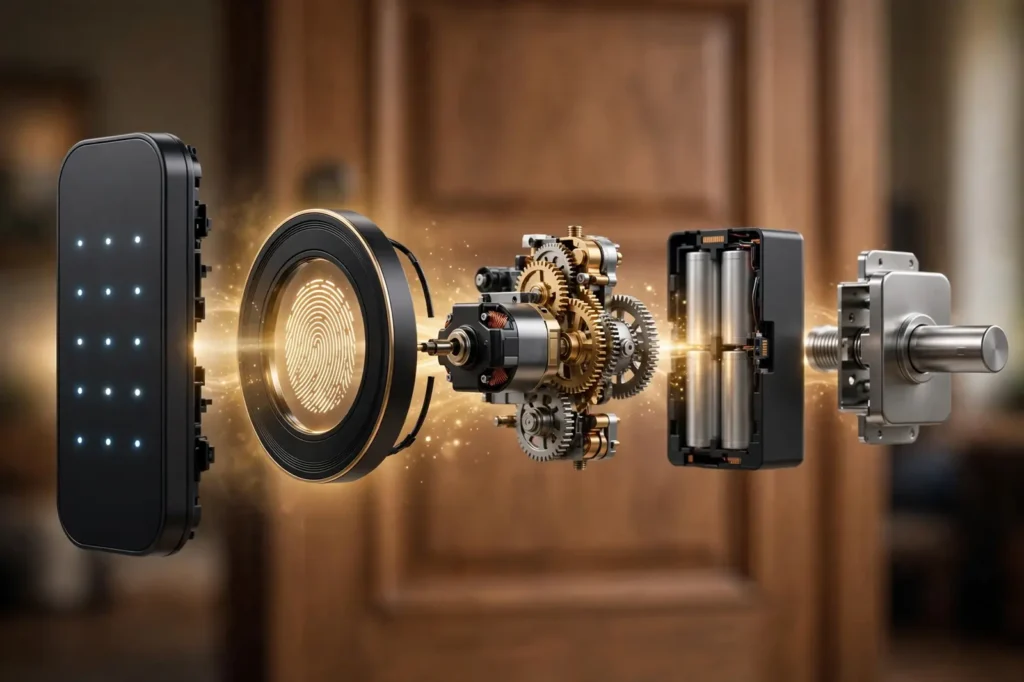
The best smart deadbolt for most homes is the Schlage Encode Plus. It is the only pick in this guide with a BHMA AAA rating, the top residential grade, and it adds built-in Wi-Fi and Apple Home Key for $329 at Schlage.com, checked on October 19, 2026. Renters should look at the August Wi-Fi Smart Lock instead, and tight budgets at the Aqara U50 or Wyze Lock Bolt.
Every price below was checked on the maker’s or a major seller’s own page on October 19, 2026, and each pick is matched to the job it does best. Just as important, this guide explains the two choices that decide whether you love or hate your lock later: which wireless protocol it uses, and whether it truly fits your door.
Our top picks at a glance:
- Best overall: Schlage Encode Plus — $329.00
- Best for Apple Home: Aqara Smart Lock U50 — $149.99
- Best for hub-based homes: Yale Assure Lock 2 with Z-Wave Plus — $229.99
- Best fingerprint: ULTRALOQ U-Bolt Pro WiFi — $179.99
- Best retrofit for renters: August Wi-Fi Smart Lock — $199.99
- Best budget: Wyze Lock Bolt — $79.98
The 6 best smart deadbolts compared: connection, entry methods, grade, and price checked on October 19, 2026
| Lock | Best for | Connection | Ways to open | Security grade | Batteries | Price |
|---|---|---|---|---|---|---|
| Schlage Encode Plus | Most homes | Built-in Wi-Fi | Code, app, Apple Home Key, voice, key | BHMA AAA (certified) | 4 AA | $329.00 at Schlage |
| Aqara Smart Lock U50 | Apple Home on a budget | Bluetooth + Zigbee (hub adds Matter) | Code, Apple Home Key, NFC card, app, key | BHMA Grade 3 | 4 AA | $149.99 at Aqara |
| Yale Assure Lock 2 (Z-Wave Plus) | SmartThings, Ring Alarm, Hubitat homes | Z-Wave (swappable module) | Code, app through hub, voice, key | ANSI/BHMA Grade 2 | 4 AA | $229.99 at Yale |
| ULTRALOQ U-Bolt Pro WiFi | Fingerprint entry | Built-in Wi-Fi | Fingerprint, code, app, auto-unlock, key | Not BHMA certified* | 4 AA | $179.99 at U-tec |
| August Wi-Fi Smart Lock | Renters and retrofit | Built-in Wi-Fi | App, auto-unlock, voice, your existing key | Keeps your current deadbolt’s grade | 2 CR123 | $199.99 at August |
| Wyze Lock Bolt | Smallest budget | Bluetooth only | Fingerprint, code, app when nearby | No published BHMA grade | 4 AA | $79.98 at Wyze |
*U-tec markets the U-Bolt Pro as meeting the ANSI Grade 1 standard, but independent testers report it carries no official ANSI/BHMA certification. We explain this under its pick below, because it is exactly the kind of claim this guide teaches you to check.
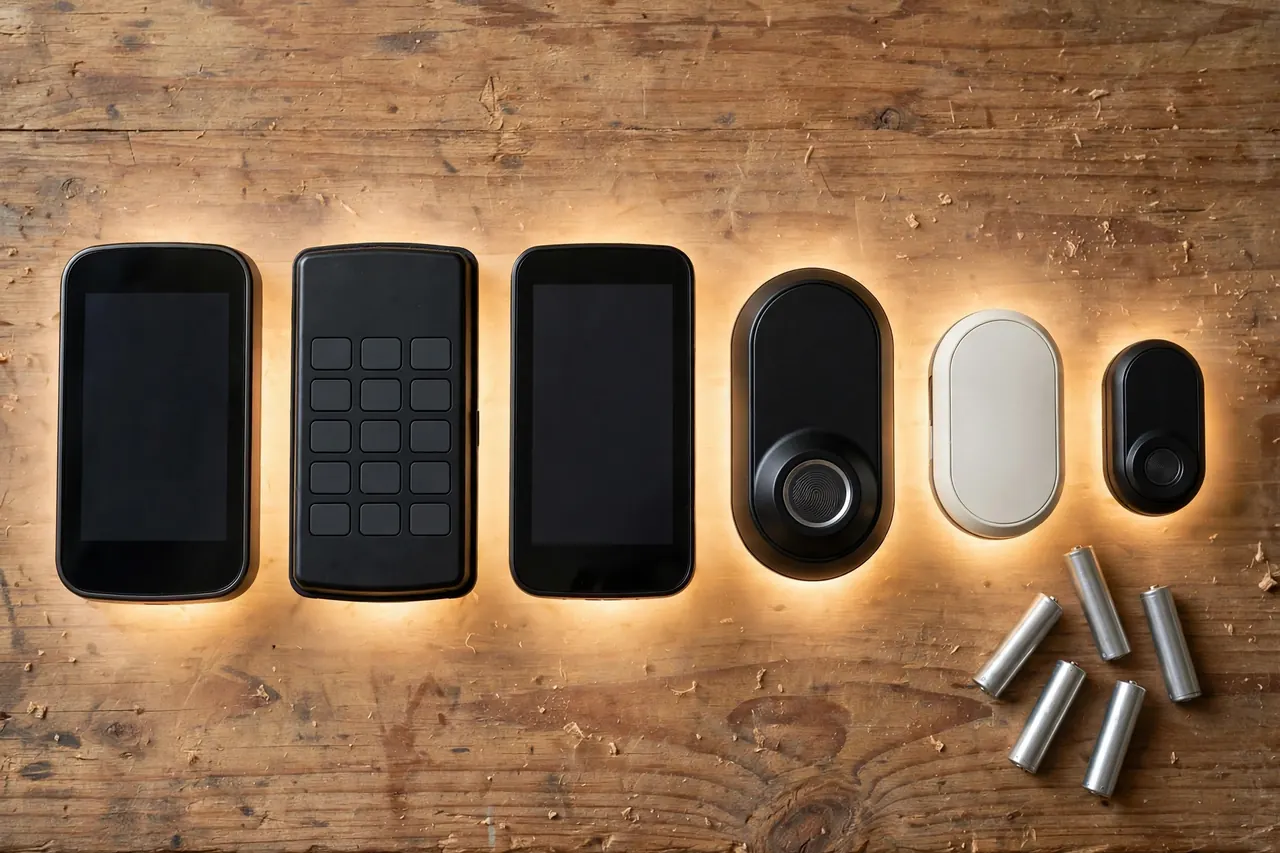
The Best Smart Deadbolts, Pick by Pick
Each pick below is a real product with its price checked on October 19, 2026. We ordered them by the job they do best, not by price, and we are plain about what each one gives up.
Best overall: Schlage Encode Plus
If you want one lock that does almost everything well, this is it. The Encode Plus is certified BHMA AAA, the highest rating in the residential system, with top marks for security, durability, and finish. Schlage also backs it with a limited lifetime mechanical and finish warranty and a 3-year electronics warranty, which is the strongest coverage in this guide.
The Wi-Fi radio is built in, so there is no hub or bridge to buy. You get a touchscreen keypad with up to 100 access codes, remote locking in the Schlage Home app, voice control through Alexa, Google Assistant, or Siri, and a built-in alarm that reacts to forced-entry attempts. Apple households get the standout feature: Home Key, so an iPhone or Apple Watch tap opens the door, no code needed.
The honest trade-offs are price and battery life. At $329 it is the most expensive pick here, and like every always-connected Wi-Fi lock it runs about six months on its four AA batteries in typical use, per Schlage. There is no fingerprint reader. A physical key is included as backup.
Price: $329.00 at Schlage.com, checked October 19, 2026. Best for: front doors on homes you own, especially Apple households. Skip it if: you rent, or you want fingerprint entry.
Best for Apple Home: Aqara Smart Lock U50
The U50 brings Apple Home Key to a $149.99 lock, less than half the Schlage’s price. Tap your iPhone or Apple Watch to unlock, or use the keypad, an Aqara NFC card, the app, or the included key. Unusually for this price, the cylinder is rekeyable, so a locksmith (or you, with a rekey kit) can match it to your existing 5-pin house key.
Two limits define this lock. First, its BHMA rating is Grade 3, the basic tier — fine for many homes, but a step down in tested strength from the Grade 2 Yale and the AAA Schlage. Second, its radios are Bluetooth and Zigbee. It works with Apple Home and the Aqara app nearby, but Matter, Alexa, and Google Home support only arrive through an Aqara hub such as the M2 or M3, sold separately.
Battery life is up to six months on four AA batteries, per Aqara, and a USB-C port on the outside lets you give a dead lock temporary power to get in. Auto-lock uses a built-in gyroscope to sense when the door has actually closed.
Price: $149.99 at Aqara, checked October 19, 2026. Best for: Apple Home households on a budget who accept Grade 3 hardware. Keep in mind: budget for an Aqara hub if you want Matter or voice assistants beyond Siri.
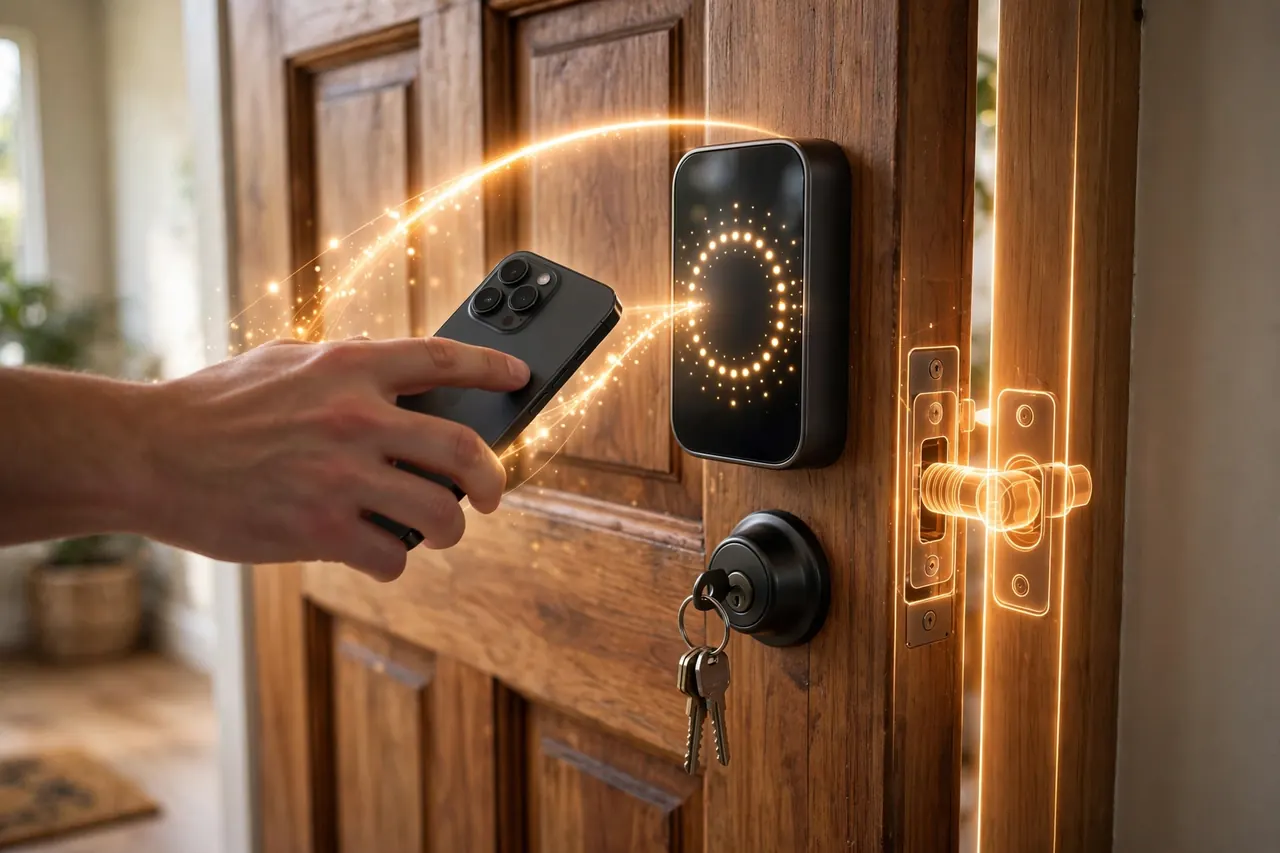
Best for hub-based homes: Yale Assure Lock 2 with Z-Wave Plus
Most locks lock you into one radio. The Assure Lock 2’s radio is a small Yale Smart Module that slides into a slot in the battery compartment, and you can swap it later. Buy the Z-Wave Plus version and the lock joins Ring Alarm, Samsung SmartThings, or Hubitat directly, so your door can arm the alarm, turn on lights, and run routines inside one system, even in apps you already use.
That design is why this is the pick for people who already own a hub. Z-Wave sips power compared with Wi-Fi, control stays local through the hub instead of depending on one brand’s cloud, and the touchscreen model we priced includes Yale’s DoorSense sensor, which reports whether the door itself is open or closed, not just whether the bolt moved. The lock is ANSI/BHMA Grade 2, the solid middle tier most locksmiths consider right for homes.
Price: $229.99 for the keyed Touchscreen model with Z-Wave Plus at Yale’s store, checked October 19, 2026 (the key-free keypad Z-Wave version is $209.99). Best for: homes already running SmartThings, Ring Alarm, or Hubitat. Keep in mind: with no hub, you get a keypad lock and Bluetooth app control only — the smart features wait for the hub.
Best fingerprint: ULTRALOQ U-Bolt Pro WiFi
Nothing on this list opens a door faster than a finger. The U-Bolt Pro’s 360-degree reader learns your print as you use it, stores up to 100 fingerprints, and unlocks in about a touch. Around it you still get an anti-peep keypad (add random digits before or after your code to hide it), app control over built-in Wi-Fi, auto-unlock as you arrive, auto-lock behind you, and a normal key backup. The outside unit is IP65 rated against weather.
Now the honesty this pick needs. U-tec markets this lock as meeting the ANSI Grade 1 standard, but independent testers at TechGearLab found it is not officially ANSI/BHMA certified, and U-tec’s own support described it as modeled on Grade 2. Marketing language is not a certification. Buy it for the fingerprint reader and the feature set, not for a grade claim, and pair it with the reinforced strike advice further down. Battery life is the other cost: one independent test measured about three to four months with daily Wi-Fi use, so keep spare AAs handy. A micro-USB port gives emergency power if you get caught out.
Price: $179.99 at U-tec’s store, checked October 19, 2026. Best for: families who want fingerprint entry for kids and parents alike. Keep in mind: no official grade certification, and the shortest battery life here alongside the August.
Best retrofit for renters: August Wi-Fi Smart Lock (4th Generation)
The August is the odd one out: it is not a whole lock. It clamps over the inside thumb turn of your existing single-cylinder deadbolt, in about ten minutes with a screwdriver, and your door looks completely unchanged from outside. Your landlord’s key still works, your own key still works, and when you move out, the August comes off and the door is exactly as you found it.
What you gain is the smart layer: built-in Wi-Fi for remote locking, guest keys you can send from the app, an activity log, and DoorSense, a small included sensor that tells the app whether the door is open or closed. Auto-unlock uses your phone’s location to open the door as you arrive home, which is genuinely useful with arms full of groceries. It works with Alexa, Google Home, and Apple HomeKit, though not Apple Home Key.
The limits are real. There is no keypad unless you buy August’s separate keypad. The motor turns whatever deadbolt you already have, so your door’s actual strength stays whatever grade that old bolt is — the August adds brains, not muscle. And its two CR123 batteries last roughly three to six months, per August’s own estimate, the price of running Wi-Fi on small cells.
Price: $199.99 at August.com, checked October 19, 2026. Best for: renters, and owners with a good deadbolt or a door they do not want to change the look of. If smart locks are new to you, our smart key lock guide explains the types and features in plain words before you spend anything.
Best budget: Wyze Lock Bolt
At $79.98 list (and $74.98 on sale when we checked), the Wyze Lock Bolt is less than a quarter of the Encode Plus price, yet it still gives you a fingerprint reader, a backlit anti-peep keypad, and auto-lock. Wyze rates its four AA batteries at 10 to 12 months, the longest claim in this guide, and there is a simple reason: this lock has no Wi-Fi radio at all.
That is also its big limit. The Wyze connects by Bluetooth only, so the app works within about 16 feet of the door. There is no locking from the office, no guest code sent from across town, and no voice assistant. Entry codes and fingerprints are managed when you are standing at the door. There is also no keyhole at all — Wyze removed the cylinder to make the lock pick-proof — so if the batteries die while you are out, a USB-C power bank gives the lock a brief charge so your code or finger can open it.
Price: $79.98 list at Wyze.com ($74.98 sale price when checked), October 19, 2026. Best for: a back door, side door, or first smart lock when remote access does not matter. Keep in mind: no published BHMA grade, and no remote control of any kind.
Wi-Fi, Bluetooth, Z-Wave, or Matter over Thread? The Choice That Matters Most
Here is the part most buyers skip, and it decides your battery life, whether you need a hub, and what still works when the internet goes down. A smart deadbolt’s radio is how it talks. There are four systems in this guide, and each makes a different trade.
Wi-Fi: no hub, full remote control, hungry batteries
A Wi-Fi lock (the Schlage Encode Plus and the U-Bolt Pro WiFi) connects straight to your home router, like a phone does. Nothing else to buy, and you can lock the door or send a guest code from anywhere. The cost is power: holding a Wi-Fi connection is the hardest work a lock does, so Wi-Fi models measure battery life in months — about six for the Schlage, less for the August on its smaller CR123 cells. Every Wi-Fi lock here uses the 2.4 GHz band only, so a weak router signal at the front door means slow responses and even faster battery drain.
Bluetooth: the battery saver that only works up close
Bluetooth locks talk directly to your phone when you are near the door, roughly within a room or two. Because the radio mostly sleeps, battery life stretches to a year on the Wyze Lock Bolt. The trade is range: a pure Bluetooth lock cannot be controlled from across town. Some Bluetooth locks borrow a nearby home hub (an Apple TV or HomePod, for example) to relay commands, which is how the Aqara U50 reaches Apple Home without its own Wi-Fi.
Z-Wave: built for hubs and whole-home systems
Z-Wave is a low-power mesh radio made for smart homes. A Z-Wave lock never talks to the internet directly; it talks to a hub such as SmartThings, Hubitat, or a Ring Alarm base station, and the hub runs the show. That means a hub is required — a real extra cost if you do not own one — but in return you get local control that keeps working in your automations even when your internet service drops, gentle battery use, and one app for locks, lights, and sensors together. The Yale Assure Lock 2 above is the example in this guide.
Matter over Thread: the new shared language
Matter is not a radio. It is the common language Apple, Google, Amazon, and Samsung agreed to speak, so one lock can join any of their systems. Thread is the low-power mesh radio Matter often rides on. A Matter-over-Thread lock needs a Thread border router to reach your phone and the internet — but many homes already own one inside a HomePod mini, an Apple TV 4K, or a recent Echo or Nest device. Thread gives Z-Wave-like battery life with cross-brand freedom, which is why newer locks are moving this way. In this guide, the Aqara U50 reaches Matter through an Aqara hub; fully native Thread locks, such as Aqara’s U200, skip that brand hub and join your border router directly.
One comfort across all four systems: the internet is only needed for remote features. Your code, your fingerprint, and your physical key keep working at the door itself during an outage. What you lose offline is the app’s remote control and alerts, not the ability to get into your own home.
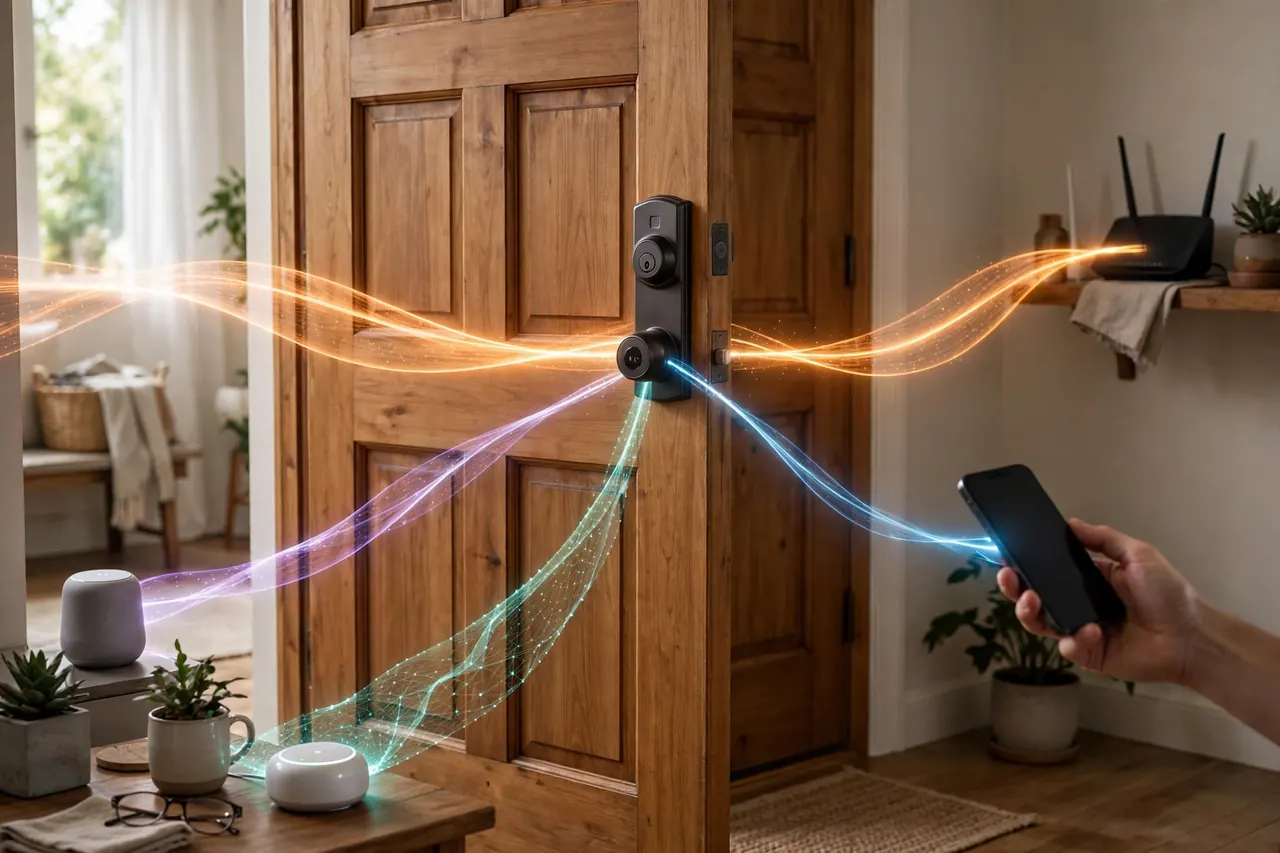
How to Choose the Right Smart Deadbolt
Five checks, in order, will steer you to the right pick more reliably than any star rating.
1. Check the grade, and check that it is real
BHMA is the body accredited by ANSI to test door hardware, and its certified locks carry letter grades for security, durability, and finish: C is good, B is better, A is best, so AAA is the top mark (you can see how the label works on BHMA’s own Secure Home site). For a front door, aim for BHMA AAA or ANSI/BHMA Grade 1 or 2. Grade 3 is the budget tier — acceptable on a side door or a tight budget, as with the Aqara U50 and Wyze here, but know what you are trading. And as the U-Bolt Pro shows, a brand saying a lock “meets” a standard is not the same as a certification. Prefer a plain keyed lock instead? Our guide to the best door locks for home covers the strongest traditional deadbolts.
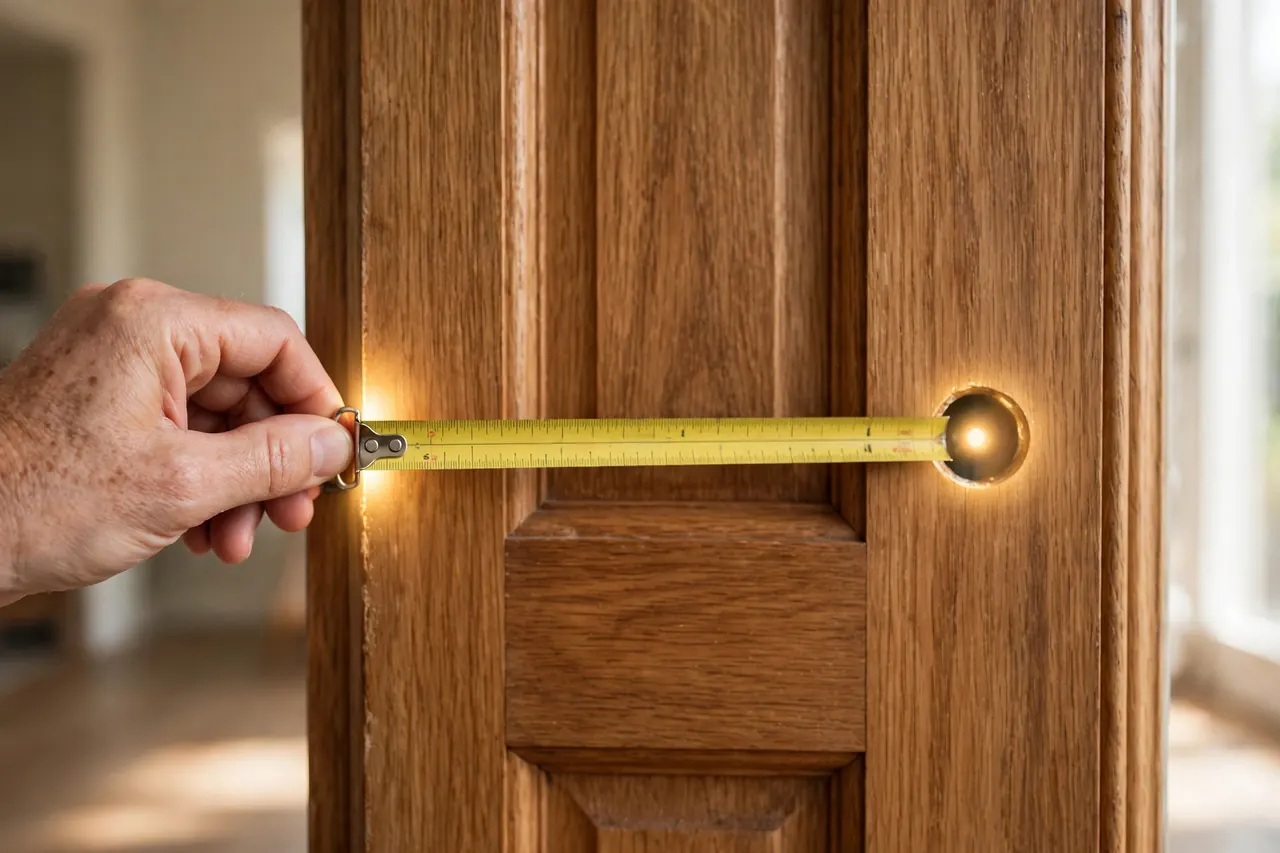
2. Measure your door before you fall in love
Nearly every lock here fits standard US door prep, but “nearly” wastes weekends. Before ordering, measure four things:
- Cross bore: the big hole through the door face — 2-1/8 inches is standard.
- Backset: from the door’s edge to the center of that hole — 2-3/8 or 2-3/4 inches; most locks adjust to both.
- Door thickness: most smart deadbolts fit 1-3/8 to 1-3/4 inches; thicker doors may need a brand’s thick-door kit.
- What is already there: a standard single-cylinder deadbolt swaps straight over. Mortise locks, rim locks, and integrated handlesets are different hardware and most smart deadbolts will not fit them.
3. Think about handing and calibration, not just holes
A smart deadbolt’s motor must learn two things after you install it: which side of the door the bolt comes out of (called handing) and exactly how far the bolt travels. Every pick here runs a short calibration routine for this on first setup. Calibration fails, and batteries drain fast, when the bolt scrapes or the door must be pushed to line up with the frame. So test before you install: with the door closed, your current bolt should throw fully with a light touch. If you have to lean on the door, fix the alignment first — and if the door leaks air at the edges, fresh door weatherstripping and tightened hinge screws often cure the bind and the draft together.
💡 Practical Home Tip: Do the two-finger test before ordering. Close the door and turn your existing thumb turn with just two fingers. If it turns easily, a smart lock’s motor will be happy on your door. If you need a full grip and a push, sort the door first — a motor is far weaker than your hand, and a binding bolt is the top cause of jams, grinding noises, and dead batteries in smart locks.
4. Match the entry method to the people
Codes suit kids, guests, dog walkers, and cleaners, because a code can be deleted the day it is no longer needed. Fingerprints suit households that hate codes and have members whose prints read well. Home Key suits Apple households. Then decide the backup: most of these locks keep a physical key, the Wyze does not, and the August keeps your old lock’s key. Whatever you choose, never share one master code with everyone — give each person their own, so one lost code is not the whole house’s problem.
5. Decide your protocol by what you already own
Own a Ring Alarm, SmartThings, or Hubitat hub? The Z-Wave Yale drops straight in. Apple household with a HomePod or Apple TV? The Encode Plus or a Matter-over-Thread lock uses gear you already have. Own no hub and want none? A Wi-Fi lock is the honest answer, with battery swaps as the running cost. Own nothing smart and want the lowest price? The Bluetooth Wyze, accepting its limits. Choosing by ecosystem first prevents the most common return in this category.
What a Smart Deadbolt Really Costs
The lock’s price is only the first line of the bill, so here is the whole picture, with product and labor kept separate on purpose.
- The lock itself: $74.98 to $329 across these six picks, all checked on October 19, 2026. Most owners land between $150 and $330 for a full replacement lock.
- Installation, DIY: $0. Every pick here installs with a Phillips screwdriver in the holes a standard deadbolt already uses — roughly 10 minutes for the August retrofit, 15 to 30 minutes for a full swap, plus app setup. Our step-by-step guide to how to install a door lock walks through the whole job, including drilling fresh holes safely.
- Installation, professional (estimate): if you would rather hire it out, Angi’s 2026 national locksmith data puts smart lock setup — installing and programming an electronic lock — at about $100 to $200 per lock, on top of the lock’s price. New holes or a damaged frame cost more; treat these figures as estimates, since local quotes vary.
- The extras people forget: a hub, if you choose Z-Wave and do not own one; August’s separate keypad, if you want codes on the retrofit; an Aqara hub, if you want the U50 on Matter, Alexa, or Google Home; and batteries — a few dollars a year for AA models, more often for the August’s CR123 pair.
Mistakes That Weaken or Ruin a Smart Deadbolt
- Buying the protocol before checking the house. A Wi-Fi lock on a weak router signal at the front door will eat batteries and drop offline. Check your phone’s Wi-Fi bars standing at the closed door before choosing Wi-Fi.
- Trusting a grade claim instead of a certification. “Built to Grade 1 standards” and “BHMA Certified AAA” are different sentences. The certification is the one a lab verified.
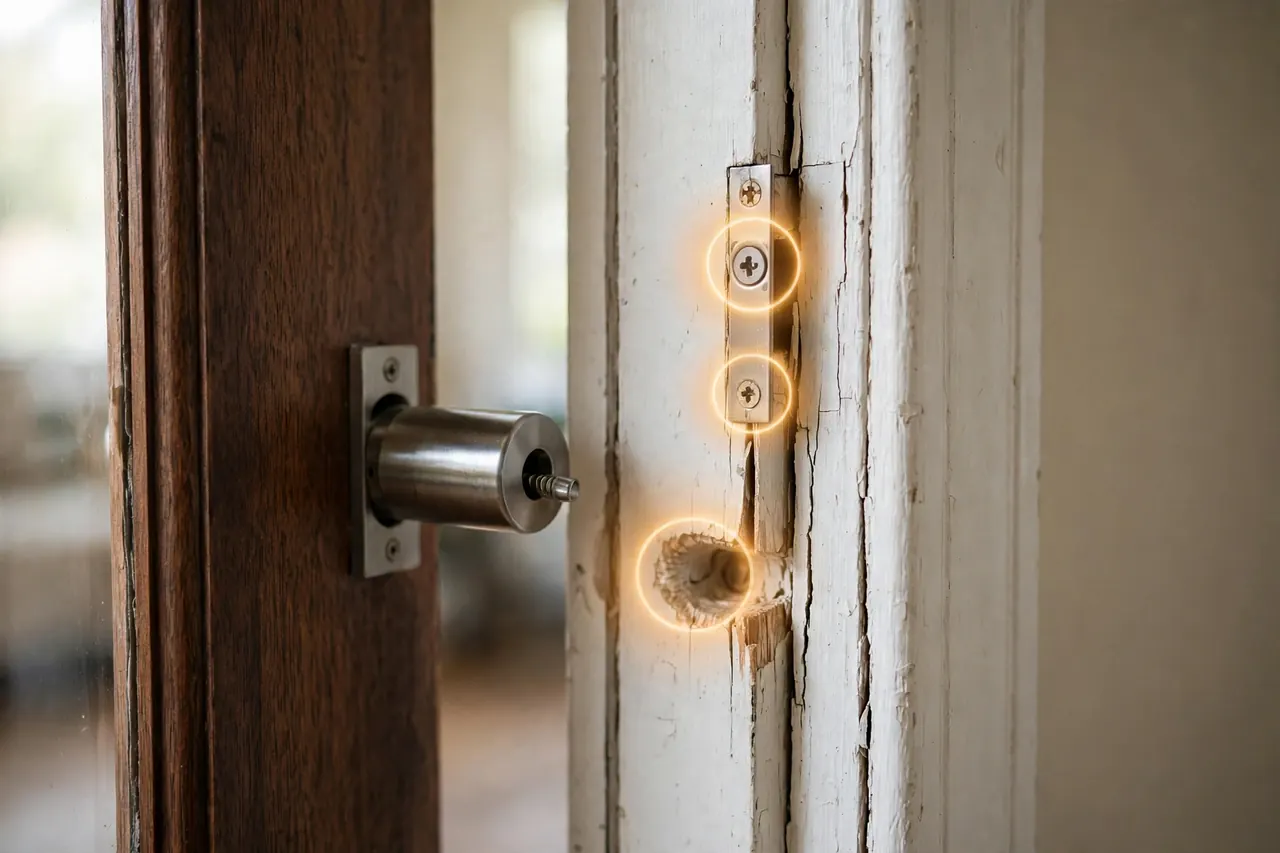
- Leaving the old strike plate and short screws. The bolt is only as strong as what it lands in. Many doors still have a small strike held by short screws into the frame trim; swapping to a reinforced strike with 3-inch screws that reach the wall stud is the cheapest real security upgrade in this whole project.
- Skipping the fit check. Mortise locks, thick doors, and odd backsets are the top causes of returns. Five minutes with a tape measure (see the checks above) prevents all three.
- Forcing a binding bolt. If calibration keeps failing, the answer is door alignment, not another retry. A motor straining against a scraping bolt will jam and drain batteries until it quits.
- Having no dead-battery plan. Know your lock’s backup before you need it: a key, a 9-volt touch, or a USB-C power bank, depending on the model. The time to learn which one is not a rainy night outside your own door.
- Replacing hardware in a rental without asking. A full replacement changes the landlord’s lock and can break your lease terms. Renters should use the retrofit route, or get written permission first.
Frequently Asked Questions
Can a smart lock be hacked?
Any connected device deserves the question, but in practice the weak point is almost never the lock’s radio — connections are encrypted. The real risks are a weak or reused app password, sharing one code with everyone, and lost phones. Use a unique password with two-factor sign-in if offered, give each person their own code, and remember the physical side matters too: a BHMA-graded bolt still resists force like a normal deadbolt.
What happens if my smart lock’s battery dies?
You are not locked out for good, but your backup depends on the model. Most locks here still take a physical key. Key-free designs offer a moment of power instead: the Aqara U50 and Wyze Lock Bolt take a USB-C power bank, and Yale’s key-free models have 9-volt contacts underneath. The August simply leaves your old key working. Every lock also warns you in its app weeks ahead, so a surprise is rare.
Will a smart deadbolt fit my existing door?
Usually, yes. Most smart deadbolts are built for standard US prep: a 2-1/8 inch cross bore, a backset of 2-3/8 or 2-3/4 inches, and a door 1-3/8 to 1-3/4 inches thick — the same holes a normal deadbolt uses. The common exceptions are mortise locks, rim locks, and doors with built-in handleset hardware. Measure before you order, using the checks in this guide, and a standard swap takes minutes.
Do I need a hub for a smart deadbolt?
Only for some. Wi-Fi locks like the Schlage Encode Plus need no hub at all. Bluetooth locks work through your phone, sometimes relayed by a home hub you may already own. Z-Wave locks always need a hub such as SmartThings, Hubitat, or Ring Alarm. Matter-over-Thread locks need a Thread border router, which hides inside many HomePod, Apple TV, Echo, and Nest devices. The hub question is really a protocol question, so pick the protocol first.
A short disclaimer: a smart deadbolt is one layer of home security, not a promise that a break-in cannot happen, and no lock in this guide was hands-on tested by MrCozyHome — picks are based on manufacturer specifications, certifications, and checked prices as of October 19, 2026, which can change. If your door or frame is damaged, or you are securing a high-risk property, have a qualified locksmith assess the door in person.
The Bottom Line
For most homes, buy the Schlage Encode Plus and be done: top BHMA grade, no hub, and every entry method except fingerprint. Apple households on a budget should take the Aqara U50. Hub owners should take the Yale, fingerprint fans the U-Bolt Pro, renters the August, and the truly budget-minded the Wyze Lock Bolt.
Your next step takes five minutes: measure your door’s backset and thickness, and check which hub or border router you already own. Those two facts shrink this list of six to one obvious answer — and that is the right way to buy the best smart deadbolt for your door.