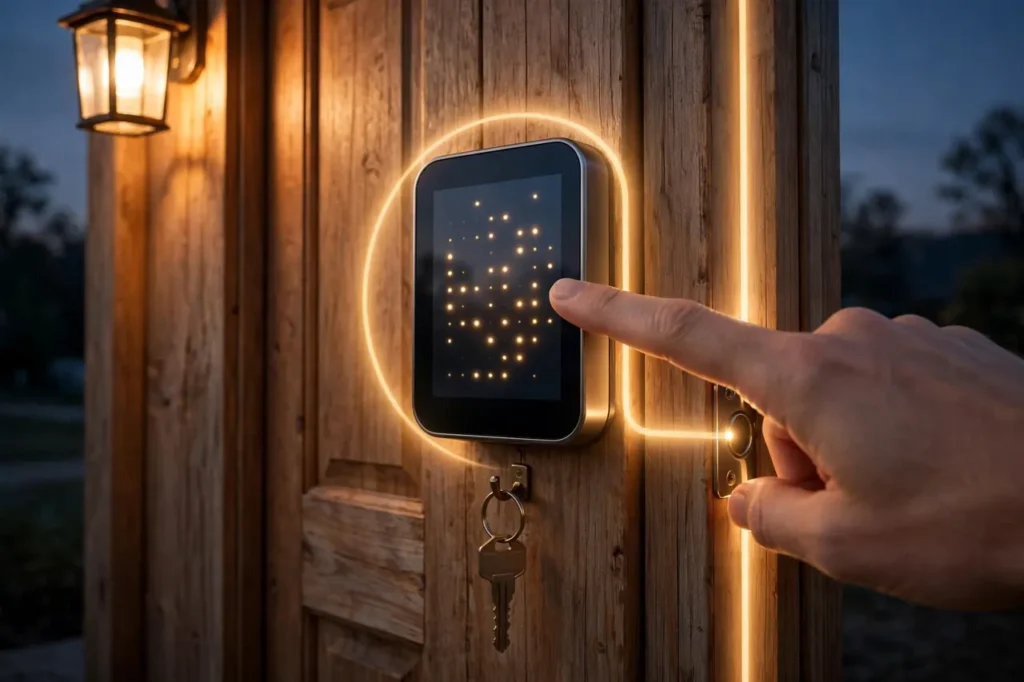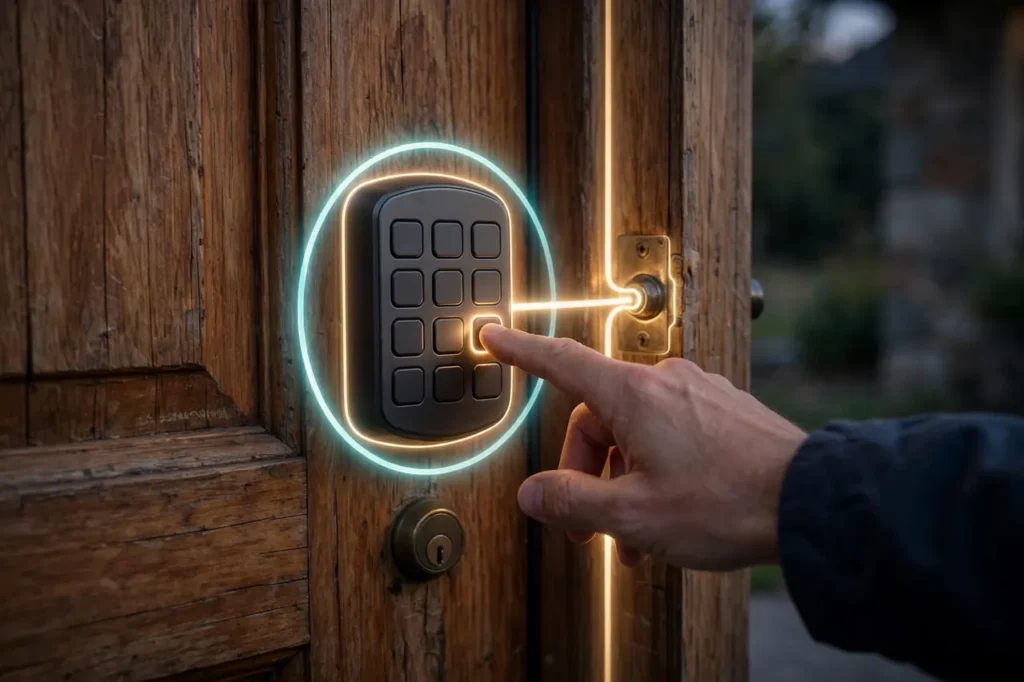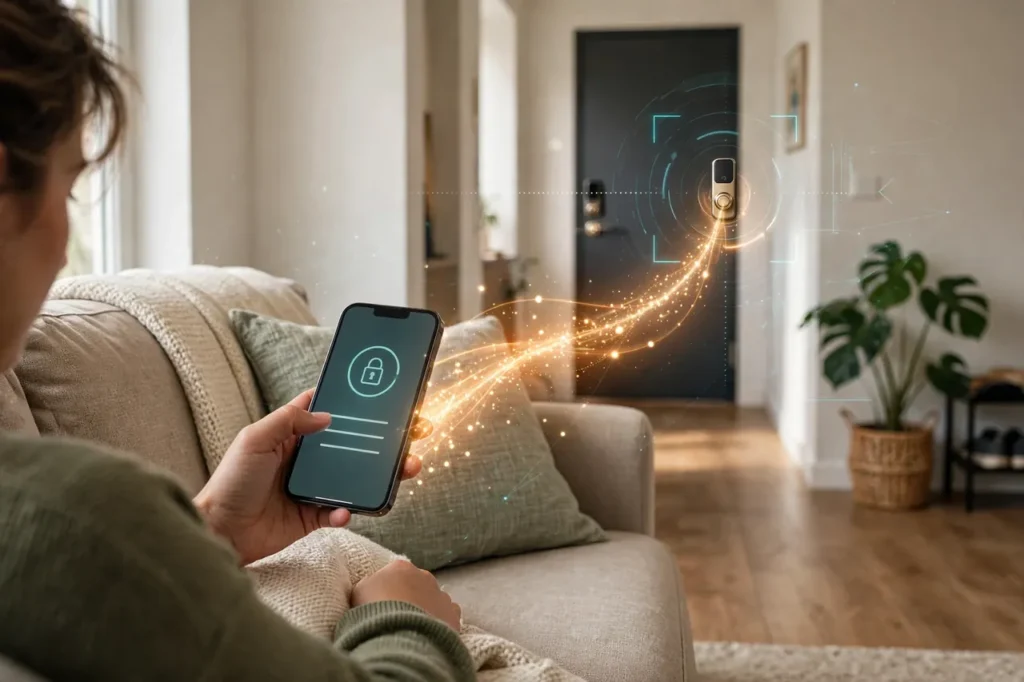
A smart key lock is an electronic door lock that opens with a PIN code, fingerprint, phone app, or voice command instead of a metal key. It fits your regular door, runs on batteries, and you can lock or unlock it from anywhere. This guide explains how they work, the types, costs, and how to pick one.
How a Smart Key Lock Works
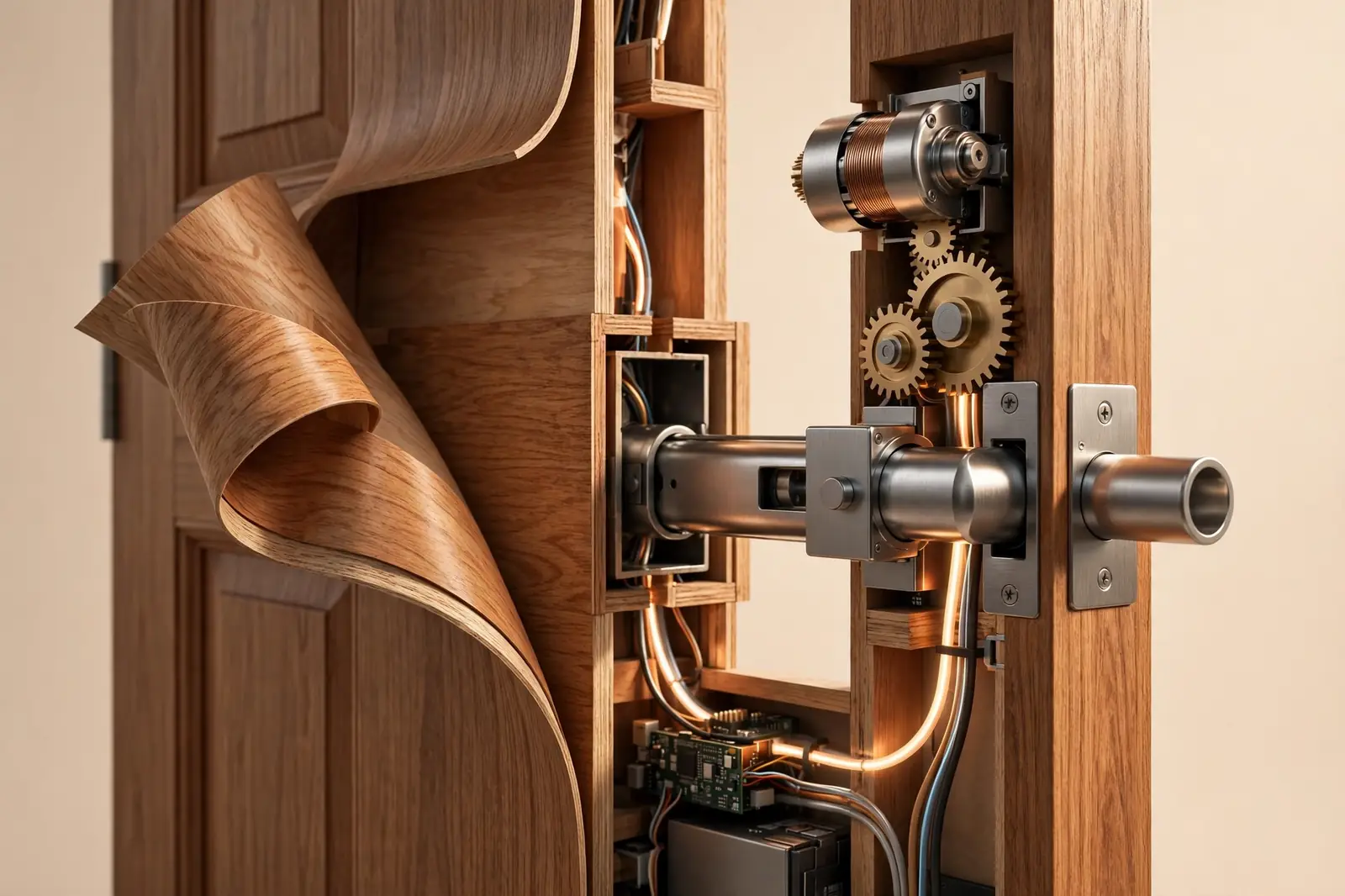
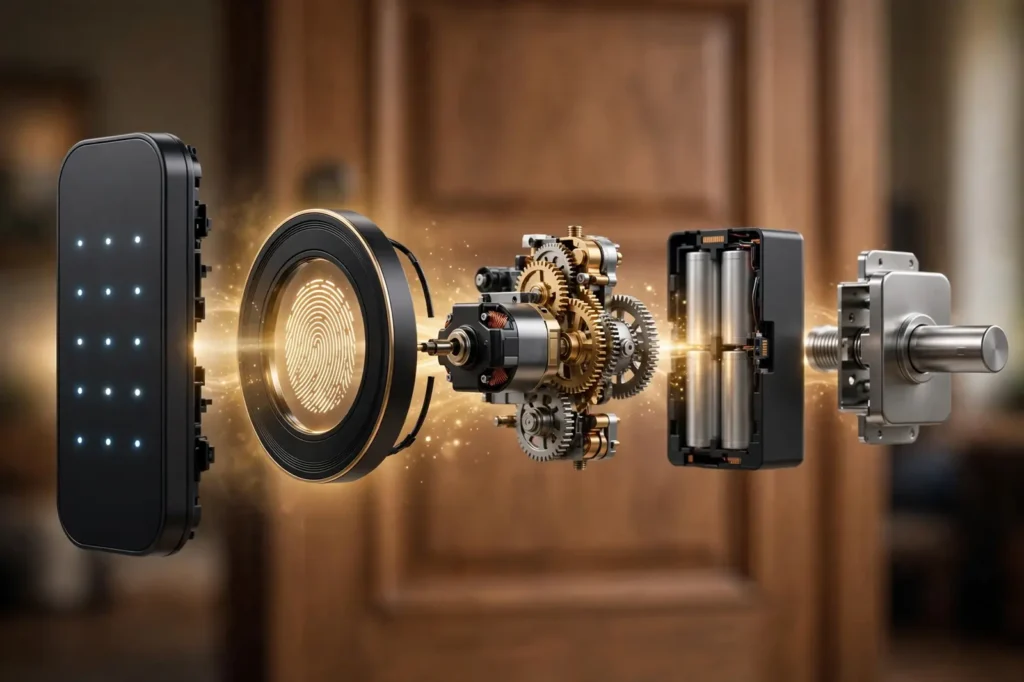
Think of a smart key lock as your normal deadbolt with a small computer added. From the outside, many models look like a regular lock with a keypad. From the inside, there is a motor that turns the bolt for you. You tell it what to do, and it does the physical work.
The four steps
Every time you unlock the door, the same four things happen:
- You ask for access. You type a PIN, place your finger on the sensor, or tap a button in the app.
- The lock checks your request. It compares your PIN or fingerprint with the ones saved in its memory.
- It decides. If the code matches, it approves. If not, it stays locked and may beep a warning.
- The motor moves the bolt. A small motor inside turns the deadbolt, and the door opens.
This all takes about one to two seconds. Because the check happens inside the lock itself, it works even when your internet is down.
Power: it runs on batteries
Most smart key locks run on four to eight AA batteries. The batteries power the keypad, the sensor, and the motor. A set usually lasts six months to a year, depending on how often the door is used.
The lock warns you long before the batteries die. You will see a flashing light, hear a beep, or get a phone notification. Many models also keep a regular keyhole, so a metal key still works as a backup. Some even let you touch a 9V battery to the outside terminals for emergency power.
For a deeper look at how long those batteries really last, and the signs that a fresh set is due, see our guide to smart lock battery life and replacement.
How it talks to your phone
Smart key locks connect in different ways. The connection decides what you can do from far away.
Table 1: How smart key locks connect
| Connection | How it works | Good to know |
|---|---|---|
| Bluetooth | Pairs with your phone when you are near the door | Simple and cheap, but no remote control |
| Wi-Fi | Connects straight to your home internet | Control from anywhere, no extra hub needed |
| Z-Wave or Zigbee | Connects through a smart-home hub | Reliable, but you need a compatible hub |
| Matter over Thread | The newest standard for smart-home devices | Works across Apple, Google, Amazon, and Samsung |
If you want to lock the door from your office, pick a Wi-Fi model or a hub-based model. If you only care about keyless entry at home, Bluetooth is enough and costs less.
The Main Types of Smart Key Locks
Not all smart key locks replace your whole door hardware. Here are the four main types, so you can match one to your door and your budget.
Full deadbolt replacements
These replace your entire deadbolt, inside and out. The outside gets a touchscreen or keypad, and the inside gets the motor unit. They look modern and usually carry the strongest security ratings. The Schlage Encode Plus and Yale Assure Lock 2 are popular examples. They cost more, but you get a complete, polished package.
Retrofit locks
A retrofit lock fits over your existing deadbolt on the inside of the door only. From the street, nothing changes, and your old metal keys still work. This makes them a great pick for renters. The August Wi-Fi Smart Lock is the best-known example. Installation takes about ten minutes because you keep your current lock hardware.
Keypad locks
Keypad locks open with a PIN code typed on a touchscreen or physical buttons. You can give each family member their own code and delete codes when you need to. They are simple, reliable, and usually cheaper than fingerprint models. Just pick a code that is hard to guess and change it once a year.
If a keypad is the style you want, compare our shortlist of the best door locks with keypad before you buy.
Fingerprint locks
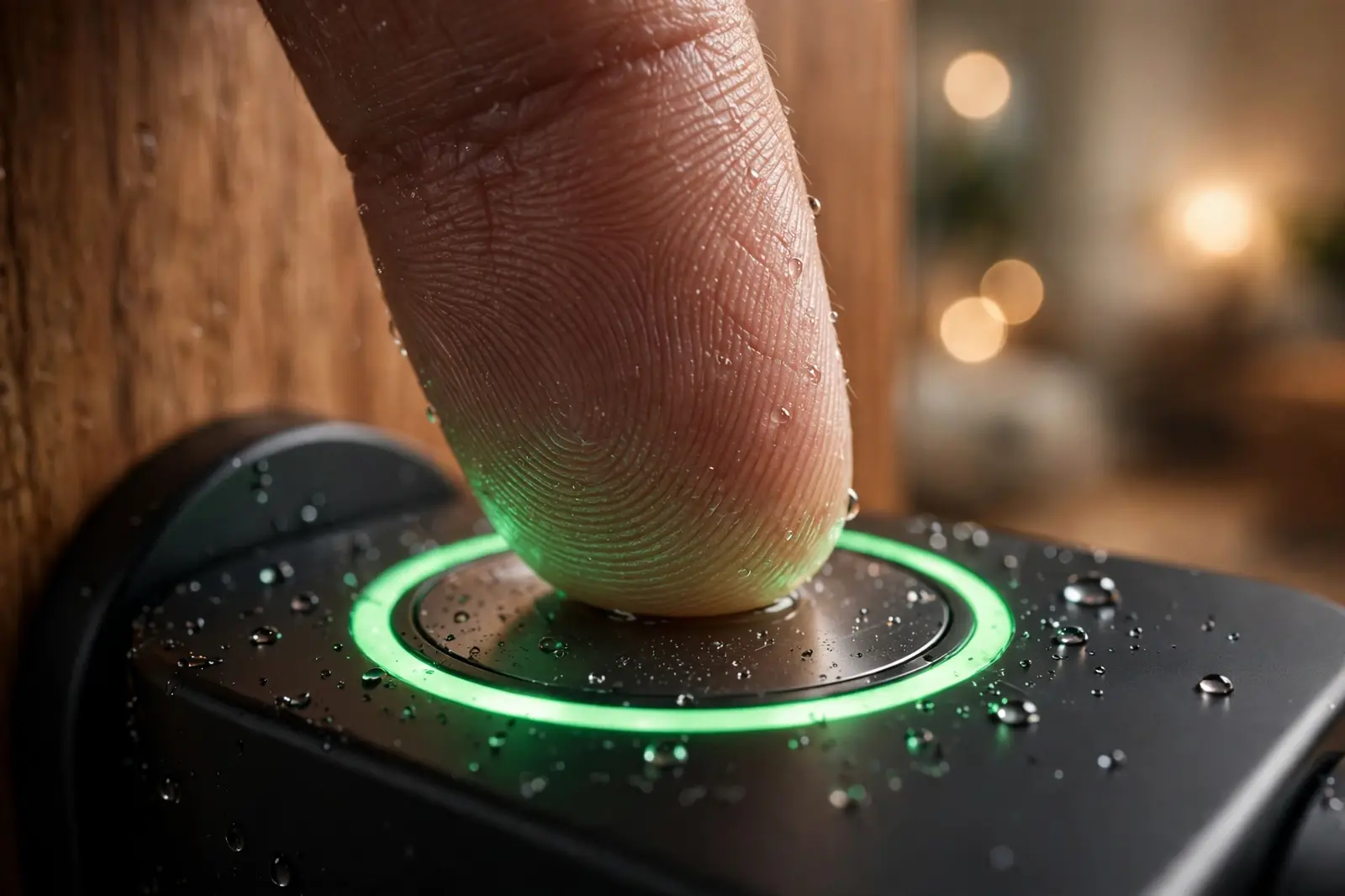
Fingerprint locks unlock with a quick scan of your finger. They are fast, often under a second, and you never have to remember a code. Many models, for example the eufy Smart Lock C33, combine a fingerprint sensor with a keypad and a regular key, so you have three ways in.
Table 2: Smart key lock types at a glance
| Type | Best for | Example |
|---|---|---|
| Full deadbolt replacement | Homeowners who want the full package | Schlage Encode Plus, Yale Assure Lock 2 |
| Retrofit | Renters and quick installs | August Wi-Fi Smart Lock |
| Keypad | Families sharing one door | Kwikset Halo Select |
| Fingerprint | Fast, key-free entry | eufy Smart Lock C33 |
What a Smart Key Lock Can Do for You
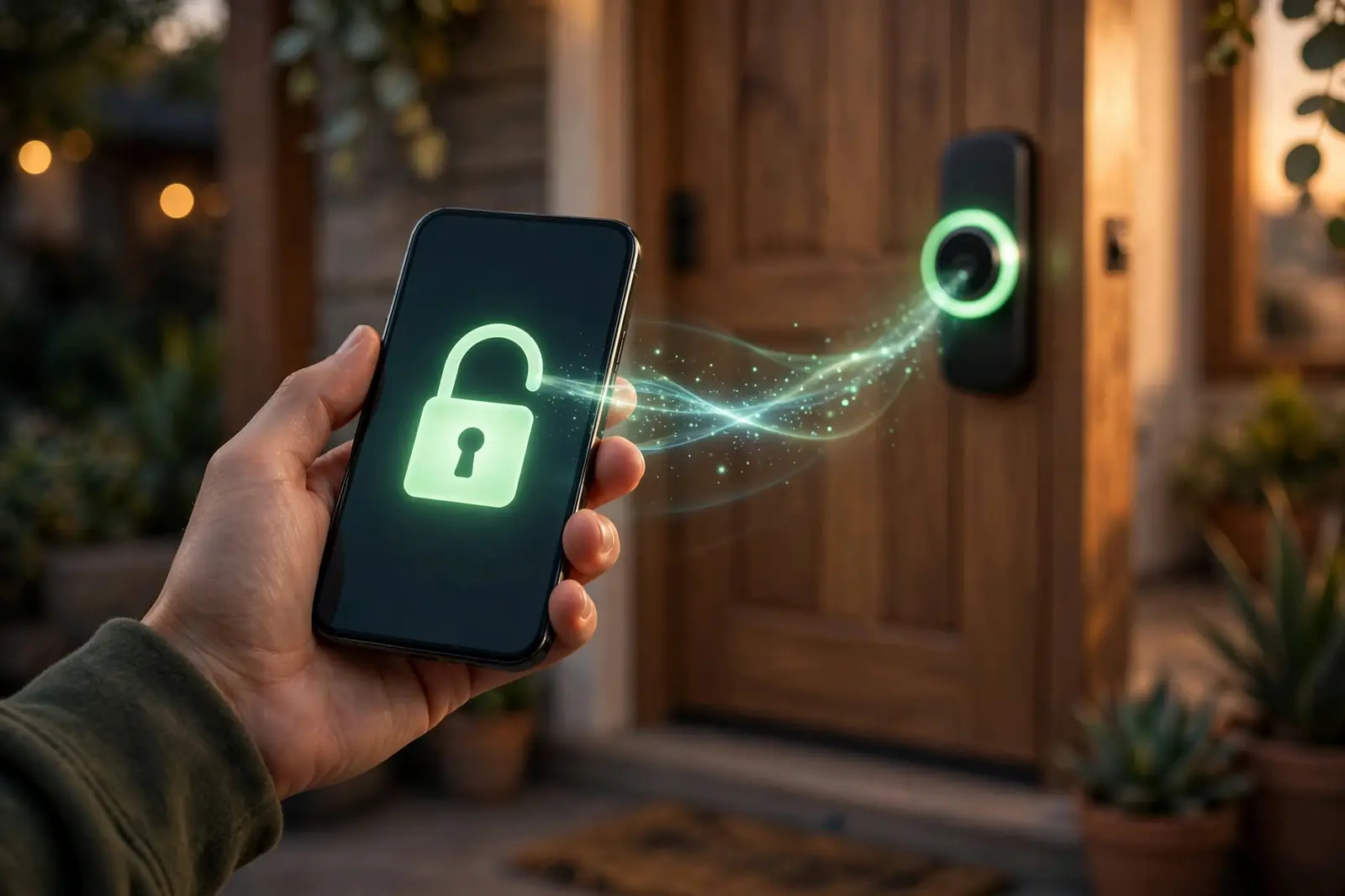
A smart key lock does more than replace your key. Here are the everyday features owners use most.
Lock and unlock from anywhere
With a Wi-Fi model, you can control the door from your phone wherever you are. Did you leave for work and forget to lock up? Open the app and lock it. Expecting a delivery? Unlock the door for the courier, then lock it again when they leave.
Auto-lock and auto-unlock
Auto-lock locks the door by itself after a set time, such as 30 seconds or five minutes. You never have to wonder if you locked up. Auto-unlock senses when your phone comes home and unlocks the door as you walk up with full hands. You can turn either feature off if you prefer manual control.
Guest codes for visitors
You can create temporary PIN codes for guests, cleaners, dog walkers, or Airbnb visitors. Set a code that works only on certain days or for a few hours, then delete it when the visit ends. No more hiding a spare key under the mat or making copies at the hardware store.
See who came and went
Most locks keep an activity log in the app. It shows which code unlocked the door and at what time. Parents use it to see when kids got home from school. If you rent out a room, you can check that the cleaner arrived on schedule.
That log lives in the lock’s app, and lock apps differ more than most people expect. Our explainer on how smart lock apps work shows what to look for before you choose a brand.
Voice control
Many locks work with Alexa, Google Assistant, and Apple Home. You can say, “Alexa, lock the front door,” without getting up. For safety, unlocking by voice usually needs an extra PIN, so a stranger cannot shout through the letterbox and open your door.
Are Smart Key Locks Safe?
This is the question every buyer asks, and it is a fair one. A lock guards your home, so it must earn your trust. Here is an honest look at the real risks and how the good locks handle them.
What if the battery dies?
You will get plenty of warning first. The lock flashes a light, beeps, and sends phone alerts weeks before the batteries run out. But if they do die while you are outside, you are not locked out. Most models keep a standard keyhole for your metal key. Others have two small terminals on the bottom where you can hold a 9V battery to give the lock just enough power for one unlock.
What if the Wi-Fi goes down?
The lock still works. PIN codes, fingerprints, and the physical key are all checked inside the lock, not on the internet. You only lose remote features, like locking from the office, until the Wi-Fi comes back. Bluetooth models keep working with your phone nearby no matter what.
Can someone hack it?
Any connected device can be attacked, but break-ins through lock hacking are extremely rare. Burglars still prefer a brick through a window. However, you should still buy from known brands, keep the lock’s firmware updated through the app, use a strong PIN, and turn on two-factor authentication for the lock’s app account. Avoid cheap no-name locks with no update history.
How Much Does a Smart Key Lock Cost?
Most good smart key locks cost between $130 and $330. Basic keypad models sit at the low end, while full deadbolts with Wi-Fi, fingerprint sensors, and Apple Home Key sit at the high end. Here are six well-known options with prices checked on 2026-10-06.
Table 3: Popular smart key locks and current prices
| Product | Key features | Price (checked on 2026-10-06) |
|---|---|---|
| August Wi-Fi Smart Lock (4th gen) | Retrofit, built-in Wi-Fi, auto-lock and auto-unlock, guest codes | $199.99 |
| Schlage Encode Plus Smart WiFi Deadbolt | Touchscreen keypad, Apple Home Key, up to 100 codes, built-in alarm | $329.00 (Home Depot listing; check the current price on the manufacturer’s page) |
| Yale Assure Lock 2 (Wi-Fi) | Keypad, built-in Wi-Fi, auto-unlock, scheduled guest codes | $279.99 |
| Kwikset Halo Select | Touchscreen, Wi-Fi and Matter, up to 250 codes | $279.99 (manufacturer-announced retail price) |
| Ultraloq Bolt Pro | Fingerprint, PIN, phone tap-to-unlock, Matter support | $269.99 (MSRP from launch announcements) |
| eufy Smart Lock C33 | Fingerprint, keypad, built-in Wi-Fi | $169.99 |
Prices change often, so it is worth confirming before you buy. You can check the latest price on August’s official product page and on Yale’s official store.
Short on time? Our best smart deadbolt picks narrow this price range down to the models that are worth paying for.
What makes one lock cost more than another?
- Built-in Wi-Fi costs more than Bluetooth-only, because you get remote control with no hub.
- Fingerprint sensors and cameras add to the price.
- Support for Apple Home Key or Matter usually sits in premium models.
- Strong security certifications, like ANSI/BHMA Grade 1, add cost but mean a tougher lock.
How to Choose the Right Smart Key Lock
Follow these five steps in order, and you will land on the right lock without overthinking it.
- Check your door first. Most smart locks fit a standard deadbolt hole. Measure the thickness of your door and the backset, which is the distance from the door’s edge to the center of the hole. If your door has no deadbolt, pick a full replacement kit that includes one.
- Pick how you want to unlock it. If your family keeps losing keys, a keypad or fingerprint model solves that. If you rent, a retrofit lock keeps your landlord happy. If you love gadgets, look for Apple Home Key or Matter support.
- Choose your connection. Want remote control? Get Wi-Fi built in. Already own a smart-home hub? A Z-Wave or Zigbee model may be cheaper and very reliable. Only need keyless entry at home? Bluetooth is enough.
- Check it works with your smart home. Open your Alexa, Google Home, or Apple Home app and confirm the lock is listed as compatible. During setup, some hubs ask you to open an address like
homeassistant.localin your browser. That is normal and safe. - Set your budget. Decide your maximum price before you shop. A $170 lock that covers your needs beats a $330 lock with features you will never use.
Once you know your type, connection, and budget, our roundup of the best door locks for home use makes a good final shortlist to pick from.
Installing a Smart Key Lock: What to Expect
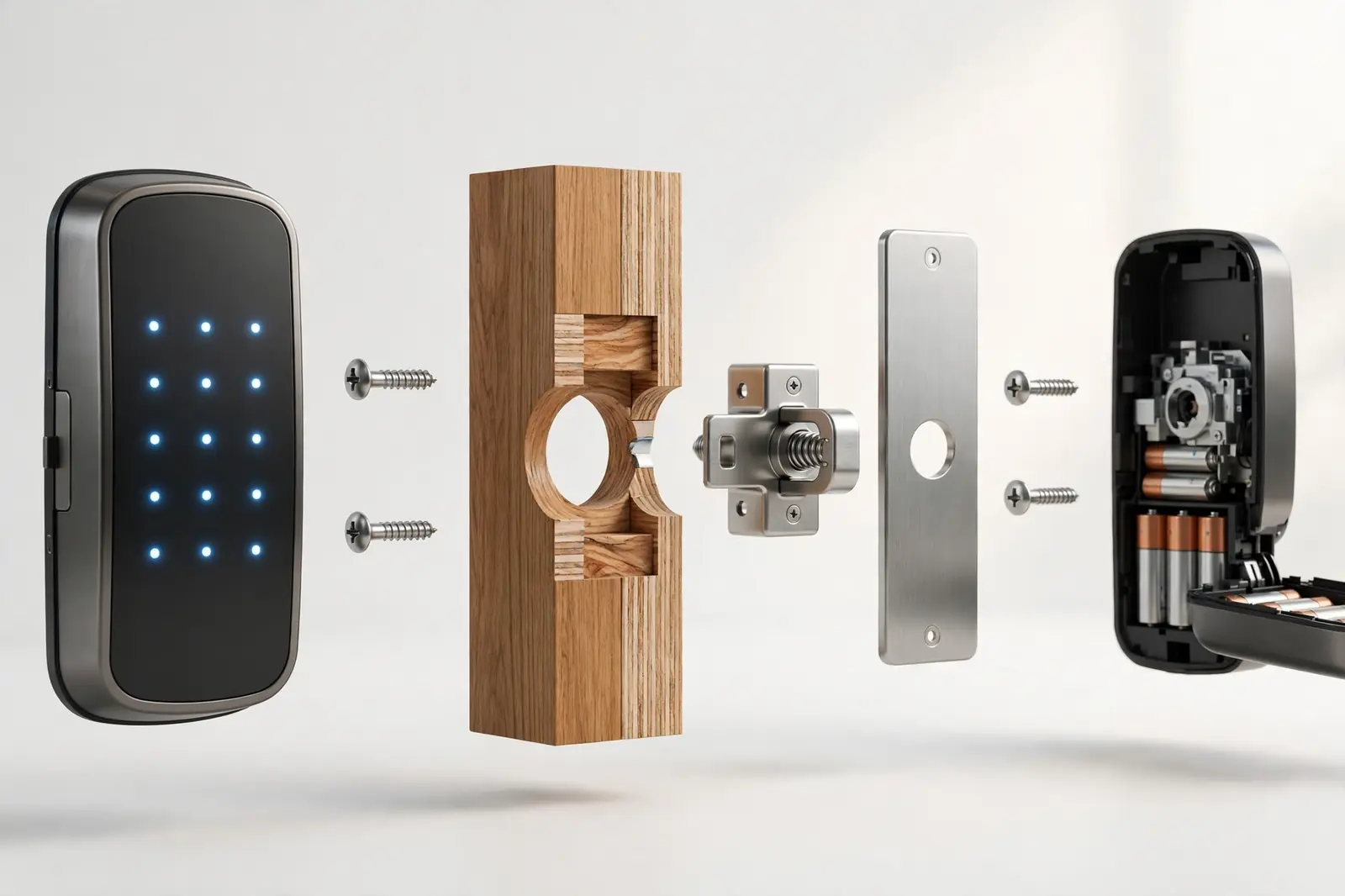
Most smart key locks are a DIY job. You need one screwdriver and about 15 to 30 minutes.
- Remove the interior side of the old deadbolt. The outside part stays or comes off depending on the type.
- Fit the new lock using the paper template in the box. Do not force anything. The parts should slide in easily.
- Insert the batteries and mount the interior unit with the included screws.
- Download the brand’s app, create an account, and follow the pairing steps.
- Test everything. Lock and unlock with each method, set your PIN, and try auto-lock.
If your door is misaligned and the bolt sticks, fix the strike plate first. A smart lock cannot fix a door that does not close properly.
Replacing the whole deadbolt instead of retrofitting over it? Follow our walkthrough on how to install a door lock, step by step.
The Pros and Cons
The pros
- No physical key to lose, copy, or hide under the mat.
- Temporary codes for guests and service workers, deleted in seconds.
- An activity log shows who entered and when.
- Remote locking gives peace of mind when you are away.
The cons
- Batteries need replacing every 6 to 12 months.
- Costs more than a regular deadbolt.
- Needs a smartphone and the brand’s app for full features.
- Like any connected device, it needs firmware updates to stay secure.
Smart Key Lock FAQs
Do smart key locks need Wi-Fi to work?
No. The lock checks PINs and fingerprints inside the unit, so it works without internet. Wi-Fi only adds remote features, like locking from your office or getting phone alerts. Bluetooth models work with your phone nearby, and the physical key always works. So a dead router never locks you out.
What happens if the battery dies while I am outside?
First, the lock warns you for weeks with beeps, flashing lights, and app alerts, so this is rare. If it still happens, use your metal key. Most models keep a standard keyhole. Some locks also have emergency terminals where you can hold a 9V battery to power one unlock.
Can a smart key lock be hacked?
In theory, yes, like any connected device. In practice, break-ins through lock hacking are extremely rare. Burglars still prefer windows and weak doors. Reduce the risk by buying known brands, installing firmware updates, using a strong PIN, and enabling two-factor authentication on the lock’s app.
Do smart key locks work with Alexa and Google Home?
Most do. Popular models work with Alexa, Google Assistant, and many with Apple Home too. You can lock the door by voice, and some support phone tap-to-unlock. Always check the exact model’s compatibility list before buying, because features vary. For example, voice unlocking often needs an extra PIN for safety.
Can I still use a regular key?
With most models, yes. Full deadbolt replacements usually include a standard keyhole as backup, and retrofit locks keep your existing lock and keys untouched. A few keyless-only designs skip the keyhole entirely. Check the product specs if a physical backup matters to you.
Are smart key locks good for renters?
Yes, if you pick a retrofit model like the August Wi-Fi Smart Lock. It installs over your existing deadbolt on the inside only, so the outside looks unchanged and your landlord’s keys still work. You can remove it in minutes when you move out. Always check your lease or ask your landlord first.

Conclusion
A smart key lock is one of the simplest smart-home upgrades you can make. It removes the daily hassle of keys, gives you control from anywhere, and keeps a clear record of who comes and goes. Start by measuring your door and picking how you want to unlock it: keypad, fingerprint, or phone. Then choose a well-known brand, check the price, and enjoy never hiding a spare key again.