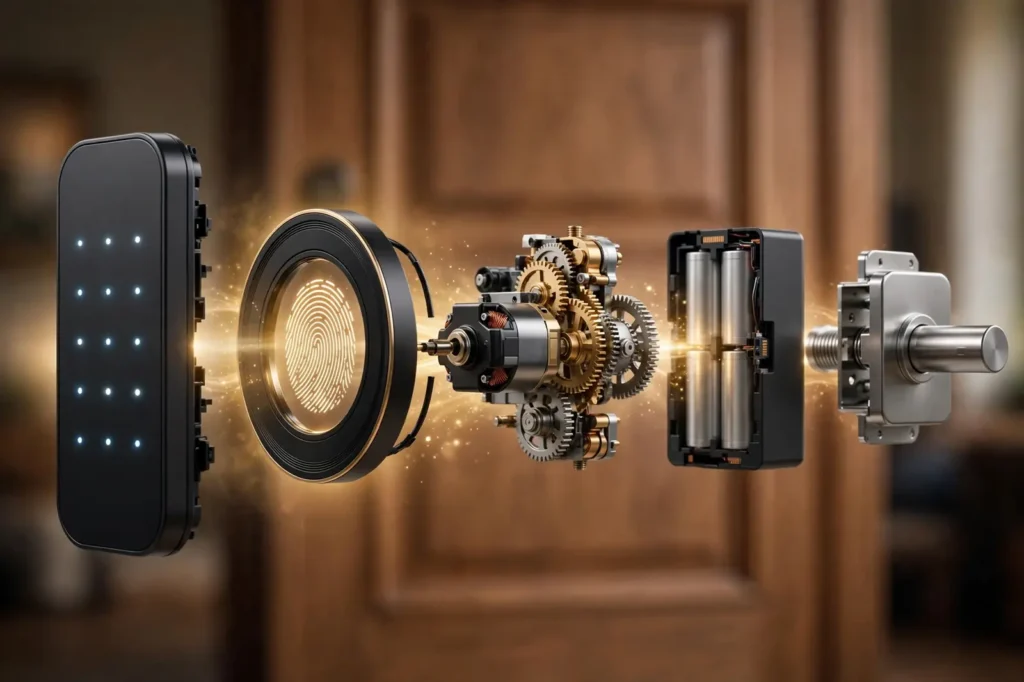
Yes, you can install a no neutral wire smart switch in an older home. You need a switch built for a two-wire box, such as the Lutron Caseta PD-6WCL dimmer, the Aqara Light Switch H2 US, or the Inovelli Blue Series 2-1 with a bypass at the light fixture. These switches power their radios by passing a tiny current through the bulb, or through the ground wire, instead of using a neutral wire.
Before you buy anything, check your switch box first. Many boxes that look empty at first glance hide a neutral wire, bundled and capped at the back. If that bundle is there, almost any smart switch will work, and you do not need a special no-neutral model at all.
This guide explains why most smart switches need a neutral wire, how to check your box safely, how no-neutral switches work, which models actually work, and when to call a licensed electrician instead of doing it yourself.
Why Most Smart Switches Need a Neutral Wire
A plain old light switch is simple. It breaks one wire, the hot wire, to turn the light off. It needs no power of its own, so it never needed a neutral wire.
A smart switch is different. It has a radio and a small processor, and that radio must stay awake all day and night, even when the light is off, so it can hear your phone, your voice assistant, or your hub. To stay awake, it needs a steady path for power.
In most smart switches, that path runs from the hot wire through the switch electronics and back along the neutral wire. The neutral wire is the return path that carries current back to your electrical panel. Without it, the switch cannot draw the small amount of power it needs to stay connected.
That is why older homes cause trouble. In a common old wiring setup, called a switch loop, power runs to the light fixture first. Only two wires drop down to the switch box: the hot wire coming in and the switched wire going back up to the light. The neutral wire stays up at the fixture, so the switch box never gets one.
The National Electrical Code began requiring a neutral wire at most new switch boxes with its 2011 edition, so homes built or rewired after that usually have one. Homes built before the 1980s often do not. The same idea shows up in smart thermostats, which need a steady power path from the C wire. Our guide to thermostat wire colors explains that wire and why color alone never proves what a wire does.
How to Check If You Have a Neutral Wire
Do not guess from the age of your home. The only way to know is to look inside the switch box. Read the caution below first, because this step means opening a box that holds live wires.
Caution first: turn off the breaker for the circuit before you open the switch box, and test the wires with a non-contact voltage tester to prove the power is off. Treat every wire as live until the tester says otherwise. If you feel unsure at any point, close the box and call a licensed electrician. A five-minute look is never worth a shock.
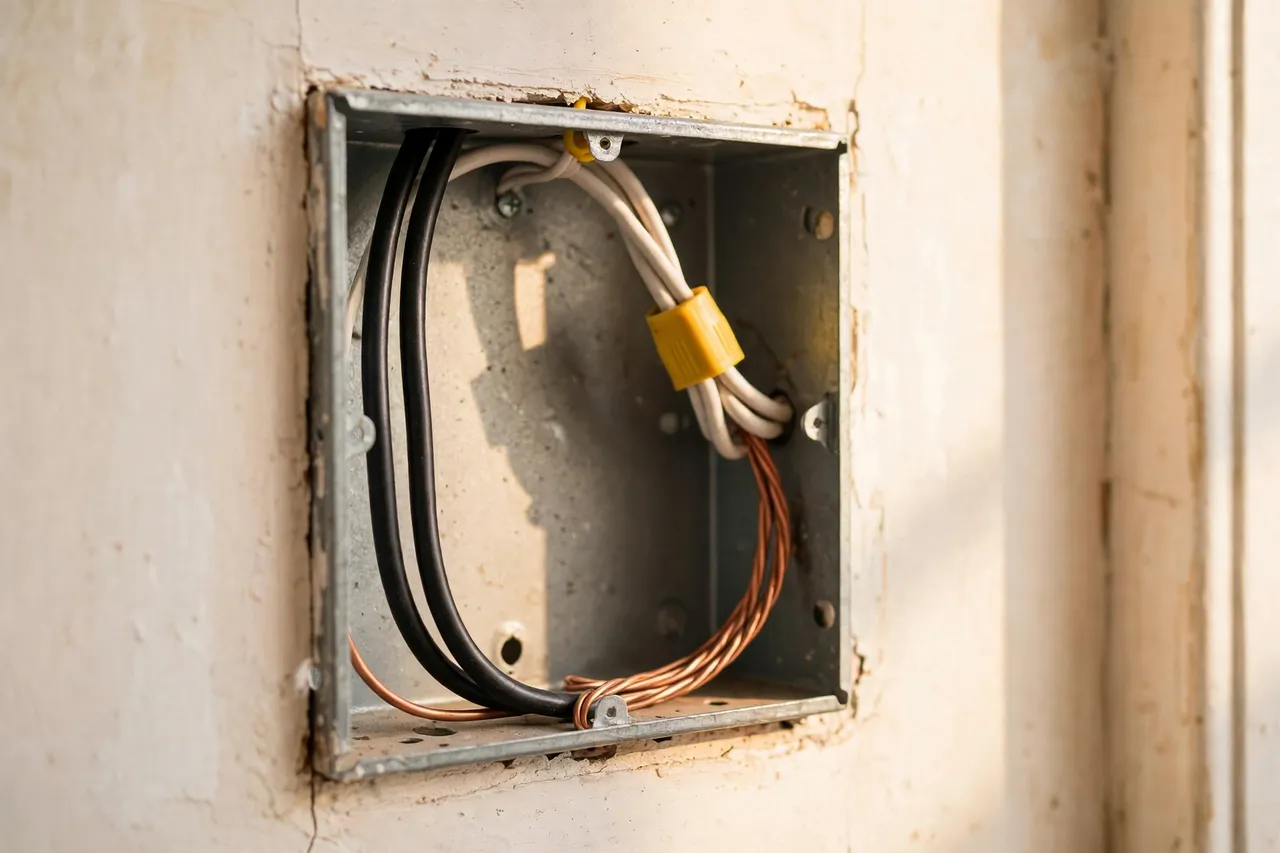
With the power off and proven off, remove the cover plate and pull the switch out gently so you can see the wires behind it. Look for a group of white wires joined together with a wire nut and tucked at the back of the box, not connected to the switch. That bundle is usually your neutral wire.
If you see only two wires on the switch, usually black and black or black and red, plus a bare copper or green ground wire, you likely have no neutral. If a white wire connects to the switch itself, be careful: in a switch loop, that white wire often carries hot power, not neutral, and installers sometimes mark it with black tape. Color alone cannot prove a wire is neutral.
SONOFF gives the same check in its own guide to smart switches and neutral wires: look for white or gray wires, but confirm with a voltage tester or an electrician, because older homes do not always follow the standard colors. Take a clear photo before you touch anything, so you can put the old switch back or show an electrician exactly what you found.
How a No Neutral Wire Smart Switch Works
A no neutral wire smart switch solves the missing-wire problem in one of two ways. Both ways give the switch a small path for standby power without a neutral at the box.
Most no-neutral switches use a trickle of current through the light bulb. When the light is off, the switch lets a tiny amount of current pass through the bulb, just enough to run its radio and processor, but not enough to light the bulb. SONOFF describes this in its guide: its no-neutral switches use advanced circuitry, including capacitors, to complete the circuit without a neutral wire.
The second way routes standby power through the ground wire. Lutron Caseta dimmers work this way, which is one reason they behave so well with low-wattage LED bulbs. The ground wire is a safety path, so only a switch designed and listed for this method may use it. Never connect a normal switch’s neutral terminal to the ground wire yourself. That shortcut, called a bootleg ground, breaks the electrical code and can energize metal parts of your home.
The trickle-through-the-bulb method has one weak spot: modern LED bulbs. An old incandescent bulb ignored the tiny current, but a low-wattage LED can react to it. The bulb may glow faintly when it should be off, flicker at low dim levels, or buzz. That glow even has a name among installers: ghosting.
The fix is a bypass, a small capacitor wired across the light fixture at the ceiling box. It gives the trickle current a path around the bulb, so the bulb stays dark while the switch stays powered. Some switches need one in every no-neutral install, while others need one only for small bulbs. Check the manual and buy the bypass with the switch. Also check the minimum load: a single small LED may fall below the watts the switch needs, while two or three bulbs on the same switch clear it easily.
The No-Neutral Options That Actually Work
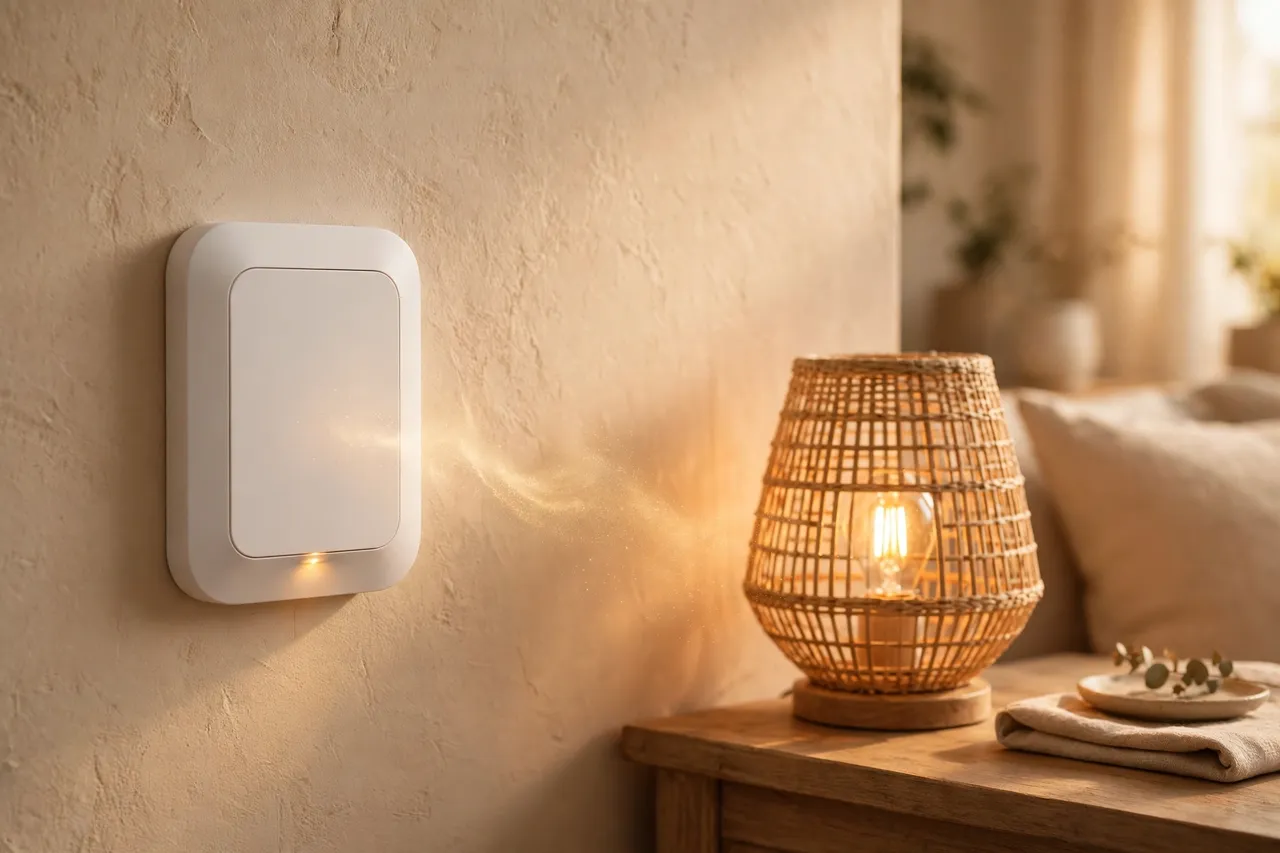
Only a short list of switches is truly built for a box with no neutral. Buy by model number, not by brand name, because most brands sell both neutral-required and no-neutral models side by side. A wrong model number means a return, not a working switch.
Lutron Caseta PD-6WCL Dimmer
The Lutron Caseta PD-6WCL is the safest pick for most older homes. Lutron’s own manual states plainly that this dimmer does not require a neutral wire for installation. It connects to line, load, and ground only, and it needs no bypass and no minimum load.
It dims up to 150 watts of dimmable LED or CFL bulbs, or 600 watts of incandescent and halogen bulbs. It runs on Lutron’s own Clear Connect radio, not Wi-Fi, so you need a Lutron Smart Hub for app control, voice control, and schedules. A Pico remote adds a second control point without new wiring.
Watch the model number. The Caseta on/off switch PD-6ANS looks similar but does require a neutral wire. The dimmer PD-6WCL is the no-neutral one. Mixing them up is the most common buying mistake in this whole category.
Aqara Light Switch H2 US
The Aqara Light Switch H2 US works with or without a neutral wire, and it speaks Thread and Zigbee, so it fits Matter smart homes. Its manual lists a 5-watt minimum load when wired without a neutral, and no minimum load when wired with one. It is rated for 120 volts AC at up to 10 amps.
You need a Matter border router, such as a compatible smart speaker or hub, to run it in a Matter setup. Without a neutral wire, it also loses energy monitoring. It comes in one, two, and three-channel versions, so one switch can control more than one light.
Inovelli Blue Series 2-1 Dimmer
The Inovelli Blue Series 2-1 is the pick for Home Assistant, Hubitat, and SmartThings users who want deep control. Inovelli states on its product page that the switch works without a neutral wire, but a bypass is required at the light fixture in a non-neutral setup, and energy monitoring is not available without a neutral.
It is a Zigbee dimmer with multi-tap scenes, an LED notification bar, and a smart bulb mode that keeps power to smart bulbs while the switch sends commands. You need a Zigbee hub, and for 3-way setups without a neutral, you need an Inovelli Aux switch rather than a plain 3-way switch.
Leviton Decora Smart DN6HD Dimmer
The Leviton Decora Smart DN6HD is a no-neutral dimmer with a classic Decora look, so it blends in with the other switches in your home. Leviton’s own support page states that its no-neutral products need only line, load, and earth ground. You do need the MLWSB Decora Smart Wi-Fi Bridge, sold separately or in a kit with the dimmer, to unlock app control, voice control, and schedules.
One bridge handles up to 25 no-neutral devices within about 50 feet. Leviton’s newer Matter dimmers, by contrast, do need a neutral wire, so do not assume a newer model is a better no-neutral pick.
SONOFF ZBMINIL2 Relay Module
The SONOFF ZBMINIL2 takes a different route. It is a small Zigbee relay that hides behind your existing wall switch instead of replacing it. SONOFF’s own guide names it as a no-neutral option: it works without a neutral wire and pairs with Alexa and Home Assistant through a Zigbee hub.
Because it keeps your old switch in place, it suits renters and anyone who likes the look of their current switches. You still need a Zigbee hub, and the module lives in the wall box, so check that the box has room for it first.
Shelly 1L Relay With Shelly Bypass
The Shelly 1L is another in-wall relay for no-neutral boxes, and it runs on Wi-Fi, so it needs no hub. The original Shelly 1L needs the connected light to draw at least 20 watts without a neutral, or it needs a Shelly Bypass wired in parallel with the light. Shelly’s own knowledge base states that the Bypass is required for Shelly devices without a neutral when the load is under 20 watts at 240 volts AC.
Newer generations make this easier: the Shelly 1L Gen3 and Gen4 include the Bypass in the pack. The relay hides behind the switch or at the fixture, so your wall looks unchanged while the light turns smart.
Comparison of no-neutral switches at a glance
| Switch | Needs a hub or bridge? | Bypass needed? | Best for |
|---|---|---|---|
| Lutron Caseta PD-6WCL | Yes, Lutron Smart Hub | No | Most older homes, any bulb |
| Aqara Light Switch H2 US | Yes, Matter border router or Zigbee hub | No, 5 W minimum load | Matter and Thread homes |
| Inovelli Blue Series 2-1 | Yes, Zigbee hub | Yes, always without a neutral | Home Assistant and Hubitat users |
| Leviton DN6HD | Yes, MLWSB Wi-Fi Bridge | No | Classic Decora look, HomeKit |
| SONOFF ZBMINIL2 | Yes, Zigbee hub | No | Keeping your old wall switch |
| Shelly 1L with Bypass | No, Wi-Fi | Yes, for small loads | Hidden relay, no hub |
Other Ways Around a Missing Neutral
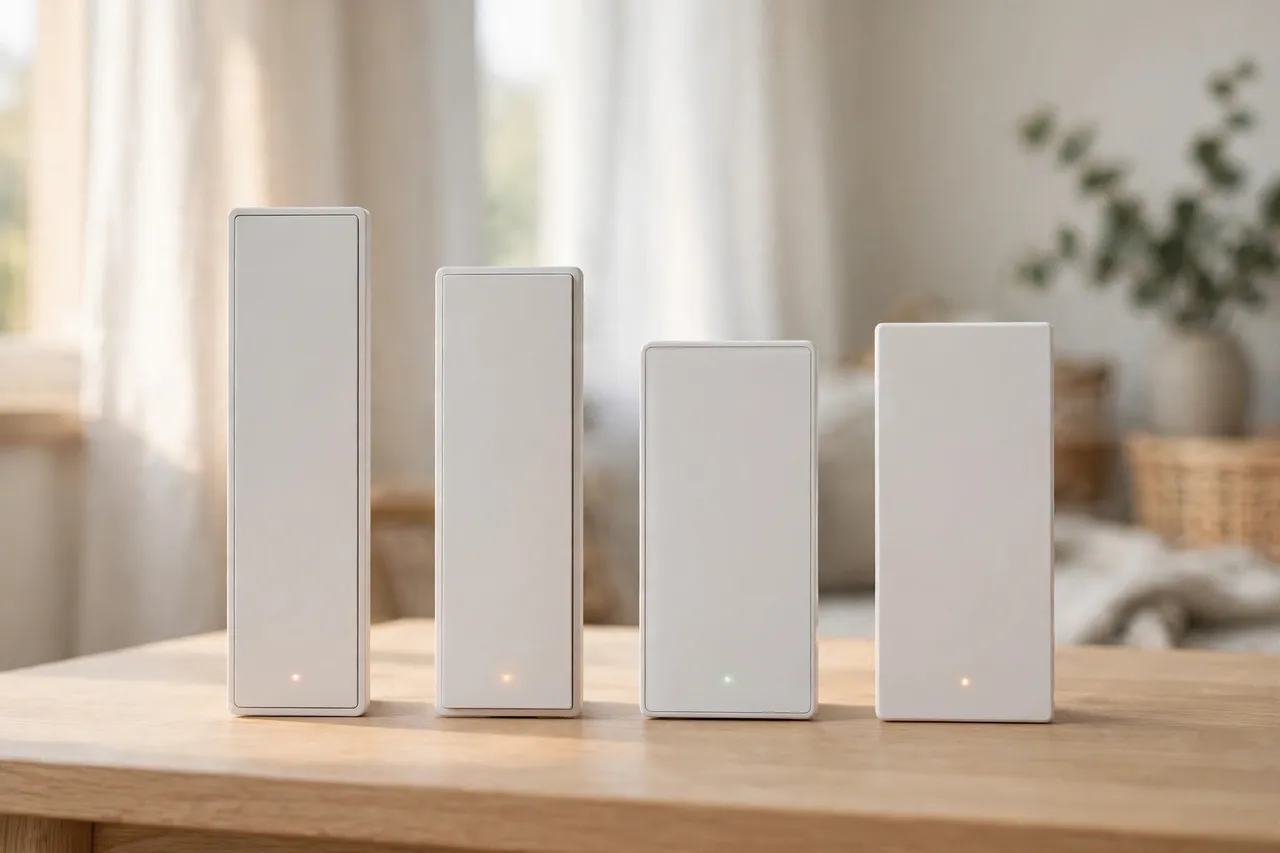
A no-neutral switch is not your only option. Three other routes solve the same problem, and one of them may fit your home better.
Smart bulbs are the easiest route of all. You screw them in like normal bulbs, with no wiring changes and no neutral wire. SONOFF lists them as a plug-and-play option for renters. The catch is that the wall switch must stay on for the bulbs to have power, so tape it on or add a wireless remote beside it.
A fixture-side relay is the second route. You install a small relay module at the ceiling box behind the light, where a neutral wire almost always lives. The wall switch stays dumb and acts as a trigger, while the module does the smart work. This route needs ceiling work, so it suits a confident DIYer or a short electrician visit.
Pulling a new neutral wire is the permanent fix. An electrician runs a new cable from the fixture or a nearby junction down to the switch box, and after that, any smart switch will work. It costs more than a switch and may need small drywall patches, but it ends the problem for good. If you plan to add smart switches all over the house, price this route first.
How to Install a No Neutral Wire Smart Switch
Read your switch manual end to end before you start. Every model wires a little differently, and the manual wins over any general guide, including this one.
Caution first: this job means working with 120-volt household wiring, and a mistake can shock you or start a fire. Turn off the breaker for the circuit, test every wire with a non-contact voltage tester, and prove the power is off before you touch a wire. Never work on a live circuit. If the box has aluminum wiring, cloth-covered wires, melted insulation, or anything that looks burnt or crumbling, stop and call a licensed electrician. Do not push on.
- Turn off the breaker for the switch circuit. Flip the old switch on and off to confirm the light stays dead.
- Test the wires with a non-contact voltage tester. If it beeps or lights up on any wire, you turned off the wrong breaker. Find the right one and test again.
- Remove the cover plate and unscrew the old switch. Pull it out gently and take a photo of the wires and their terminals.
- Label the wires with masking tape. Mark the line wire, the wire that brings power in, and the load wire, the wire that runs up to the light. If you mix them up, the switch will not work.
- Connect the new switch exactly as its manual shows. For a Lutron Caseta dimmer, that means two black wires to line and load, and green to ground. For other models, follow the diagram for your exact model, not a diagram you found for a different brand.
- If your model needs a bypass, install it now at the light fixture, wired in parallel with the bulb, exactly as the manual shows. This step means opening the ceiling box, so if ceiling work worries you, have an electrician do this part.
- Tuck the wires back into the box with care. Do not force the switch in, and do not pinch a wire under a screw. Mount the switch level and fit the cover plate.
- Turn the breaker back on. Test the switch by hand first, then pair it with its hub or app and test it from your phone.
- Watch the light for a few days. Test it at full brightness and at the lowest dim level. If it flickers, glows when off, or buzzes, turn the power off and recheck the bypass and the bulb load before you use it again.
If you only need schedules and not full smart control, a timer switch may do the job for less money. Our guide to the automatic light switch timer covers the types and setup. Note that most digital timers need a neutral wire too, so check the manual the same way you checked it for a smart switch.
Troubleshooting: Flicker, Glow, and Dropouts
Most no-neutral problems show up in the first week, and most have a simple cause. Work through this list from the easiest fix to the hardest.
If the bulb glows faintly when the switch is off, the trickle current is leaking through the bulb. Add the bypass your manual calls for, or swap in a bulb the manual lists as compatible. A single small LED is the usual victim, so adding a second bulb on the same switch can also lift the load above the minimum.
If the light flickers at low dim levels, the dimmer and the bulb disagree. Check the bulb against the switch maker’s compatibility list, and try a different brand of dimmable LED. Some LEDs dim smoothly at low levels, while others stutter on the same dimmer.
If the switch works by hand but drops off the app, the radio is losing power or signal. Check that the hub sits within range and that the load meets the minimum watts. If the breaker trips the moment you restore power, turn it off again and do not reset it a second time. A trip means a short circuit or a wrong wire. Recheck every connection against your photo and the manual, and call an electrician if the cause is not clear.
If the switch hums or buzzes, or the wall plate feels warm, turn the power off and stop using it. A warm switch or a loud buzz points to an overloaded dimmer or a loose connection, and both need a pro to look at them.
When to Call a Licensed Electrician
Some jobs belong to a pro, and knowing the line keeps you safe. Call a licensed electrician if any of these apply to your home.
- You have aluminum wiring, knob-and-tube wiring, or cloth-covered wires in the box.
- The wires are brittle, melted, or scorched, or the box smells burnt.
- There is no ground wire in the box at all, only two wires and no bare copper or green wire.
- You need a new neutral wire pulled through finished walls.
- The circuit serves a ceiling fan, a motor, or a low-voltage lighting transformer, not a plain light.
- The breaker trips, the switch feels warm, or anything sparks when you restore power.
- You rent your home and your lease or local rules bar electrical work by tenants.
- You feel unsure at any step. Unsure is a complete reason on its own.
An electrician can also settle the question in minutes when the wiring is unclear. A short visit costs far less than a wiring mistake.
The same check-first habit pays off at the front door too. Before you buy a hardwired video doorbell, you check the transformer and the wiring first, because the numbers on the label decide whether the device can work. Our guide to doorbell voltage walks through that check.
Mistakes to Avoid With a No Neutral Wire Smart Switch
Four mistakes cause most no-neutral failures. Skip them and the job gets much easier.
First, never use the ground wire as a neutral. The ground wire is a safety path that should carry current only during a fault. Using it as a return path for normal current breaks the electrical code and can energize metal boxes, fixtures, and appliance cases.
Second, never buy by brand name alone. Lutron, Leviton, and TP-Link each sell models that need a neutral right beside models that do not. The model number decides, so check it before you pay.
Third, never skip the minimum load. A switch that needs a higher load will misbehave on a single small LED bulb, even if the wiring is perfect. Add up the watts on the circuit first, then buy.
Fourth, never assume a white wire is a neutral. In a switch loop, the white wire often carries hot power back to the fixture. Test and confirm before you connect anything.
Disclaimer: This guide gives general information about home wiring. Electrical work carries a risk of shock and fire, and homes and local codes differ. If you are unsure about any step, or your wiring does not match the instructions for your switch, stop and consult a licensed electrician.
Related Guides
If this job opened up more questions about your home’s wiring, these guides pick up where this one leaves off. Learn how the C wire powers a smart thermostat in our thermostat wire colors guide, compare timer options in our automatic light switch timer guide, check the numbers that power a wired doorbell in our doorbell voltage guide, and plan a full front-door upgrade with our hardwired video doorbell guide.
Frequently Asked Questions
How can I check if my wall switch has a neutral wire?
Turn off the breaker and test with a voltage tester to prove the power is off. Then remove the cover and look for white or gray wires bundled together with a wire nut at the back of the box, not connected to the switch. That bundle is usually the neutral. When in doubt, ask an electrician to confirm.
Can I install a smart switch without a neutral wire?
Yes, if you choose a model built for a two-wire box, such as the Lutron Caseta PD-6WCL dimmer, the Aqara Light Switch H2 US, or the Inovelli Blue Series 2-1 with a bypass. These switches power themselves through the bulb or the ground wire. A standard smart switch that needs a neutral will not work in that box.
What are the alternatives if I don’t have a neutral wire?
You have three good alternatives. Use a no-neutral smart switch such as the SONOFF ZBMINIL2, which needs a Zigbee hub. Use smart bulbs, which need no wiring changes at all. Or hire an electrician to pull a new neutral wire to the switch box, which is the permanent fix.
Does every home need a neutral wire for smart switches?
No. Not every home needs a neutral wire for smart switches. Many newer smart switches work without one, which makes them a good fit for older homes. Always check your wiring before you buy, so you pick a model that matches the wires you actually have.
How do I know if my switch box has a neutral wire?
Have a licensed electrician isolate the circuit, then look for white wires bundled together with a wire nut. If that bundle is present, you have a neutral. If the only wires are two black wires and a bare ground, you do not. Do not pull the switch out of the box unless you are qualified.
Start with the box, not the store. Check for a neutral wire, match the switch to the wires you actually have, and buy the bypass with the switch when the manual calls for one. If anything in the box looks old, damaged, or unclear, a short visit from a licensed electrician settles it fast and keeps the job safe.