To use a timer plug, plug the timer into a wall outlet, plug your lamp or light into the timer, set the current time on the timer, set the times you want the light to turn on and off, and slide the switch to Timer or Auto. Leave the lamp’s own switch turned on, because the timer can only control power to the outlet, not the lamp’s own switch. Before you plug anything in, check the wattage rating printed on the timer and make sure your light draws less than that rating.
You may also see this device called a timer power plug or a plug-in timer. They are all the same idea: a small box that sits between your wall outlet and your lamp, and turns the power on and off on a schedule you set. Whether you searched for how to use a timer plug, how to use a timer power plug, or how to use a plug in timer, the steps in this guide are the same. This guide covers both kinds you will find in stores: the mechanical dial timer with little push pins, and the digital timer with buttons and a small screen. The steps are different for each kind, so find your kind below and follow only that section.
What a Timer Plug Actually Does
A timer plug does one simple job. It cuts power to whatever is plugged into it, and restores power again, at the times you choose. That is all. It does not dim a light, change its color, or control it from your phone. If you want phone control, that is a smart plug, which is a different device.
Most people use a timer plug for lamps and holiday lights. A lamp on a timer can make a home look lived in while you are away, and it can switch porch or holiday lights off in the middle of the night so you do not have to remember. Timers also work well for fans, aquariums, and other simple devices that run on a plain on/off switch.
There is one limit you should know before you start. A timer plug only controls the power going to the outlet. It cannot press a button for you. Some devices, such as certain air conditioners and smart gadgets, stay off after a power cut until someone presses their power button. Those devices will not work well on a timer plug, because when the timer turns the power back on, the device just sits there waiting for a button press. The manual for one common mechanical timer states this plainly: it cannot turn on devices with electronic switches that need a button press to start.
Before You Plug Anything In: Check the Wattage Limit
Every timer plug has a maximum wattage rating, and this is the safety step you must not skip. The rating is printed on the back or side of the timer, or in its manual. Find it before you connect anything. If your lamp or light draws more watts than the timer is rated for, the timer can overheat, and that is a real fire risk.
For example, one popular outdoor digital timer, the Woods 50016, states in its manual that the total wattage of everything plugged into it must not exceed 1200 watts. Other timers are rated higher, and some lamp-only timers are rated lower. There is no single number for all timers, which is why you must read your own timer’s label.
As a practical rule of thumb, many electrical guides advise staying below 80 percent of a device’s maximum rating for anything that runs for hours at a time. On a standard 15-amp household circuit, the absolute maximum is 1800 watts, so 80 percent of that is 1440 watts. That 80 percent rule is a safety margin, not a law, but it is a sensible habit: a timer running near its limit for hours gets hot, and heat is what damages plastic housings and wiring.
To check your load, add up the watts of everything plugged into the timer. A single LED table lamp might draw 10 watts. A string of holiday lights might draw 40 watts. Both are easy loads for almost any timer. A space heater, on the other hand, can draw 1500 watts all by itself, which is more than many timers allow. The manual for the GE plug-in digital timer warns directly against using a timer with devices where wrong timing could be dangerous, and it names heaters as an example. If you are unsure whether your device is safe on a timer, check the timer’s manual first, and do not guess.
Setting Up a Mechanical Dial Timer
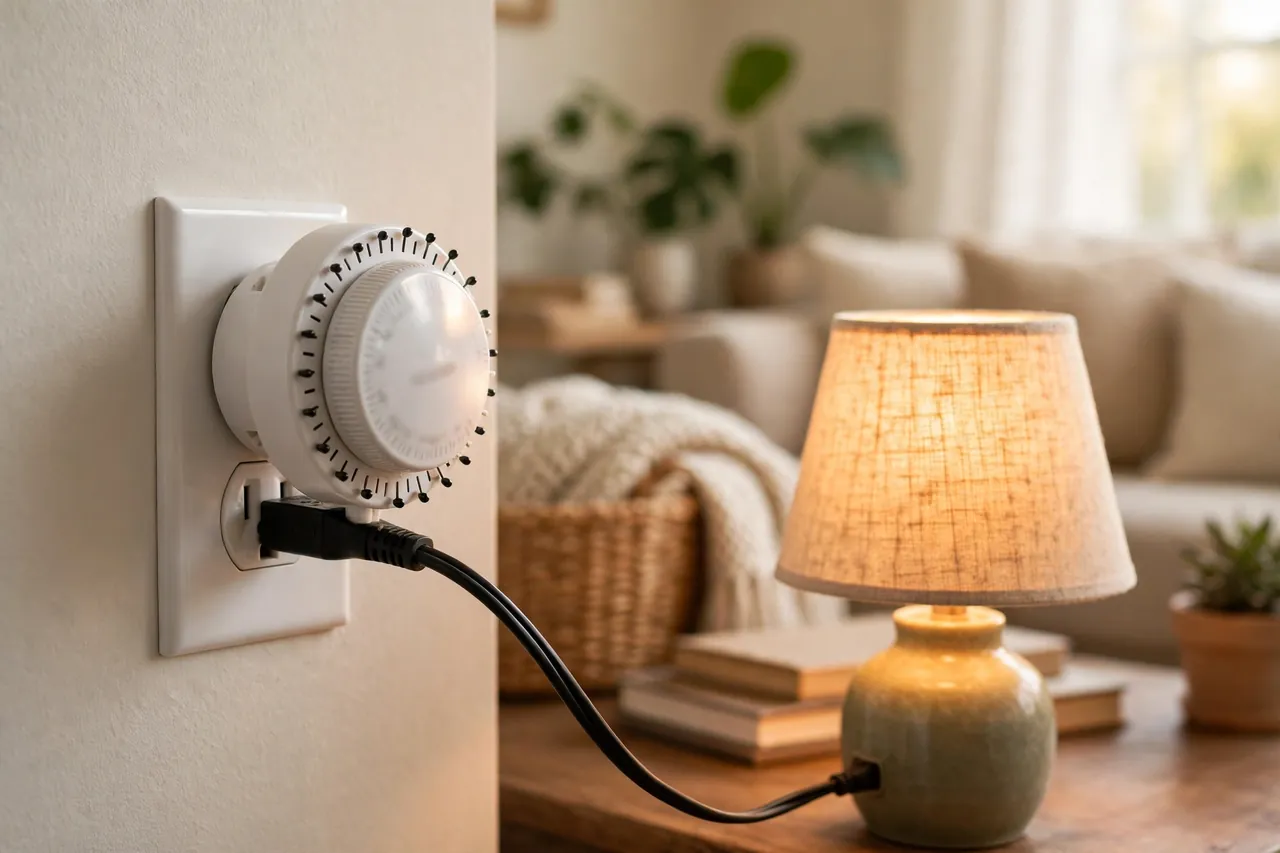
A mechanical timer plug has a round dial marked with the hours of the day, small pins around the edge, and a slide switch on the side. It needs no batteries and no screen. The dial turns slowly all day, like a clock, and the pins tell it when to switch on and off.
Follow these steps in order:
- Start with all pins in the off position. On most models, pushing a pin down means ON and leaving it up means OFF. Some models are the other way around, and one common model even ships with all pins pressed down, so you must pull them all up first. Check the small diagram in your manual before you trust the pins.
- Set the current time. Turn the dial clockwise until the arrow or marker on the timer points at the current time. The dial uses 24-hour markings, so 1 in the afternoon is 13, and 6 in the evening is 18. This step matters more than any other: if the current time is wrong, every on and off time will be wrong by the same amount.
- Push down the pins for your ON times. Each pin stands for a short slice of the day. On many models each pin is 30 minutes, and on models with 96 pins each pin is 15 minutes. To turn a lamp on from 6:00 p.m. to 10:00 p.m., push down every pin between 6 and 10 on the dial, and leave the rest up.
- Set the slide switch to Timer. This switch is usually on the side. It has positions like Timer and Always On, and sometimes Off as well. If it stays on Always On, your schedule is ignored and the lamp stays on all the time. This is the single most common reason people think their timer is broken.
- Plug the timer into the wall outlet, then plug your lamp into the timer. Finally, make sure the lamp’s own switch is turned on. If the lamp’s switch is off, the timer can send power all day and the lamp will still stay dark.
Once it is set, the dial keeps turning and repeats the same schedule every day. You do not need to reset it each morning. One weakness to know: a mechanical timer has no battery backup in most models. If the power goes out, the dial stops, and when power returns the timer will be behind by however long the outage lasted. After any outage, turn the dial clockwise to the correct current time again.
Setting Up a Digital Timer Plug
A digital timer plug has a small screen and buttons, usually labeled Clock, Hour, Minute, Day, and Program. It lets you set exact on and off times, often down to the minute, and many models let you set different schedules for different days of the week. The trade-off is that the buttons take a little more patience than a dial.
Follow these steps in order:
- Charge the timer first if the screen is blank. Digital timers have a small built-in battery. If the screen shows nothing, plug the timer into an outlet for a couple of hours to charge before you program it. The manuals for common GE digital timers give this exact advice.
- Press Reset. Use a toothpick or a paper clip to press the small Reset button. This clears any old program and usually sets the screen to 12:00 a.m. Starting fresh avoids a leftover program turning your lamp on at a strange hour.
- Set the current time and day. Hold down the Clock button, and while holding it, press Hour until the correct hour shows, watching the AM/PM indicator closely. Then press Minute until the minutes are right, and press Day until the correct day shows. Release the Clock button. Getting AM and PM right here is critical: a lamp programmed for 7 p.m. will not turn on at 7 a.m.
- Set your first ON time. Press the Program button once. The screen will show the first program’s ON setting. Press Hour and Minute to set the time you want the lamp to turn on, and press Day to choose which days this program runs on, if your model offers day choices.
- Set the matching OFF time. Press Program again to move to the first program’s OFF setting, and set the time you want the lamp to turn off. Repeat the Program steps if you want a second on/off pair, for example one in the morning and one in the evening.
- Press Clock to finish. This takes the timer out of programming mode and back to the normal clock display. If you walk away without pressing Clock, many models drop out of programming on their own after about 10 seconds with no button pressed, but do not rely on that. Pressing Clock yourself confirms the program is saved.
- Plug in your lamp and check its switch. Plug the timer into the wall outlet, plug the lamp into the timer, and make sure the lamp’s own switch is on. Then check that the timer is in Auto mode, not manual On or Off, so your program actually runs.
Digital timers have one clear advantage after a power cut: the built-in battery usually keeps the clock and the program alive while the power is out, so you do not need to reprogram everything. If the screen goes blank after a long outage, charge it again and check that the time and program are still correct before trusting it.
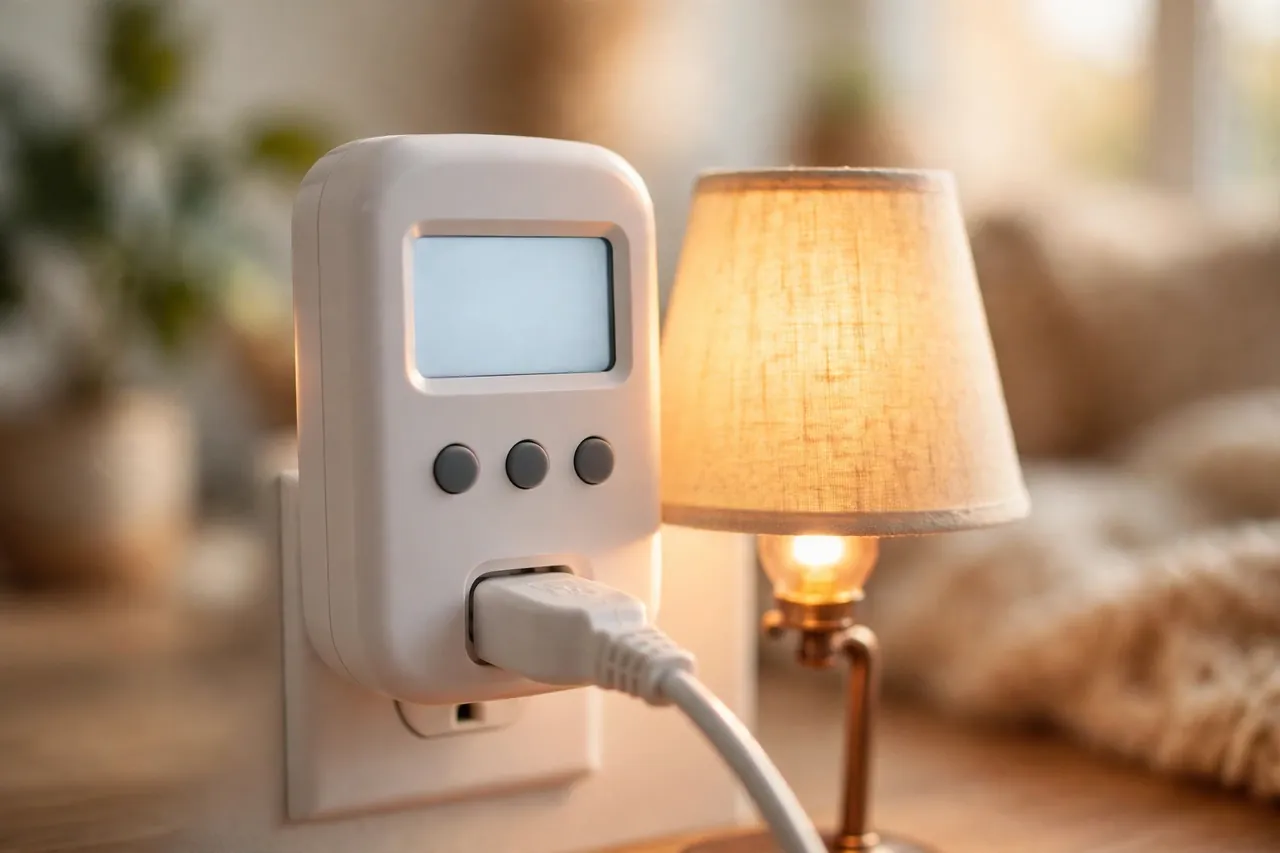
Mechanical vs Digital: Which One Fits Your Job
Neither kind is better for everyone. The right choice depends on what you want to schedule and how much precision you need. Use this table to decide before you buy or set up.
Table: Timer plug quick reference — mechanical dial vs digital timer
| Feature | Mechanical dial timer | Digital timer plug |
|---|---|---|
| How you set it | Push pins down around a 24-hour dial | Buttons and a screen: Clock, Hour, Minute, Program |
| Smallest time step | 15 or 30 minutes, depending on the model | Usually 1 minute |
| Different days of the week | No: the same schedule repeats every day | Yes, on most models: weekdays, weekends, or single days |
| After a power outage | Dial stops; you must reset the current time by hand | Built-in battery usually keeps the clock and program |
| Best for | A lamp or holiday lights on the same daily schedule | Two daily schedules, or different weekend times |
| Watch out for | Pin direction varies by model; check your manual | AM/PM mistakes; forgetting to press Clock to finish |
If you only want a porch lamp on from dusk to bedtime every day, a mechanical dial timer is simpler and cheaper, and there is nothing to program. If you want lights on in the morning and again in the evening, or a different schedule on weekends, a digital timer is worth the extra button pressing.
Testing Your Timer Before You Trust It
Never set a timer and walk away for a week without testing it first. A five-minute test catches almost every setup mistake while you are still standing there to fix it.
- Set a test program one minute in the future. On a mechanical timer, push down one pin for the next 15 or 30 minutes. On a digital timer, set a program to turn on one minute from now and off a few minutes later.
- Watch for the click and the light. When the test time arrives, you should hear a faint click and see the lamp come on. If nothing happens, work through the troubleshooting section below before you set your real schedule.
- Check that it turns off too. Wait for the off time and confirm the lamp goes dark. A timer that turns on but never turns off usually has its override switch in the wrong position, or an OFF time that was never set.
- Reset your real schedule. Clear the test program and set your real on and off times. Then check the current time on the timer one last time, because a wrong clock is the most common cause of lights coming on at the wrong hour.
What a Timer Plug Should and Should Not Power
A timer plug is a good fit for simple devices with a plain on/off switch. Table lamps, floor lamps, holiday lights, and decorative lighting are the classic uses. A fan with a mechanical switch works well too. Aquarium lights and small pumps are common uses, because their schedules are regular and their power draw is low.
Outdoor use needs an outdoor-rated timer. The manual for the GE plug-in digital timer warns that it is for indoor use only in dry locations. An indoor timer used outside, even under a porch roof, can get damp, and damp electrical parts are a safety problem. If your lights are outside, buy a timer that is rated for outdoor use, and plug it into a GFCI-protected outlet, which is the outlet with the small Test and Reset buttons.
Be careful with anything that makes heat or has a motor with a big startup draw. Space heaters are the clearest example: a typical heater draws around 1500 watts, which is more than many lamp timers allow, and heater guides warn that an undersized timer can overheat. Air conditioners and some power tools are also poor fits, because they may need a button press after power returns, or they may draw more current at startup than the timer is built for. Medical devices, security equipment, and anything where a missed on or off time could cause harm should never run on a plug-in timer. A timer is a convenience device, not a safety device.
One more combination to avoid: do not plug a power strip into a timer and then load the strip with several devices. The watts add up across everything on the strip, and it is easy to pass the timer’s rating without noticing. Plug one device, or one light string, directly into the timer, and add up the watts if you connect more than one thing.
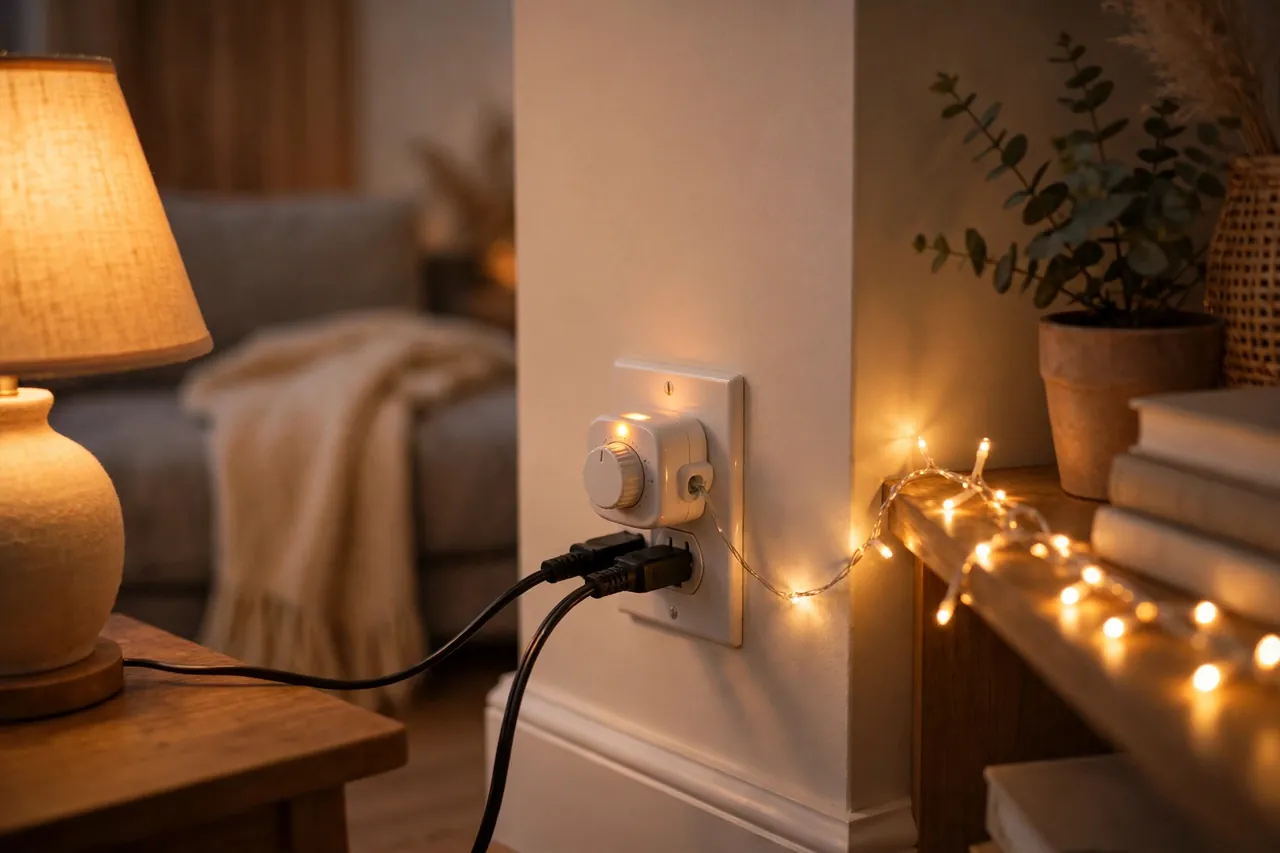
Common Mistakes That Make a Timer Plug “Not Work”
Almost every “my timer is broken” story turns out to be one of a short list of setup mistakes. Check these before you return the timer or buy a new one.
The override switch is on Always On or Off. This is the number one cause. On a mechanical timer, the slide switch must be on Timer. On a digital timer, the mode must be Auto. If the switch is on Always On, the lamp stays on all the time and the schedule never runs. If it is on Off, nothing ever turns on.
The lamp’s own switch is off. The timer controls power to the outlet, not the lamp. If someone turned the lamp off at its own switch, the timer will send power on schedule and the lamp will stay dark. This mistake is easy to make after dusting or moving a lamp.
AM and PM are swapped. On a mechanical dial, 7 in the morning and 7 in the evening are 12 hours apart on the same dial, and it is easy to set the arrow to the wrong one. On a digital timer, the small AM/PM indicator is easy to miss. If your lamp turns on exactly 12 hours late, this is almost certainly the cause.
The pins are backwards. On most mechanical timers, pins down means ON. On some models, the opposite is true. If your lamp runs all day and turns off only during your chosen hours, your pins are reversed for your model. Check the manual’s diagram and flip them.
The clock is wrong after a power outage. Mechanical timers stop during an outage and fall behind. Digital timers usually keep time on battery, but a long outage can still drain them. After any outage, check the timer’s current time before you blame the program.
Daylight saving time was not adjusted. Mechanical dial timers do not adjust themselves. When clocks change, turn the dial one hour forward or back, just like any other clock in your home.
When Your Timer Plug Does Not Work
Work through these checks in order, cheapest and safest first. Stop at the first step that fixes the problem.
- Check the override switch. Put it on Timer or Auto, and confirm the lamp’s own switch is on.
- Test the outlet. Unplug the timer and plug the lamp directly into the same wall outlet. If the lamp does not light, the problem is the outlet or the lamp, not the timer. Check the circuit breaker if the outlet is dead.
- Test the timer with a simple load. Plug the timer into a known-good outlet, connect one small lamp, and set a test program one minute ahead. If the lamp lights, the timer works and the original problem was the schedule or the first outlet.
- Recheck the current time and AM/PM. On a mechanical timer, turn the dial clockwise to the correct time. On a digital timer, hold Clock and correct the hour, watching the AM/PM indicator.
- Recheck the program. On a mechanical timer, look at every pin and confirm only your ON hours are pushed down. On a digital timer, step through each program with the Program button and confirm the ON and OFF times and the days.
- Try a different outlet. A tripped GFCI outlet or a shared circuit can make a timer behave strangely. Moving it to another outlet tells you whether the first outlet was the problem.
- Inspect for damage. If the timer housing is cracked, melted, or smells burnt, or the prongs are loose, stop using it. Do not open it or try to repair it. Replace it.
If the lamp works in manual mode but never on schedule, the problem is in the programming, not the timer’s hardware. If the lamp does not work even in manual mode, and the outlet and lamp both test fine without the timer, the timer itself has likely failed and should be replaced.
Related Guides
If you are setting up a timer for seasonal lights, our guide to permanent outdoor Christmas lights covers real costs, DIY versus professional installation, and year-round lighting choices that pair well with a timed schedule.
For wall-switch timers, see our automatic light switch timer guide, and for app-controlled plugs, our WiFi plug guide.
Frequently Asked Questions
How do I set a timer plug to turn on and off at specific times?
On a mechanical timer, turn the dial clockwise to the current time, push down the pins for your ON hours, and slide the switch to Timer. On a digital timer, press Program, set the ON time, press Program again, set the OFF time, press Clock to finish. Test with a program one minute ahead before trusting the schedule.
Why is my timer plug not turning my lamp on?
Check three things first: the timer’s override switch must be on Timer or Auto, the lamp’s own switch must be on, and the outlet must have power. Plug the lamp directly into the wall outlet to test the outlet and lamp. If both work without the timer, recheck the timer’s current time, AM/PM setting, and program.
Can I use a timer plug with LED lights?
Yes, in most cases. Timer makers list LED lights as a compatible use, and LEDs draw very little power, so wattage is rarely a problem. One exception: some older electronic timers can flicker or fail to switch fully off with very low-wattage LEDs. If your LED glows faintly when the timer is off, try a different timer model.
Can I use a timer plug with a space heater?
Usually no, and you should not guess. A typical space heater draws about 1500 watts, which is more than many lamp timers are rated for, and heater manuals warn that undersized timers can overheat. The GE timer manual also warns against timers with heaters, since wrong timing can be dangerous. Only use a timer rated for the heater’s full wattage.
What is the difference between a mechanical and a digital timer plug?
A mechanical timer uses a rotating dial with push pins and repeats the same schedule every day, in 15- or 30-minute steps. A digital timer uses buttons and a screen, sets times to the minute, and can run different schedules on different days. Mechanical timers are simpler; digital timers are more flexible and usually survive a power outage.
What happens to my timer plug after a power outage?
A mechanical timer stops during an outage and falls behind, so you must turn its dial clockwise to the correct current time when power returns. A digital timer usually keeps its clock and program on its built-in battery through a short outage. After any long outage, check the time and program on either kind before trusting it again.
Conclusion
A timer plug is one of the simplest home devices you can own, and most of the trouble people have with it comes from three small things: the override switch left in the wrong position, the lamp’s own switch turned off, or the clock set to the wrong time or the wrong half of the day. Get those three right, stay inside the wattage rating on the label, and the timer will quietly do its job every day.
Start with one lamp and a simple evening schedule, test it for a day, and only then add more lights to the routine. That slow start is how you catch mistakes while they are still easy to fix.
A quick safety note: this guide covers general plug-in timers, but your home’s wiring, outlets, and devices vary. Never use a timer with a damaged cord or housing, never exceed the wattage rating printed on your timer, and call a qualified electrician if an outlet sparks, smells burnt, or trips its breaker repeatedly. For heaters and other high-wattage devices, follow the device maker’s instructions rather than this guide.