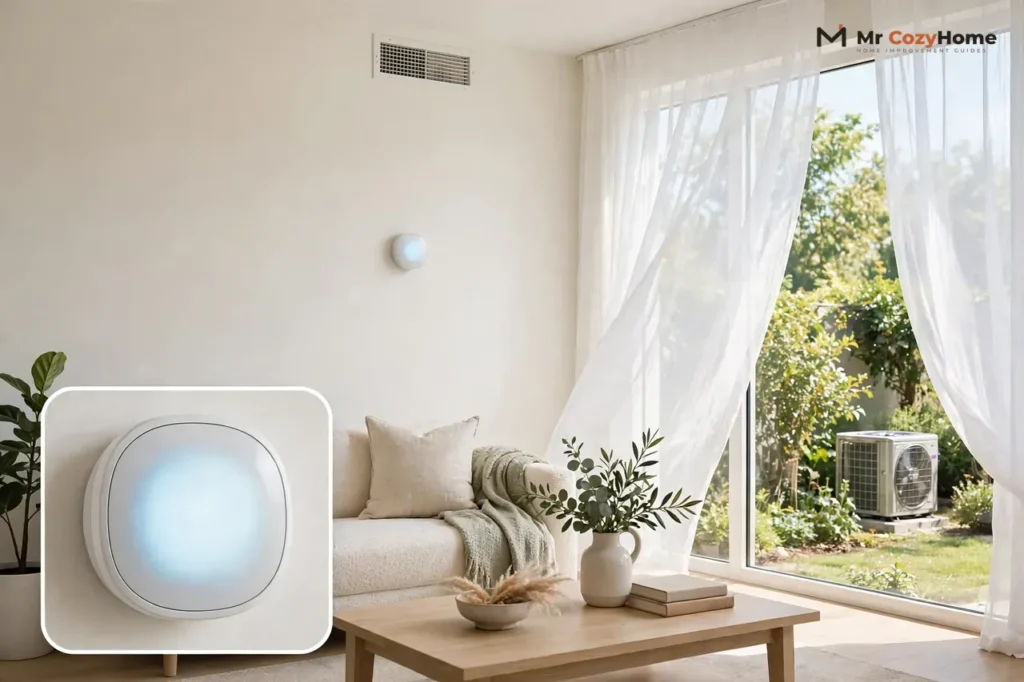
An air conditioner thermostat is the small wall control that tells your air conditioner when to run and when to stop. It reads the temperature in your home, compares it with the temperature you set, and sends a signal to start cooling when the room gets too warm. It makes no cold air itself. It works like a switch with a built-in temperature sensor, and your air conditioner does the heavy work.
Once you see the thermostat as a messenger, not the cooling machine, most AC mysteries get simple. If the messenger itself is new, here is how to install a thermostat. A blank screen, a room that never feels right, or an AC that ignores your settings usually points to the message, the sensor, or the power behind it, not to the compressor outside. This guide explains what an air conditioner thermostat does, how it talks to your cooling system, the types made for central air and window units, where to place one, and what to check first when your AC will not respond.
What Is an Air Conditioner Thermostat?
An air conditioner thermostat is a control device that regulates the temperature in your home by signaling your cooling system to start or stop. Trane describes a thermostat in the same plain way: it is a control device that regulates temperature and signals the heating and cooling system to begin work based on the temperature you want. It usually sits on an interior wall near the center of the home, where it can sense the air you actually live in.
Think of it as the brain of your cooling system, a phrase Filterbuy uses for the thermostat in its HVAC guide. You set a temperature, and the thermostat watches the room and tells the AC when to turn on and off. It does not chill the air, move refrigerant, or blow air through your vents. The outdoor condenser, the indoor coil, and the blower fan do that work. The thermostat only decides when they should run.
Every air conditioner thermostat has three jobs, and each one matters. First, it senses the room temperature with a small sensor inside the unit. Second, it compares that reading with your set temperature, the number you chose on the display or dial. Third, it sends a start or stop signal to the air conditioner. When any of those three jobs fails, comfort fails with it, even if the big AC equipment outside is fine.
A thermostat AC setup can look different from home to home, yet the job stays the same. A central heat and air thermostat hangs on a hallway wall and controls a whole-house system through low-voltage wires. A window ac thermostat, on the other hand, often lives inside the window unit itself, with a dial or buttons on the front panel and a sensor that reads the air right next to the unit. Both sense temperature and switch cooling on and off. They only differ in where they sit and how they send the signal.
How Does an Air Conditioner Thermostat Work?
A thermostat works by sensing the room temperature and comparing it with your set temperature. When the room rises above what you set, the thermostat sends a signal that starts the cooling cycle. When the room cools back down to your setting, it ends the signal and the AC stops. Filterbuy explains this cycle in the same way: the sensor reads the room, the thermostat checks the set temperature, and power flows to the AC only while cooling is needed. Then the cycle repeats, all day, to hold the room near your setting.
Here is the cooling call, step by step. First, the sensor inside the thermostat measures the air around it, several times a minute. Second, the thermostat compares that reading with your setpoint. Third, once the room climbs past the setpoint by a small built-in margin, the thermostat closes an internal switch. Fourth, that closed switch sends a low-voltage signal through the control wires to the indoor air handler and the outdoor unit. Fifth, the outdoor compressor and fan start, the indoor blower starts, and cold air flows through your vents. Finally, when the room reaches your setting, the thermostat opens the switch, the signal stops, and the system shuts down until the room warms up again.
The 24-Volt Signal Behind the Call for Cooling
Central systems talk to the thermostat on a low-voltage circuit, usually 24 volts AC. A transformer inside the air handler or furnace steps household power down to this safer control voltage. The thermostat does not power the compressor or the fan motors. It only completes small circuits that switch on relays and contactors elsewhere, and those parts switch the heavy power. That is why a thermostat is a switch, not a power source.
When the thermostat calls for cooling, it connects power to the cooling circuit, which runs to the outdoor unit and starts the compressor and condenser fan. At the same time, it usually calls the indoor blower fan, so cold air moves through the ducts while the compressor makes it. If you want the full terminal-by-terminal picture of those control wires, our guide to thermostat wire colors explains what each wire does. The short version is enough here: the thermostat sends a small signal, and the big equipment answers it.
Why Your AC Waits Before It Starts
Your AC does not start the instant the room passes your setting by a fraction of a degree. Most thermostats use a small buffer, often called a temperature differential or swing, of about 1 to 2 degrees Fahrenheit. The room must climb a little past the setpoint before cooling starts, and it must fall back to the setpoint before cooling stops. That buffer stops short cycling, the rapid on-and-off pattern that wears out a compressor and wastes energy.
Many systems add a second wait: a compressor delay of about 3 to 5 minutes after a stop or a power blip. The delay protects the compressor from restarting against high pressure. If you change a setting and nothing happens for a few minutes, wait the full five minutes before you assume something broke. A flashing snowflake or a “cool on” message on many models means the thermostat is in this delay, not that it failed.
What a Thermostat Does Not Do
A thermostat does not control how cold the air from your vents feels. Filterbuy makes this point clearly: an AC system always cools the air passing through it to a much colder temperature than the room setting, usually around 55 to 60 degrees. That cold air mixes with the warmer air already in the house and brings the average down. So if your house sits at 80 degrees, setting the thermostat to 68 will not make the vent air any colder than setting it to 74. It only makes the AC run longer to reach the lower target.
That fact kills the most common thermostat myth. Turning the dial way down does not cool your home faster. It only asks the system to run longer, and the wider gap between indoor and outdoor temperatures pulls heat into the house faster while it runs. Set the temperature you actually want, then give the system time to get there.
Types of Air Conditioner Thermostats
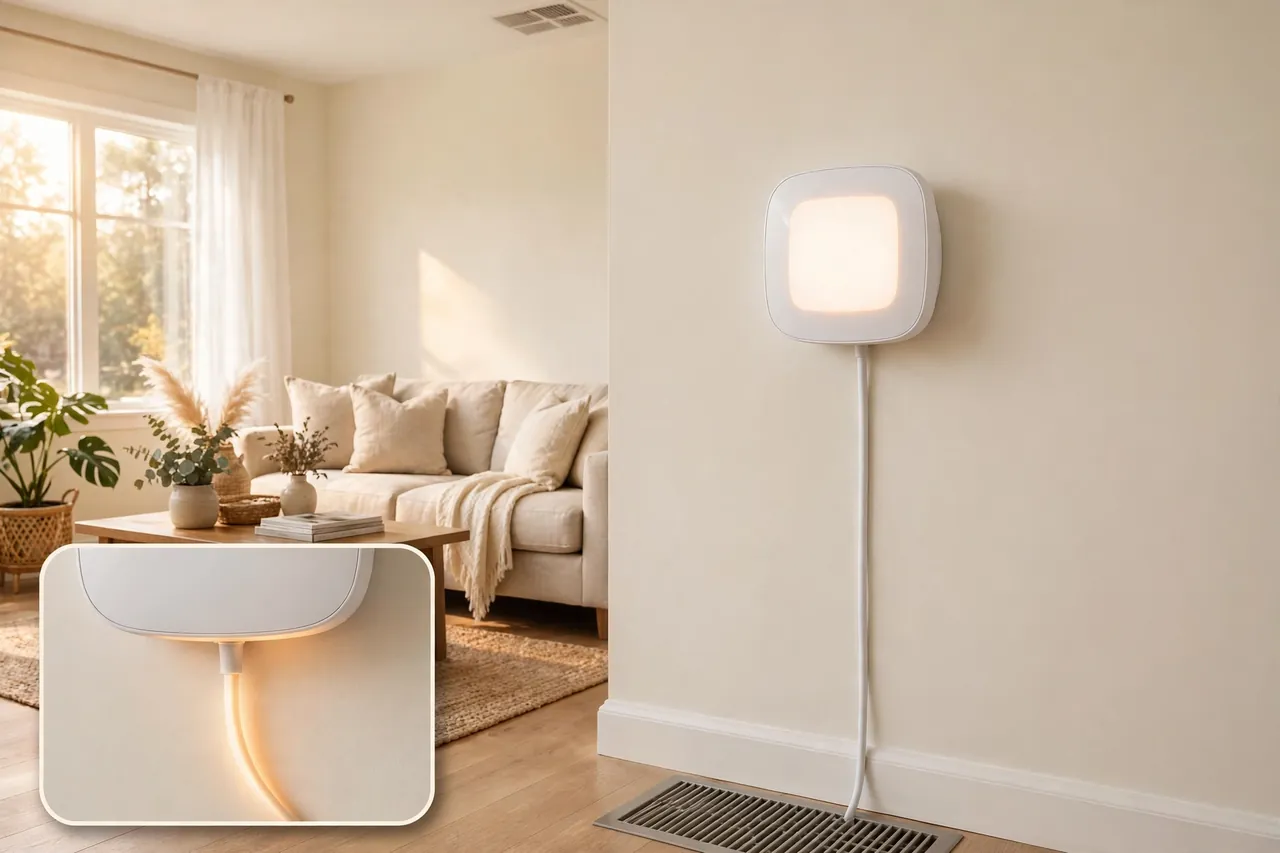
All air conditioner thermostats do the same core job, but they differ in how much help they give you. Trane groups them into three main types: non-programmable, programmable, and smart. A fourth type, the communicating thermostat, fits advanced multi-stage systems. The right pick depends on your system, your schedule, and how much control you want from your phone.
Thermostat types at a glance
| Type | How you control it | Best for | Watch out for |
|---|---|---|---|
| Non-programmable | By hand, every time | Simple homes, steady schedules, rentals | No automatic setbacks; you must remember every change |
| Programmable | A set schedule by time of day | Regular work and sleep hours | Needs a correct clock and schedule to save anything |
| Smart / Wi-Fi | Phone app, voice, learning schedules | Changing schedules, remote control, alerts | Needs Wi-Fi and often a C-wire for steady power |
| Communicating | Digital link to a matched system | Multi-stage and variable-speed systems | Usually works only with the same brand of equipment |
Non-Programmable Thermostats
A non-programmable thermostat is the simplest kind. You change the temperature by hand at the wall, and it holds that setting until you change it again. Older models use a round dial and a mechanical sensor. Newer ones have a digital display and buttons, but they still hold one setting with no schedule. If your days look the same and you are home most of the time, that simplicity is a real strength: there is nothing to program and little to go wrong. Our guide to the non-programmable thermostat covers this type in full, including when simple beats smart.
Programmable Thermostats
A programmable thermostat lets you set a temperature schedule, so the AC eases off while you sleep or while the house sits empty, then cools the home before you return. Trane describes it as a digital control that lets you program different temperatures for wake time, away time, and bedtime. That schedule is where the savings live. The U.S. Department of Energy says turning the temperature back 7 to 10 degrees for 8 hours a day can save as much as 10% a year on heating and cooling, and Trane cites the same Department of Energy figure in its smart thermostat guide. A schedule only saves money when it actually runs, though, so check the clock after a power outage and clear any hold that overrides it.
Smart Thermostats
A smart thermostat is a programmable thermostat that connects to the internet, so you can control it from a phone, tablet, or smart speaker from anywhere. Trane notes that smart models can learn your habits, track humidity, send system alerts, and use geofencing to adjust when you leave or come home. Many also work with remote room sensors, which fix the classic problem of one hot or cold room. Before you buy one, check two things: your system must be compatible, and many smart models need a C-wire for steady power, since batteries alone cannot run Wi-Fi all day. If your home has a heat pump, pick a model built for heat pumps, because a deep setback can force expensive backup heat during recovery.
Communicating Thermostats
A communicating thermostat talks to a matched high-end system over a digital link, not just simple on-off signals. Filterbuy explains that this type collects extra information and tells the system how hard to work and which stage to run, and it can also manage humidity. You will usually see one paired with a multi-stage or variable-speed system from the same brand. In a variable-speed system, Trane notes, the equipment slows down as the room nears the setting instead of shutting off, which fine-tunes comfort with less energy. For most standard single-stage AC units, a communicating thermostat is more than you need.

Central AC vs Window AC Thermostats
A central heat and air thermostat and a window ac thermostat solve the same problem in very different ways. The central thermostat hangs on a wall far from the equipment and talks to it through wires. The window unit keeps its thermostat inside the same box as the compressor, fan, and coil. That one difference shapes every strength and weakness of each setup.
Central AC vs window AC thermostats
| Feature | Central AC thermostat | Window AC thermostat |
|---|---|---|
| Where it sits | On an interior wall, away from the equipment | Built into the unit, at the window |
| What it senses | Air in the living space | Air right next to the unit, unless a remote sensor helps |
| How it signals | Low-voltage wires to the air handler and outdoor unit | Direct internal switch, or infrared from a controller |
| What it controls | The whole home, or one zone | One room only |
| Upgrade path | Swap the wall thermostat for a programmable or smart model | Add a plug-in outlet thermostat or a smart AC controller |
How a Window AC Thermostat Works
A window AC thermostat works like the central version, but everything sits in one box. Its sensor reads the air near the unit, compares it with your setting, and cycles the compressor on and off. GE Appliances explains the same idea for room air conditioners: the thermostat opens or closes a switch as the temperature changes, which turns the fan motor and compressor on or off to hold the room temperature. The sensor sits where it can read room air before the evaporator cools it, so placement inside the unit still gives a fair reading for the space near the window.
The weak spot is location. The sensor reads the air beside the unit, where cold air just left the vent, not the air where you sit across the room. That is why a window unit can shut off while the far side of the room still feels warm. GE notes that electronic thermostats on room air conditioners hold the room within about 3 to 4 degrees Fahrenheit, while mechanical thermostats swing about 4 to 5 degrees. A wider swing means more noticeable ups and downs in comfort.
Some window units help with a remote control that carries its own sensor. The remote reads the temperature where you sit and tells the unit to keep cooling until that spot reaches your setting. If your unit has that feature, keep the remote near where you sit, not on top of the AC. A small click when the compressor cycles on or off is normal on these units, according to GE, so do not mistake that sound for a fault.
Can You Add a Programmable Thermostat to a Window AC?
Yes, in two ways, but only if your unit fits the rules. First, a plug-in programmable thermostat for window ac units sits between the wall outlet and the AC power cord. You plug the controller into the outlet, plug the AC into the controller, and set a schedule on the controller. It cuts and restores power to the whole unit on your schedule, so it works best with mechanically controlled units, or electronic units that restart cooling on their own after power returns. A common example, the Lux WIN100 outlet thermostat, is rated for 120-volt devices up to 15 amps, with a setting range of 45 to 90 degrees Fahrenheit, and its maker says to use it only with units that restart automatically after power comes back.
Second, a smart AC controller, often sold as a window AC thermostat, talks to the unit by infrared, just like your remote, and talks to your phone over Wi-Fi. It reads the temperature where you place it in the room, runs schedules, and sends on, off, and temperature commands to the unit without any wiring. That fixes the sensor-location problem without touching the AC. Before you buy either type, check three things: your unit must restart by itself after power returns for a plug-in model, the plug-in model must match your voltage and amp rating, and an infrared controller must have a clear line of sight to the unit. Never wire a standard 24-volt wall thermostat to a window AC. It is built for a different system, and the mismatch can damage the unit or the control.
Where Should You Place an Air Conditioner Thermostat?
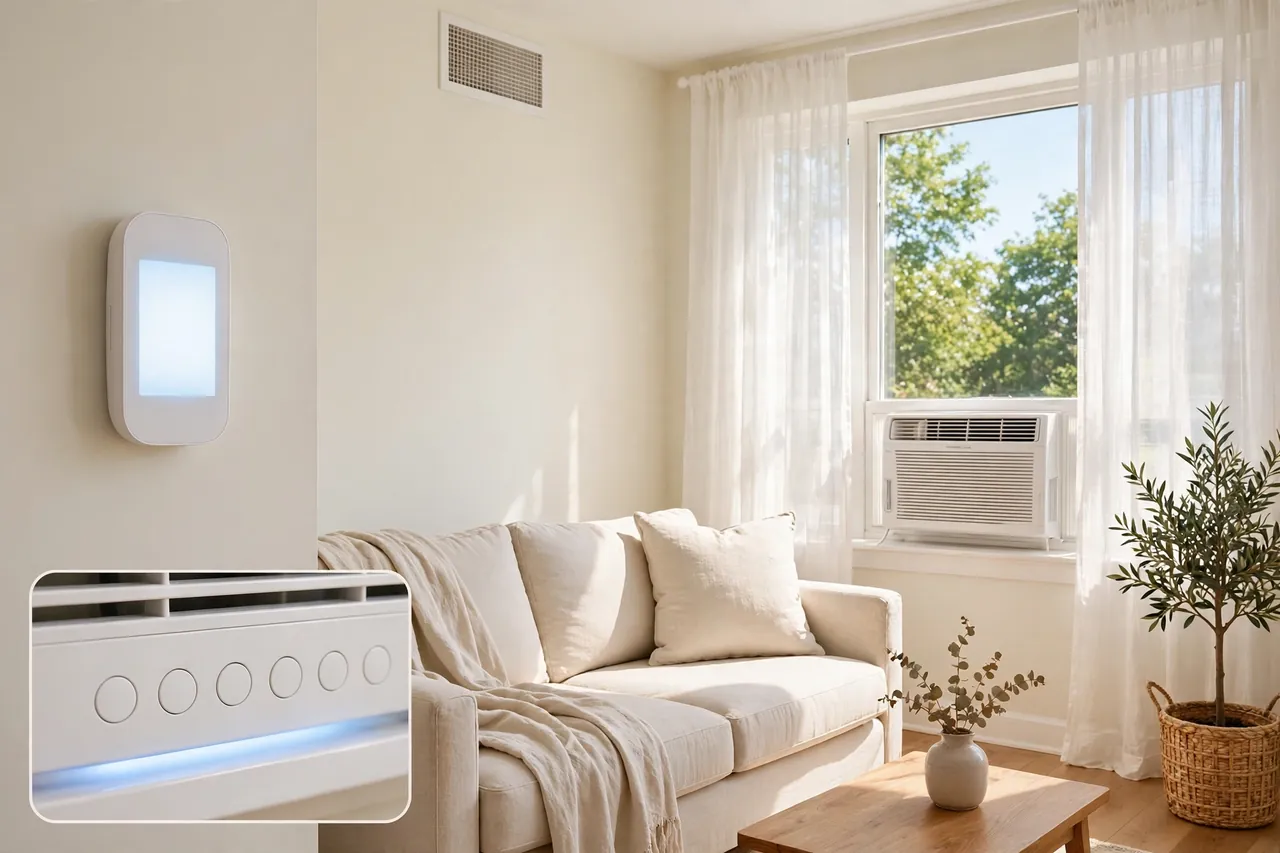
Place your thermostat on an interior wall in a central area of the home, about 5 feet off the floor, away from direct sun, drafts, and heat sources. Trane places it the same way: an interior wall near the center of the home. Filterbuy adds the reason: a thermostat can only sense the temperature where it physically sits. If it sits in a hot spot, it thinks the whole house is hot, and the AC runs too long. If it sits in a cold draft, it thinks the house is cool, and the AC stops too soon.
Keep it away from these spots. Direct sunlight warms the sensor and calls for cooling the house does not need. A nearby lamp, television, or kitchen appliance does the same thing on a smaller scale. A draft from a door, window, or supply vent cools the sensor and hides real warmth in the room. An exterior wall runs colder in winter and warmer in summer than the air inside, so it skews the reading. A hallway with no airflow gives a stale reading that matches no room at all.
Moving a wired thermostat is possible, but it usually means running new wires and patching drywall at the old spot, so it is not a casual weekend job. A cheaper fix for a bad location is a smart thermostat with a remote sensor. You place the small sensor in the room that matters most, and the thermostat uses that reading instead of its own. If your thermostat sits in a bad spot and you cannot move it, a remote sensor is the fix to try first.
How to Use Your Air Conditioner Thermostat Each Day
Daily use comes down to three settings: mode, fan, and temperature. Set the mode to Cool when you want air conditioning. Set the fan to Auto, so the blower runs only while the system cools, instead of On, which runs the fan all the time and can push humid air back into the room between cycles. Then set the temperature you actually want to live at, and wait. Give the system at least five minutes after a change, because the compressor delay may hold the start even when everything works.
When the house feels warm but the thermostat says the room already matches your setting, check the schedule before you blame the equipment. A programmed setback, a vacation hold, or a utility demand-response event on an enrolled smart thermostat can all override what you just typed. Switch to a temporary hold at your chosen temperature and watch whether the AC answers. If it does, the schedule was the cause, not a broken part.
Do not chase comfort by swinging the setting up and down all day. Every big swing restarts the waiting game, and the compressor delay and the temperature buffer both add lag. Pick a setting, let the system finish a full cycle, and judge the result after the room settles. For the numbers behind a good setting in each season, including the setback ranges that save energy, see our guide to recommended thermostat settings for summer and winter.
Is Your Thermostat Reading the Wrong Temperature?
A thermostat that reads wrong cools wrong. If the display says 72 but the room feels like 78, the thermostat will stop the AC while you still feel warm, because it believes its own number. Dust on the sensor, a thermostat that is not level, direct sun, or simple age can all shift the reading. The fix starts with a test, not a replacement.
Test it with a reliable thermometer. Place the thermometer on the wall next to the thermostat, away from vents and sun, and wait about 15 minutes so both readings settle. Then compare. If the two readings sit within 1 to 2 degrees of each other, the thermostat reads fine, and the comfort problem lies elsewhere, such as a hot room, weak airflow, or a dirty filter. If they differ by more than 2 degrees, the thermostat is likely miscalibrated or its sensor is failing.
Many digital models let you calibrate the reading in the settings menu. Check your manual for the calibration or temperature offset setting, then adjust it to match the thermometer. On older mechanical models, check that the unit sits level on the wall, since a tilted mercury or bimetal unit reads wrong, and gently clean dust from inside the cover with the power off. If calibration does not hold, or the reading drifts again within days, the sensor itself is likely worn, and replacement is the honest next step.

AC Not Responding? Check These First, in This Order
When your AC ignores the thermostat, work from the safest and cheapest checks first, and stop the moment you reach anything that needs tools, wiring, or refrigerant. Do not open the air handler, the outdoor unit, or the thermostat wiring if you are unsure. Do not jumper wires together, bypass a safety switch, or replace a control fuse. Those steps can damage the thermostat, the control board, or the outdoor unit, and they can hurt you. The checks below need no tools beyond fresh batteries and a look at your breaker panel.
- Check the mode and the setting. Confirm the thermostat shows Cool, not Heat, Off, or Fan only. Then set the temperature at least 3 to 5 degrees below the room reading. A thermostat set to 76 in a 77-degree room may simply see no reason to start.
- Clear the schedule and the hold. Look for a programmed setback, a vacation hold, or a utility demand-response event. Set a temporary hold at your chosen temperature so the schedule stops overriding you.
- Wait five full minutes. Many systems hold a compressor delay of 3 to 5 minutes after a stop or a power blip. Do not keep pressing buttons during the wait, because each change can restart the delay.
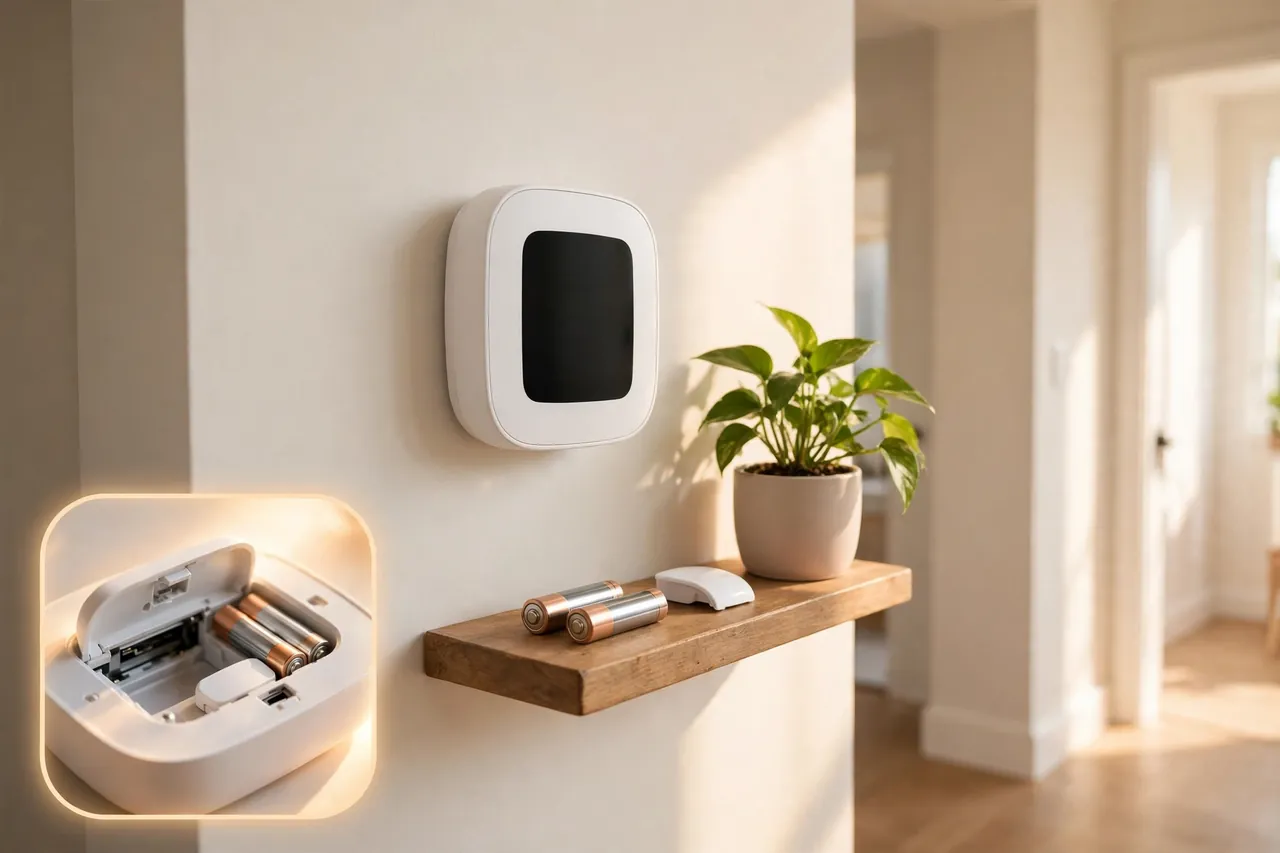
- Check the display and the batteries. A blank, dim, or flickering screen often means dead batteries. Swap in fresh alkaline batteries of the right size, and watch for a low-battery icon. If the screen stays blank after new batteries, the problem is power to the unit, not the batteries.
- Check the breakers. Central AC has two breakers: one for the outdoor condenser and one for the indoor air handler. Reset a tripped breaker exactly once, firmly off then on. If it trips again right away, stop and call a pro. No air handler power means no thermostat signal goes anywhere.
- Check the air filter and look for ice. A fully clogged filter can shut a system down through its safety limits. If you see ice or frost on the indoor coil or the refrigerant lines, turn the system off and let it thaw, then call a pro. Never chip ice off a coil.
- Look for water near the air handler. Many systems have a float switch in the drain pan that cuts the AC off when water backs up, to stop overflow damage. If you see water, turn the system off and call a pro. Do not bypass the switch.
If all seven checks pass and the AC still does not answer, the fault sits deeper: wiring, the contactor, the capacitor, the control board, or the thermostat itself. That is professional territory. Call a licensed HVAC technician, and tell them exactly which checks you already did, in order. That list saves them time and saves you a second visit. A thermostat that keeps losing power, trips a breaker, smells of burning, or shows scorch marks needs a pro right away, not another reset.
Signs Your Air Conditioner Thermostat May Be Bad
A bad thermostat rarely fails all at once. It usually gives small warnings first, and each one points to the same cause: it has stopped reading the room correctly or stopped sending the right signal. Watch for these signs, and confirm them with the simple checks above before you buy a replacement.
- The AC will not turn on or off at the set temperature. The system ignores your setting, even after you lower it well below the room temperature and wait five minutes.
- The room never matches the display. The thermostat says 72, a separate thermometer says 78, and the gap stays after calibration.
- The system short cycles. The AC turns on and off in rapid bursts without finishing a cooling cycle, which wears the compressor and wastes energy.
- The AC runs constantly. The system never gets the signal to stop, so it runs nonstop even when the room feels cold.
- The display is blank, frozen, or flickering. A frozen screen that ignores button presses points to a failing thermostat, once fresh batteries and breakers check out.
- Settings will not save. The schedule or temperature resets itself, or the thermostat reboots after a storm or a power blip.
- The system is about 10 to 15 years old. Filterbuy notes that thermostats typically last 10 to 15 years, depending on use, model quality, and conditions. Age alone is not proof of failure, but it makes the other signs more likely.
Many of these symptoms overlap with other AC problems, such as a dirty filter, a failed capacitor, or low refrigerant, so do not replace the thermostat on a guess. Work through the troubleshooting list first. If the thermostat passes every check and the AC still misbehaves, the thermostat is the likely fault, and a pro can confirm it with a proper test before you spend money on a new one.
When to Fix It Yourself and When to Call a Pro
Do the safe checks yourself: settings, schedule, batteries, breakers, and the filter. Those five fix most “AC not responding” calls, and none of them opens a panel or touches a wire. Cleaning dust from the thermostat cover with the power off and calibrating the reading through the menu are also safe homeowner jobs, when your manual shows you how.
Call a licensed HVAC technician for everything past that line. Wiring, control boards, contactors, capacitors, refrigerant, and a thermostat that needs moving all belong to a pro. So does any job where you smell burning, see scorch marks or water near the equipment, or find a breaker that trips again after one reset. A thermostat is a low-voltage control, but it connects to equipment that runs on full household power and holds refrigerant under pressure. The cost of a service visit is small next to the cost of a damaged control board or a hurt homeowner.
If you do replace the thermostat, match it to your system first. Check that it supports cooling, and heating if you have it, and that it fits your wiring and your equipment type. Trane advises consulting an HVAC professional before buying, to make sure the control is compatible with your system. Take a photo of the old wiring before you remove anything, and if the photo shows wires you cannot identify, stop and let the pro finish the job.
Related Guides
These MrCozyHome guides pick up where this one leaves off. Our home winterization checklist covers the fall thermostat jobs, including fresh batteries and a heat test before you need it. And our best attic insulation guide shows how better insulation cuts the heat that reaches your rooms, so your AC and its thermostat run shorter, easier cycles.
Frequently Asked Questions
How does a thermostat work?
A thermostat works by sensing the room temperature and comparing it with the temperature you set. When the room rises above your setting, it sends a low-voltage signal that starts the AC. When the room cools back to your setting, it ends the signal and the AC stops. The cycle repeats to hold the room near your set temperature.
How do you know if your thermostat is bad?
Signs of a bad thermostat include an AC that will not turn on or off at the set temperature, a room that never matches the display, a blank or frozen screen, short cycling, or constant running. First replace the batteries, check the breakers, and confirm Cool mode. If those checks pass and the symptoms stay, the thermostat is likely faulty.
How to test a thermostat?
Set the thermostat to Cool and lower the setting at least 3 to 5 degrees below the room temperature, then wait five minutes for any compressor delay. Listen for a click and for the outdoor unit and blower to start. Also place a reliable thermometer beside the thermostat for 15 minutes; a gap of more than 2 degrees points to a reading problem.
How to calibrate a thermostat?
Place a reliable thermometer next to the thermostat, wait 15 minutes, and compare the readings. If they differ by more than 2 degrees, open the calibration or temperature offset setting in your thermostat menu and adjust it to match the thermometer, following your manual. If the reading drifts again within days, the sensor is likely worn.
How to change the battery in a thermostat?
Pull the thermostat face off its wall plate and find the battery compartment, usually on the back or side. Remove the old batteries, insert fresh ones of the same size with the plus and minus ends matching, then push the face back onto the plate. Restore the setting and watch the display come back to life.
Disclaimer: Homes, wiring, and cooling systems vary, and this guide covers general information only. Leave wiring, control-board, and refrigerant work to a licensed HVAC technician, and call a pro right away if you smell burning, see scorch marks or water near the equipment, or find a breaker that trips again after one reset.
Your thermostat is a small device with a big job: it decides when your AC runs, and a wrong reading or a missed signal wastes energy and comfort. Learn how it calls for cooling, keep its sensor clean and its spot honest, and work the safest checks first when it stops answering. Do that, and most thermostat trouble ends with a setting, a battery, or a breaker, not a repair bill.