An automatic light switch timer is a switch that turns your lights on and off by itself, on a schedule you set or after a set amount of time. You set it once, and the lights follow that plan every day without you touching the switch. It is a simple, low-cost way to make a home feel lived in, save energy, and stop worrying about lights left on all night.
Most homes use one of three kinds: a programmable in-wall timer that replaces a regular wall switch, a countdown timer that switches a light off after a set number of minutes, or an astronomic timer that follows sunrise and sunset. This guide explains each type, how to pick the right one for your home, and how to set up your first schedule.
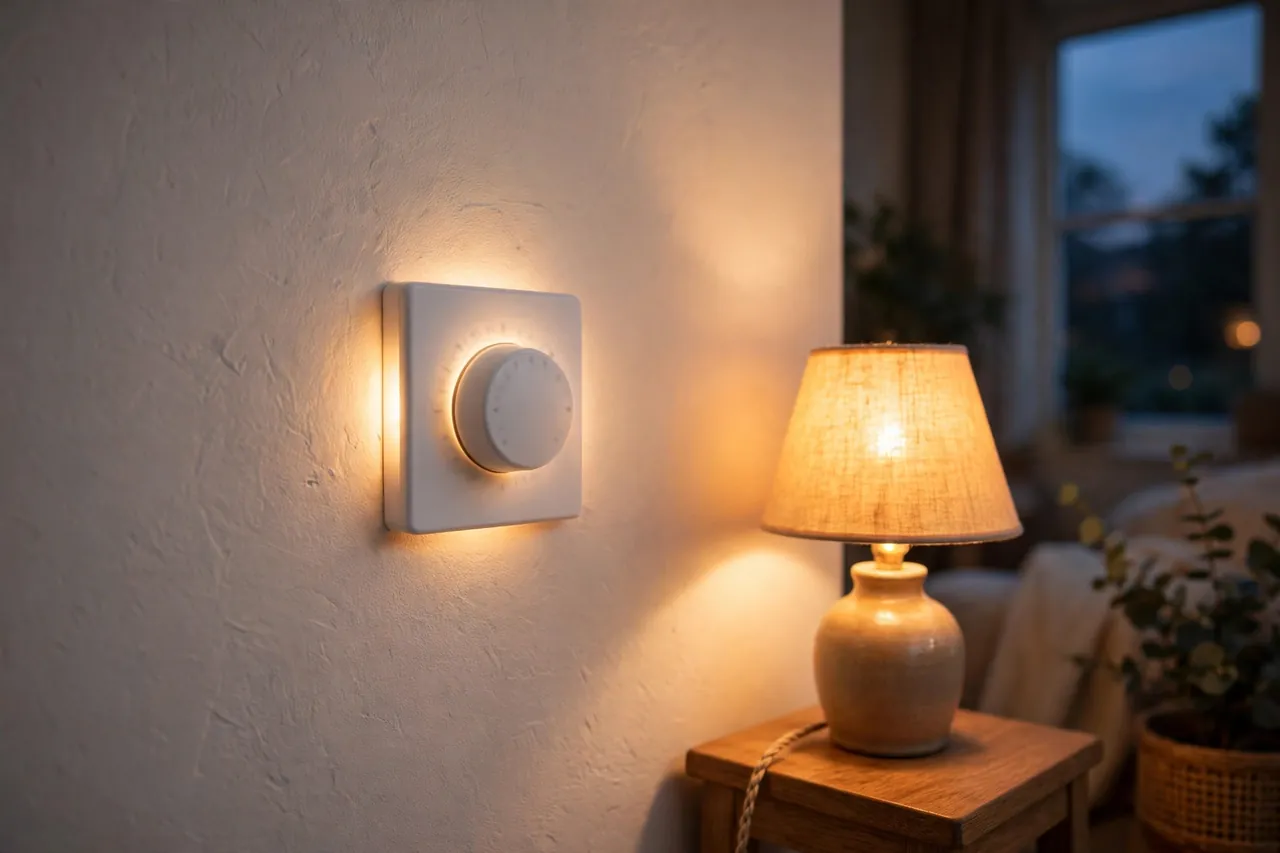
What Is an Automatic Light Switch Timer?
A light switch timer, also called a switch timer or lighting timer, is a control that opens and closes the electrical circuit to a light at times you choose. A standard switch only does what your hand tells it to do. A timer switch adds a clock, a countdown, or a light sensor to that job, so the light acts on its own.
There are two basic ways a timer decides when to act. A programmable timer follows a clock-based schedule, such as on at sunset and off at 11 p.m., and repeats it daily or weekly. A countdown timer works differently:, the light comes on, and the timer switches it off after a preset stretch, such as 30 minutes. Both save the same thing — the wasted hours when a light burns for no reason.
Timers are not the same as smart plugs, even though both automate lights. A timer switch usually replaces the wall switch that controls a fixed light, such as a porch light or a ceiling light. A plug-in timer or smart plug sits between an outlet and a lamp you can move. If the light is wired into your ceiling or wall, a switch timer is usually the right tool. If it is a table lamp, a plug-in option may be simpler.
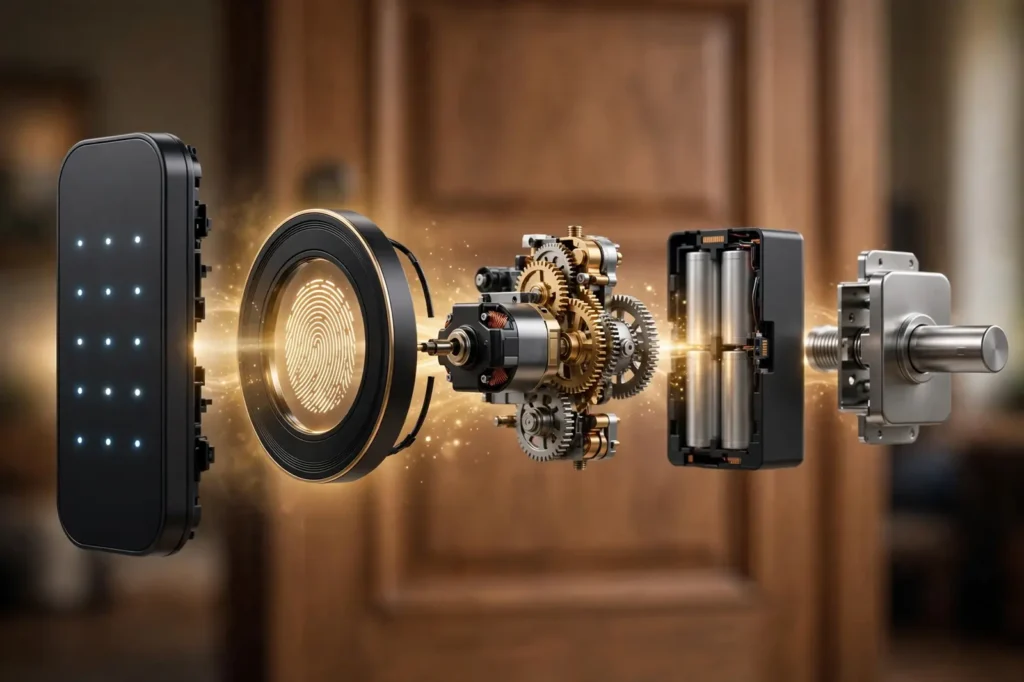
One more distinction matters before you buy. Some timers are mechanical, and some are electronic. A mechanical timer uses gears, pins, or a spring you wind by hand. An electronic timer, also called a digital or programmable timer, uses a small chip and a display screen. Electronic timers hold more programs and keep better time, but most of them need a neutral wire in the switch box, which older homes sometimes lack. Mechanical timers are simpler and often work without one, but they offer fewer settings.
The Main Types of Light Switch Timers
Timer switches look similar on the wall, but they behave quite differently. The right choice depends on what you want the light to do: follow a daily schedule, switch off after a set time, or track the sun.
In-Wall Programmable Timers
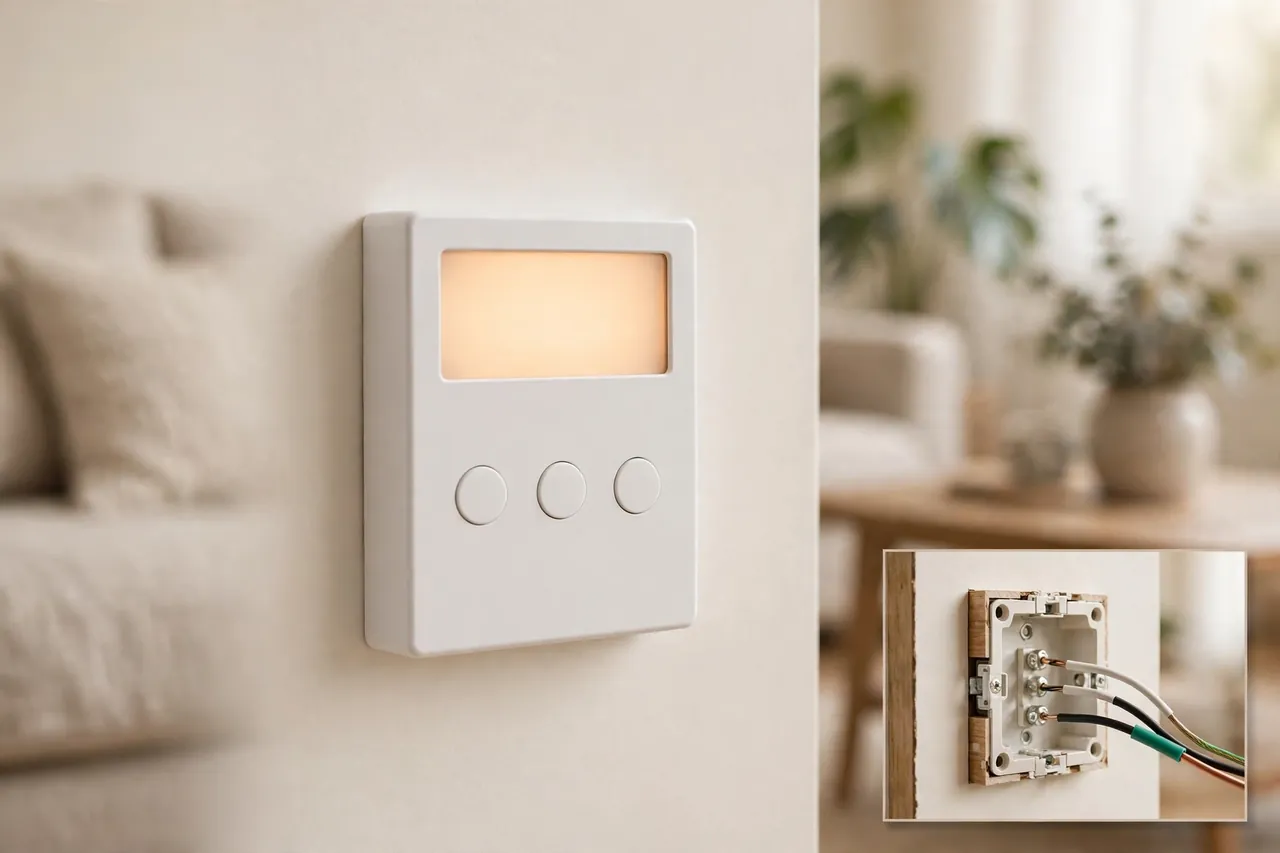
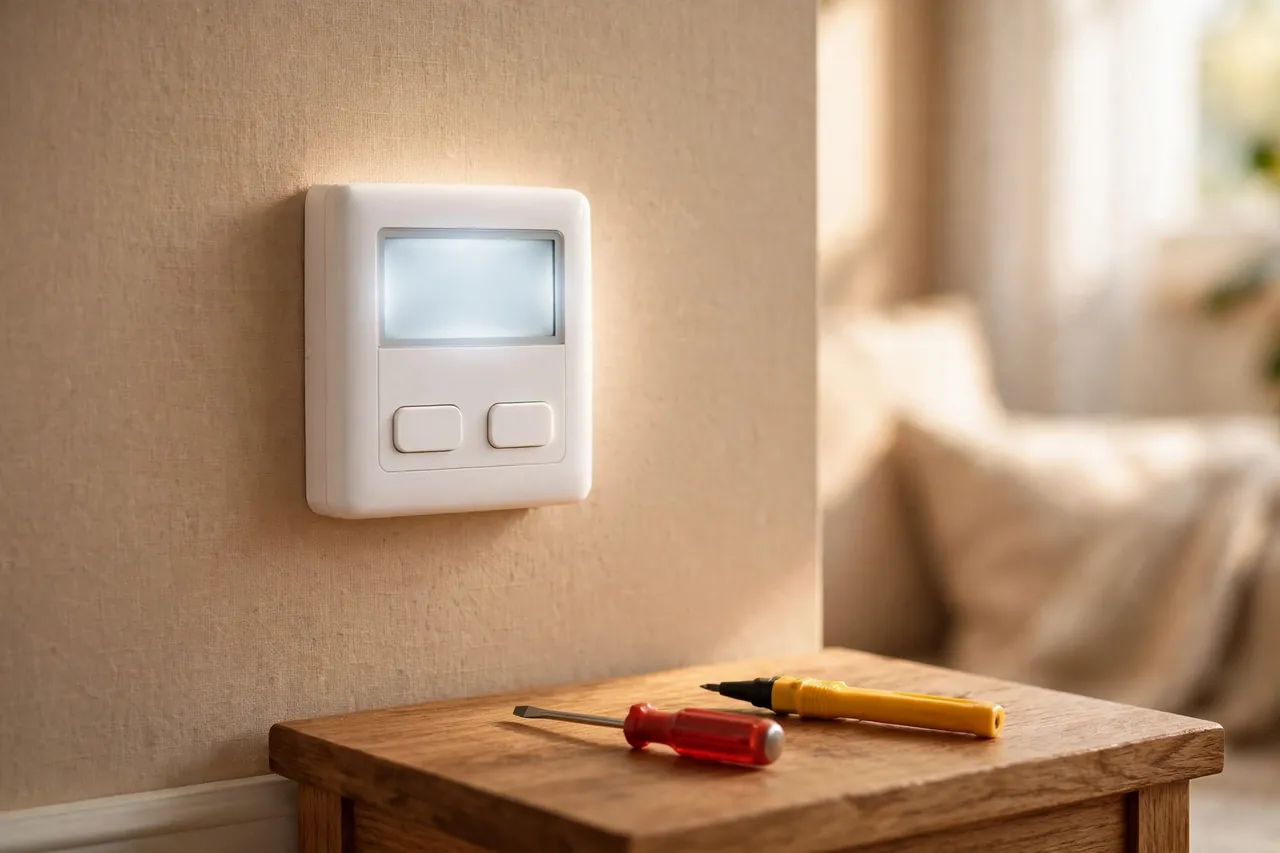
An in-wall programmable timer, also called an electronic timer, replaces a standard wall switch and runs a weekly schedule you program with buttons and a small display. Many models hold several on and off times per day and let you set different times for weekdays and weekends. For example, you can set a porch light to come on at 6 p.m. and go off at 11 p.m. every night, and set a different plan for Saturday.
Most digital in-wall timers keep their programs during a power cut because they carry a small rechargeable battery or built-in backup. That matters: without backup, a power cut can wipe the schedule and leave the light on the wrong plan. Check the product manual for backup before you buy, because not every model includes it.
Before you buy an in-wall programmable timer, check two things in the box wiring. First, most digital models need a neutral wire, usually a white wire, in the switch box, and the manual will say so plainly. Second, many models work only as a single-pole switch, which means one switch controls the light. If two switches control the same light from different spots, that is a 3-way setup, and you need a timer made for it. Buying the wrong type is the most common reason these timers go back to the store.
Spring-Wound Countdown Timers
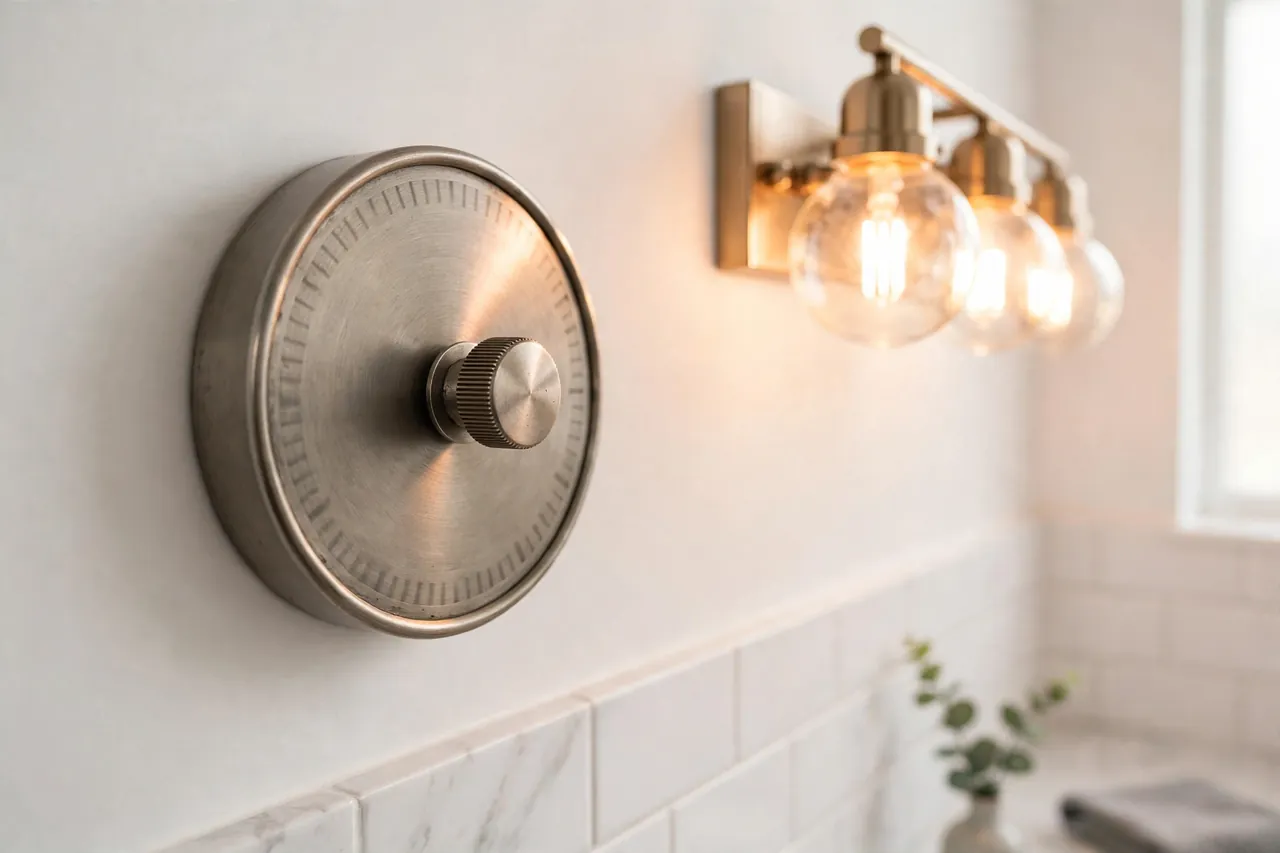
A spring-wound countdown timer is the simplest kind. You twist a dial to the time you want, such as 15 or 30 minutes, and the light switches off by itself when the time runs out. There is no clock to set, no program to learn, and no battery to keep alive, because a coiled spring inside the dial does the work.
These timers suit rooms where a light is only needed for a short while: a bathroom fan and light, a closet, a pantry, or a garage. Press, use the room, and walk away — the timer handles the shut-off. Their limit is clear, too. They cannot run a daily schedule, and they cannot turn a light on by themselves. They only count down and switch off.
Countdown timers also come in push-button electronic versions with preset buttons, such as 5, 10, 15, 30, and 60 minutes. These still only count down, but the buttons are easier to use than a dial, and some add a repeat mode that runs the same countdown at the same time each day. If your only problem is lights left on in one room, a countdown timer is usually the cheapest fix.
Astronomic Timers
An astronomic timer, sometimes called a sunrise-sunset timer, turns lights on and off based on the actual time of sunrise and sunset where you live. Instead of reprogramming the timer every few weeks as the days get longer or shorter, you enter your location once, and the timer works out the sun times itself. Some models ask for your latitude and longitude; others use your time zone and a built-in table.
This type is the best fit for outdoor lights. A porch light, a driveway light, or garden lighting should come on at dusk all year, but dusk moves by hours between summer and winter. A fixed 6 p.m. setting is too early in June and too late in December. An astronomic timer follows the real dusk, so the light is on when it is actually needed and off when it is not.
Outdoor lighting is also where timers earn their keep for security. A house with lights that come on at dusk looks lived in, even when nobody is home. For that same reason, many programmable timers include a random mode that varies the on and off times slightly while you are away, so the pattern does not look machine-made. If you already have permanent outdoor lights, a timer is what makes them automatic rather than just decorative — see our guide to permanent outdoor Christmas lights for how fixed outdoor lighting is set up.
Plug-In Timers in Brief
A plug-in timer does the same job from an outlet instead of a wall switch. You plug the timer into the outlet, plug the lamp into the timer, and set the schedule on the timer itself. Plug-in timers suit lamps, holiday lights, and anything you can move, and they need no wiring at all.
The trade-off is scope. A plug-in timer only controls what is plugged into it, so it cannot run a ceiling light or a wired porch light. It also sits on the floor or behind furniture, which is fine for a lamp but not for a light you want controlled from the wall. This article focuses on switch timers for fixed lights; plug-in timers get their own full guide.
How to Choose the Right Timer
Choosing well comes down to four questions. Answer them in order, and the right type usually picks itself.
First, what does the light need to do? If it needs a daily schedule, get a programmable timer. If it only needs to switch off after a while, get a countdown timer. If it is an outdoor light that should follow dusk, get an astronomic timer. Buying a full programmable timer for a closet light is wasted money and wasted setup time.
Second, can your wiring support it? Open the switch box only after turning off the breaker, and look for a neutral wire. Most digital in-wall timers need one, and the manual states it clearly. If there is no neutral wire, look for a model that says it does not need one, or ask an electrician what is possible in your box. Also confirm whether the switch is single-pole or 3-way, and match the timer to it.
Third, what kind of bulbs and load will it control? Check the timer’s rating against your lights. Many in-wall timers are rated around 15 amps and 1,800 watts for standard resistive loads, with lower limits for tungsten bulbs and motors, and the manual lists each one. LED bulbs need special attention: some older timers flicker or glow faintly with LEDs, so confirm LED compatibility in the manual before you buy, especially for dimming models.
Fourth, how much control do you want? A basic countdown timer has one job and does it well. A 7-day programmable timer lets you set different schedules for different days. An astronomic timer adds sunset tracking. A random vacation mode adds security. More features mean more buttons to learn, so pick the simplest timer that covers your real need, not the one with the longest feature list.
Timer type at a glance: use this table to compare the options side by side before you buy.
| Timer type | How it works | Neutral wire | Best for |
|---|---|---|---|
| In-wall programmable (electronic) | Clock-based weekly schedule, several on/off times per day | Usually required — check the manual | Porch, living room, and bedroom lights on a daily plan |
| Spring-wound countdown | Twist dial; switches off after a set time | Usually not required | Bathroom, closet, pantry, and garage lights |
| Push-button countdown | Preset buttons, such as 5 to 60 minutes | Often required — check the manual | Bathroom fans and lights with easy one-touch control |
| Astronomic (sunrise-sunset) | Follows real sunrise and sunset for your location | Depends on model — check the manual | Outdoor, porch, and garden lights all year |
| Plug-in timer | Plugs into an outlet; controls a lamp or decoration | Not applicable | Lamps and seasonal lights with no wiring work |
Setting Up Your First Schedule
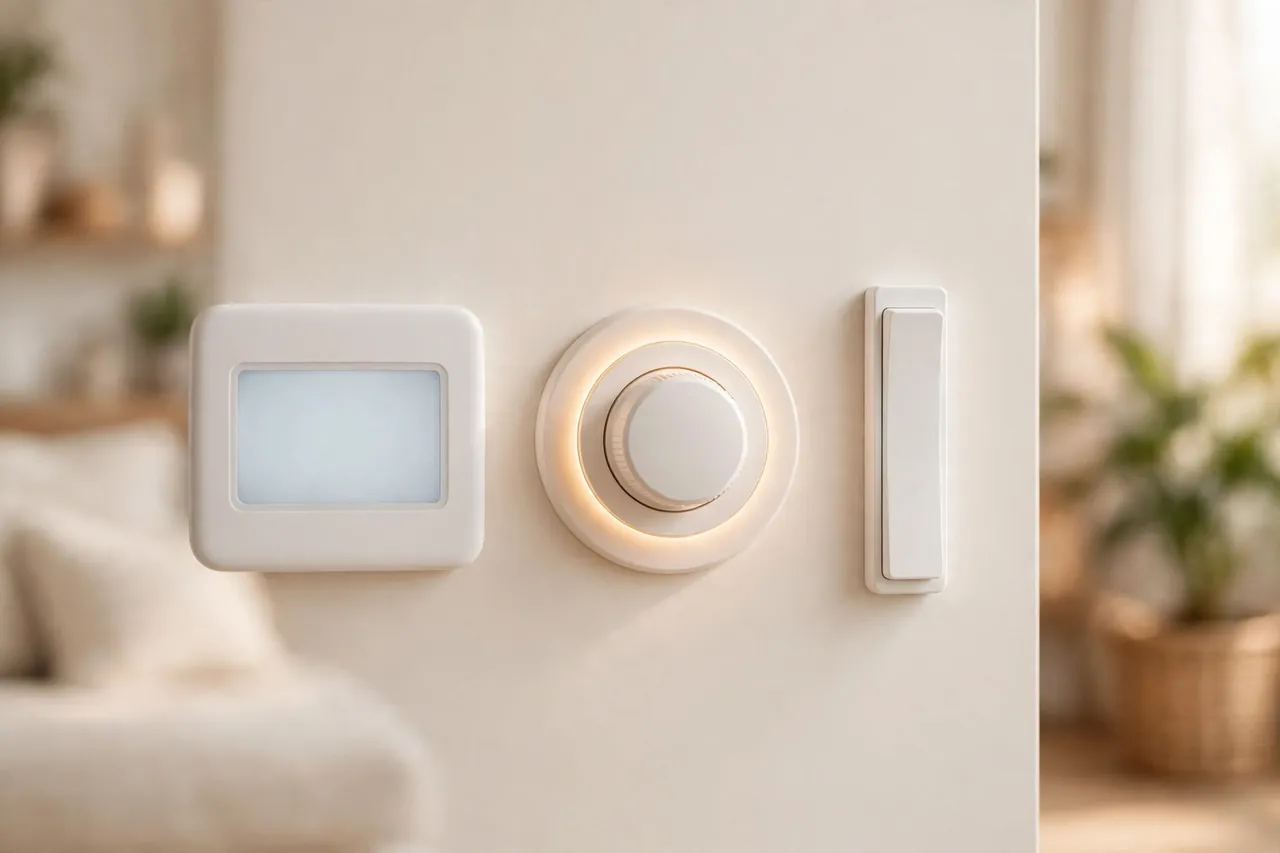
Setting up a programmable in-wall timer is simpler than its button layout suggests. Work through these steps in order, and test each one before moving on.
- Turn off the power at the breaker for the circuit you will work on, and confirm the light is dead with a voltage tester. If you are not comfortable with wiring, stop here and call a qualified electrician — this is the step where mistakes are dangerous, not just annoying.
- Install the timer exactly as its manual shows, matching the line, load, neutral, and ground wires to the labels on the device. Do not guess a wire by color alone, because older homes do not always follow the standard colors.
- Restore power and set the clock first. Most programming mistakes come from a wrong clock, not a wrong program, so set the current time and day before anything else.
- Set one on time and one off time to start. A simple plan, such as on at dusk and off at 11 p.m., is easier to test than a full week of programs. Add more programs only after the first one works.
- Test the schedule by hand. Use the manual override button to switch the light on and off without erasing the program, and confirm the light follows the plan at the next set time.
- Turn on the extra modes only if you need them. Random vacation mode, daylight saving adjustment, and astronomic tracking are useful, but each one adds a setting that can confuse the schedule if it is switched on by accident.
After setup, watch the timer for two or three days. A schedule that looks right on the display can still be wrong by an hour if the clock was set before a daylight saving change, or if an astronomic timer has the wrong location. Small errors show up fast, and they are easy to fix while the setup is still fresh in your mind.
Common Problems and Quick Fixes
Most timer trouble comes from a short list of causes. Work through them in order, starting with the safest and simplest checks.
- The light never turns on. Check the breaker, then check whether the timer is in manual-off mode or the program was erased by a power cut. Re-enter the clock and one program, then test again.
- The light never turns off. Check whether the timer is stuck in manual-on or override mode. On a countdown timer, confirm the dial or button actually started — a dial that was not twisted far enough may never engage.
- The schedule is off by an hour. Check the clock, the daylight saving setting, and the day of the week. This is the most common fault after a power cut or a seasonal clock change.
- LED bulbs flicker or glow faintly. Confirm LED compatibility in the timer’s manual. Some timers pass a tiny current that old bulbs ignore but LEDs show as a glow. A different timer model, or a bulb the manual lists as compatible, usually solves it.
- The timer loses its program. Check the backup battery. Many digital timers use a small rechargeable battery that charges while the power is on; a timer left unpowered for a long time may need a few hours of power before it holds a program again.
- The light works from one switch but not the other. You may have a 3-way setup with a single-pole timer. Confirm how many switches control the light, and replace the timer with one made for 3-way wiring if needed.
Safety Notes and When to Call an Electrician
Timer switches are low-cost devices, but they connect directly to your home’s wiring, so the safety rules are not optional. Always turn off the breaker before opening a switch box, and test with a voltage tester before touching any wire. Never work on a live circuit, and never exceed the load rating printed in the manual.
Call a qualified electrician if your switch box has no neutral wire and the timer needs one, if the wiring colors do not match the manual, if you find damaged or brittle wires, or if the breaker trips after installation. A timer is a small job; fixing a wiring mistake after the fact is not. Homes differ, budgets differ, and conditions differ, so treat this guide as general information, not a substitute for a licensed electrician’s judgment on your home.
Disclaimer: This guide covers general information about light switch timers. Electrical work carries a risk of shock and fire. If you are unsure about any step, or your wiring does not match the instructions, stop and consult a qualified electrician.
Related Guides
If you are planning outdoor lighting on a timer, read our guide to permanent outdoor Christmas lights — it covers fixed outdoor lighting that pairs naturally with an astronomic or programmable timer.
For the other timer types, see our guide to how to use a timer plug for plug-in timers, and our WiFi plug guide for app-controlled plugs.
Frequently Asked Questions
What is an automatic light switch timer?
It is a switch that turns lights on and off by itself, either on a schedule you program or after a set amount of time. Programmable timers follow a daily or weekly plan, while countdown timers switch a light off after a preset stretch, such as 30 minutes.
Can a timer switch be used with LED bulbs?
Yes, many timer switches work with LED bulbs, but you must confirm it in the model’s manual. Some older timers cause LEDs to flicker or glow faintly when off. Check the manual’s LED rating and compatible bulb list before buying.
Does a timer switch require a neutral wire?
Most digital in-wall timers do require a neutral wire, and their manuals state this plainly. Some models, such as certain astronomic timers and mechanical spring-wound timers, work without one. Check the manual for your exact model before purchase.
Is installing an in-wall timer complicated?
For someone comfortable replacing a light switch, it is a straightforward job: turn off the breaker, connect the wires exactly as the manual shows, and set the clock. If you are unsure about wiring, or your box lacks a neutral wire, a qualified electrician should do it.
Can a timer switch be used outdoors?
Only a timer rated for outdoor use belongs outside, in a weatherproof cover. Most in-wall timers are indoor devices. For outdoor lights, use an outdoor-rated timer or an indoor timer that controls the circuit from inside the house.
How does the countdown feature work on a timer switch?
You start the countdown by twisting a dial or pressing a preset button, and the light stays on until the time runs out. Typical presets run from 5 to 60 minutes. When the countdown ends, the timer switches the light or fan off by itself.
A Good First Step
Start with one light that wastes the most time: usually the porch light or a hallway light. Put a timer on it, set a simple schedule, and watch it for a few days. Once that one light runs itself, adding timers to the rest of the house becomes an easy, confident decision instead of a confusing project.